System Logs
Advanced mode: simple mode hides the System Logs sidebar entry. Everything here keeps working either way, and a hidden page still opens from a link.
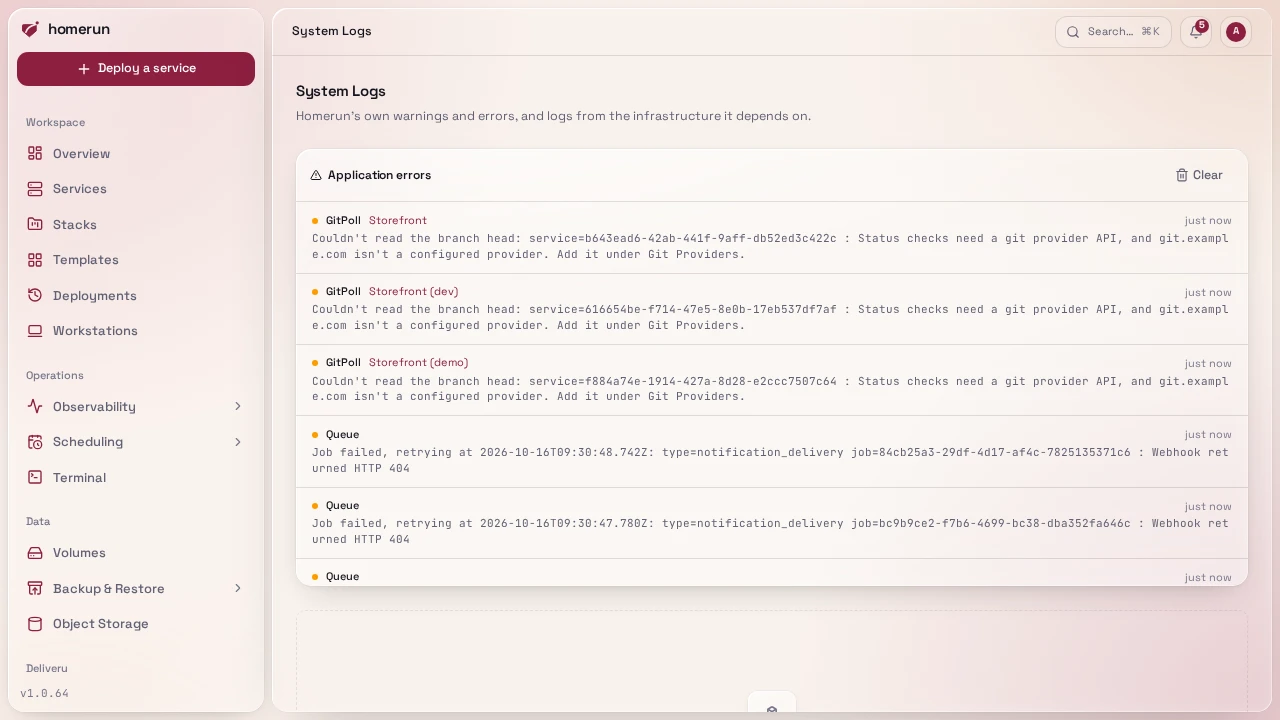
/system-logs (needs the System permission) live-streams the logs of the
infrastructure Homerun depends on, with the same push-based viewer the
per-service logs panel uses.
This instance's stack lists every container Homerun's own compose file starts, Homerun itself, Postgres and Traefik included, plus the Newt tunnel if Homerun runs one, with its state. Containers from other compose projects on the same host aren't Homerun's and aren't listed. Click one to open its live log. Traefik's is where routing problems show up: a service that deployed fine but returns 404, a certificate that won't issue, a middleware that isn't attaching. The list only appears when Homerun runs as a Docker Compose service; run from source, the app's own output is whatever your terminal or process manager is already capturing.
App-level warnings and errors that mention a specific service are also persisted and surfaced on that service's Observability → Events.
Opening Traefik also shows two buttons above its log, both behind a confirmation dialog:
- Restart, restarts the Traefik container in place. Useful after a change Traefik only reads at startup (its static config/flags).
- Update, pulls the image reference Traefik is already running
(
traefik:v3, or whatever tag your compose file pins) and, if that pull produced a genuinely newer image, recreates the container from it with the same configuration, restarting it if it was running. If the pull returns the image already in use, nothing is recreated and it tells you so. Pinning an exact version tag means this is a no-op by design, which is the point of pinning.
Neither button edits your compose file. A docker compose up -d later still
brings Traefik back with whatever that file says.
This guide lives in the project repo: edit it there, and this page follows within a day.