DNS automation
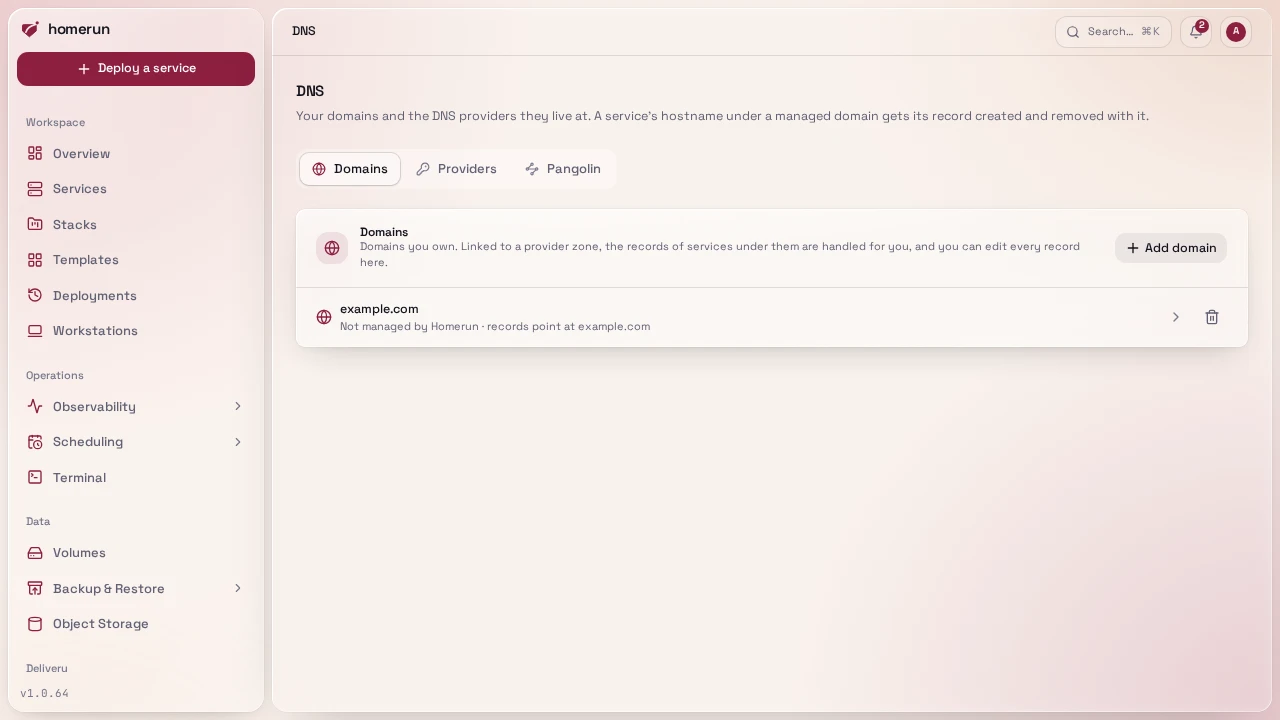
The DNS page (sidebar → Integrations, needs the DNS permission) is where Homerun manages your domains' DNS. It has three tabs: Domains, Providers and Pangolin.
#Providers
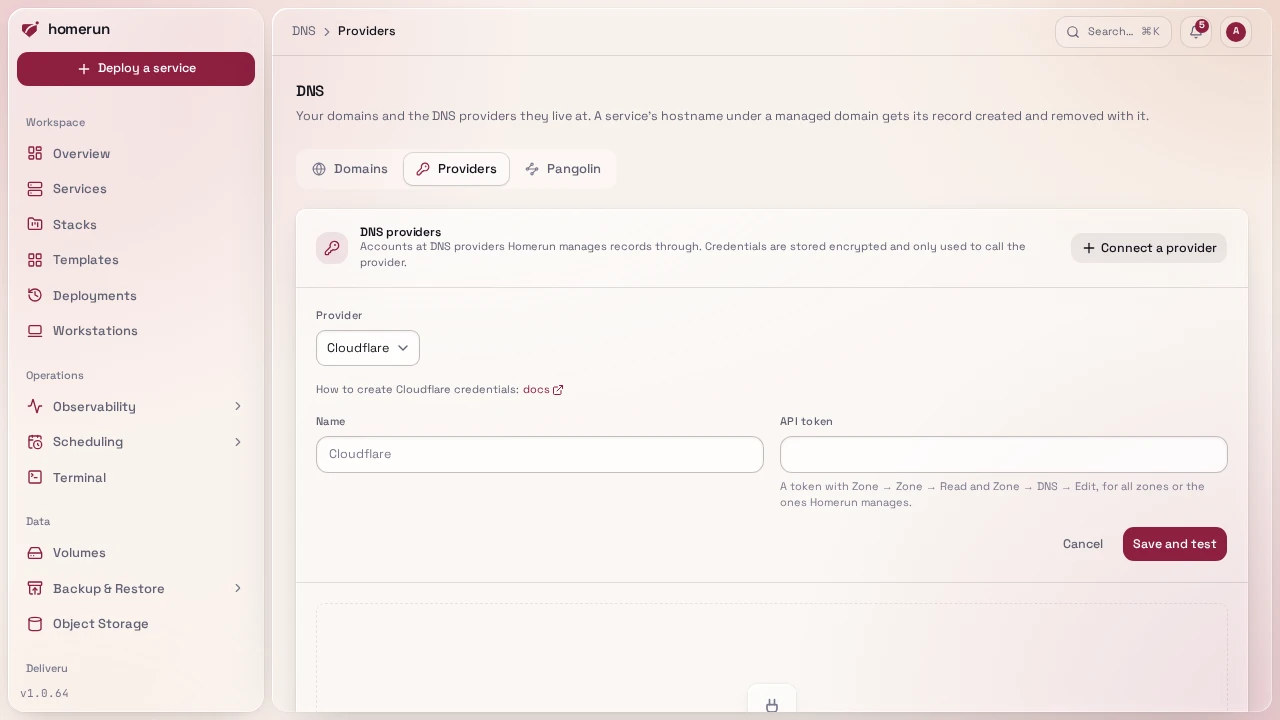
A provider connection is an account at a DNS host Homerun can manage records through. Add as many as you like, from any of these:
| Provider | What to create |
|---|---|
| Cloudflare | An API token with Zone → Zone → Read and Zone → DNS → Edit |
| AWS Route 53 | An access key for an IAM user or role allowed route53:ListHostedZones, ListResourceRecordSets and ChangeResourceRecordSets |
| Google Cloud DNS | A service account JSON key with the DNS Administrator role |
| Azure DNS | An app registration (tenant, client id and secret) with DNS Zone Contributor |
| DigitalOcean | A personal access token with the domain scopes |
| Hetzner | A Hetzner Console API token (read & write) in the project holding the zones |
| Linode (Akamai) | A personal access token with Domains read/write |
| Vultr | An API key, with this server's IP on its access control list |
| Namecheap | API access enabled on the account, its API key, and this server's IP whitelisted |
| GoDaddy | A production API key and secret (GoDaddy limits API access on small accounts) |
| Porkbun | An API key and secret, with API access turned on for each domain |
| Gandi | A personal access token allowed to manage domains' technical configuration |
| OVHcloud | An application key, application secret and consumer key for the /domain API |
| DNSimple | An account access token |
| deSEC | A token |
| Scaleway | An API secret key with DNS permissions |
Each connection's form links to the provider's own page on creating the credentials, and says which permissions to grant. Save and test stores the credentials encrypted and lists the zones they can see; Test does it again later. Removing a connection keeps its domains, without their records being managed any more.
#Domains
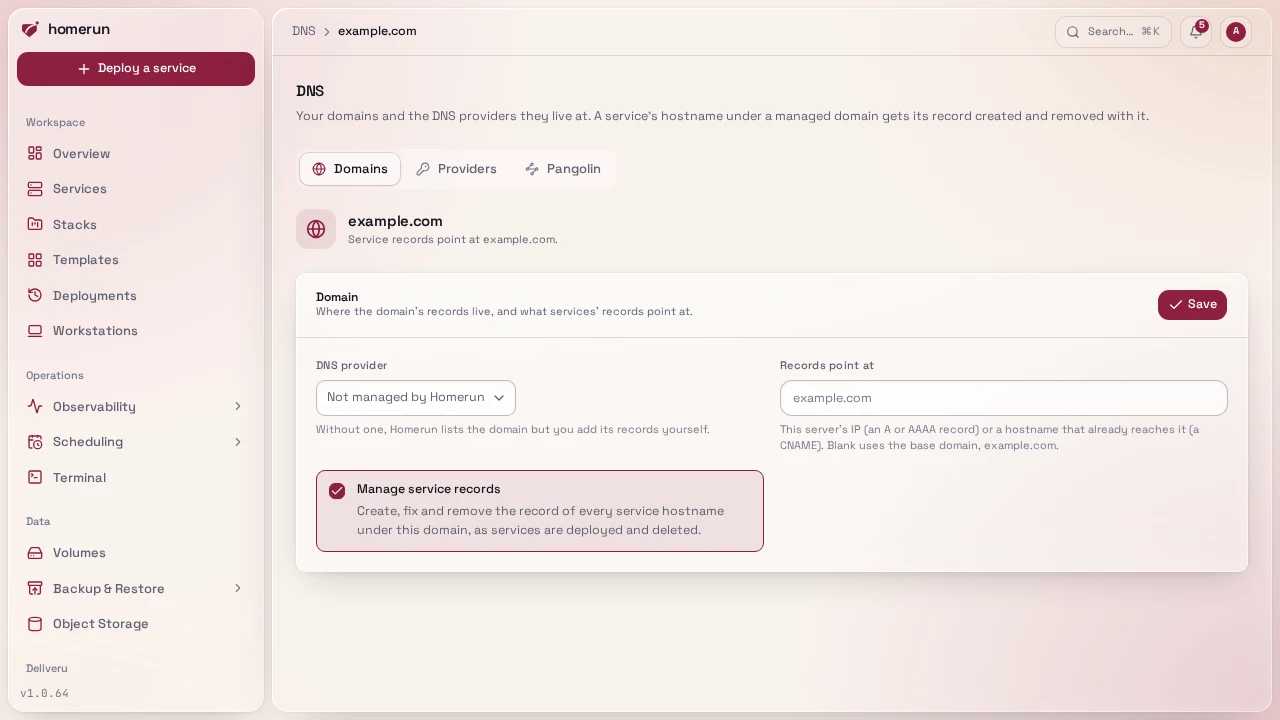
A domain is one you own, added to Homerun. Link it to a connection and pick the zone it lives in, and:
- Every service hostname under it gets its record. A deploy creates it, a change of target fixes it, deleting the service or dropping the domain from it removes it. The dashboard's hostname, the registry and object storage's public hosts and status page domains are never removed that way, even when a service, workstation or redirect held one too. Turn Manage service records off to keep the domain listed without that.
- Records point where you say. Records point at takes this server's IP (an A or AAAA record) or a hostname that already reaches it (a CNAME). Blank uses the base domain, the way Homerun always did.
- Its page lists every record under it at the provider, live, with the ones Homerun created marked managed. Add, edit and delete records there, any type among A, AAAA, CNAME, TXT, MX and CAA.
- Point at this server creates the domain's apex and a wildcard
(
*.example.com) record in one go, so every name under it reaches the server without a record each. The apex needs an IP target, since DNS doesn't allow a CNAME there.
Homerun only ever changes or deletes the records it created itself. A record you made by hand on a service's hostname is left alone and the deploy log says so; removing a domain from Homerun deletes nothing at the provider.
Domains and their hand-made records can also be managed over the REST API
(/api/v1/domains and /api/v1/domains/:id/records) and with the Terraform
provider's homerun_domain and homerun_dns_record, see
Infrastructure as code.
Buying a domain isn't something Homerun does: register it at your registrar, then add it here.
What a sync did is written into each deploy's own log
(DNS (Cloudflare): app.example.com: created A → 203.0.113.10), and a DNS
failure never fails the deploy itself.
Setting up Cloudflare during onboarding creates a Cloudflare connection and adds your base domain in that zone. An instance that had Cloudflare configured before this page existed gets the same, automatically, on upgrade.
#Pangolin
If you front the instance with a self-hosted Pangolin tunnel, turn it on in the Pangolin tab. Homerun then publishes every routed service through it (a Pangolin Resource and Target per hostname) and runs its Newt tunnel client. Your domains' records under Domains keep being managed either way, so don't link a domain there whose names Pangolin serves.
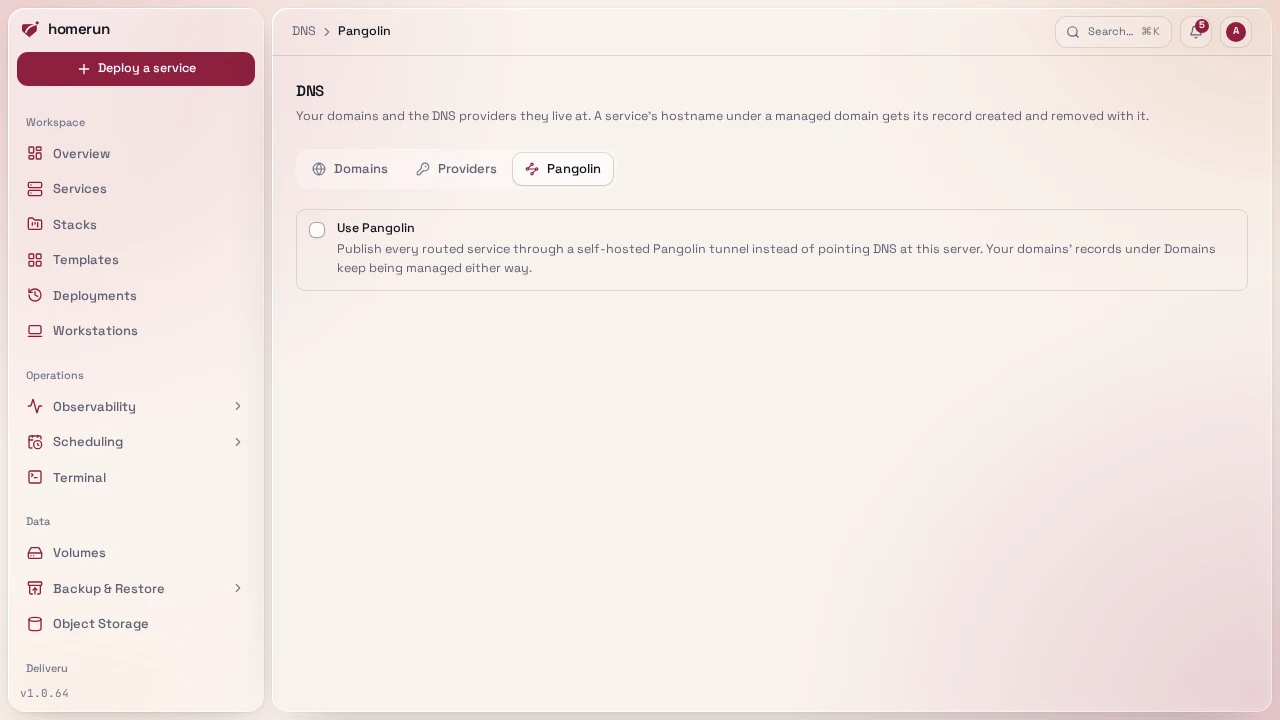
Pangolin needs all of its fields, with any one blank the integration stays off:
- API base URL: the Integration API, not the dashboard. Self-hosted
Pangolin only exposes it once you enable it, it listens on its own port (3003
by default), and its base path ends in
/v1, e.g.https://api.pangolin.example.com/v1. A dashboard-style URL ending in/api/v1authenticates with a session cookie rather than an API key, so every call would fail. - Org ID and an API token for it.
- Main site name: the Pangolin site (tunnel agent) whose host runs this instance's Traefik. It must already exist in Pangolin.
- Optionally a target host, the address the Pangolin site agent reaches
Traefik at. Left blank it's detected: Traefik's container name when Newt runs
as a container on the same network,
localhostwhen it runs on this host with host networking. Set it when Newt runs on another machine. The page also tells you whether it found a Newt tunnel container on this host. - Optionally the Newt endpoint, Newt ID and Newt secret from the
site's page in Pangolin. With all three set, Homerun runs its own Newt tunnel
client as a container named
homerun-newton the shared network next to Traefik. It isn't a service: it doesn't show up in your services list, it's recreated whenever you save these settings, and its logs are under System logs. Clear the fields to remove it. Leave them blank if Newt runs somewhere else. If you previously deployed Newt as a service yourself, delete that service first, two clients with the same credentials fight over the tunnel. - Optionally a target port, defaulting to 443, where this instance's service routers live. A target on 80 reaches an entrypoint with no matching router and Traefik answers 404.
- Let Pangolin handle sign-in, off by default. On, the Resources Homerun creates keep Pangolin's own SSO and the per-app login wall steps aside for anything Pangolin publishes, so visitors sign in once. Off, Homerun owns access and every Resource it creates has Pangolin SSO turned off.
Test connection checks the whole set rather than just that the token authenticates. A missing or mistyped Org ID is caught first and named directly ("Organization X doesn't exist…"), since Pangolin answers a list call for an unknown org with an empty result rather than an error, which used to surface as a confusing "no registered domain". It then confirms the site exists, and that one of your registered Pangolin domains actually covers this instance's base domain, since without that no service hostname could ever be routed. A token-only check passed on setups that could never work. The domain must also be verified in Pangolin, and a CNAME-type Pangolin domain only routes its own exact name, never a subdomain of it. When several registered domains cover a hostname, the most specific one is used.
Syncing Pangolin is safe to re-run too. An existing Resource for the hostname is reused rather than duplicated: its SSO flag is changed only if it differs, and its Target is repaired in place (host, port, scheme, site, enabled) instead of a second one being added behind Pangolin's load balancer. A Resource you disabled in Pangolin stays disabled, and the deploy log says so. Deleting a service deletes its Resource, and one already removed by hand counts as done.
Pangolin's side has been run against a real account and site, and passed. Cloudflare hasn't been exercised against a real account by the maintainer yet. Verify your own first real sync by reading the deploy log it writes to. See FAQ & limitations.
This guide lives in the project repo: edit it there, and this page follows within a day.