Runtime and compute
Advanced mode: simple mode hides the Runtime section of a service's Container tab. Everything here keeps working either way, and a hidden page still opens from a link.
How a service's container starts, what it can reach on the host, and how much CPU and memory it gets.
#Runtime
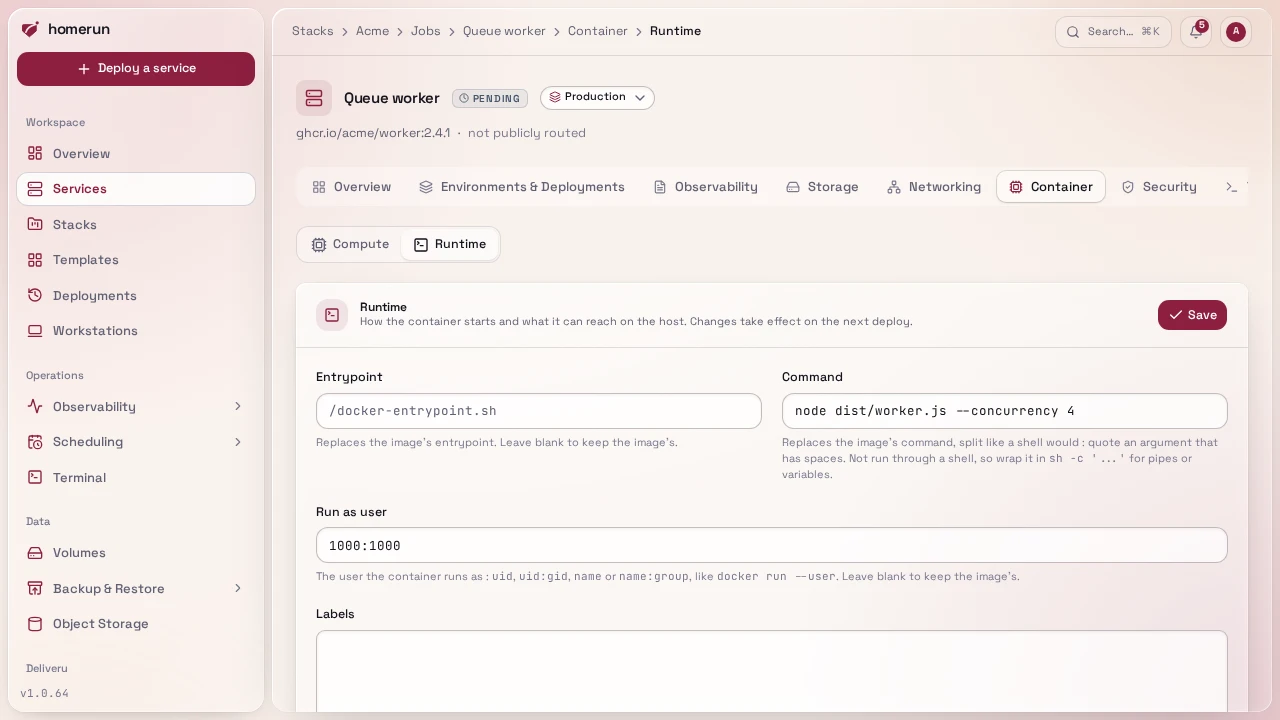
Container → Runtime changes how the container starts and what it can reach on the host, all applied on the next deploy:
- Entrypoint and Command replace the image's own, split the way a shell
would (quote an argument with spaces). They aren't run through a shell: use
sh -c '...'for pipes or variables. Leave blank to keep the image's. - Labels, one
KEY=VALUEper line, added to the container (and to the swarm service in swarm mode). Homerun's own tracking and Traefik labels win on a clash, so a custom label can add a Traefik middleware but can't break the service's route. - Run as user, the user the container runs as instead of the image's:
uid,uid:gid,nameorname:group, likedocker run --user. Blank keeps the image's. Useful when a fresh named volume comes up root-owned and the image's own non-root user can't write to it: run it as0. Applies in swarm mode too. - Added capabilities (
NET_ADMIN, SYS_TIME), Devices (host[:container[:rwm]], likedocker run --device) and Run privileged. Only an account with write access to System can set or change these three (admins, or a custom role you give it to): they give the container access to the host, so other roles see them read-only, and the REST API and compose import refuse them with a 403. The same goes for deploying a template that sets them. Swarm services can't run privileged or map devices, so those two are ignored in swarm mode; capabilities, labels, command, entrypoint and the run-as user apply there too.
#Compute
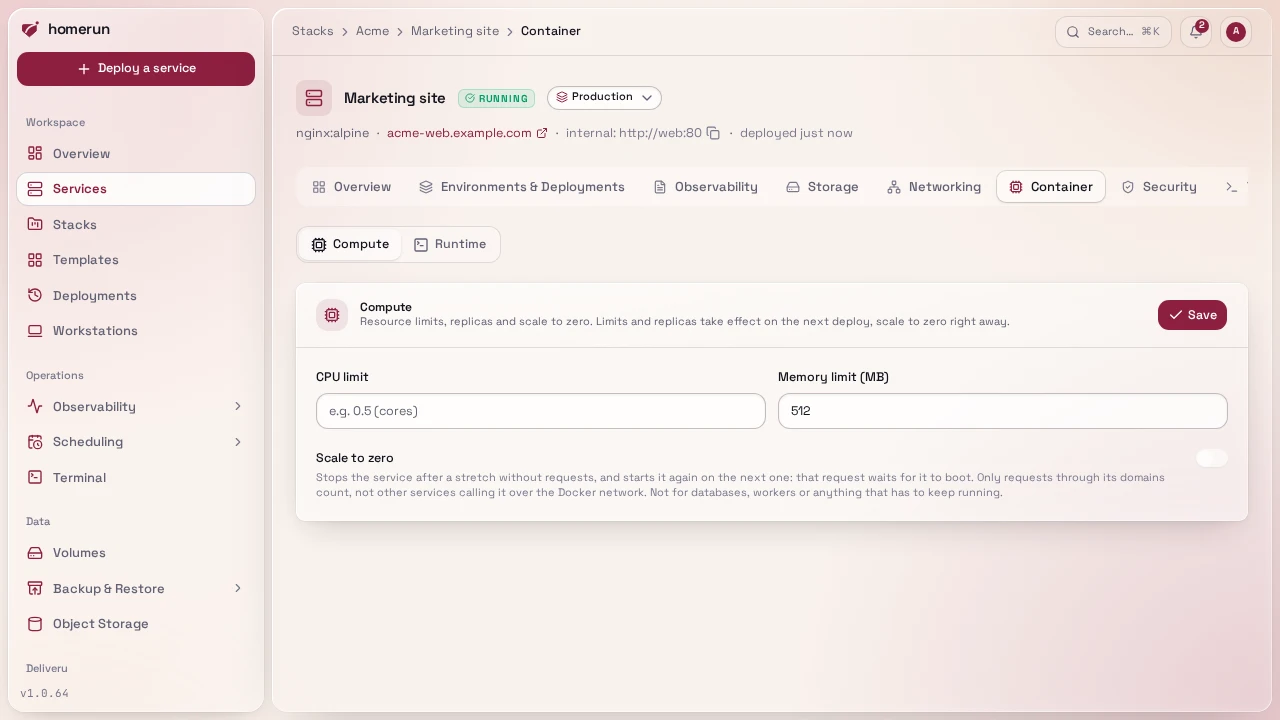
CPU and memory limits under Container → Compute, applied as real Docker resource limits on the next deploy. The same section carries the replica count used by swarm mode; it has no effect in standalone mode, where a service is always one container.
#Scale to zero
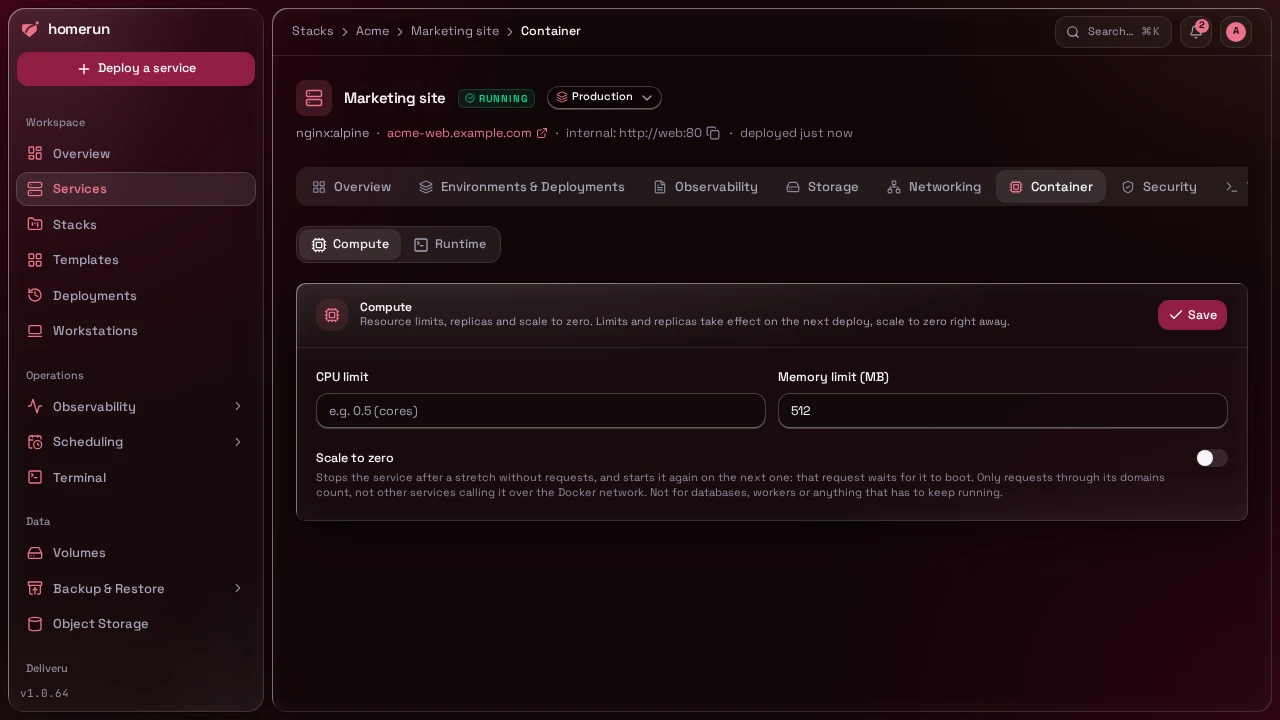
Container → Compute → Scale to zero stops a service after a number of minutes without a request (1 to 1440), and starts it again when the next one arrives. Unlike the limits above, it applies as soon as you save. A sleeping service shows as stopped, and the Compute tab says when it went to sleep.
What counts as a request: one that reaches the service through Traefik, on one of its domains, as recorded for its Monitoring. Another service calling it over the Docker network doesn't count and doesn't wake it, so don't use it for anything other services call internally, nor for a database, a queue worker or anything else that has to keep running. Bots scanning your domains wake it too.
The request that finds it asleep waits while it starts, up to 25 seconds, then
is sent back to the same address (a 307, so a POST keeps its body) and
reaches the app. If it takes longer, it gets the Waking up
error page, a 503 with Retry-After: 2 that a browser
reloads on its own until the app is up. The wait is how long the service takes
to start and pass its healthcheck: a few hundred milliseconds of Docker plus
however long the app needs to boot. Homerun does nothing to make the app itself
start faster.
It needs the error pages to be published (Traefik's dynamic config directory set in Settings → Networking): the catch-all router is what catches the request for a sleeping service. Until they are, or for a service with public routing off or host networking, nothing is put to sleep. Its uptime probe through its address is skipped too, since the probe is itself a request and would keep it awake.
Starting or deploying the service by hand wakes it, and stopping it by hand ends the sleep: it then stays stopped until you start it. Turning scale to zero off while it sleeps starts it. In swarm mode it scales to 0 replicas and back.
This guide lives in the project repo: edit it there, and this page follows within a day.