Docker Registry
Advanced mode: simple mode hides the Registry sidebar entry. Everything here keeps working either way, and a hidden page still opens from a link.
/registry (needs the Registry permission, under Administration in the
sidebar) turns Homerun's internal image mirror into a real private Docker
registry: a place you can docker push to, not just something Homerun mirrors
scans through. It's four tabs: Images, Tokens, Credentials and
Settings.
#Images
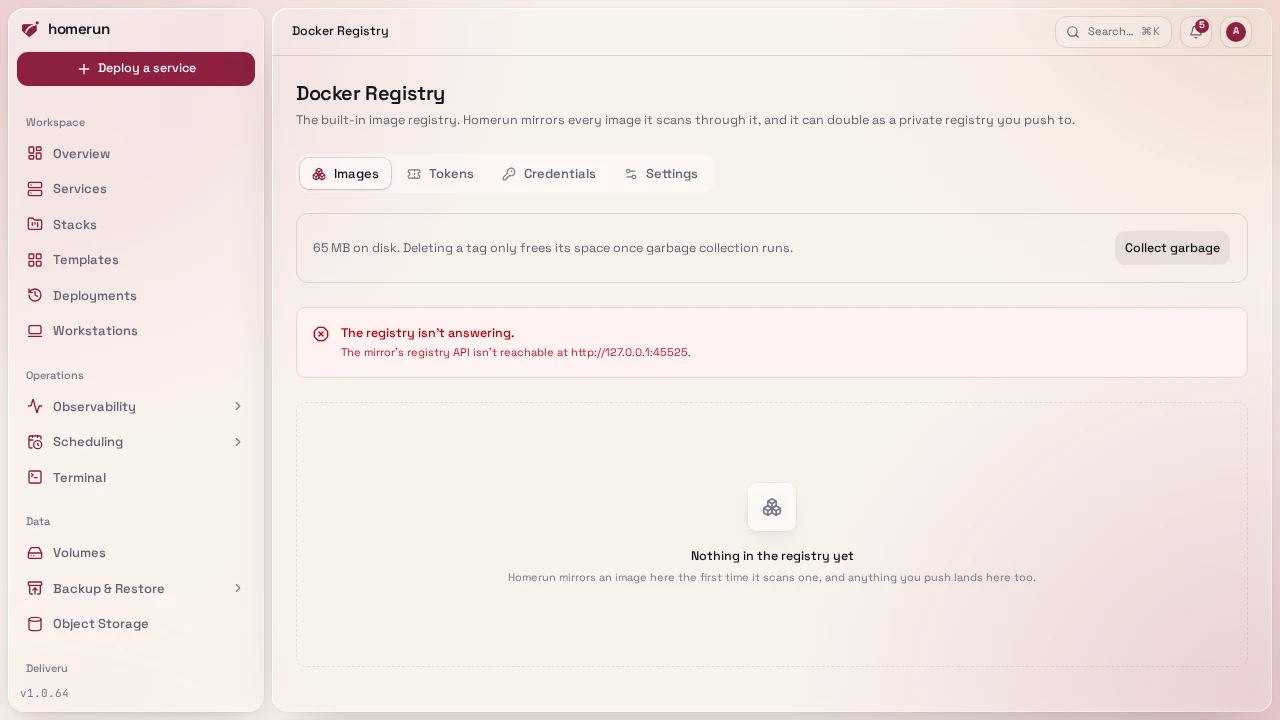
Every repository the registry holds, one row each with its first tags and the services whose image lives there (an image lands here the first time image scanning mirrors it, or the moment you push to it). The list loads in the background, a page of repositories at a time in name order, and the search box narrows it to the repositories whose name contains what you type. Collect garbage queues garbage collection on demand, the same cleanup Docker Cleanup runs nightly and on its own Clean up mirror button, so it doesn't fight the scheduled job. It runs in the background: the notice that it started has a View task button that opens the job and its log.
Click a repository for its own page: a docker pull command to copy, links to
the services using it, and every tag with the digest it points at and a button
to copy its full image reference. From there you can delete a single tag, or the
whole repository with Delete repository.
Deleting a tag only frees disk once garbage collection actually runs. Registry deletes work on the manifest, not the tag: if two tags point at the same image, deleting one deletes the other too. A service that's already running a deleted image keeps running; it just can't be pulled again until it's re-mirrored or pushed back.
The same listing is readable outside the dashboard, with read access to the
Registry permission: GET /api/v1/registry/repositories (paged, q narrows by
name) and GET /api/v1/registry/repositories/<repository>/tags over the
REST API,
homerun registry repositories and homerun registry tags <repository> from
the CLI, and list_registry_repositories and
list_registry_tags for an AI agent. Deleting a tag or a repository
stays on this page.
#Tokens
A token is what a docker login uses to push or pull. Creating one asks for a
username and hands back a generated secret and a ready-to-paste
docker login <host> -u <user> -p <secret> line — shown exactly once, never
stored or recoverable, so save it before you navigate away. Revoking a token
removes it immediately, since revoking rewrites the registry's auth file and
reloads it.
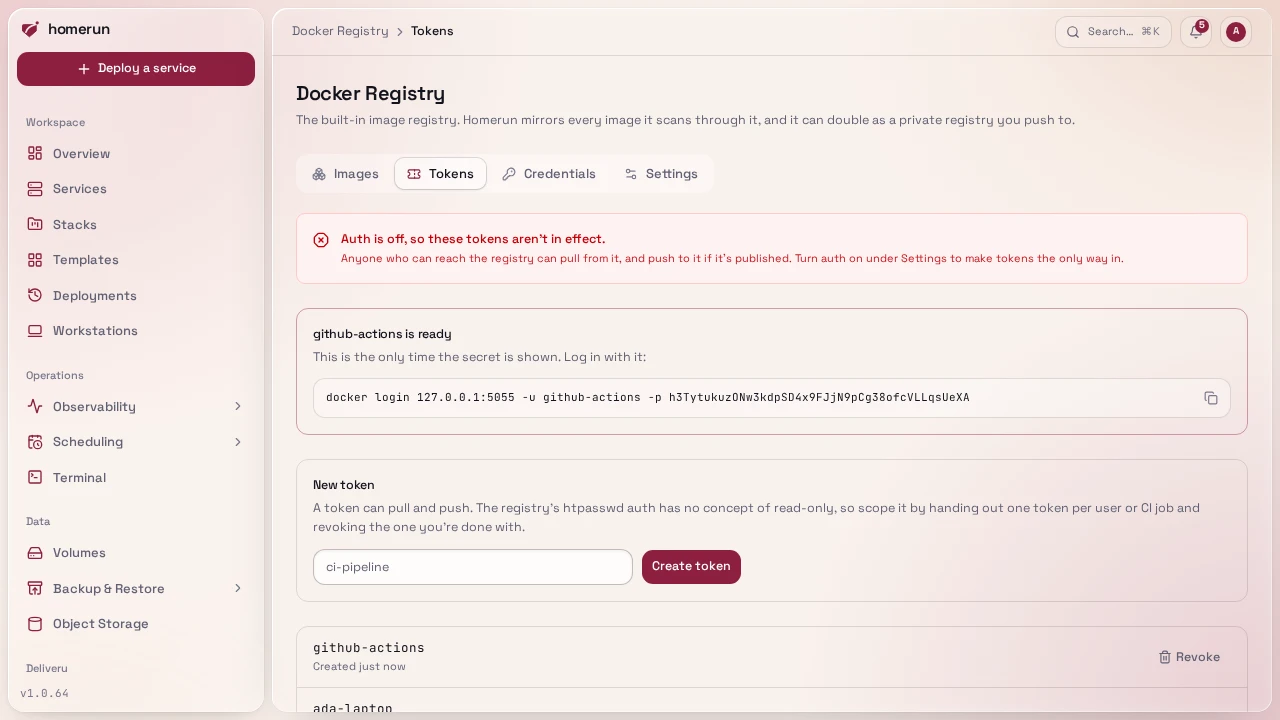
Every token can both push and pull. The registry's htpasswd-based auth has no concept of scopes or read-only access without running a separate token server, so there's no way to hand out a pull-only credential here. Scope access by handing out one token per person or CI job and revoking the ones you're done with, rather than sharing one.
While Require authentication (Settings tab) is off, tokens exist but aren't enforced: anyone who can reach the registry can pull, and push if it's published.
#Credentials
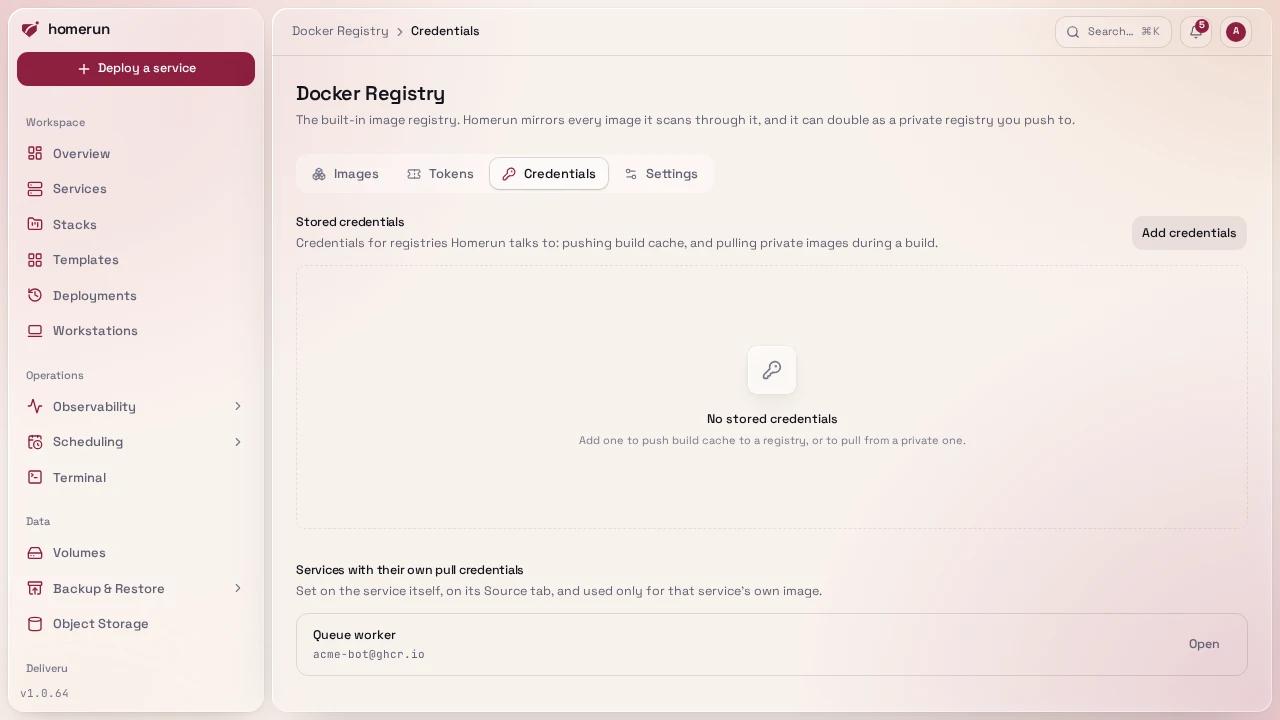
Not new storage: this tab just surfaces two things that already live elsewhere so you don't have to go hunting for them —
- the stored upstream registry credentials from
/build-cache-registries, with a link to edit each one; - every service that carries its own pull credentials in its Environments & Deployments → Source section, with a link straight to that service.
#Settings
- Status: whether the container is running, disk used, its internal address,
and how many tokens exist. Self-test checks that the registry answers
Homerun's own credentials and, once it's published, that
https://<host>/v2/answers over a certificate that verifies and asks for a token. A failure says why, including when Traefik serves its own default certificate because no HTTPS router matches the host. - Require authentication: turns on htpasswd auth, so only a Tokens-tab credential can pull or push. The moment this turns on, Homerun mints itself a reserved internal token so its own mirror-and-scan pipeline keeps working without you doing anything.
- Publish it: routes the registry through Traefik at a hostname of your
choosing, so another machine can
docker push/docker pullagainst it over the network instead of only from this host. Saving the hostname also creates its DNS record (or Pangolin resource, with Pangolin's sign-in off, sincedocker logincan't follow it) at the configured DNS provider, and removes the previous hostname's.
Both take effect with Save and run in the background through the job queue, since they recreate the registry's container: the notice that they started has a View task button that opens the job and its log. A change that can't work (turning auth off while the registry is published, publishing it with auth off) is refused straight away.
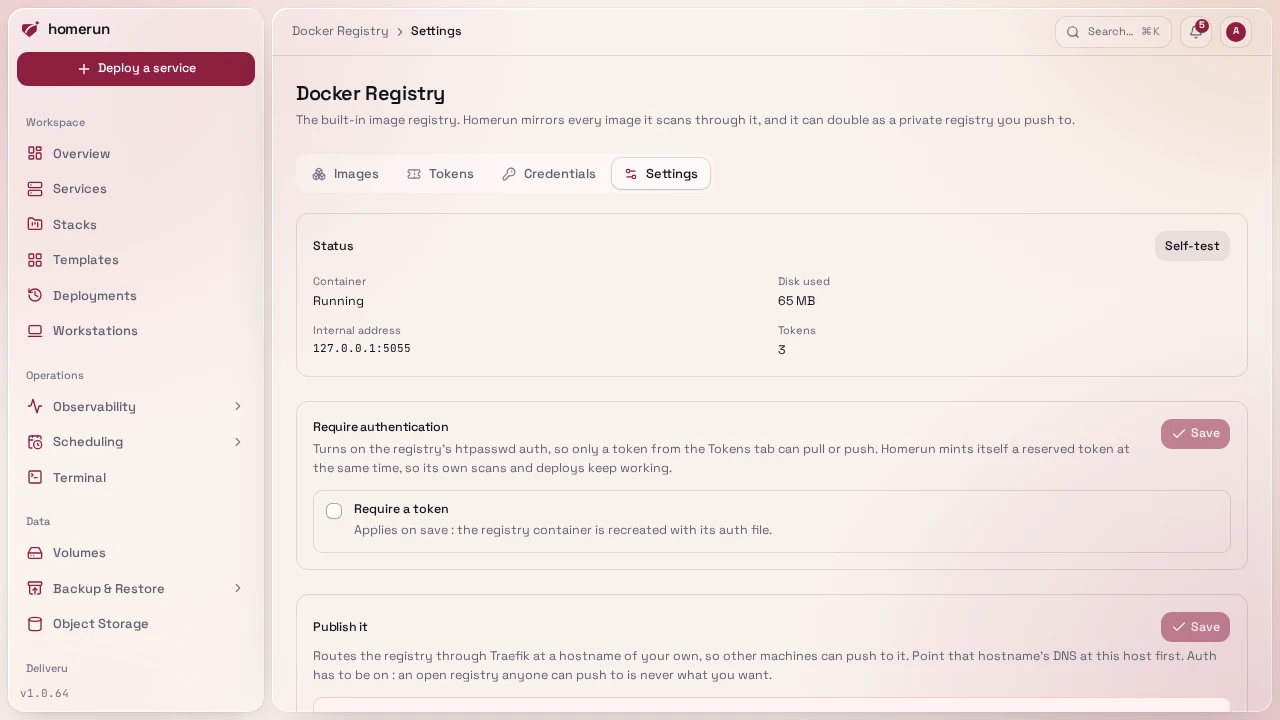
The safety rule is enforced by the app, not just the form: you can't turn authentication off while the registry is published at a hostname, and you can't publish it while authentication is off. A registry reachable from the internet always requires a token.
Terraform manages both through homerun_registry_settings and tokens through
homerun_registry_token, whose generated secret lands in the Terraform state
(the only copy), see
Infrastructure as code. Unlike the
Settings tab, a change from Terraform or the REST API waits for its job to
finish.
#What's verified
A real registry:2 container with a Bun-generated bcrypt htpasswd was driven
directly: an anonymous request and a wrong password both got a 401, the correct
token got a 200, and a real docker login followed by docker push succeeded,
with the pushed image showing up in the catalogue. Not yet verified: pushing
through a published Traefik hostname with a real TLS certificate, only the
container's own auth was exercised directly.
This guide lives in the project repo: edit it there, and this page follows within a day.