Services
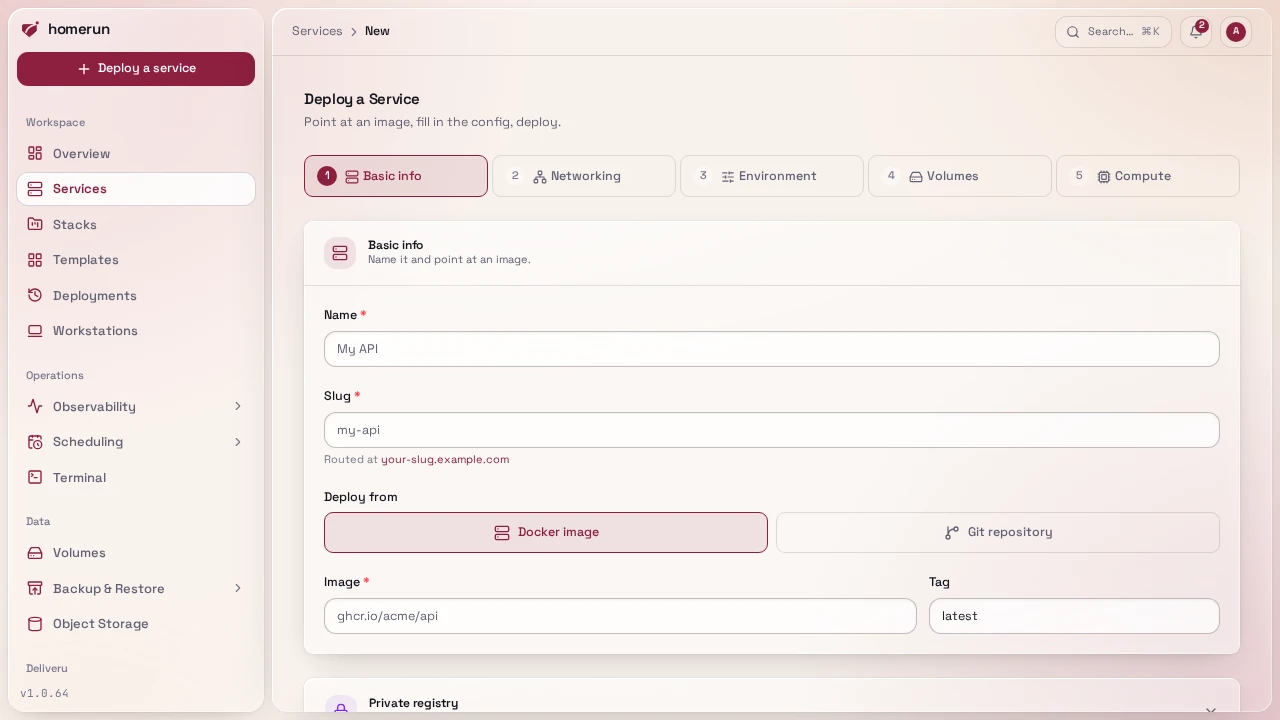
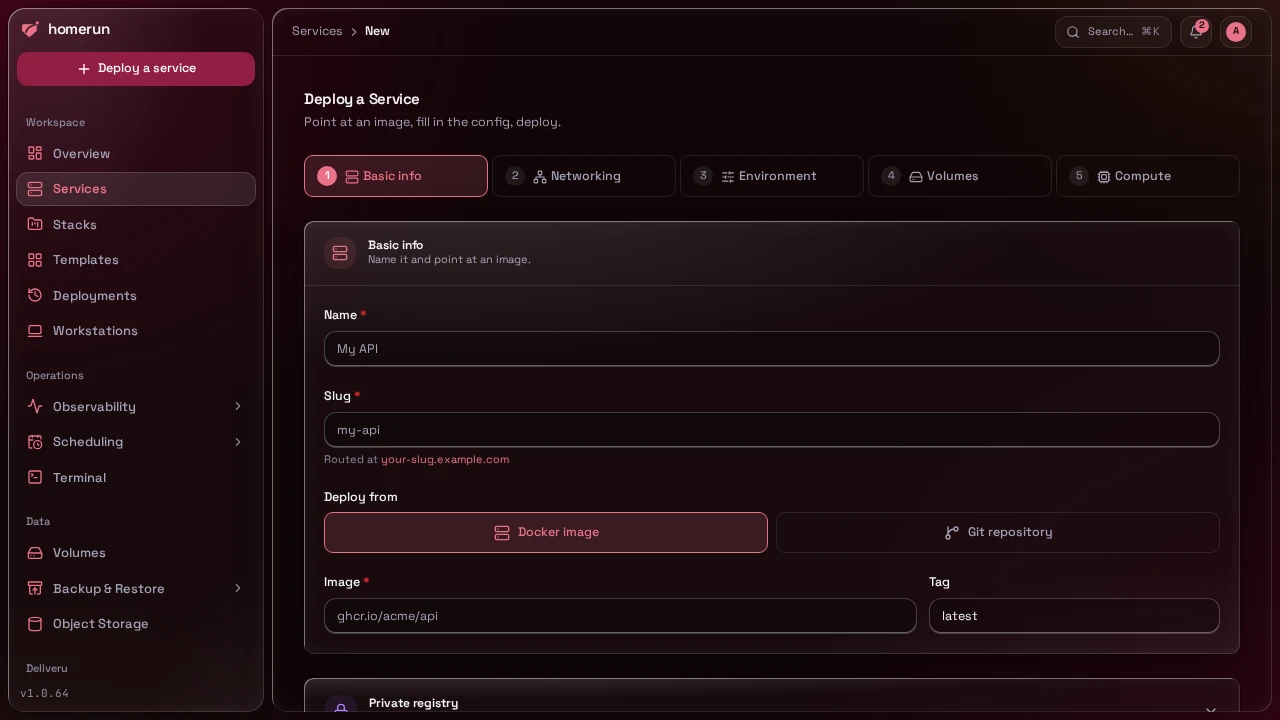
A service is one deployed container. Create one from
Services → Deploy a Service, either standalone or pre-filled from a
stack or template via ?stackId=/?templateId=.
The wizard's primary button, Create and Deploy, persists the config and
immediately deploys it, landing you on the new service's Overview tab; Create
service, the secondary button, just persists the config, the same as before,
deploy later from the Overview tab yourself.
#The services list
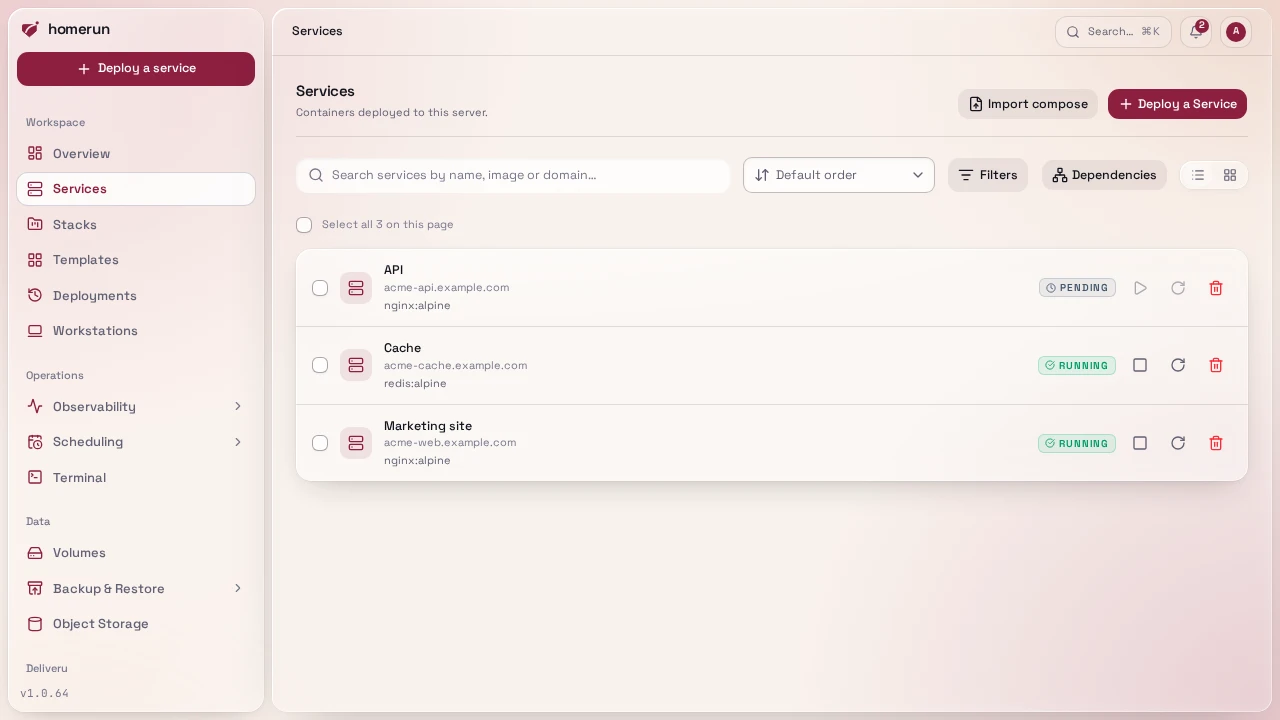
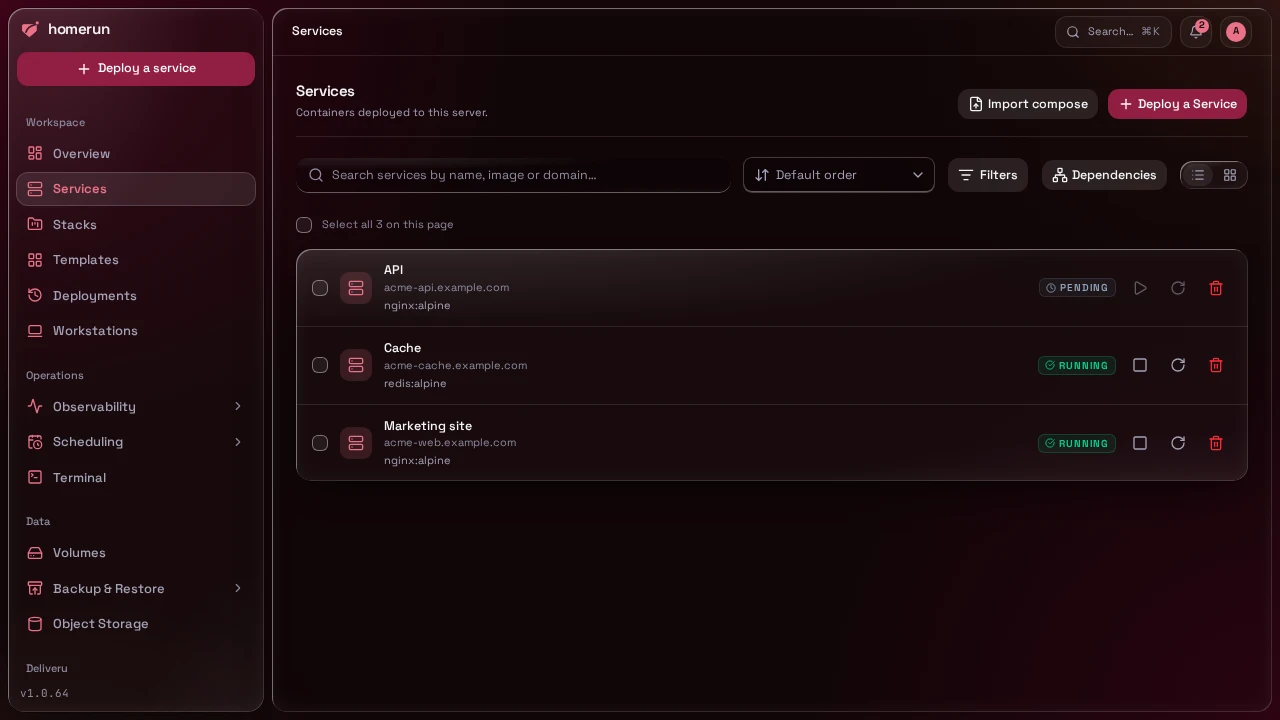
Services has a search box (matches name, image, and domain) plus Status/ Stack
filters, a sort (newest, oldest, name either way, recently updated; it's in the
URL, so a sorted view can be bookmarked), and a list/card view toggle that
remembers your choice per browser; both the search and filters are applied on
the server, so they reach every service on the instance, not just whichever page
happens to be on screen. Once you have more than a page's worth, a pager at the
bottom shows "26–50 of 60" and lets you step through the rest. Check one or more
services (a "select all" scopes to whatever's on the current page,
paginating or changing the search/filters clears your selection) to bring up a
bottom bar with bulk Start/Stop/Restart/Delete: bulk actions run against every
selected service and report back which ones succeeded, so one service with no
container yet doesn't block the rest. Bulk delete, and the single-row delete on
this page and the danger-zone delete on a service's own Settings tab, all
require typing a confirmation phrase (the service's name for a single delete,
delete N services for a bulk one) before the button unlocks, an irreversible
action gets a real "are you sure" rather than a single click. A delete removes
the container or swarm service first: one that's already gone is fine, but if
Docker fails to remove it, the service is kept and the error says why. The
Settings tab's delete then offers Delete anyway, which removes only
Homerun's record (the REST API's equivalent is
DELETE /api/v1/services/:id?force=true). A service with a deploy (or any other
job) still queued or running, for itself or one of its previews, environments or
canary, isn't deleted either: the Settings tab's delete dialog lists those jobs
and its button becomes Force delete, which cancels them first. Deleting a
preview or an environment on its own cancels its jobs without asking.
The list groups services by stack, ordered as a tree (a substack's group is indented under its parent's), with services outside any stack last. A Dependencies button next to the toolbar swaps the whole list for the same dependency tree a stack page shows, but across every service on the instance rather than one stack, since a dependency tree needs the whole unpaged set to draw correctly and can't be combined with the list's own paging.
#Settings
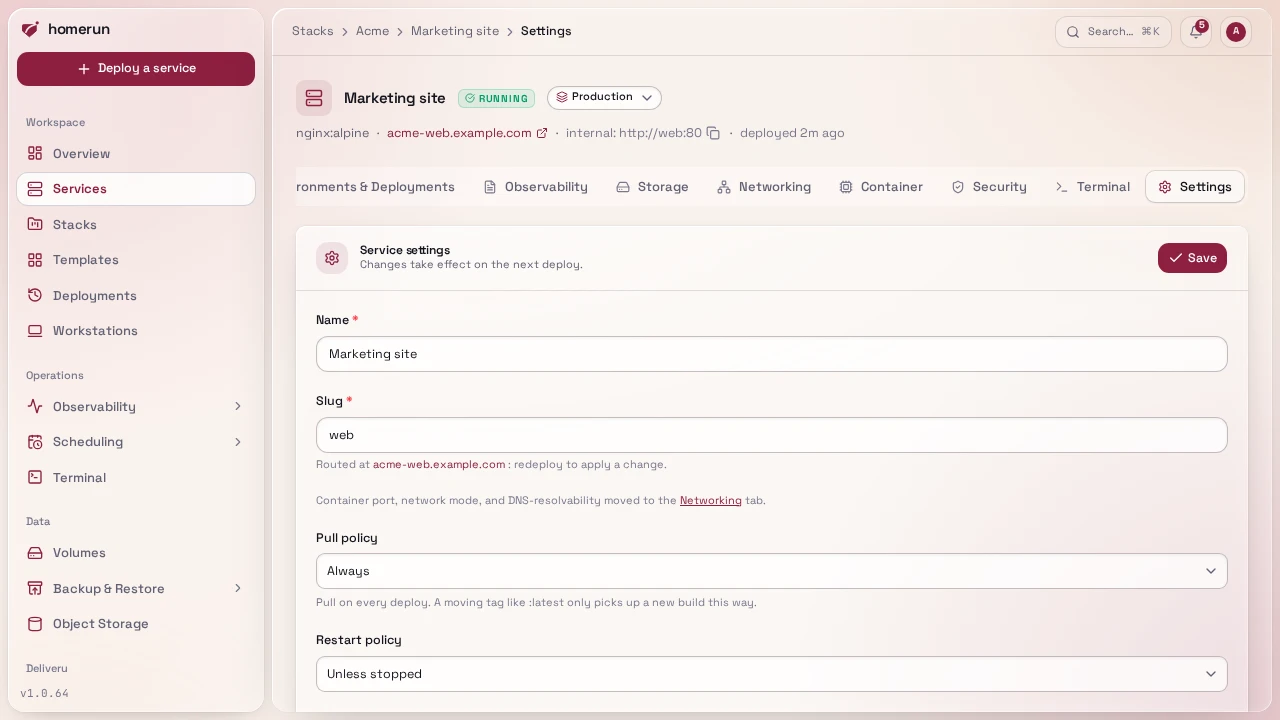
Name, slug, restart policy, which stack the service belongs to, the scheduled redeploy, the pull policy, whether its image is scanned, auto-rollback, and a danger-zone delete (typed-confirm, see The services list).
Pull policy decides whether a deploy pulls the image: Always (the
default, and the only way a moving tag like :latest picks up a new build),
If missing (only when the image isn't on the host yet, faster redeploys but
a moving tag goes stale), or Never (for an image built or loaded onto the
host by hand, the deploy fails if it isn't there).
Save as template is here too: it snapshots this service's current image, tag, port, env vars, resource limits, healthcheck and runtime options into a reusable template of your own, which then behaves exactly like a built-in one, including being linkable as a companion to another template. See Templates.
#Health
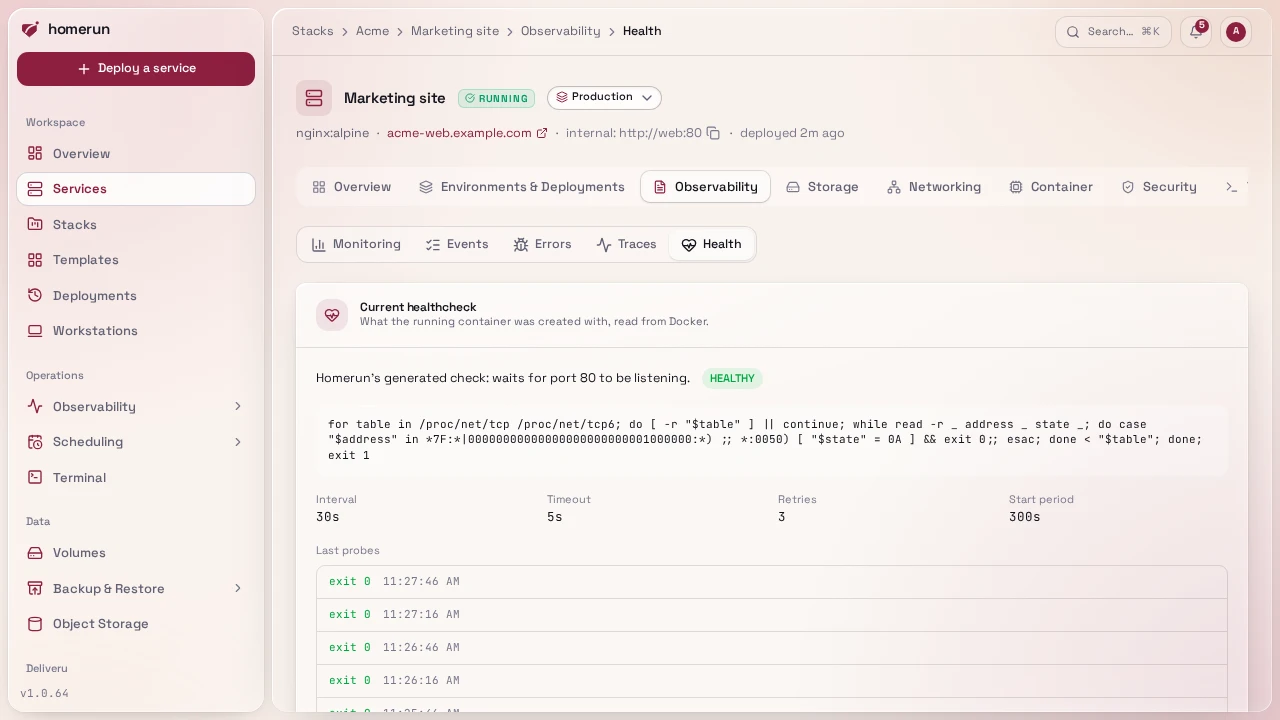
Observability → Health shows the healthcheck the running container was
actually created with: whether it's the service's own command, the image's
HEALTHCHECK, Homerun's generated port check or none, the command itself, its
interval, timeout, retries and start period, its live status and the last few
probes' exit codes and output. A swarm service's tasks aren't shown there.
Below it, the service's own settings, each taking effect on the next deploy:
- Command overrides the image's own Docker healthcheck with a shell command run inside the container (exit 0 = healthy). When a service has one, its uptime probe reports the healthcheck instead of knocking on the container port, which is what a portless container needs. It is also the service's readiness check: a new container or swarm task gets no traffic until it passes.
- Interval, Timeout, Retries and Start period override the defaults (30s, 10s, 3 and 30s). Interval, timeout and retries also apply to Homerun's generated port check.
- Turn off healthchecks removes every check: the image's own is overridden with none, Homerun adds no port check, and the post-deploy health watch doesn't wait for an HTTP answer. For a background worker that doesn't listen on anything.
#Everything else a service does
Each part of a service has its own page:
- Deploy source and build methods
- Deploy on push, pull request previews and required status checks
- Deploying and revisions and rollback
- Image scanning
- Env vars and storage volumes
- Networking, DNS automation and the per-app login wall
- Runtime and compute and swarm mode
- Observability: monitoring, uptime, logs, errors and the terminal
- Scheduling and the job queue
This guide lives in the project repo: edit it there, and this page follows within a day.