Revisions and rollback
Advanced mode: simple mode hides the Revisions section and the Deployments sidebar entry, and puts a Roll back to the previous version button on the service's Overview instead. Everything here keeps working either way, and a hidden page still opens from a link.
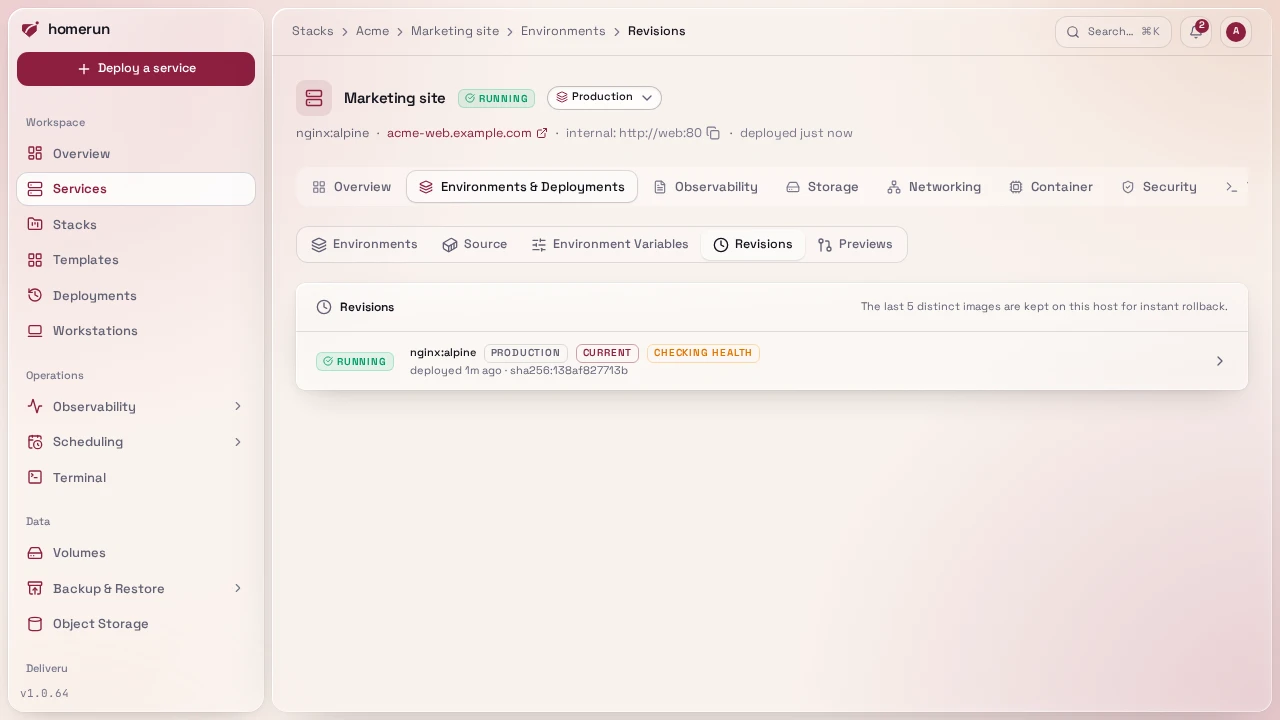
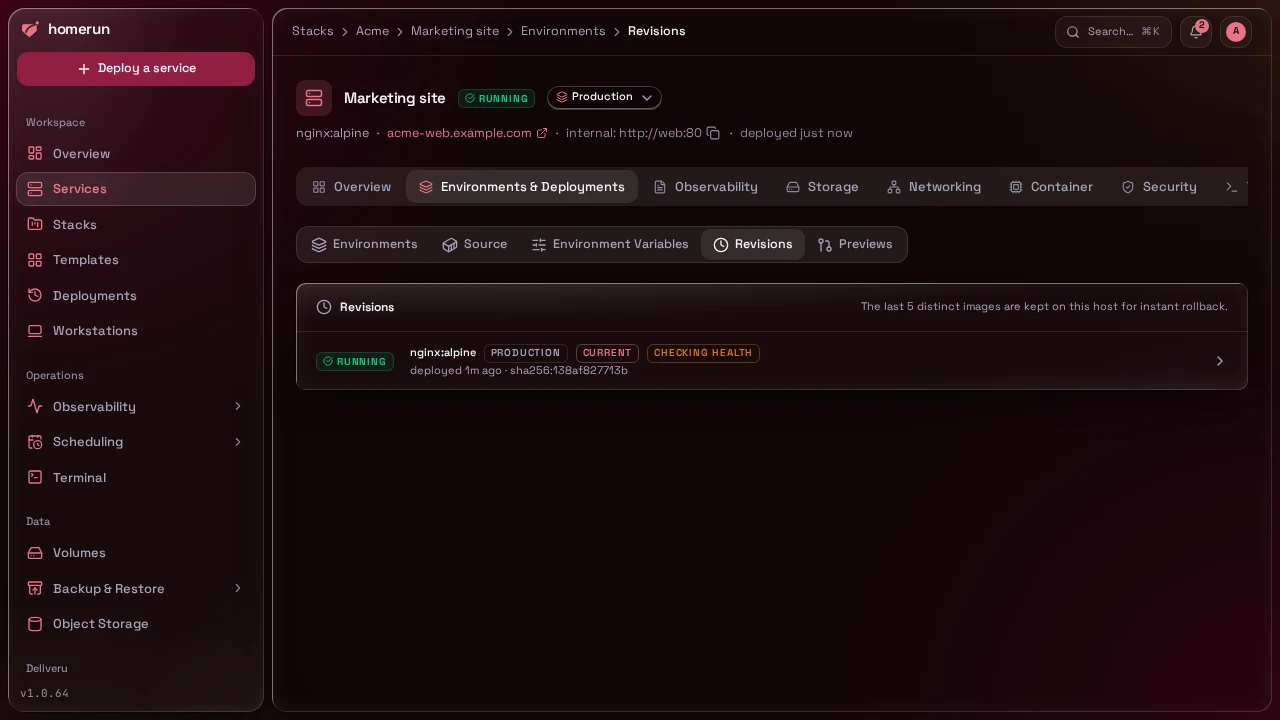
Every deploy that reaches running is a revision: the exact image it ran
(image:tag plus the registry digest when there is one, or the local
homerun-build-<slug>:<tag> for a git build), the commit and branch for a git
build, and whether it stayed healthy. The service's Environments & Deployments
→ Revisions section lists them with the current one marked, next to failed
attempts and their logs.
The list is in the order revisions were first deployed and deploying one never moves it: a rollback to an existing revision updates that revision's row in place, which becomes Current and shows when it was redeployed, and its status and error are the latest attempt's (a failed rollback shows its error there while the revision that's still running stays Current). Click a revision for its own page: the image, digest and commit, its health, the latest attempt's deploy log and every deployment of it. The API and CLI list revisions the same way.
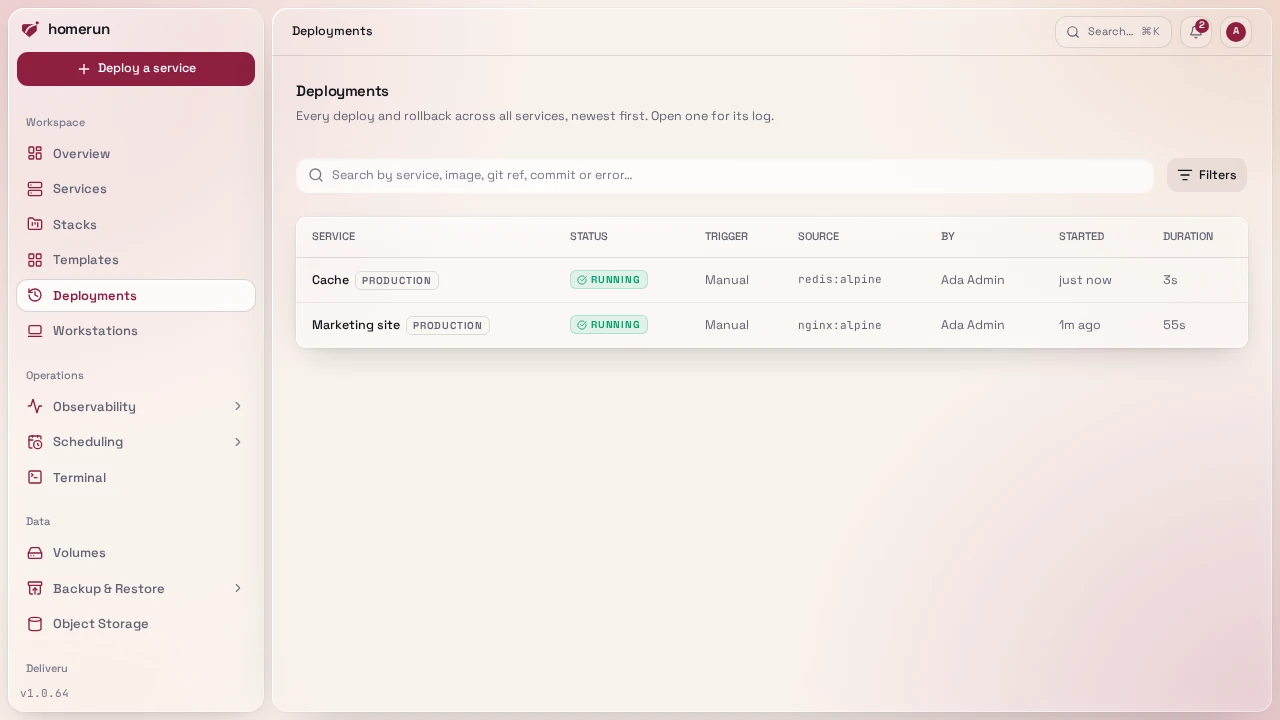
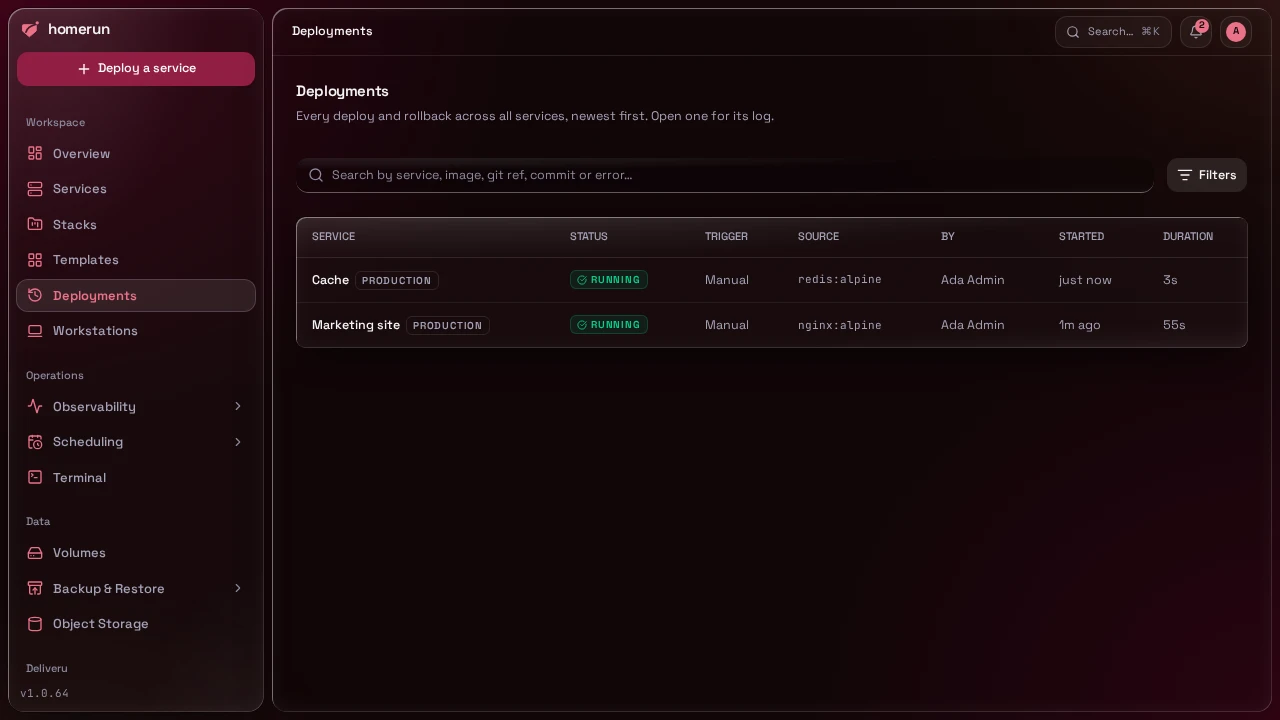
Deployments in the sidebar is the same history across every service: one row per deploy or rollback attempt, newest first, with its status, what triggered it (Manual, Git push, Scheduled, Promote or Rollback, Promote being a pull request preview promoted to the service), the git branch and commit or the image it ran, who started it, when and how long it took, and the error for a failed one. The service name opens that deployment's own page, with its deploy log (live while it runs) and, once it's running, a link to its revision. The list loads in the background, so the page opens at once. Search matches the service, image, git ref, commit or error, and the Status, Trigger and Environment filters narrow it down. Each row, and each revision in the Revisions section, carries its environment as a badge: Production, Canary, Preview, or a name you gave the service (see Release channels). A deploy from before triggers were recorded, whose queue job was already pruned by then, shows as plain Deploy and only matches the Rollback filter.
The Healthy and Checking health badges only ever sit on the current revision: once another revision is deployed they're cleared from the one it replaced. Unhealthy and Rolled back stay on the revision as history.
Deploy this revision on a revision's page (confirmed in a dialog, also
POST /api/v1/services/:id/revisions/:revisionId/deploy and
homerun services rollback) queues a deploy that skips the build, the registry
pull and the image scan, and starts that exact image: by digest for a pulled
image (pulled again by digest if it was removed from the host), or the retained
local build for a git service. The service's image and tag are set back to the
revision's, so a later redeploy starts from there. By default only the image is
rolled back and environment variables, volumes, networking and resources stay
the service's current ones, since those are usually edited deliberately.
Tick Also restore env vars, resources, networking and volumes in the confirm
dialog (?restoreConfig=true on the API, --restore-config on the CLI) to put
back what that revision ran with as well: its environment variables, CPU and
memory limits, replicas, container port and protocol, network mode and whether
it's publicly routed, plus its runtime options
and which volumes it had mounted where (a volume deleted since is left out).
Every deploy records those on its revision, so this works for any revision
deployed since the option existed; an older one logs that it has nothing to
restore and rolls back the image only. The data inside volumes isn't rolled
back, only which volume is mounted: that's how a
backup restored as a revision is
undone. Domains are never rolled back. The restored values are written onto the
service, so the next deploy keeps them. Auto-rollback only rolls back the image.
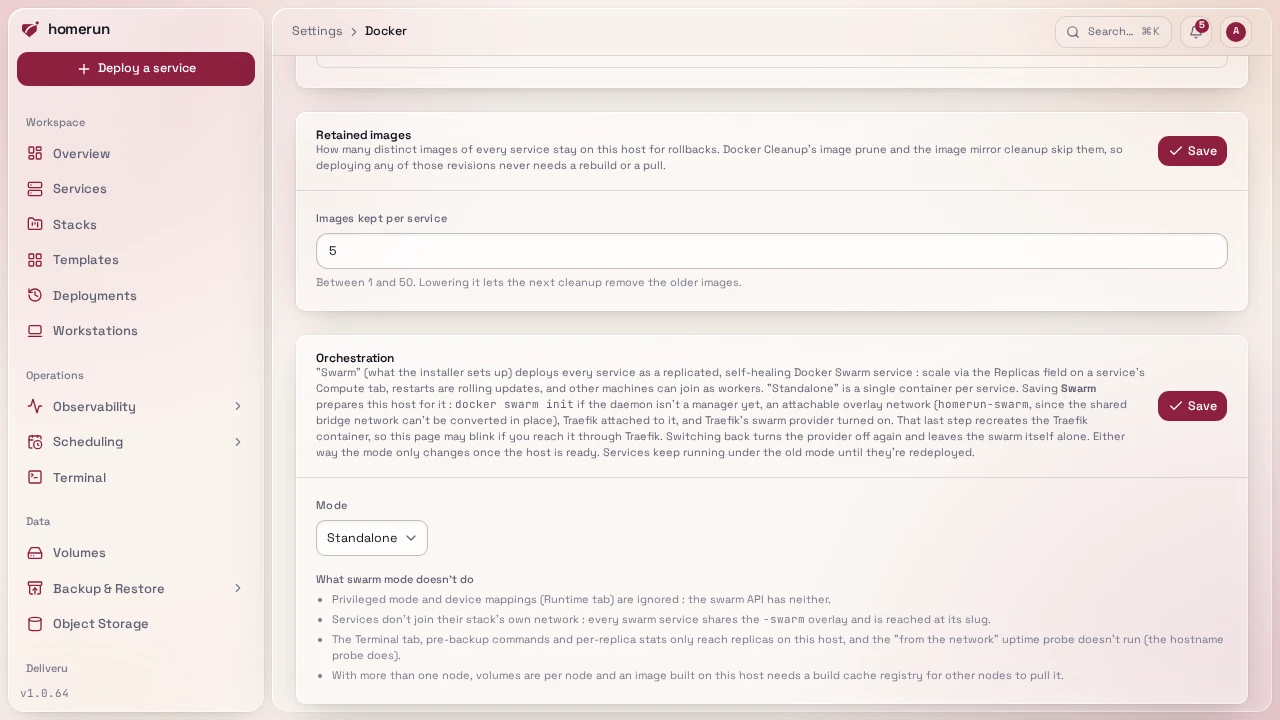
The last 5 distinct images of every service are retained (change the count, from 1 to 50, under Settings → Docker → Retained images): Docker Cleanup's image prune (including Quick cleanup) and the image mirror cleanup skip them, so rolling back to any of them never needs a rebuild. Older revisions stay listed but may need their image pulled or rebuilt.
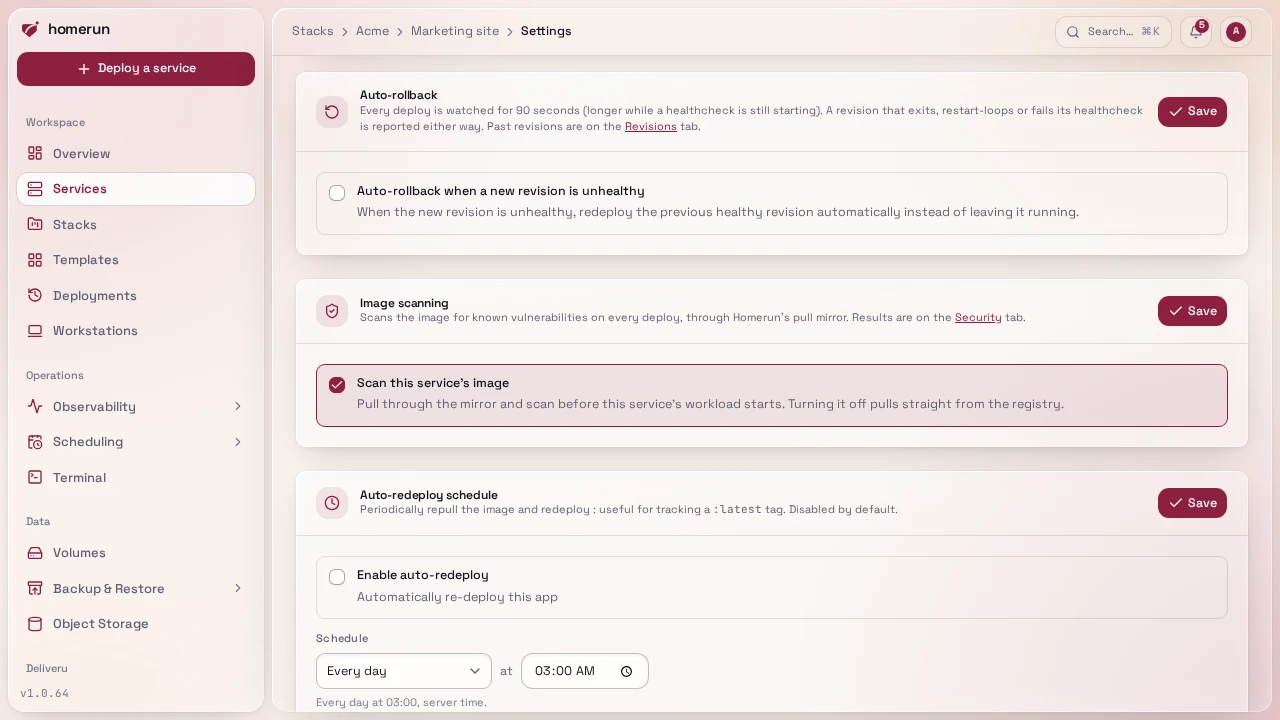
Auto-rollback. After each deploy the new workload is watched for 90 seconds,
longer while its healthcheck is still starting (up to 5 minutes). It's unhealthy
when the container exits, restarts twice or more, or its Docker healthcheck
(including the service's own healthcheck command) reports unhealthy, or for a
swarm service when two tasks fail or not every replica is running. A routed
service with no healthcheck of its own also has to answer its container port
over HTTP without a 5xx (a 401 or 404 still counts as an answer); one still
answering errors after 5 minutes is unhealthy, so an app stuck waiting on its
database or cache no longer passes as healthy just because its process is up.
Databases are exempt, they're checked by their port accepting connections, and
so is a service that isn't DNS resolvable, uses host networking or has
healthchecks turned off. An unhealthy revision is always
marked in the Revisions section and reported (Revision unhealthy), and the
reason is kept on the revision, so homerun services revisions <id> shows it
too. With Auto-rollback when a new revision is unhealthy turned on in the
service's Settings tab (off by default), Homerun instead redeploys the previous
healthy revision with a different image, marks the new one as rolled back and
sends Rolled back. A rollback that is itself unhealthy isn't rolled back
again; a promoted preview is a new revision, not a rollback, so it is.
This guide lives in the project repo: edit it there, and this page follows within a day.