Showcase
Every screenshot below is generated by driving a real instance with Playwright
(bun run screenshots): a blank database, a real sign-up, the onboarding
wizard, then a stack with three services — two of them actually deployed as
containers on the host's Docker socket. There is no demo instance to keep alive
and no hand-retouched marketing shot: if a screen stops rendering, the run fails
rather than publishing it.
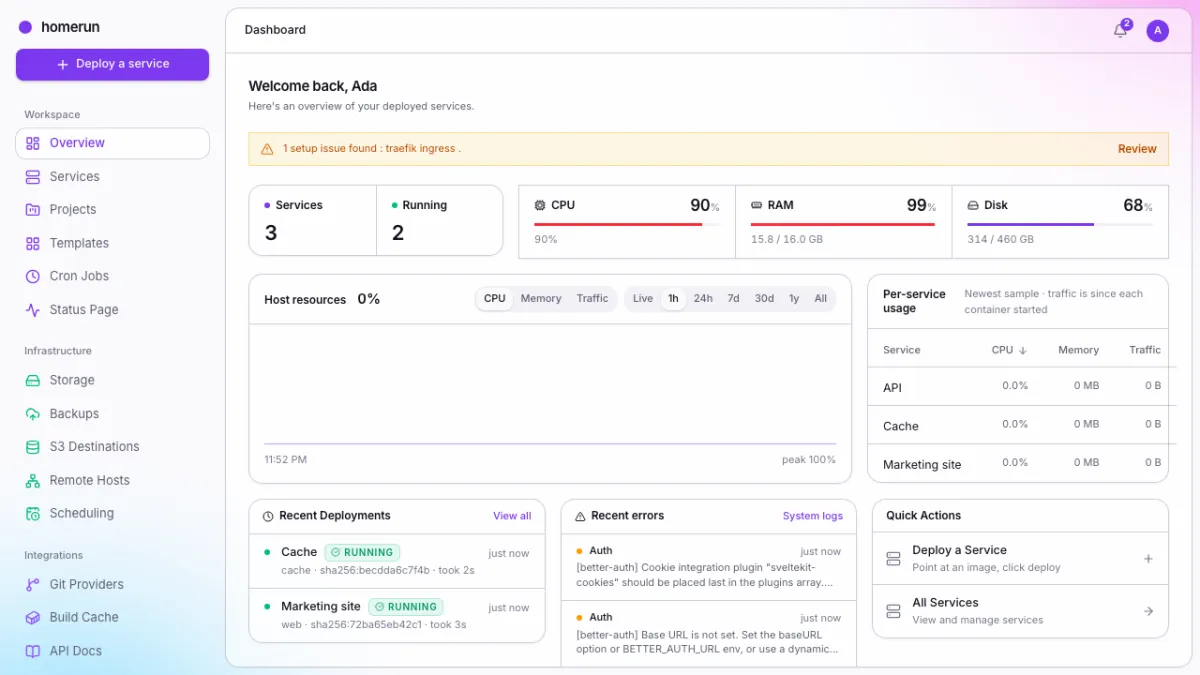
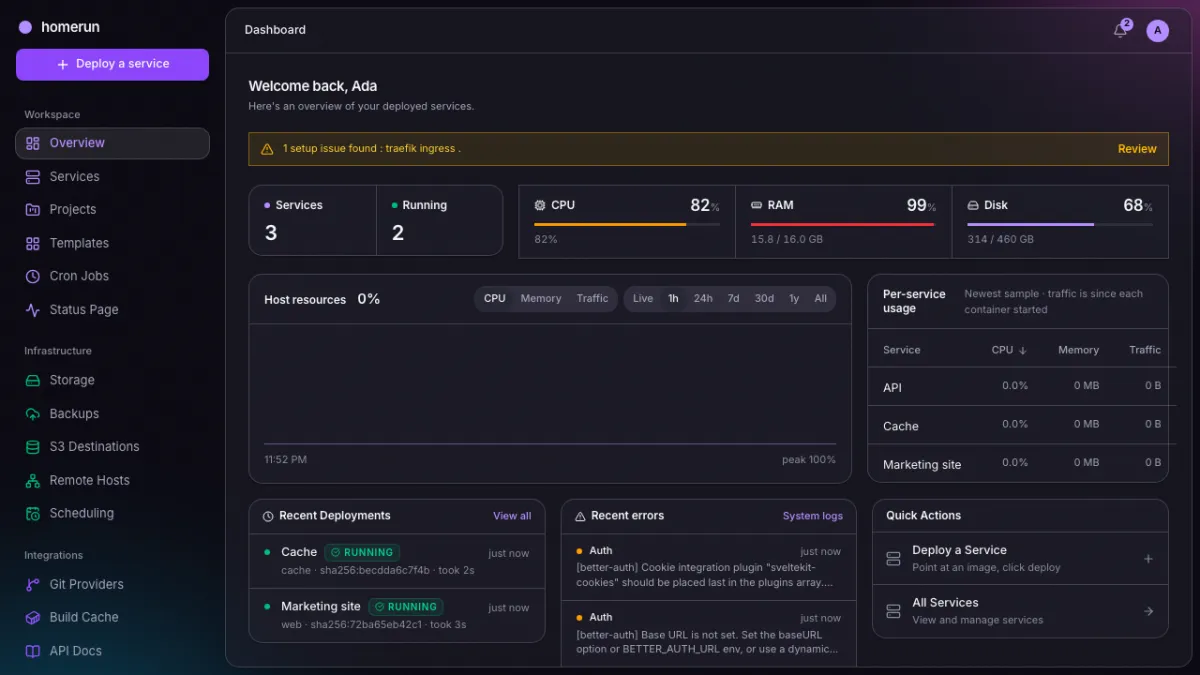
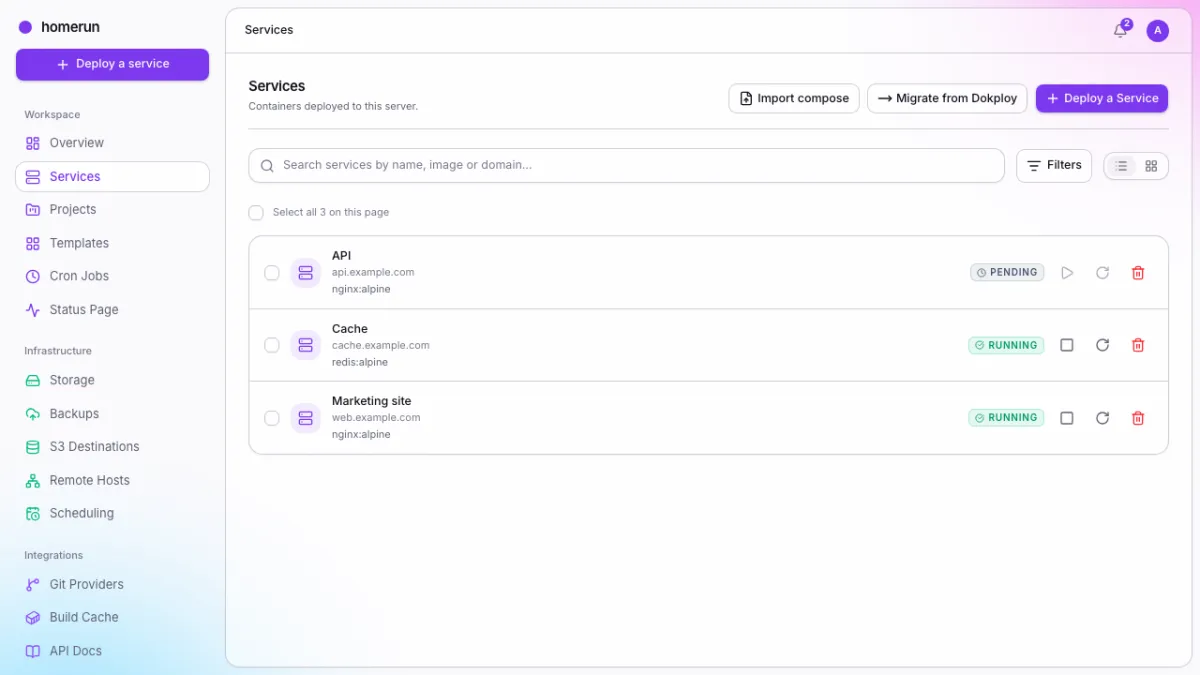
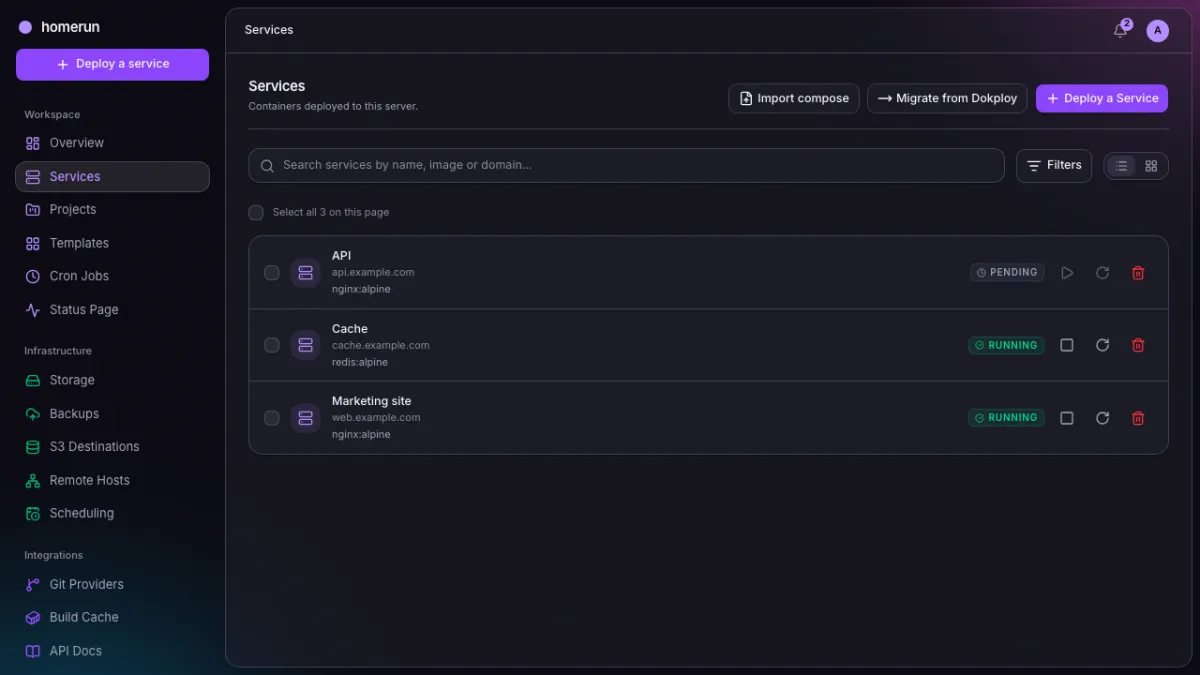
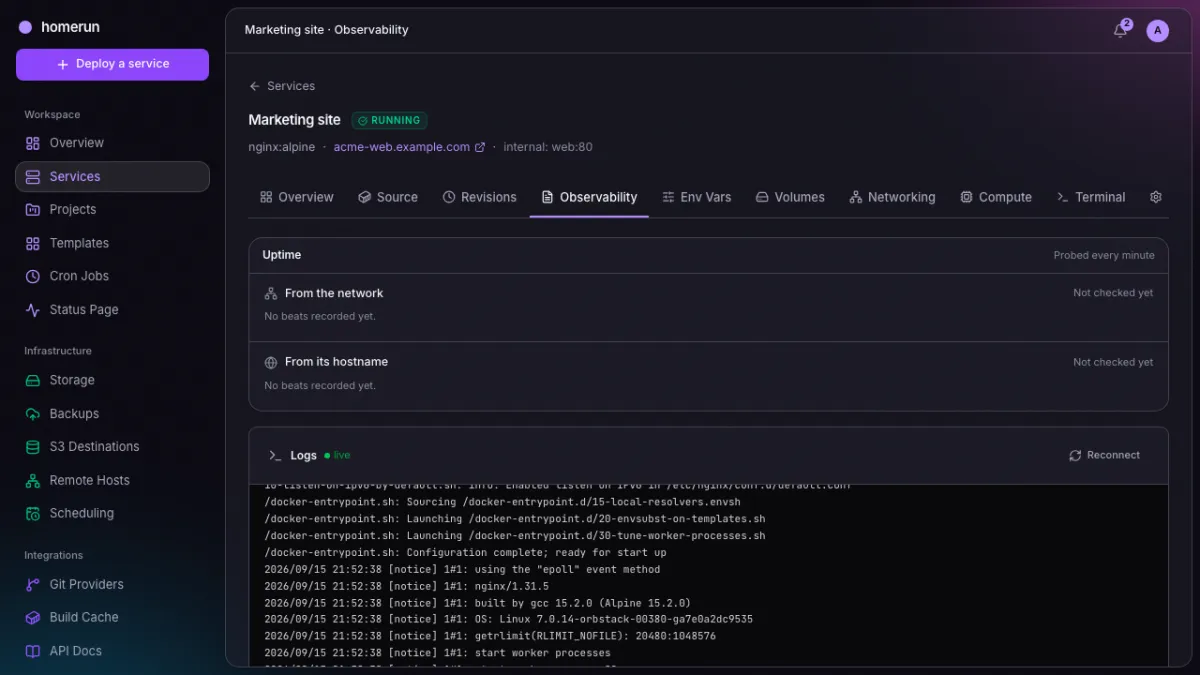
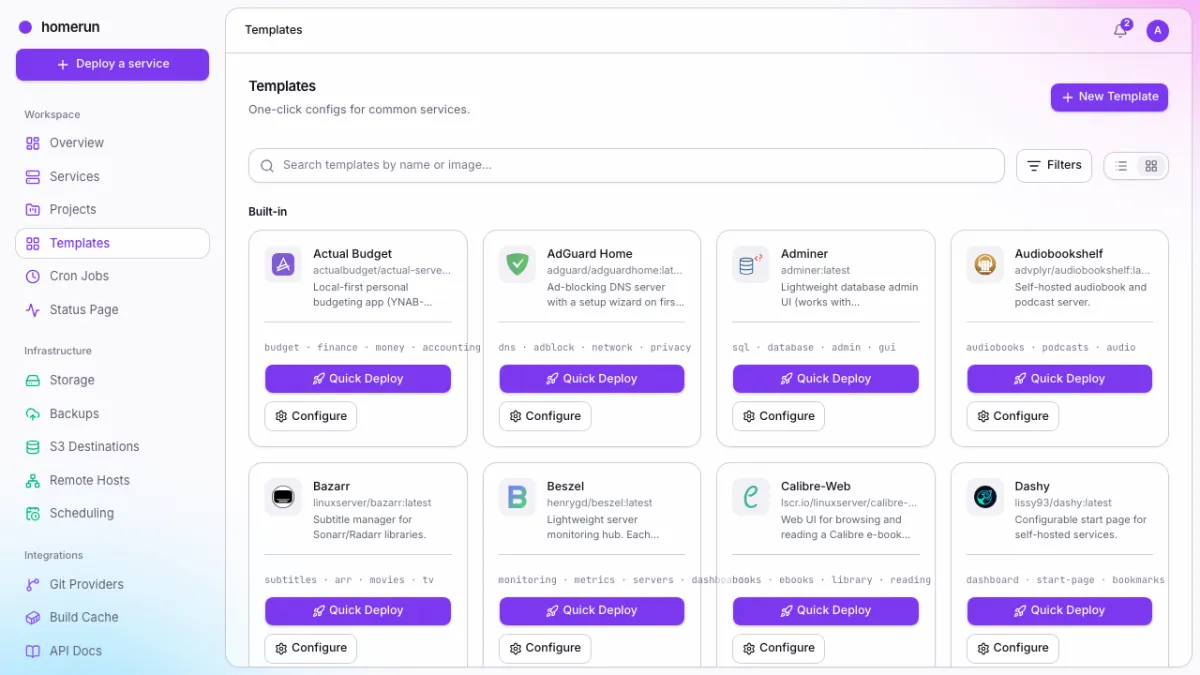
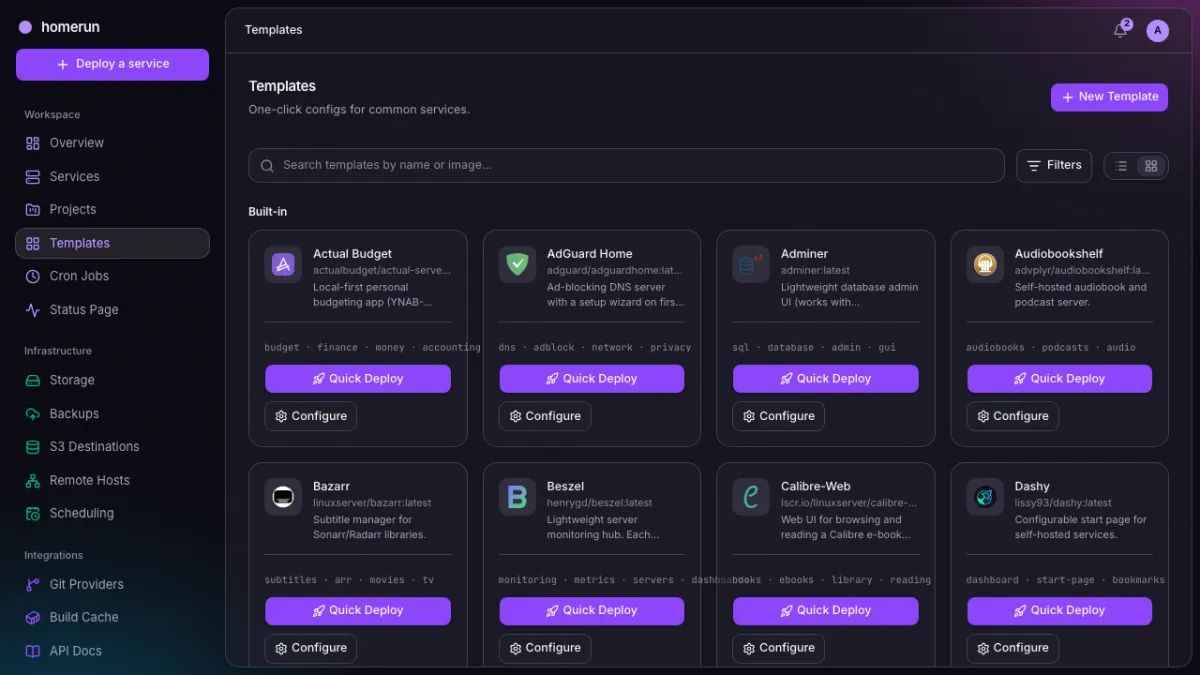
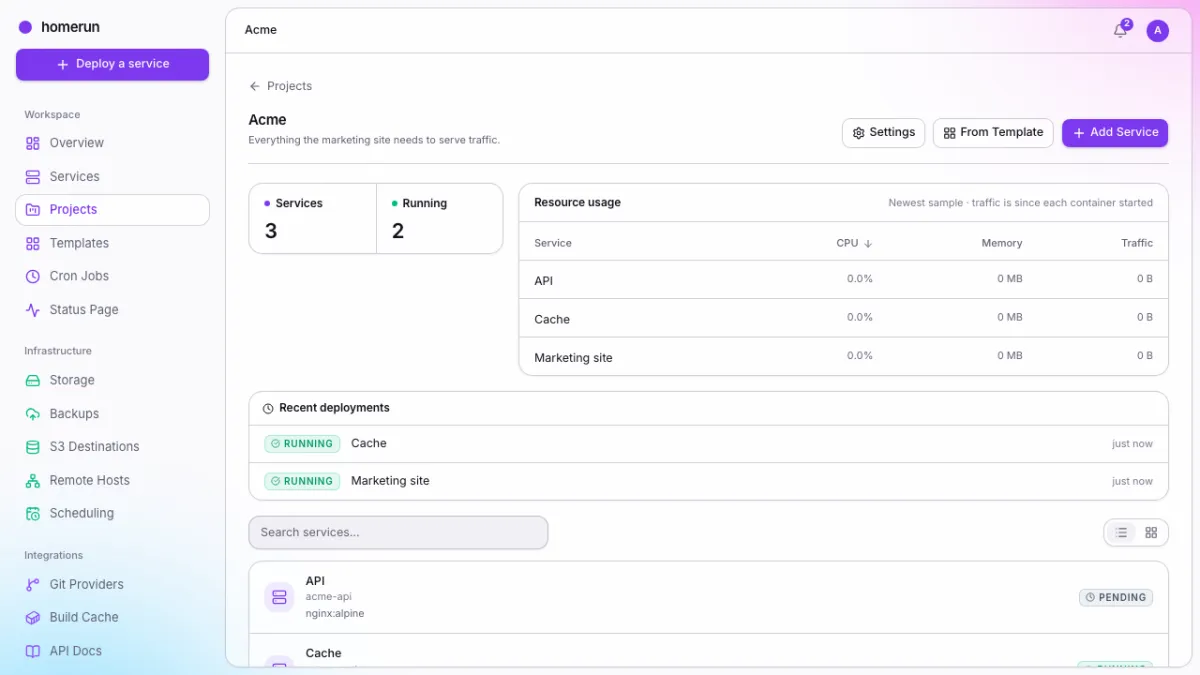
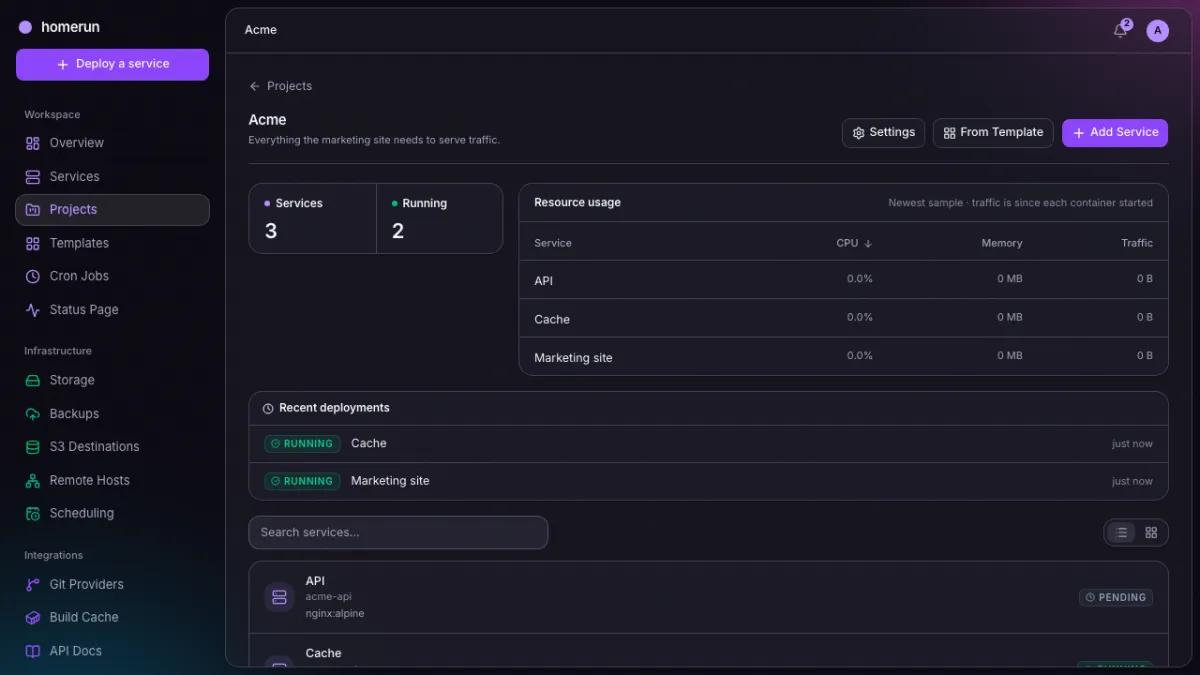
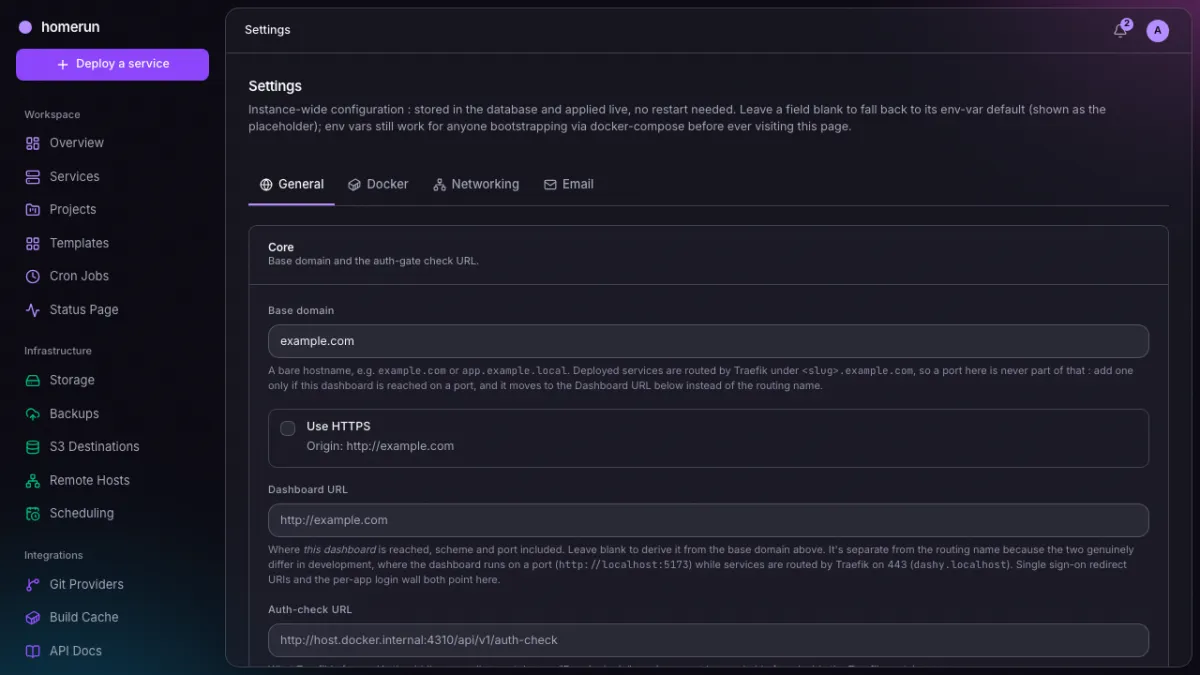
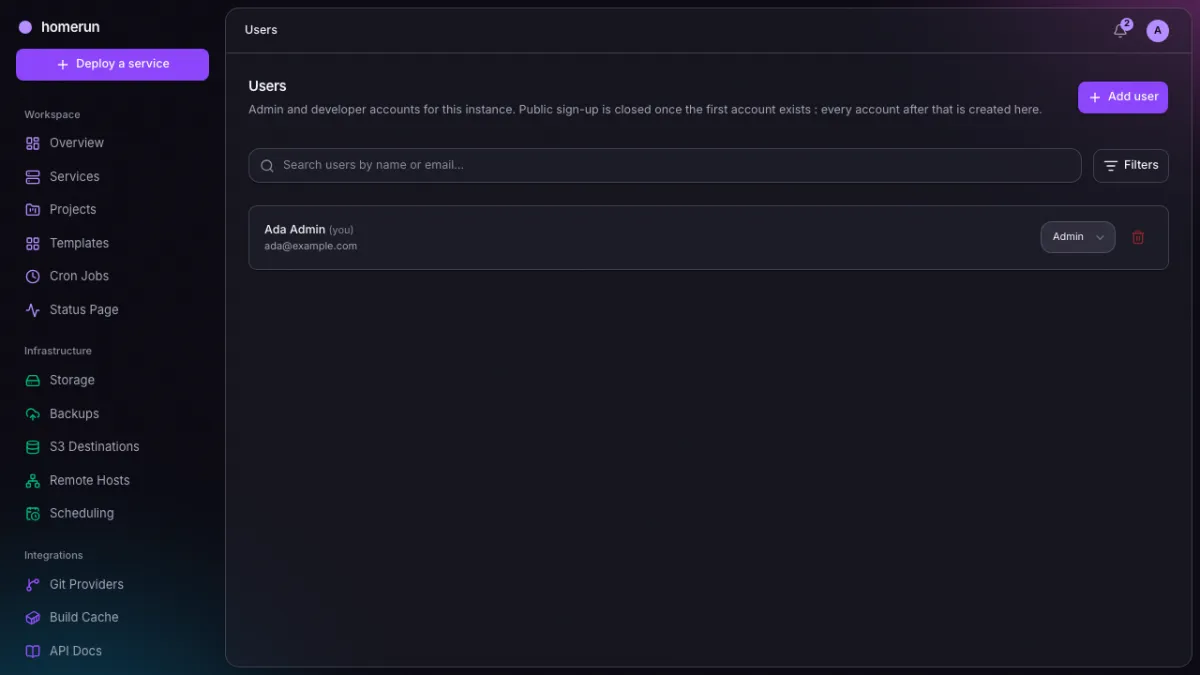
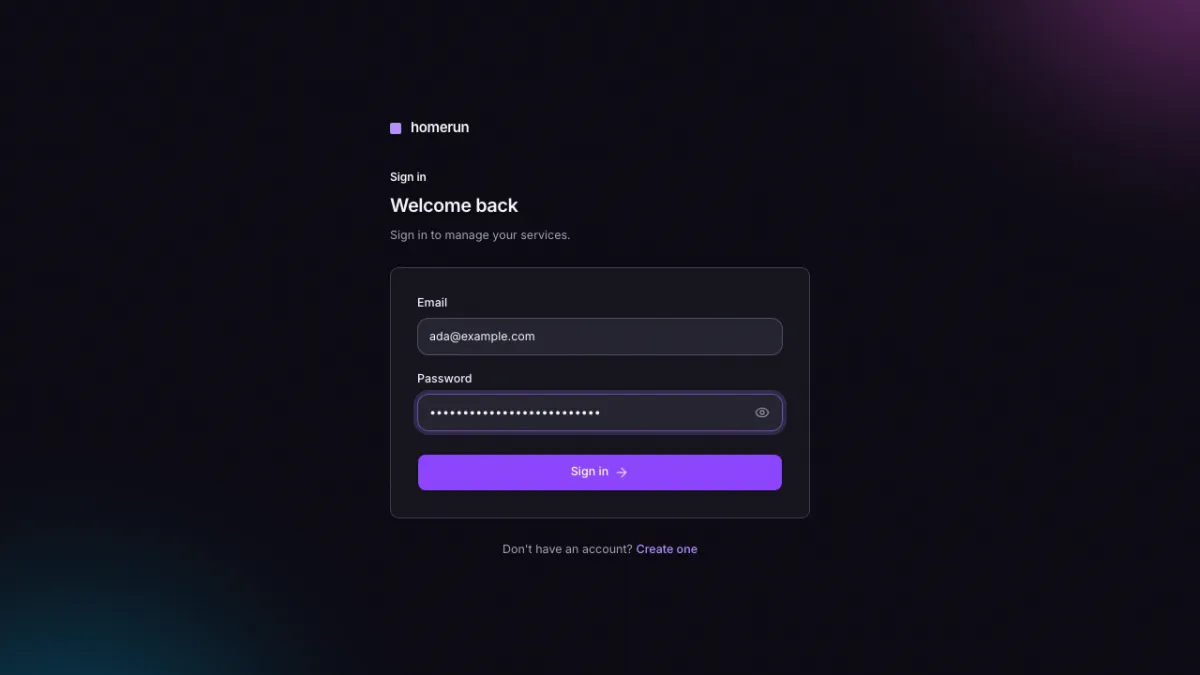
Each pair is light and dark. Appearance is a per-account setting, so both are the real thing.
The dashboard
Service counts, live host CPU/RAM/disk, the deployments that just ran, and the jump-off points for the next one.
Services
Every service you own, with its status, image and stack. Search, filters and paging are server-side, and the checkboxes drive Start/Stop/Restart/Delete in bulk.
A single service: its live status, the hostname Traefik routes to it, the actions that matter, its resource usage over time, the services it connects to, and its log tail.
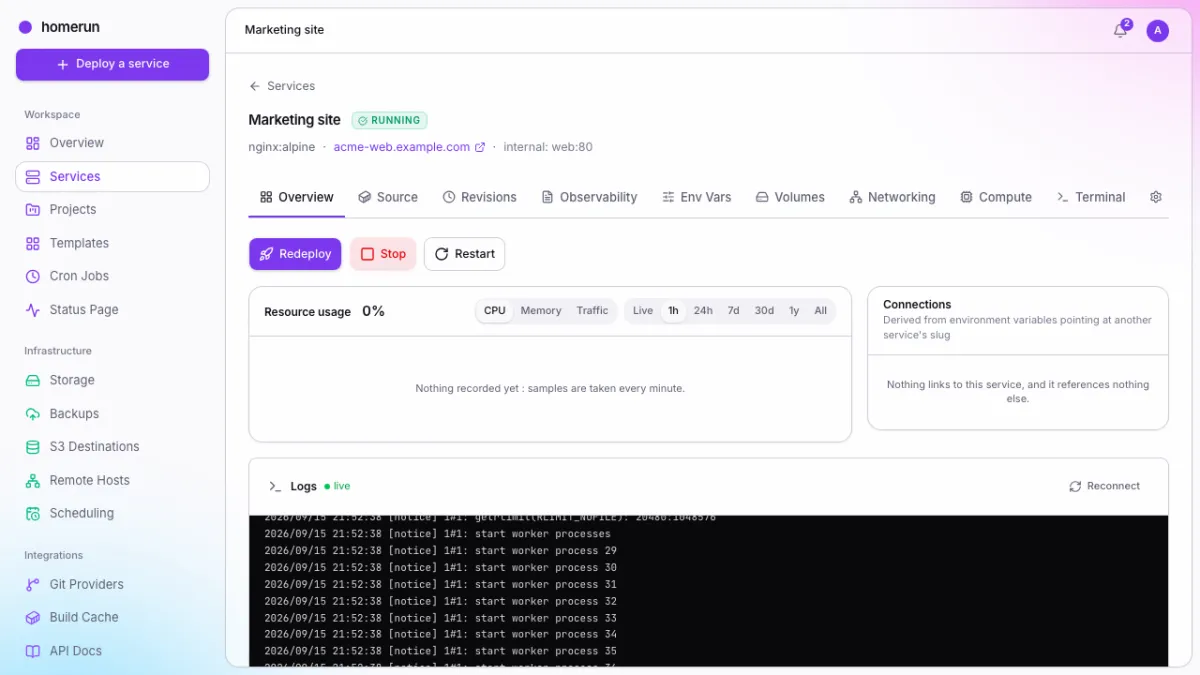
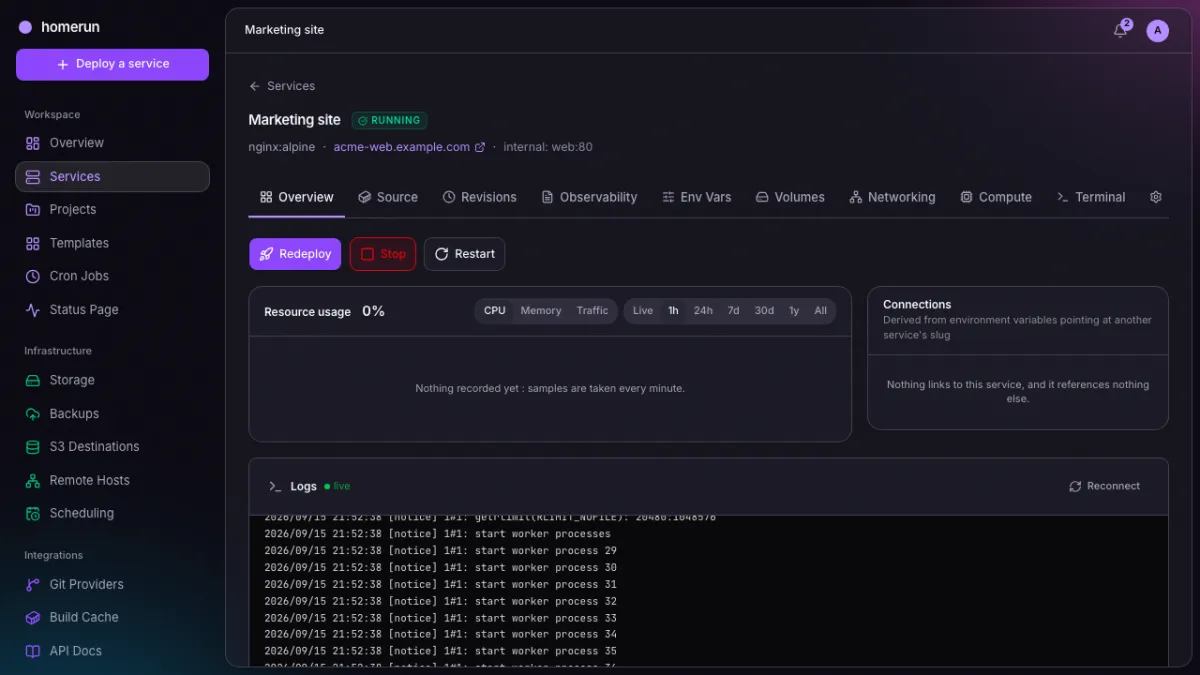
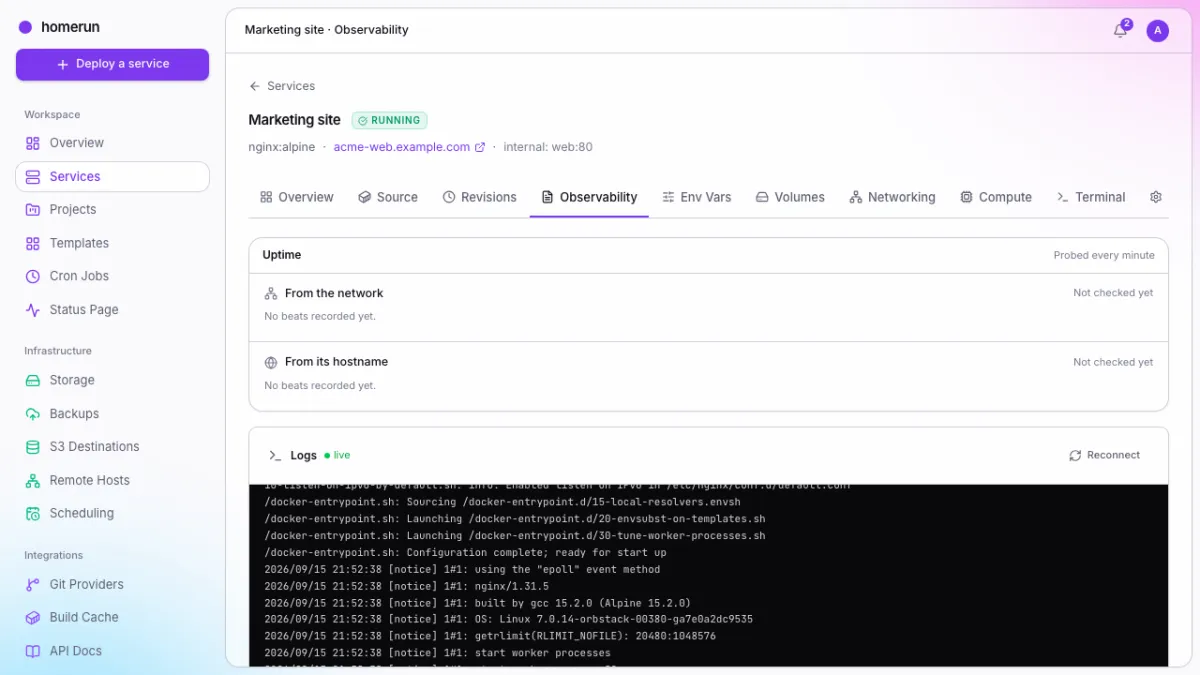
Live logs
stdout/stderr streamed from the container as it runs, ANSI colours intact,
on the Observability tab next to its uptime probes and errors. The same viewer
backs the tail on the overview page.
Networking
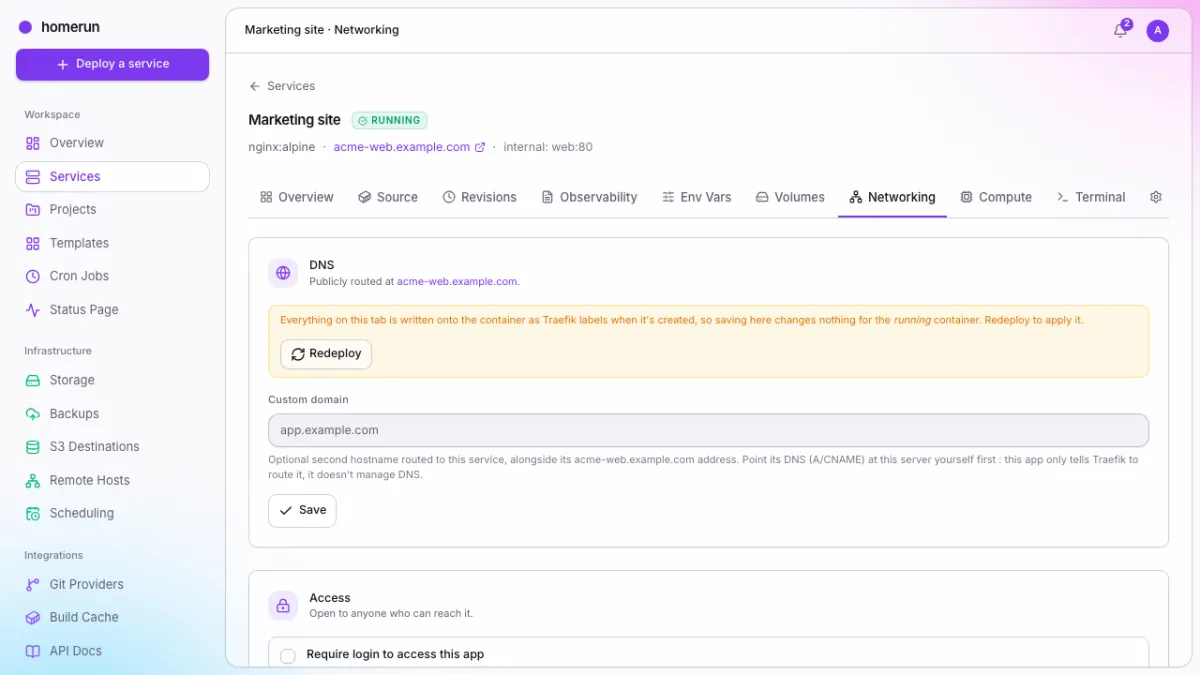
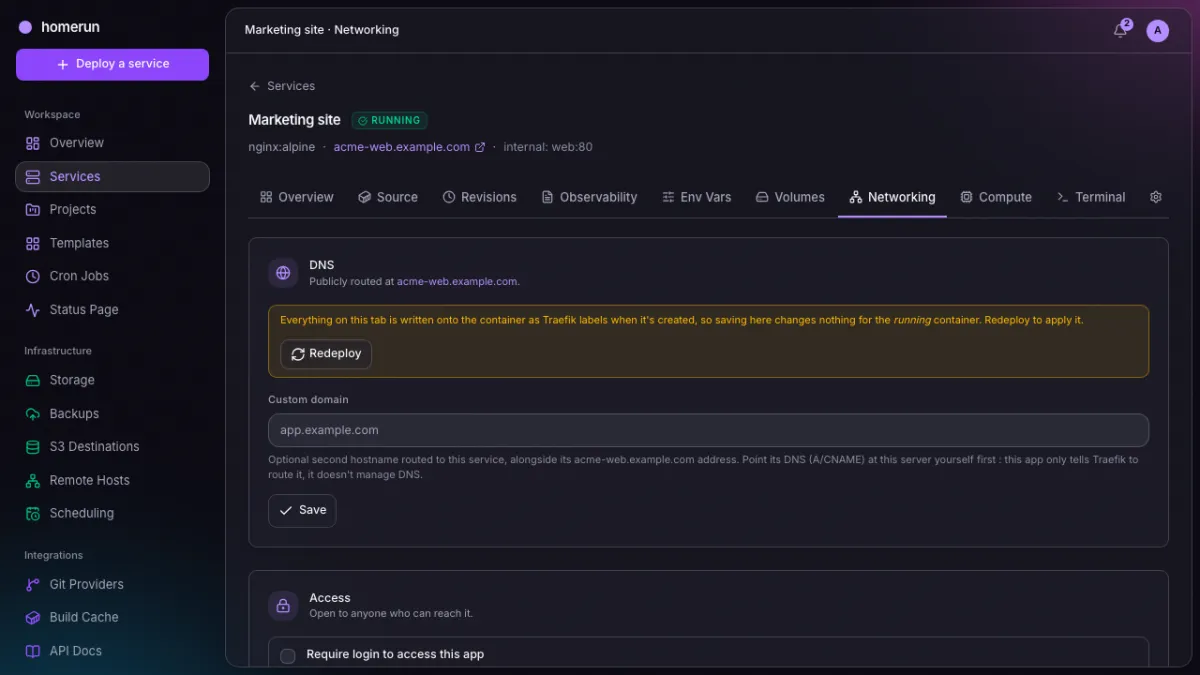
The public hostname, extra domains, the container port and protocol, bridge or host networking. Most of these are Traefik labels, so the tab tells you plainly that changing them needs a redeploy.
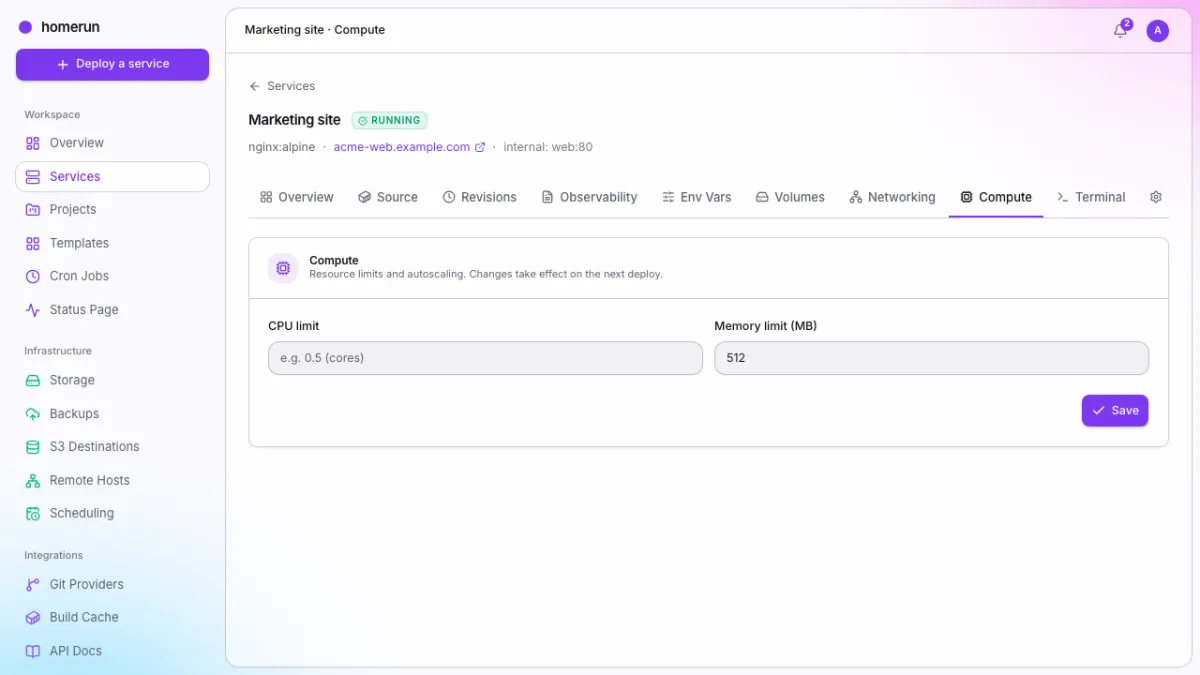
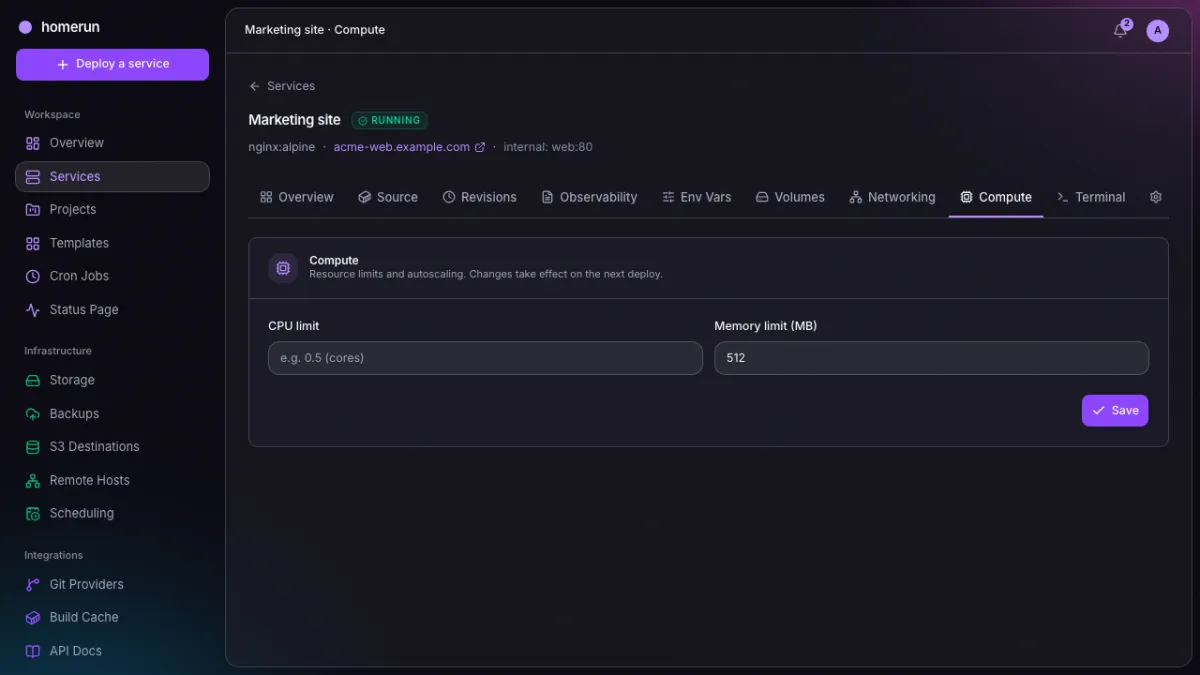
Environment and compute
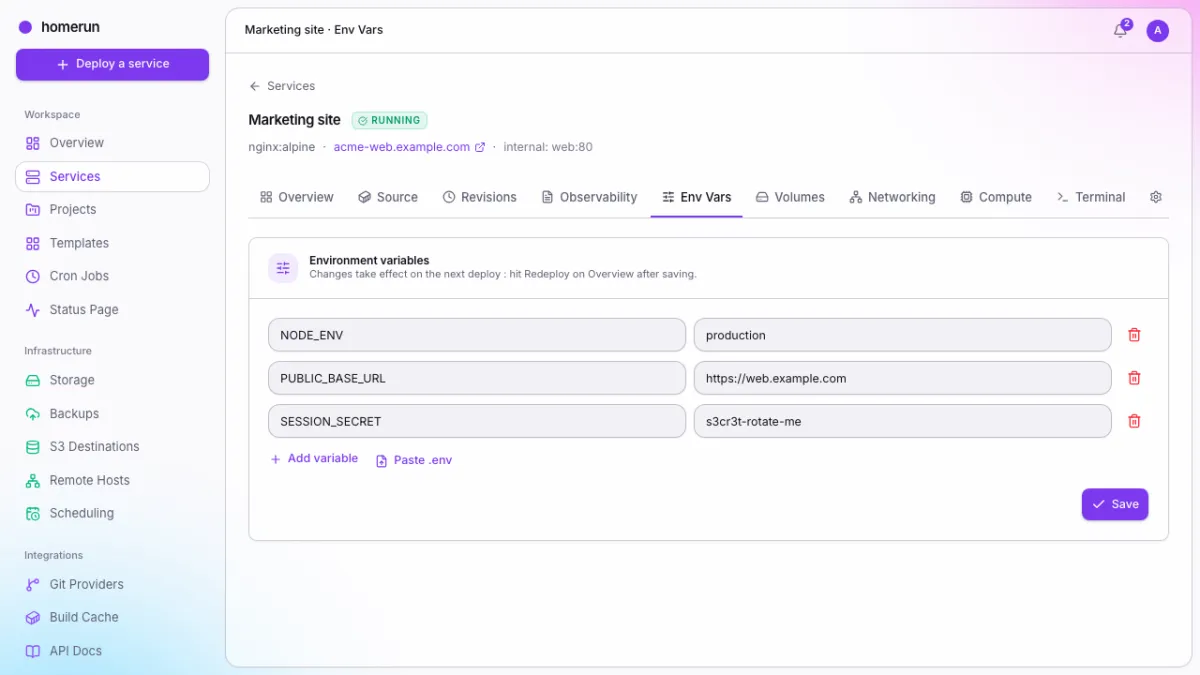
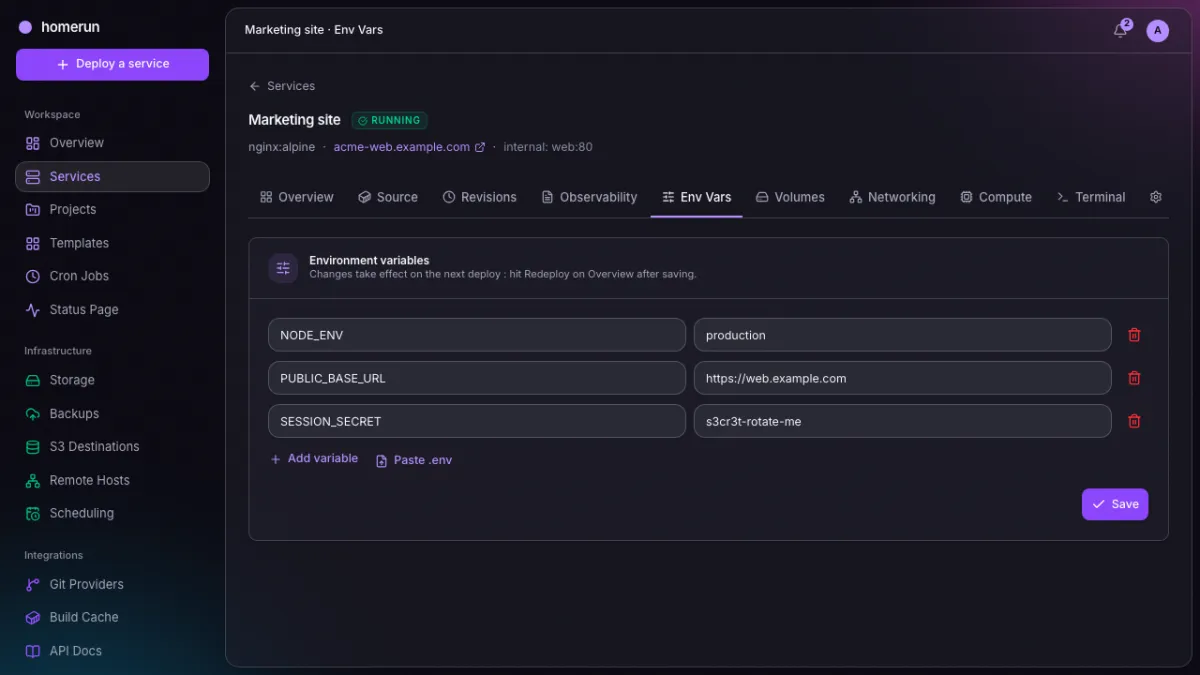
Environment variables with a paste-a-.env shortcut, and CPU/memory limits
applied to the container itself.
Deploying something new
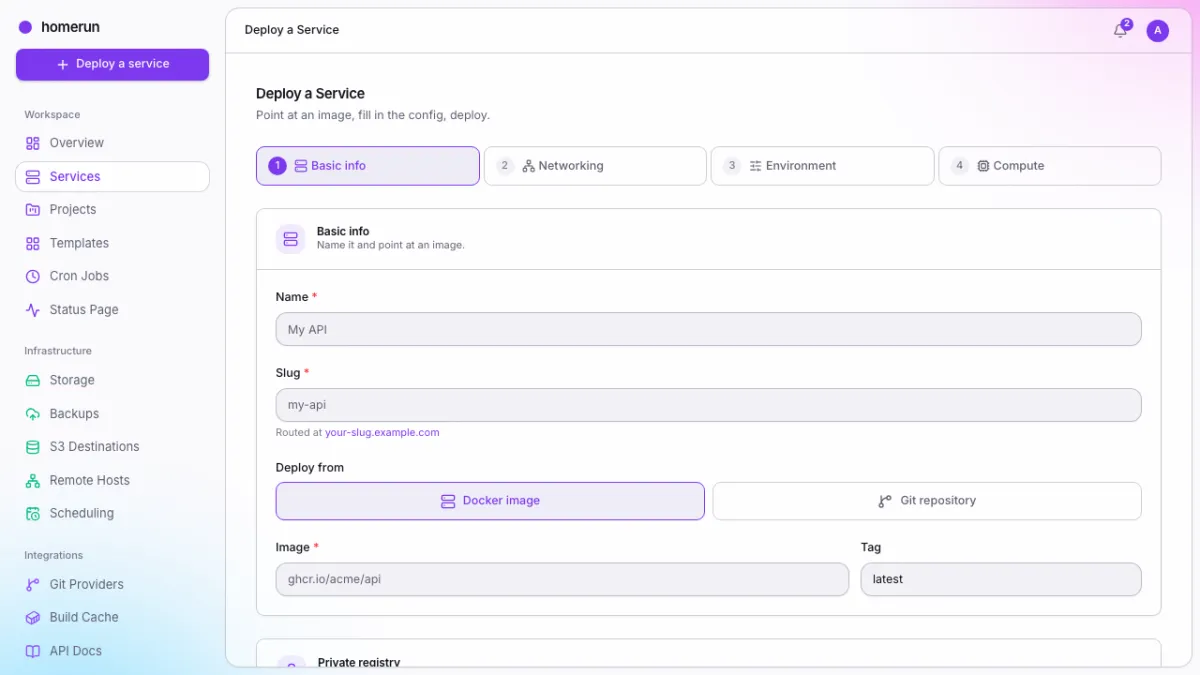
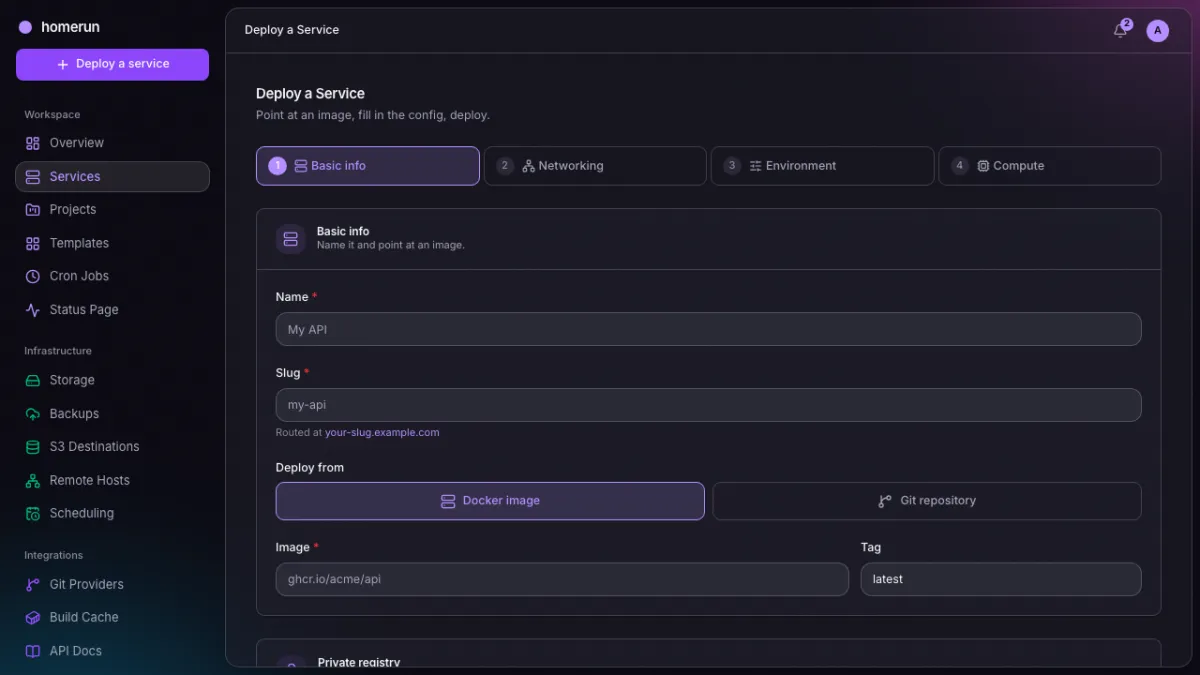
Four steps — basic info, networking, environment, compute — from an image or straight from a git repo's Dockerfile.
Templates
A built-in catalog of common self-hosted apps with real logos, one-click Quick Deploy, and companion containers that come along with the primary. Your own services can be saved as templates too.
Stacks
A stack puts its services on a shared Docker network, so they reach each other
by slug (http://cache:6379) without going back out through Traefik.
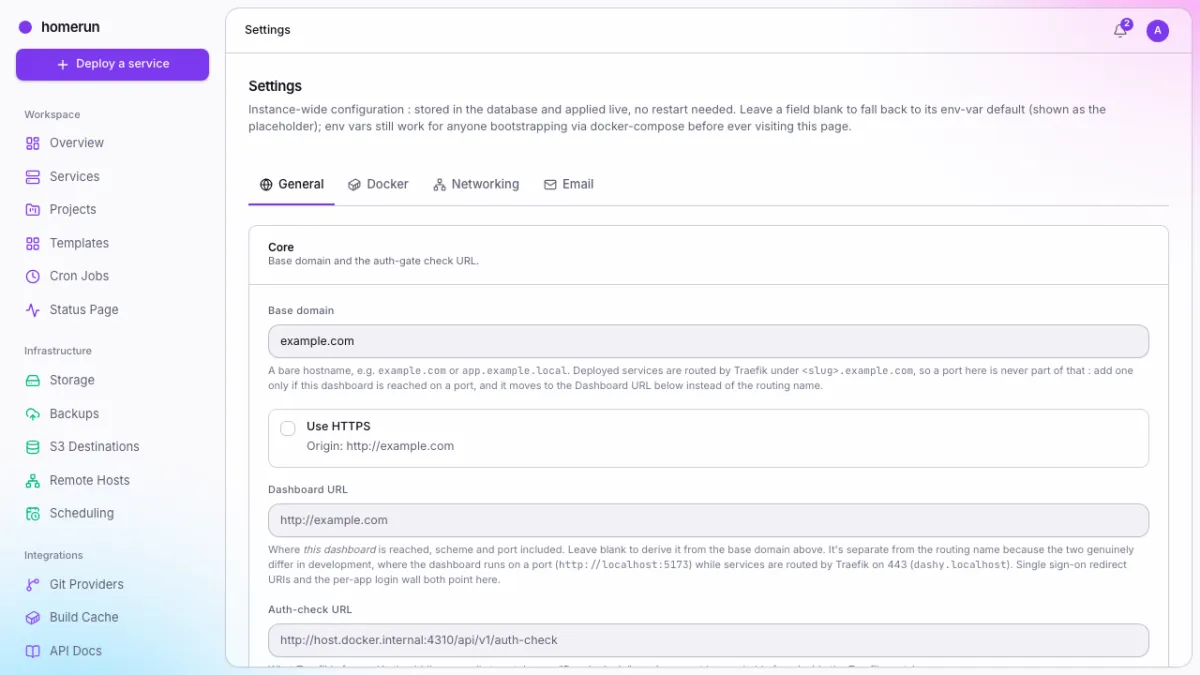
Instance settings
Base domain, Docker socket, Traefik, DNS automation and SMTP — stored in the database and applied live, with the env var behind each field shown as its placeholder.
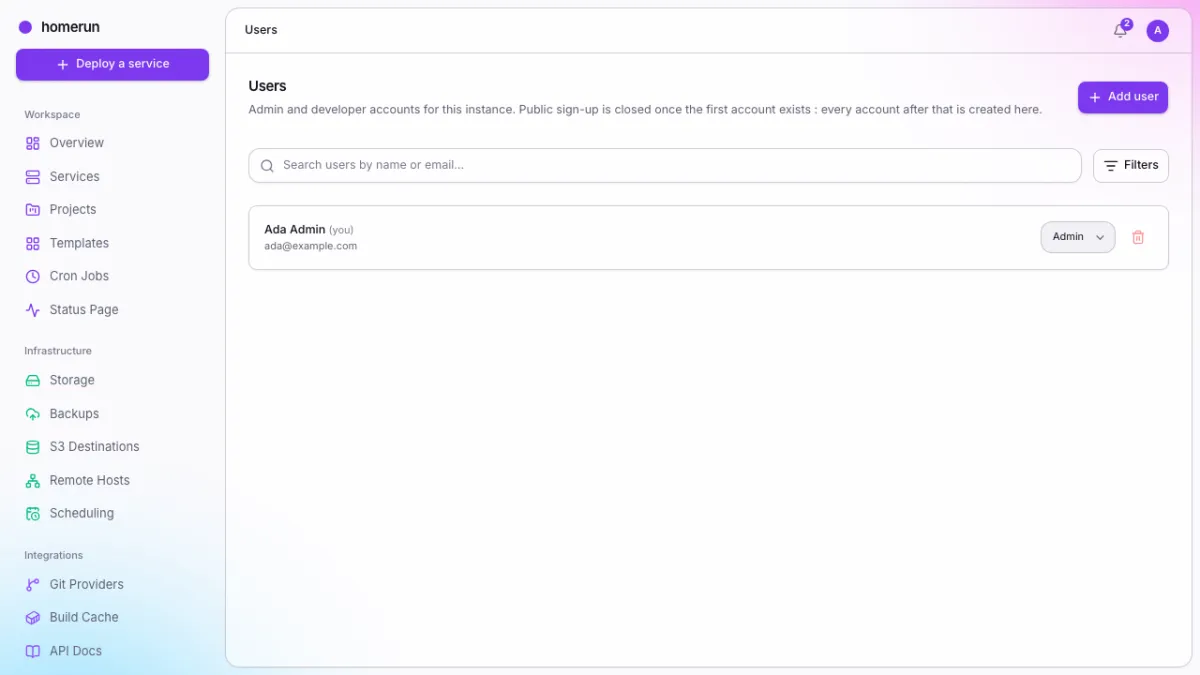
Users
Admins and developers sharing every resource, email invitations, and account removal that hands what the account created over to an admin.
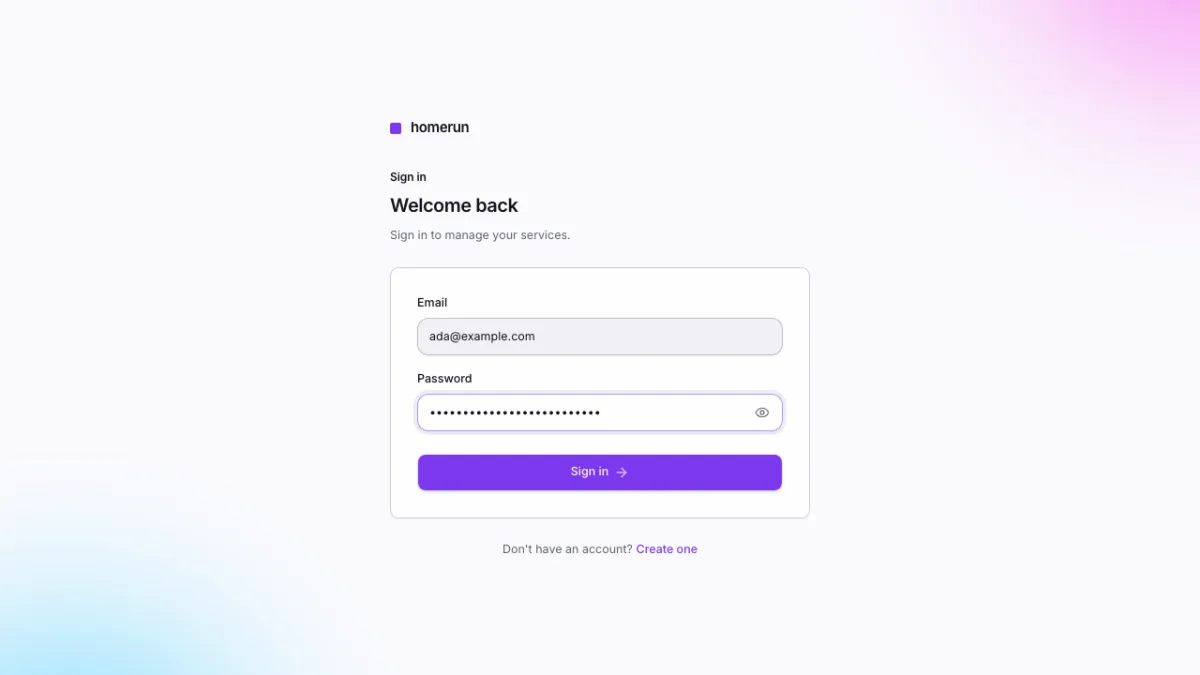
Signing in
The first account created on a blank instance becomes the admin. After that, every account is created by an admin, optionally through an OAuth/OIDC provider.
This guide lives in the project repo: edit it there, and this page follows within a day.