Main is canary, tags are stable
A cookbook for one release model: every merge to main goes live on a canary
site, and cutting a version tag (v1.4.0) ships it to the real one. Homerun
does the routing with release channels; your CI only has
to push tags.
#1. A git service with a webhook
Create the service from the repo, picked from a
connected git provider so Homerun registers the webhook
itself. Point its branch at main and give it its real domain
(app.example.com) on the Networking tab. This service becomes stable.
#2. Turn release channels on
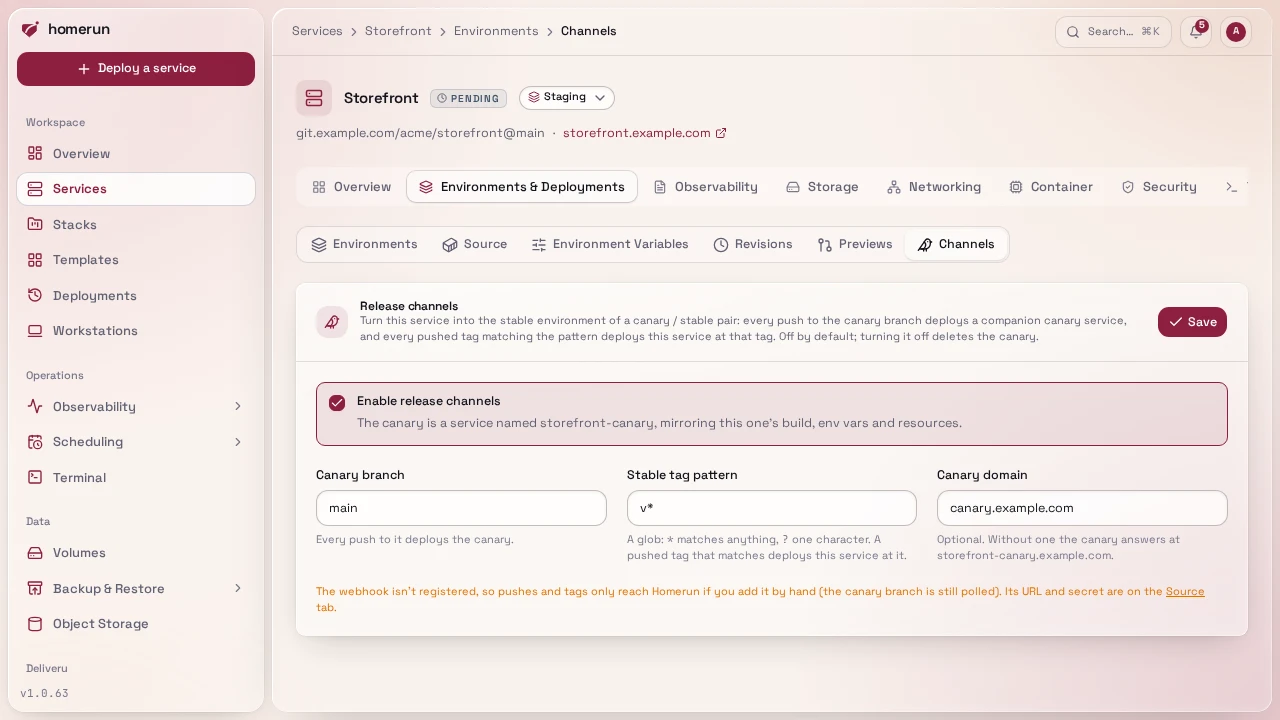
In the service's Environments & Deployments → Channels section: tick
Enable release channels, keep the canary branch main and the tag pattern
v*, set the canary domain to canary.example.com, save. Or from a terminal:
homerun services channels enable app --branch main --tags 'v*' --canary-domain canary.example.comHomerun creates app-canary, a copy of the service's build and runtime
settings, and deploys main to it. From now on:
| You push | Homerun deploys |
|---|---|
a commit to main | app-canary at that commit |
a tag matching v* | app (stable) at that tag |
| another branch, another tag | nothing |
| a pull request | its preview, if previews are on (below) |
Until the first v* tag, stable keeps running what it had.
#3. Tag releases from GitHub Actions
Any way of pushing a tag works (git tag v1.4.0 && git push origin v1.4.0 from
a laptop is enough). A workflow keeps it one click, and lets you gate it on the
tests. This one runs from the Actions tab with the version to release:
name: Release

on:
  workflow_dispatch:
    inputs:
      version:
        description: Version to release, e.g. 1.4.0
        required: true

permissions:
  contents: write

jobs:
  release:
    runs-on: ubuntu-latest
    steps:
      - uses: actions/checkout@v7.0.1
        with:
          ref: main
          fetch-depth: 0
      - name: Tag and publish the release
        env:
          GH_TOKEN: ${{ github.token }}
          VERSION: v${{ inputs.version }}
        run: |
          git tag "$VERSION"
          git push origin "$VERSION"
gh release create "$VERSION" --generate-notes --verify-tagThe tag push is what Homerun reacts to: the repository webhook fires for it like
for any push (the rule that a tag pushed with the workflow's own GITHUB_TOKEN
doesn't trigger other workflows doesn't apply to webhooks). The GitHub release
is only there for the changelog. If you'd rather tag from a release-please or
semantic-release style workflow, nothing changes on Homerun's side: it only sees
the tag.
Without a webhook (the provider can't reach Homerun), tags don't deploy stable on their own, since only the canary branch is polled. Deploy it from the same job after the push instead, which waits and fails the job when the deploy fails:
homerun deploy app --environment stableStable builds the ref it last deployed, so in that setup set the service's
branch to the new tag first (Environments & Deployments → Source, or
PATCH /api/v1/services/{id} with gitRef).
#4. Rolling back
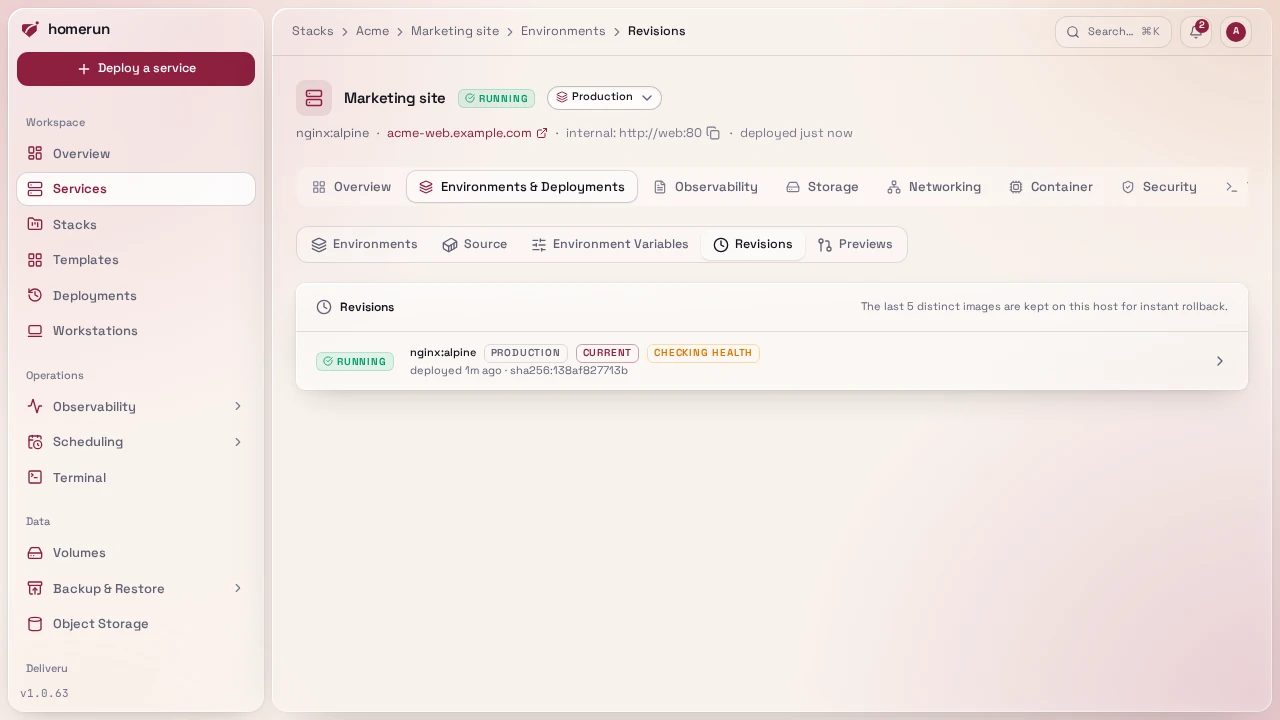
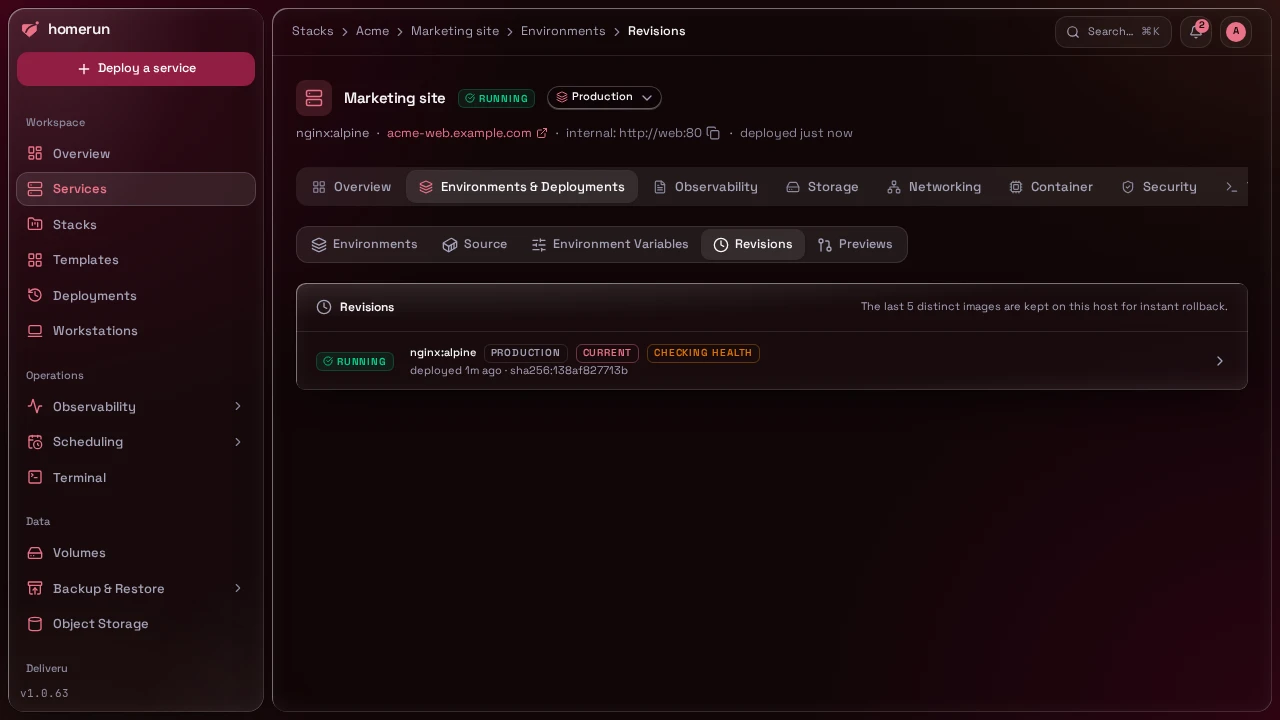
Stable and canary are separate services with their own revisions. To roll stable back, open the stable service's Revisions section and Deploy this revision on the previous one, or:
homerun services rollback appThat redeploys the previous image without rebuilding. The service's git ref
stays on the newest tag, so a later manual stable deploy would rebuild the bad
version: fix forward by tagging v1.4.1, which deploys stable as usual.
Auto-rollback on the Settings tab works on stable and canary alike.
#5. With pull request previews
Previews and channels share one webhook and stack up: turn
pull request previews on the same service and a pull
request gets app-pr-<n>, merging it to main deploys app-canary, and
tagging the merge deploys app. The previews, the canary and stable all show up
nested under app in the services list. The Deployments page tells them
apart with an environment badge (preview, canary, production) and filters
on it.
Release channels
Next →Test every pull request in its own environment with GitHub Actions
This guide lives in the project repo: edit it there, and this page follows with the next release.