Showcase
Every screenshot below is generated by driving a real instance with Playwright
(bun run screenshots) against a library seeded with one dummy file of each
supported kind — an image, a video, a track, a PDF, a spreadsheet, a deck, some
code, a 3D model and an archive. There is no demo instance to keep alive, and no
hand-retouched marketing shot: if a screen stops rendering, the run fails rather
than publishing it.
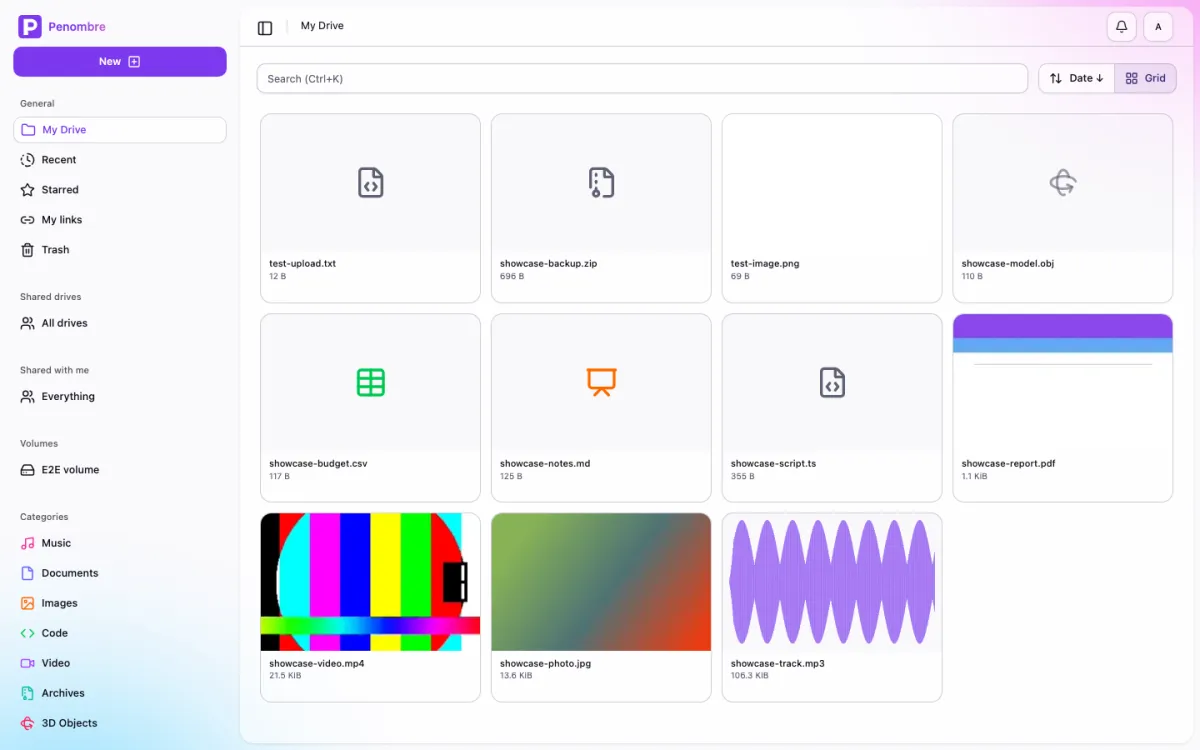
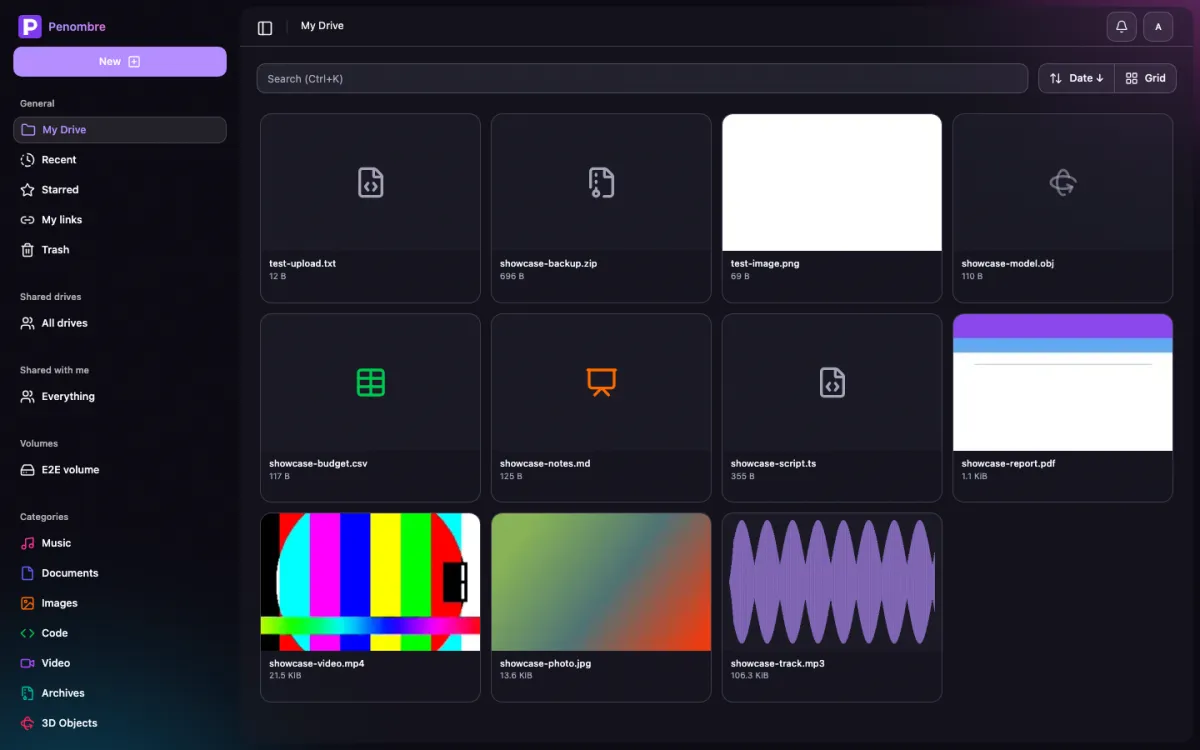
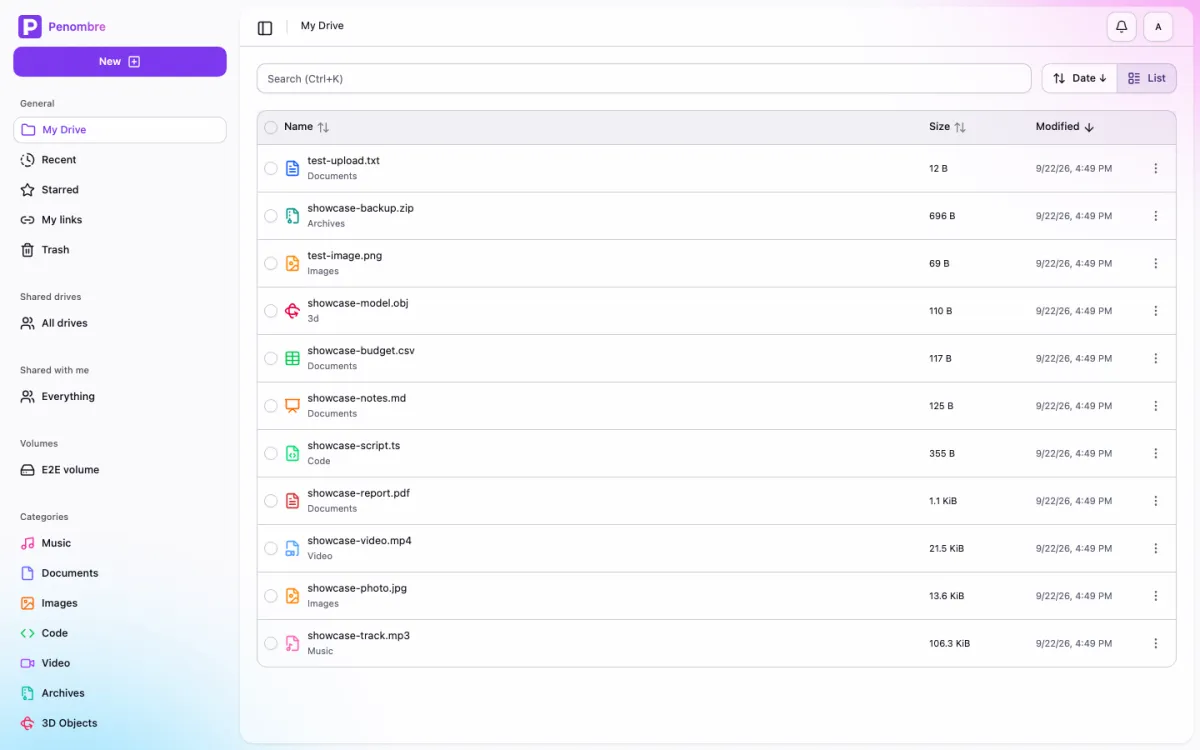
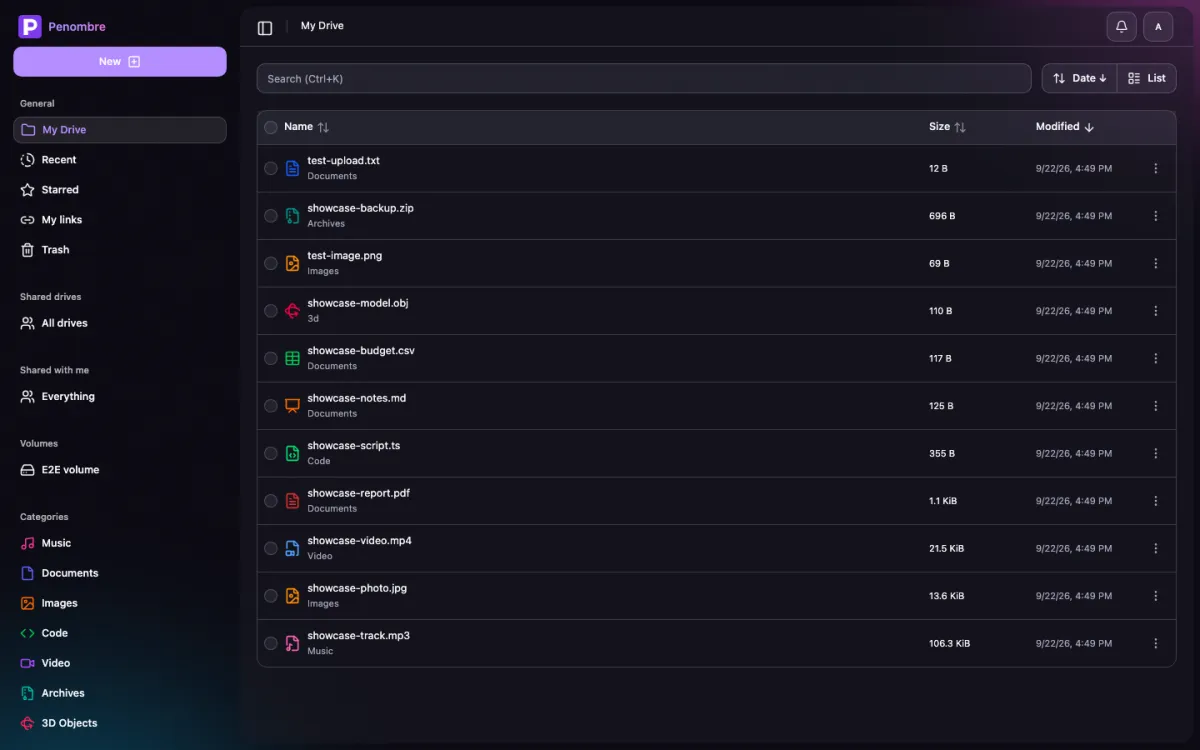
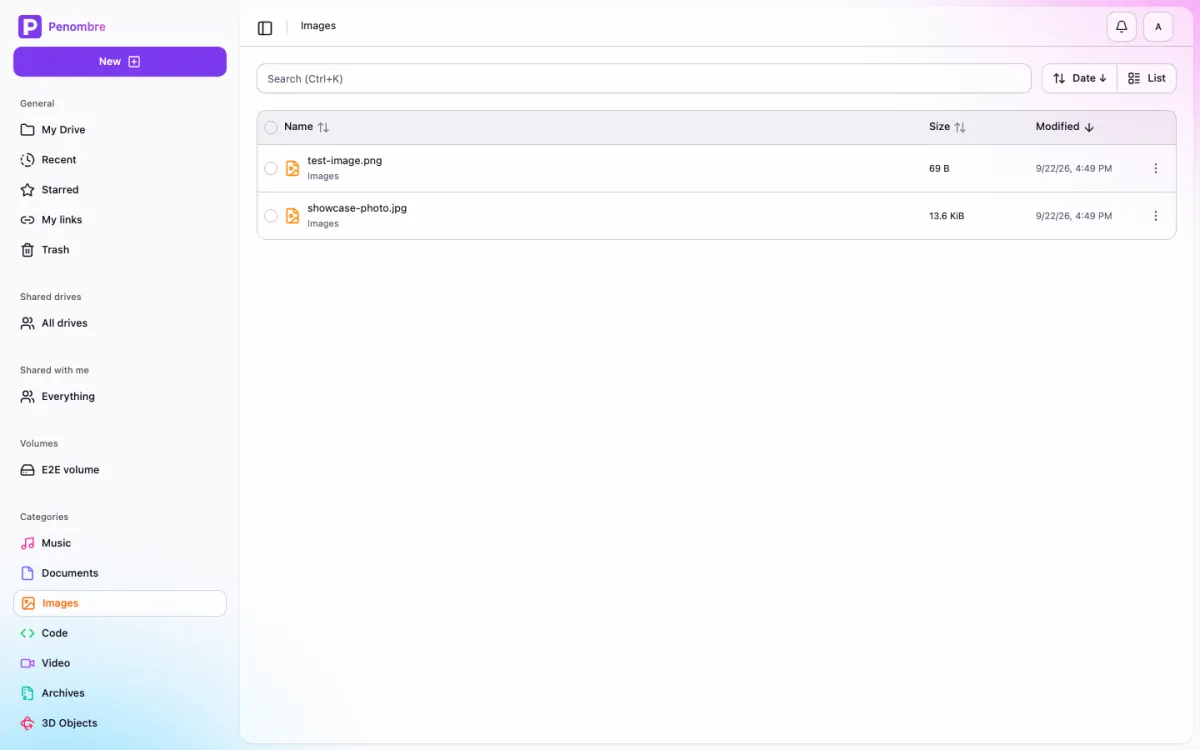
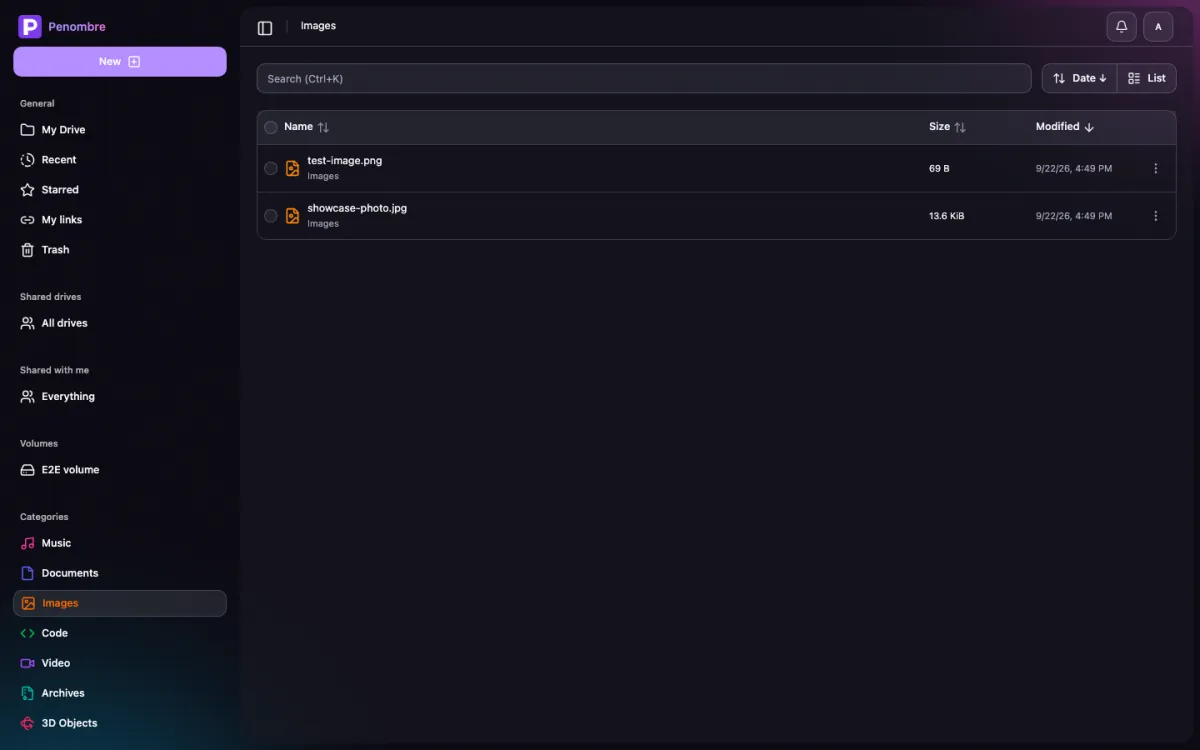
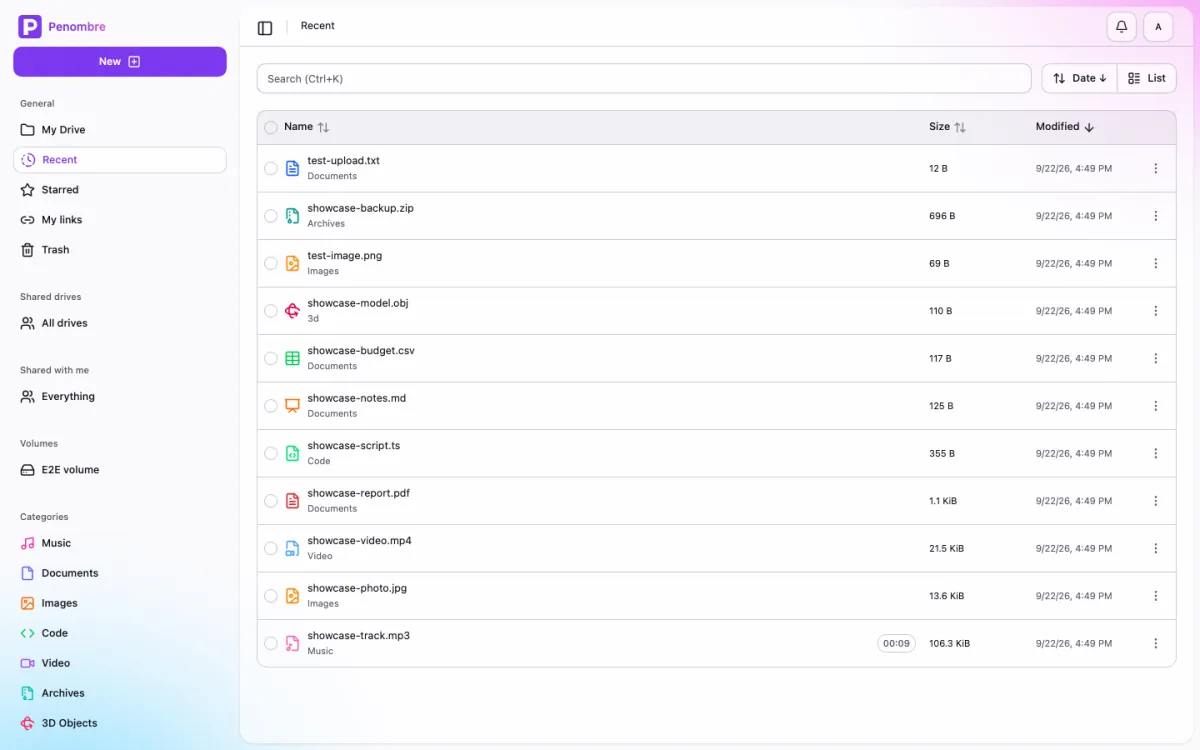
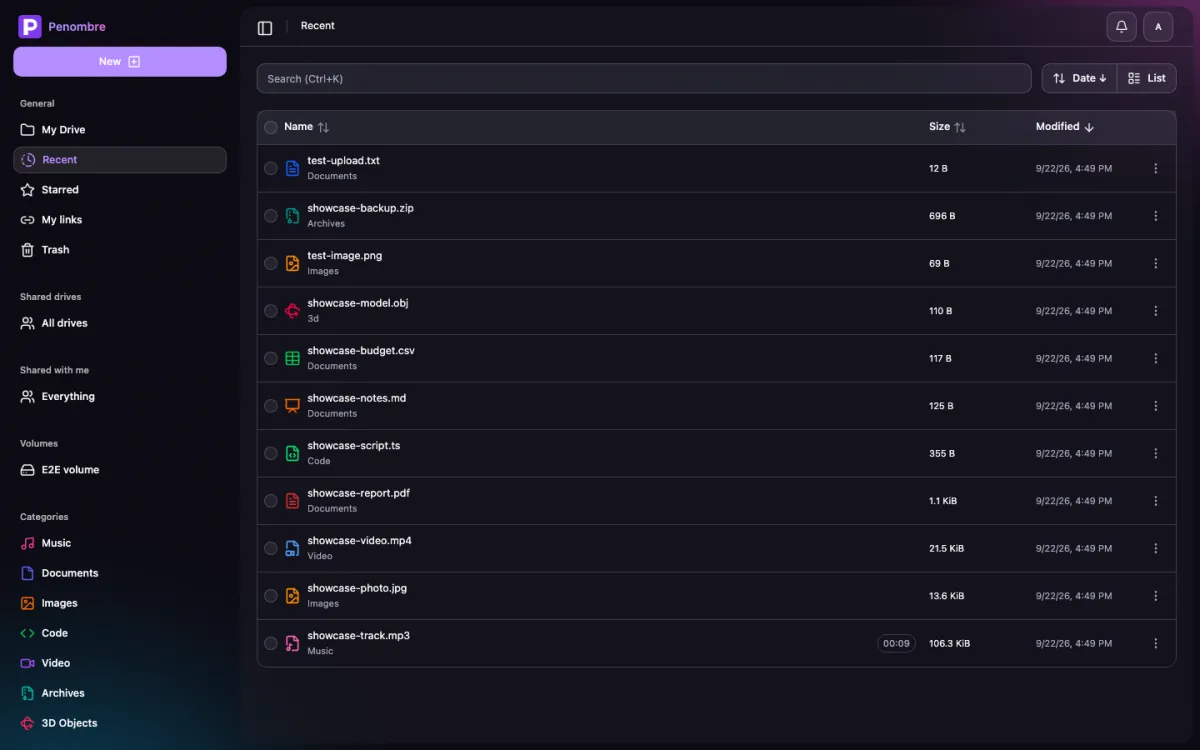
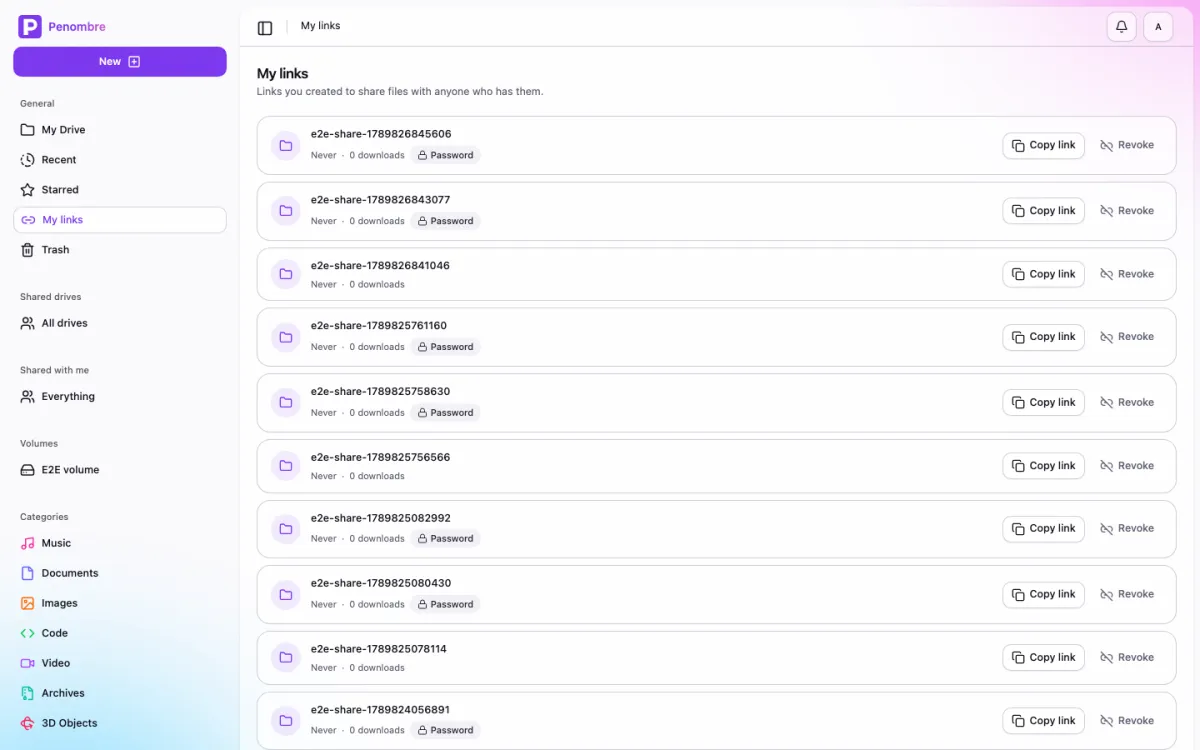
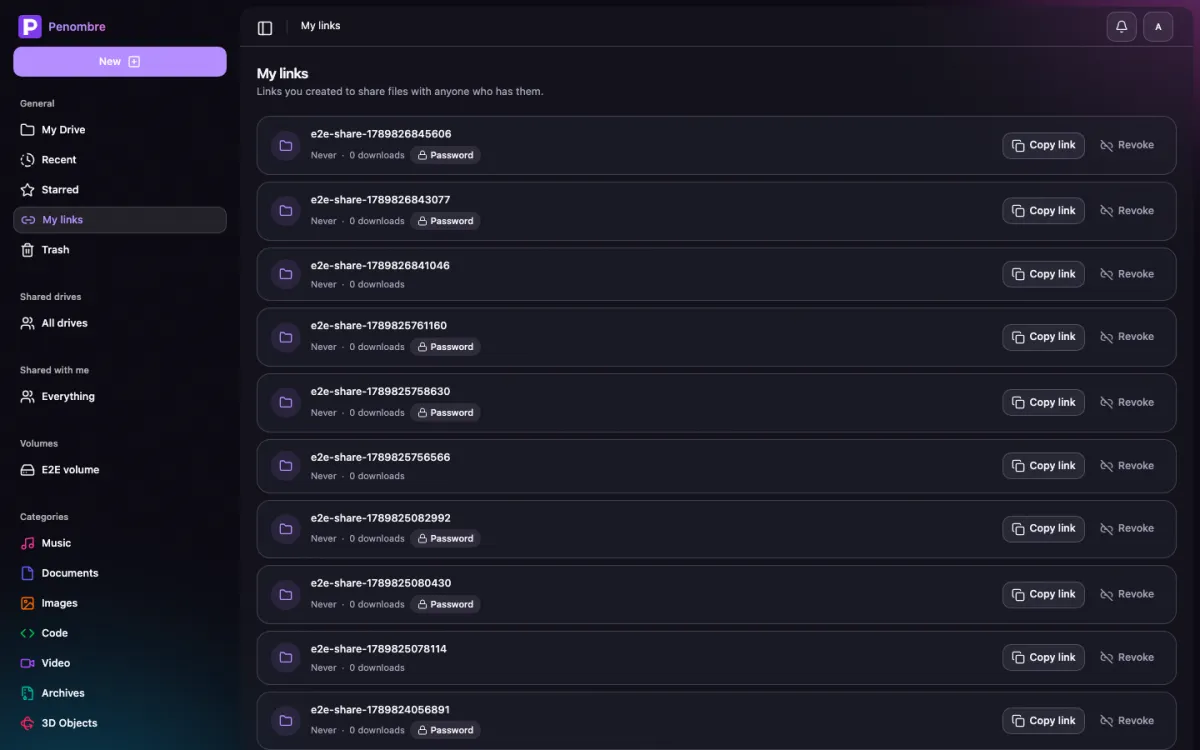
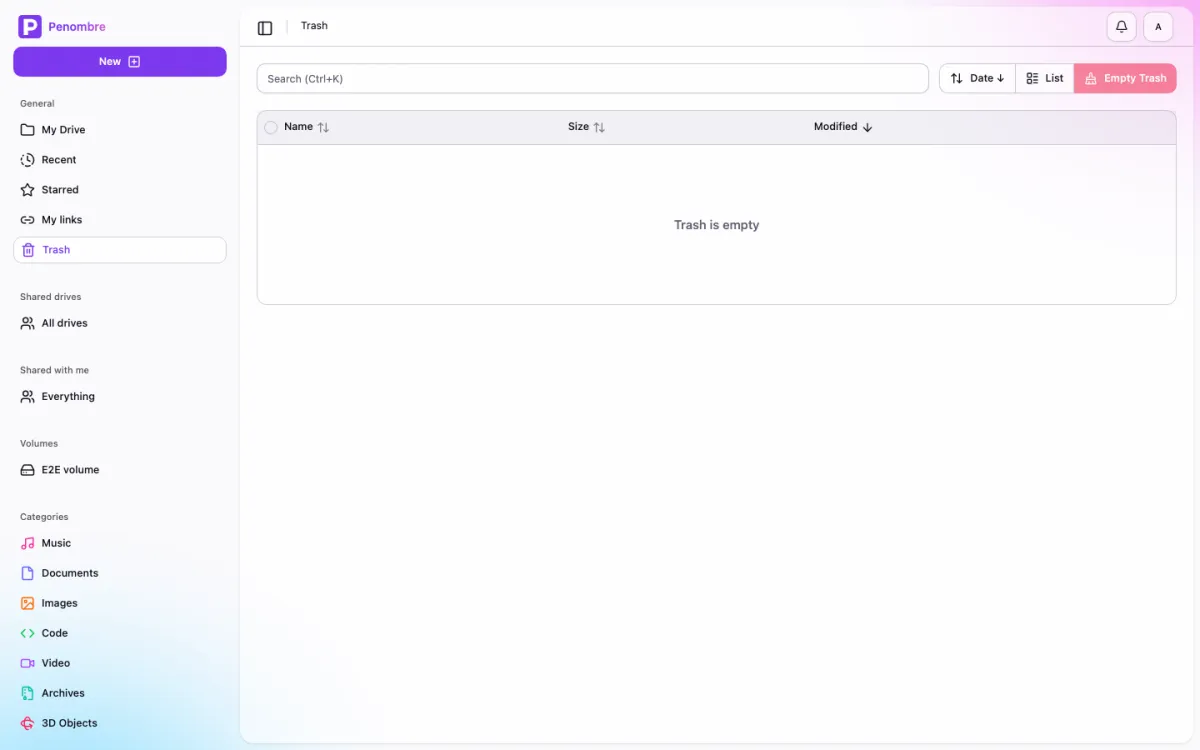
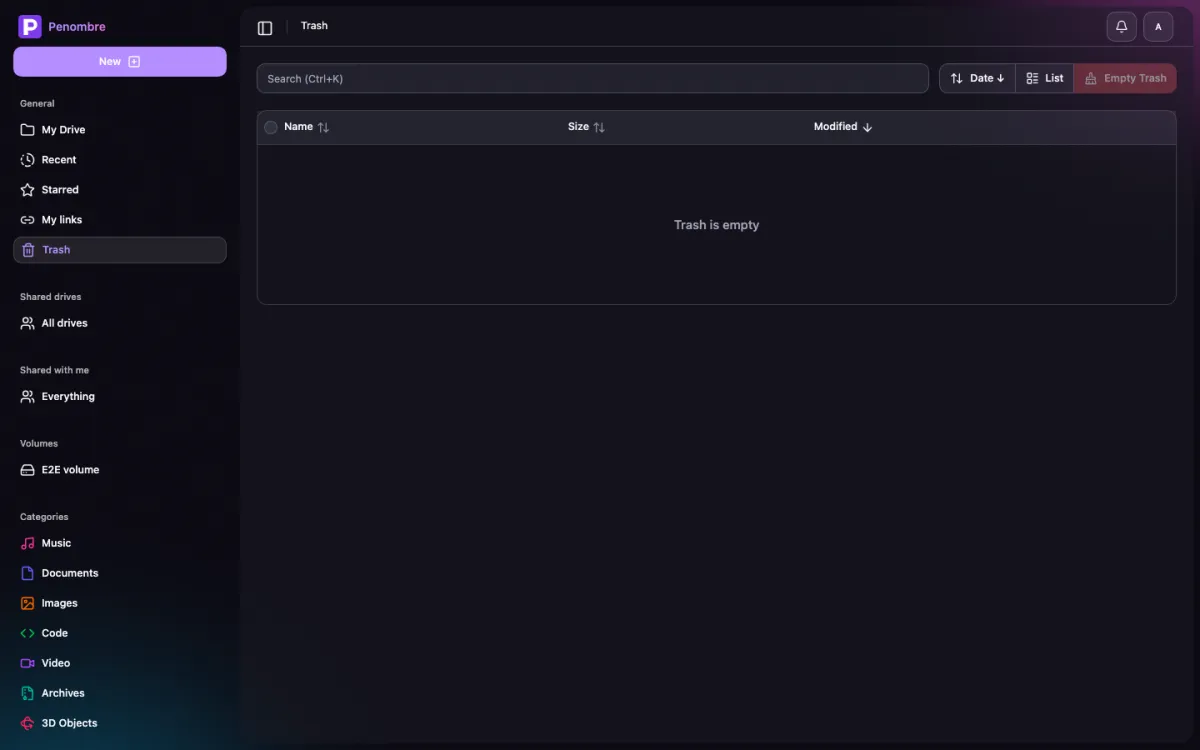
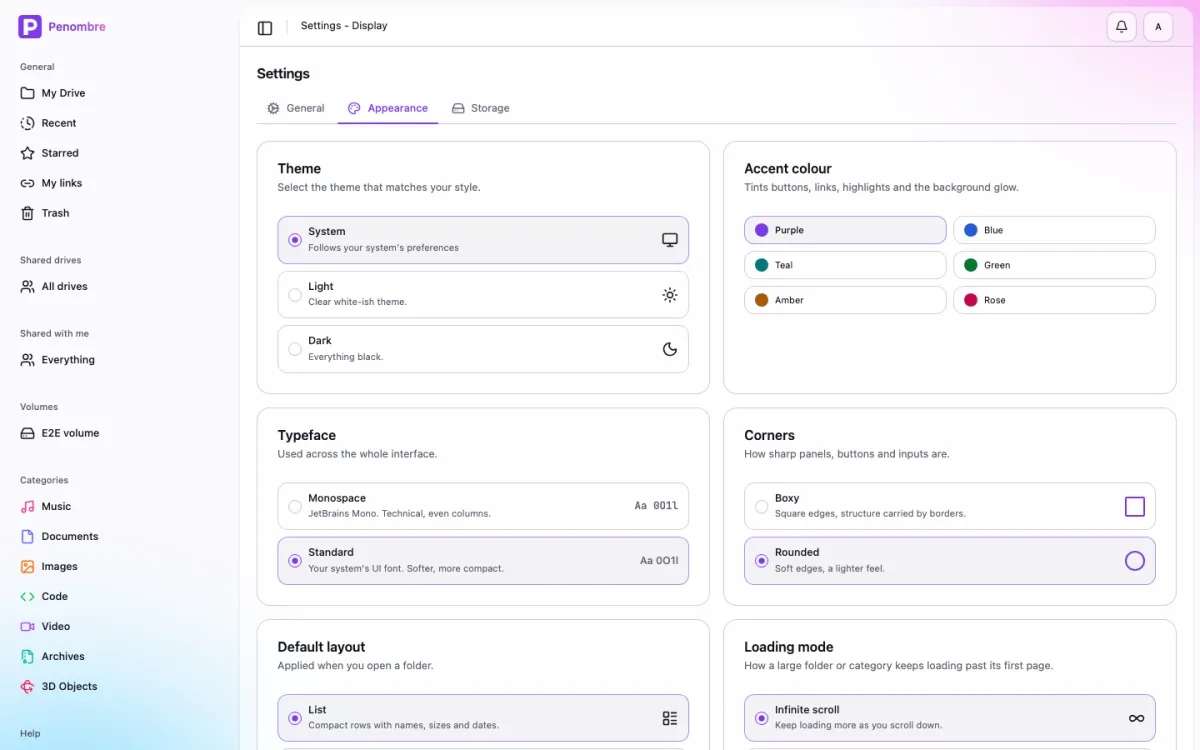
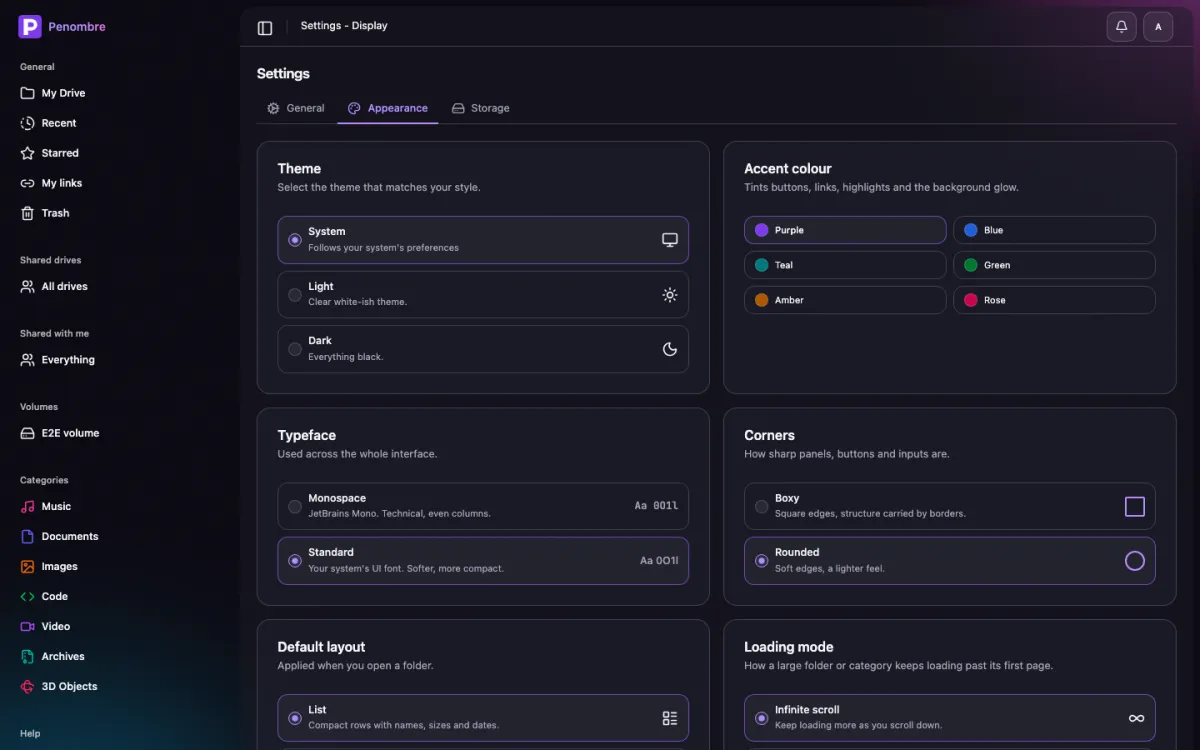
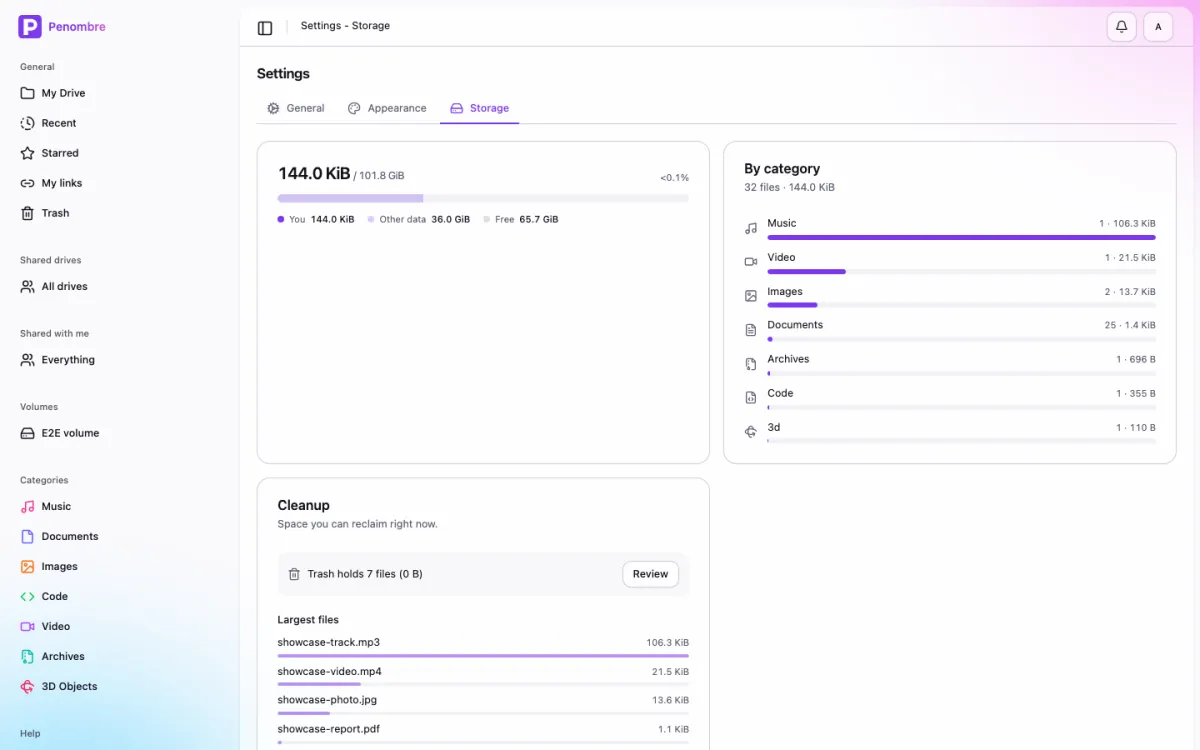
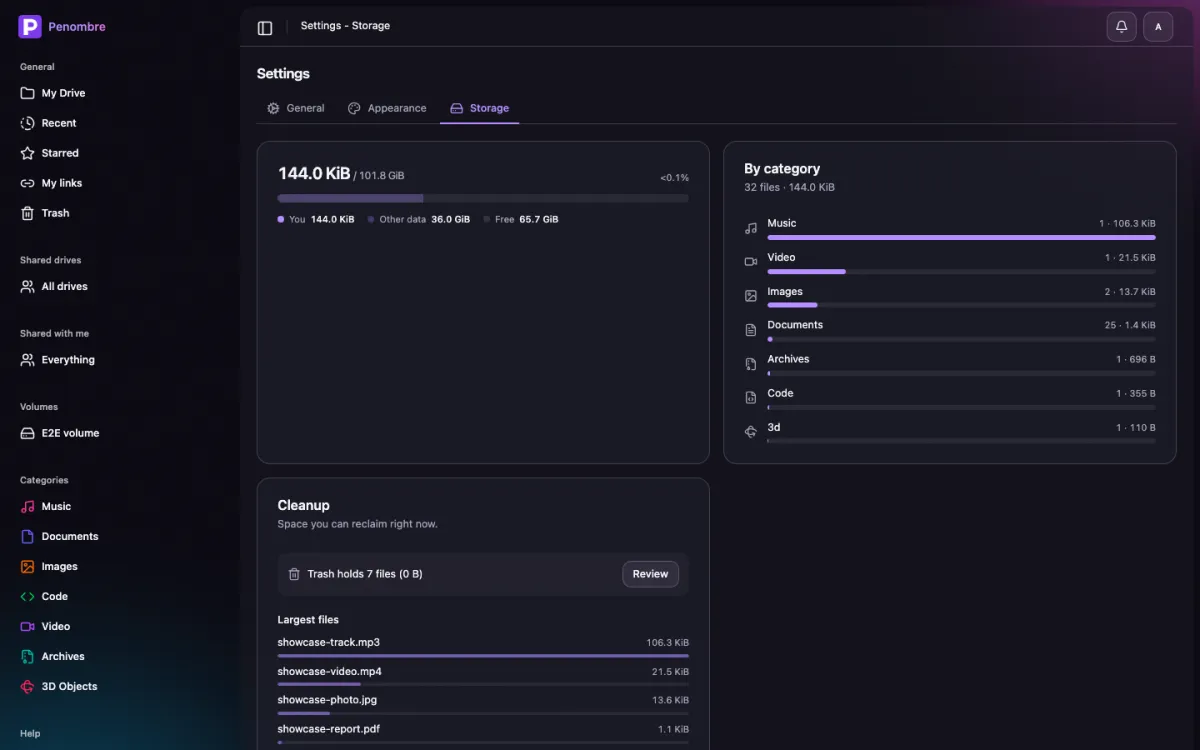
Each pair is light and dark. Appearance is a per-account setting, so both are the real thing.
The drive
The grid view, with thumbnails generated at upload time — video frames, PDF first pages, and waveforms drawn from peak data so they follow your accent colour.
The list view, with per-type icons and the categories sidebar.
A folder, a category (Music, Documents, Images, …) or your starred items can run to tens of thousands of files (a Reaper project's media folder, say), so each loads a page at a time instead of the whole thing at once. Settings → Display has a Loading mode for it: infinite scroll keeps appending more as you scroll down, or switch to Pages for prev/next controls instead. Either way the sort order you pick there (name, size, or last modified) is applied on the server, so a page further down the list is still in the right order.
Previews and notes
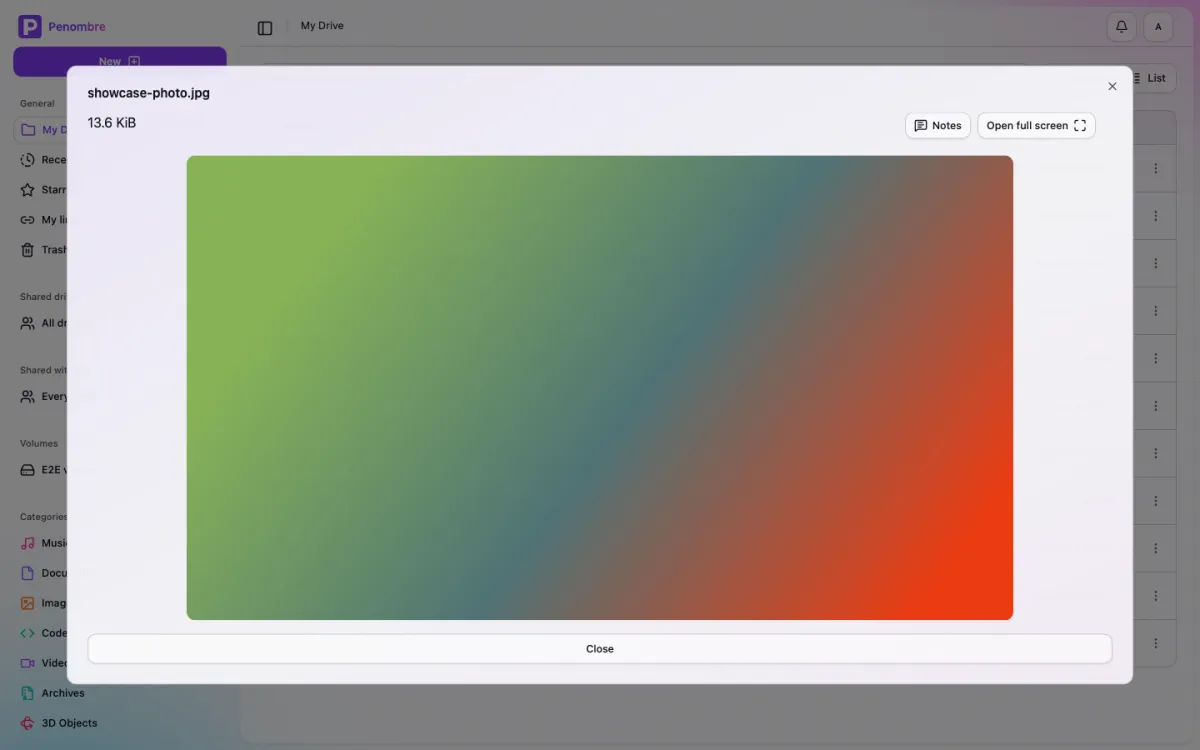
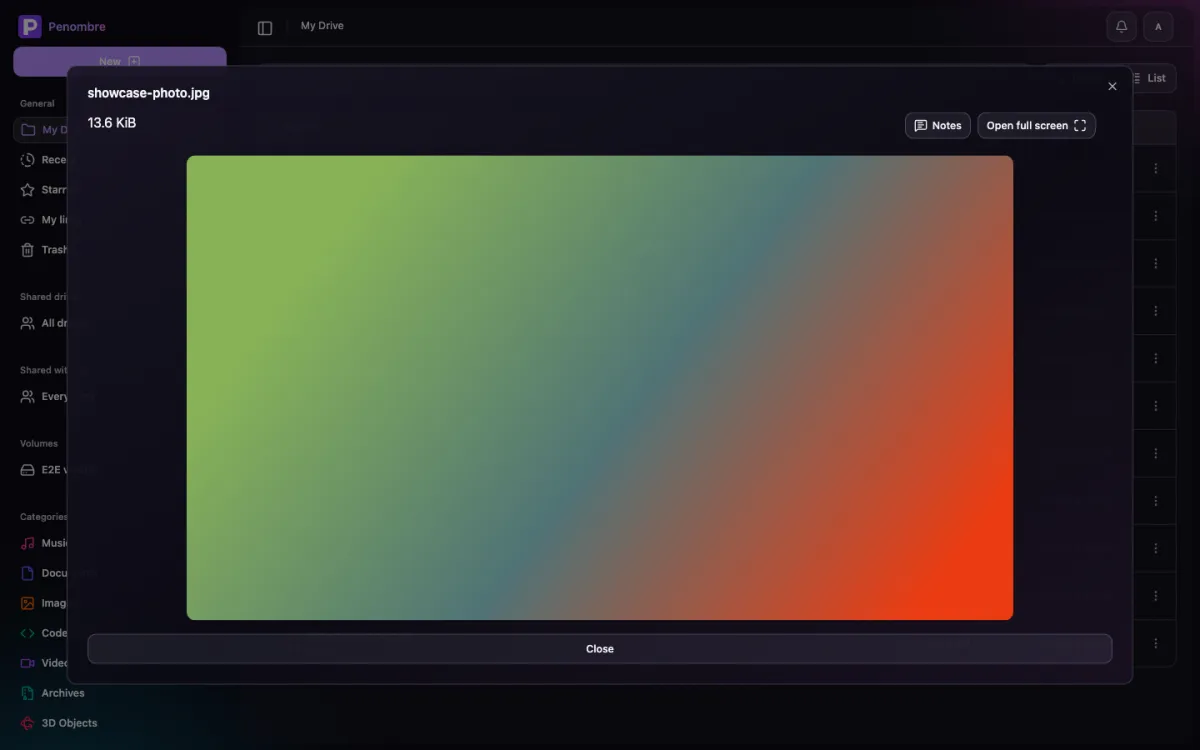
Files open in place. Images, video, PDFs and highlighted source sit beside a notes thread; on a track or a video a note can be pinned to a moment, and clicking the timestamp moves the playhead there.
Music
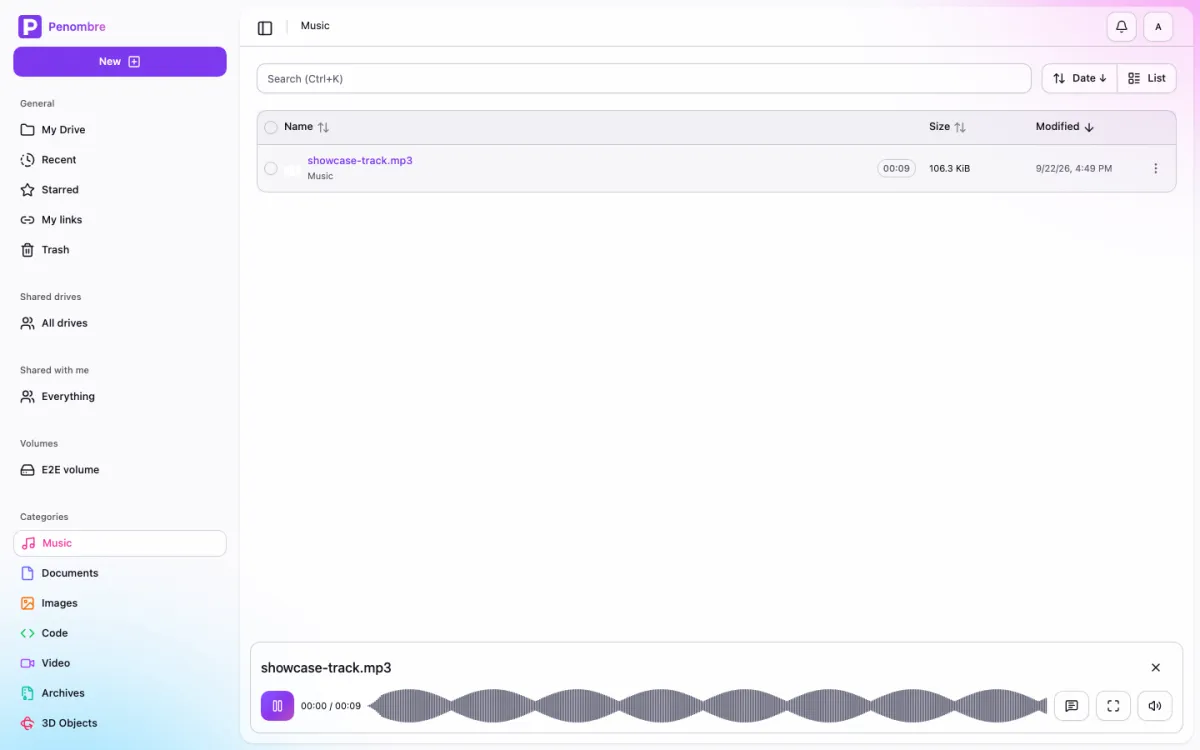
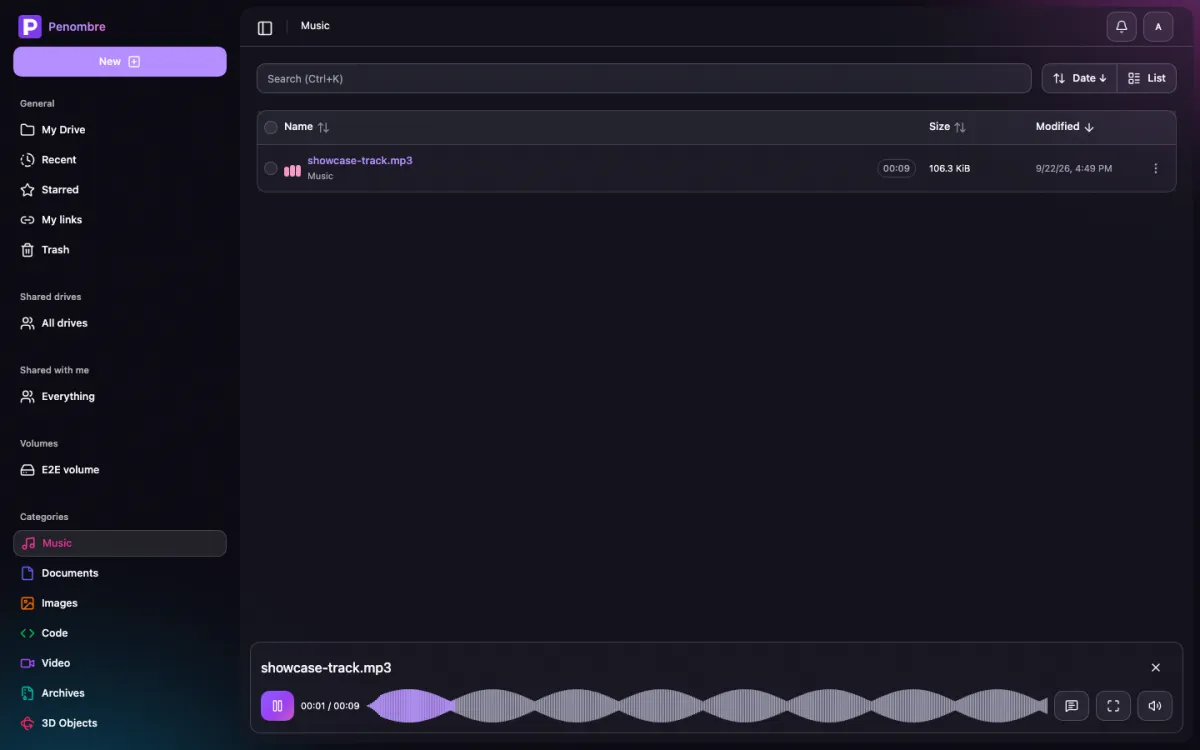
Audio plays in a persistent bottom player whose progress bar is the waveform itself, filling with the accent colour as the track runs. Click anywhere on it to seek.
Categories
Files sort themselves as they land — images, video, music, documents, code, archives and 3D objects — with no tagging to do.
Recent, shared and trash
Appearance
Three attributes on <html> — typeface, corners and accent — re-theme the whole
app, including the aurora behind it.
Administration
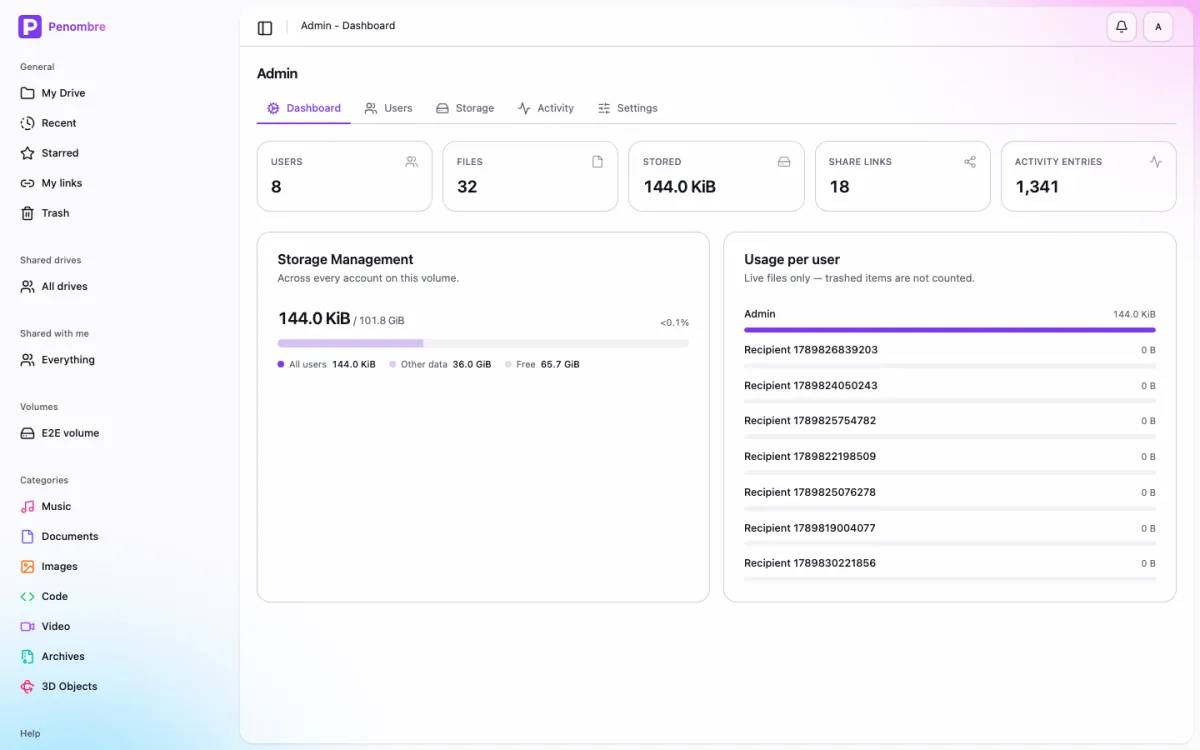
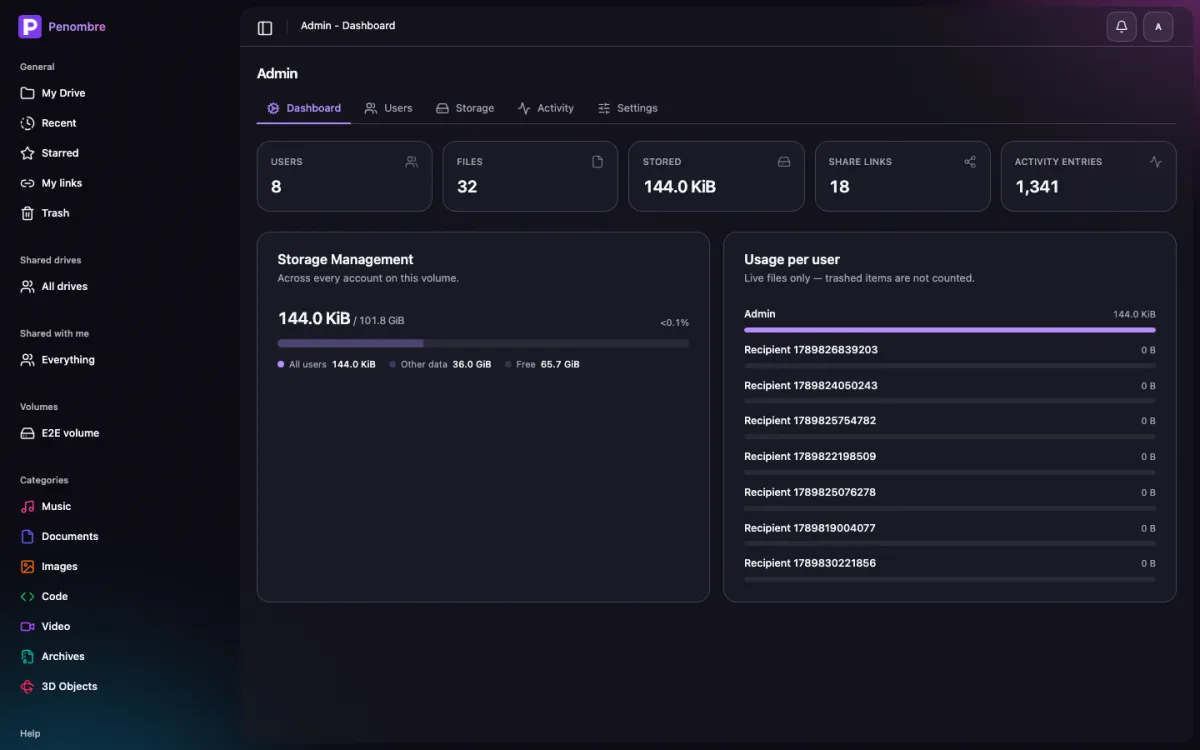
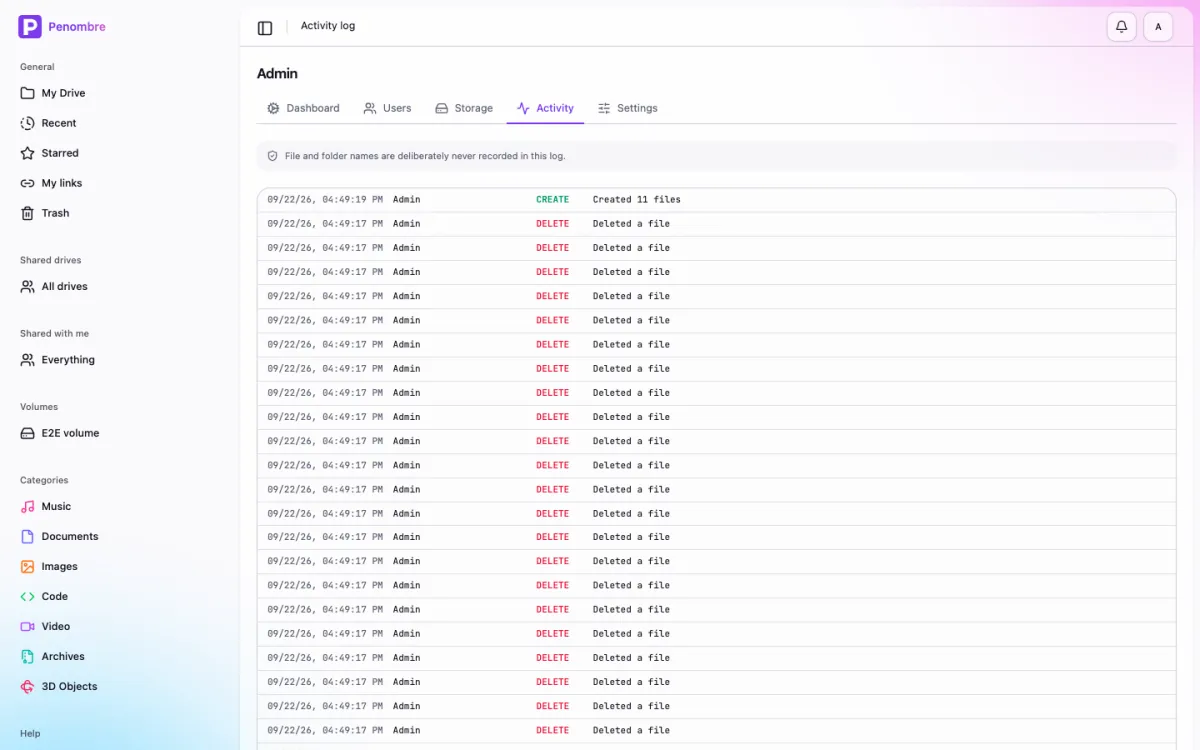
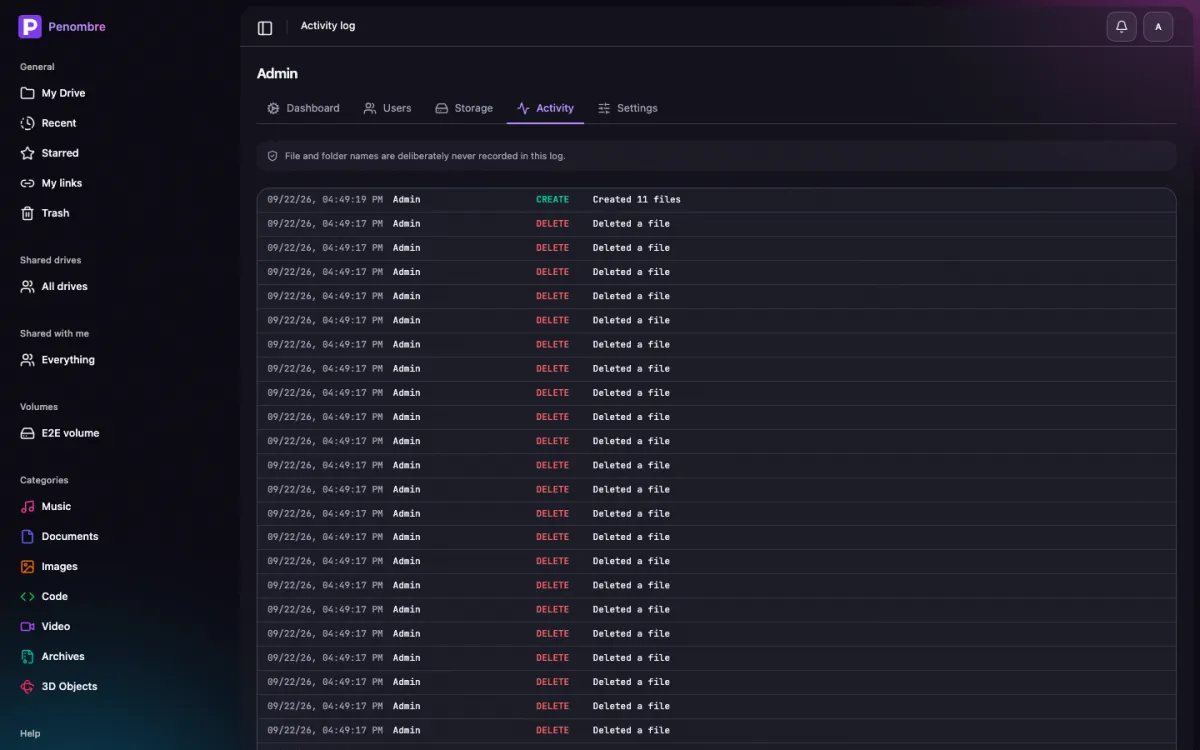
Instance statistics, per-user storage, user management, and an audit log that deliberately records no file names.
This guide lives in the project repo: edit it there, and this page follows within a day.