Showcase
Every screenshot below is generated by driving a real instance with Playwright
(bun run screenshots, or mise run media for these and the feature graphics
with the desktop and mobile apps) against a band's drive: real, freely licensed
photos, footage and music (credited in tests/e2e/fixtures/CREDITS.md), a song
in three takes, a document, a sheet and a deck written through the API, and one
file of every other kind — a PDF, some code, a 3D model and an archive. There is
no demo instance to keep alive, and no hand-retouched marketing shot: if a
screen stops rendering, the run fails rather than publishing it.
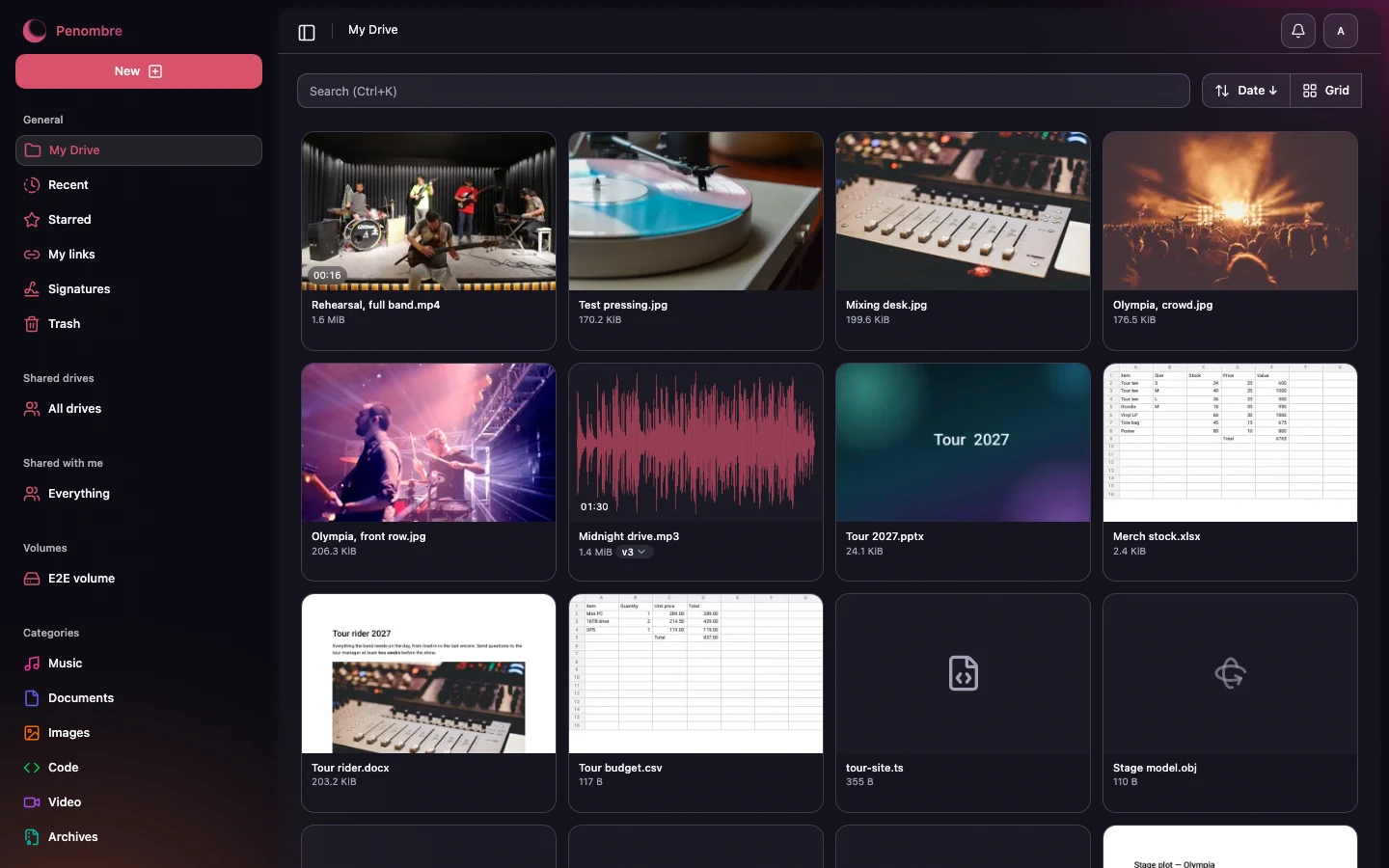
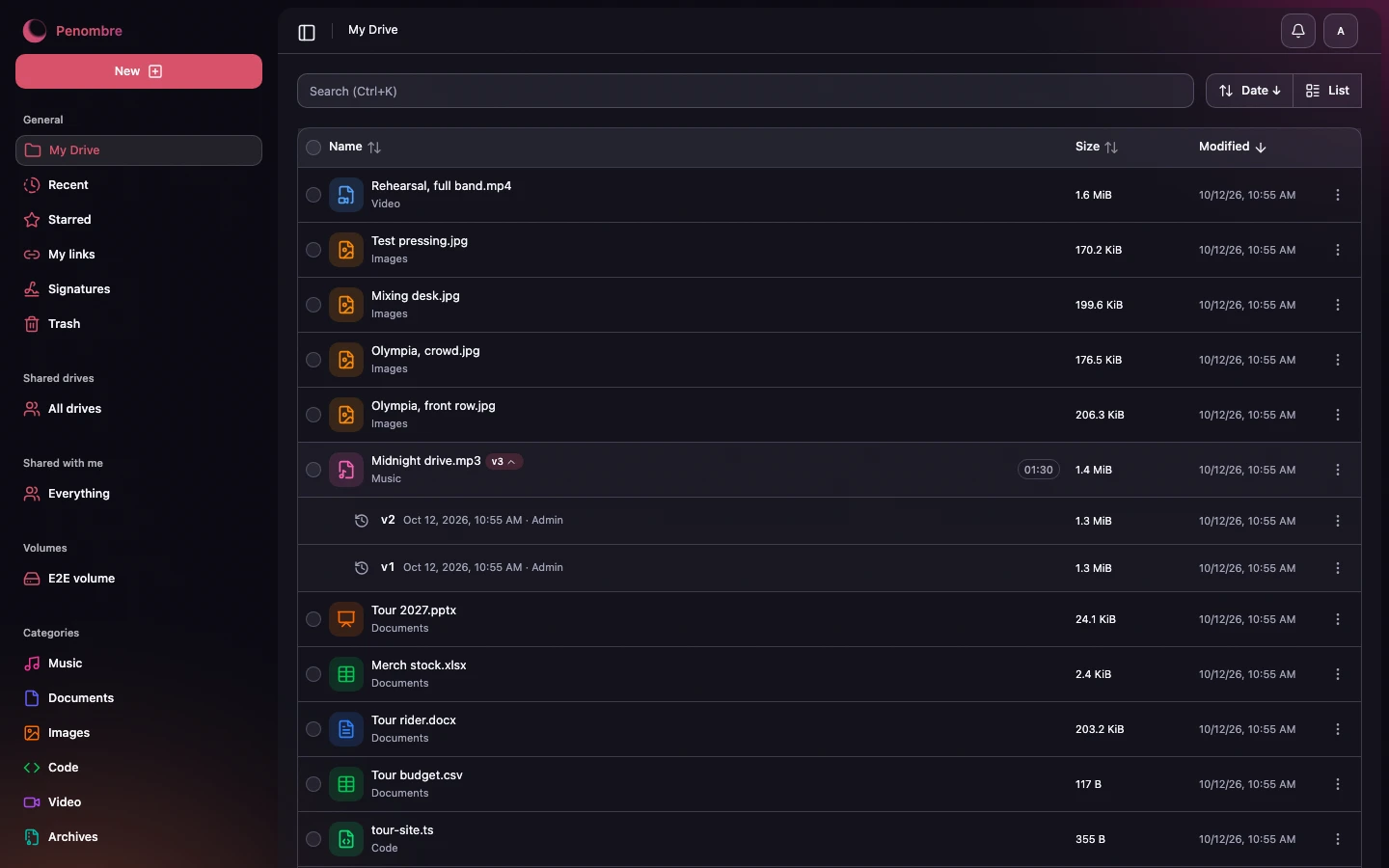
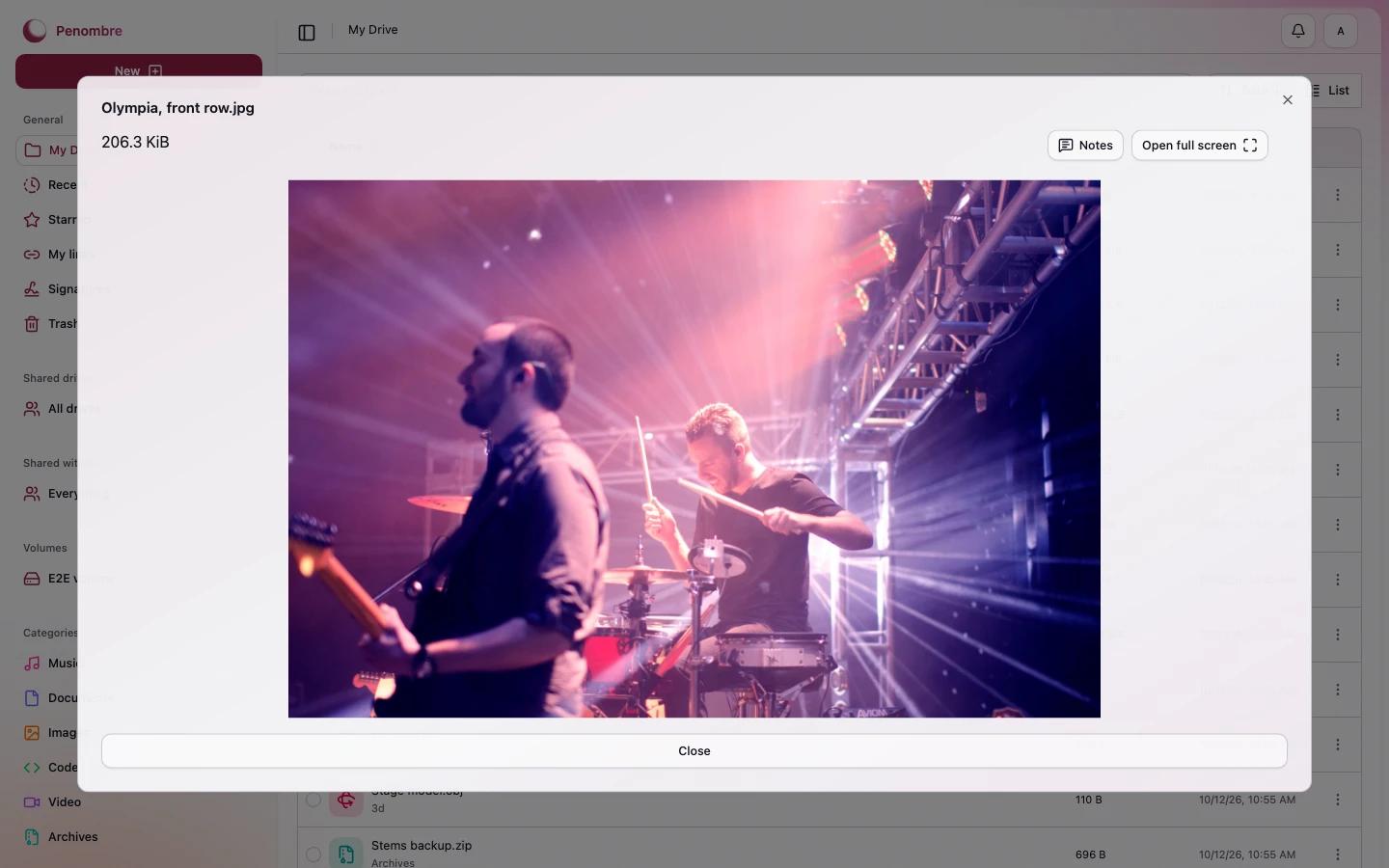
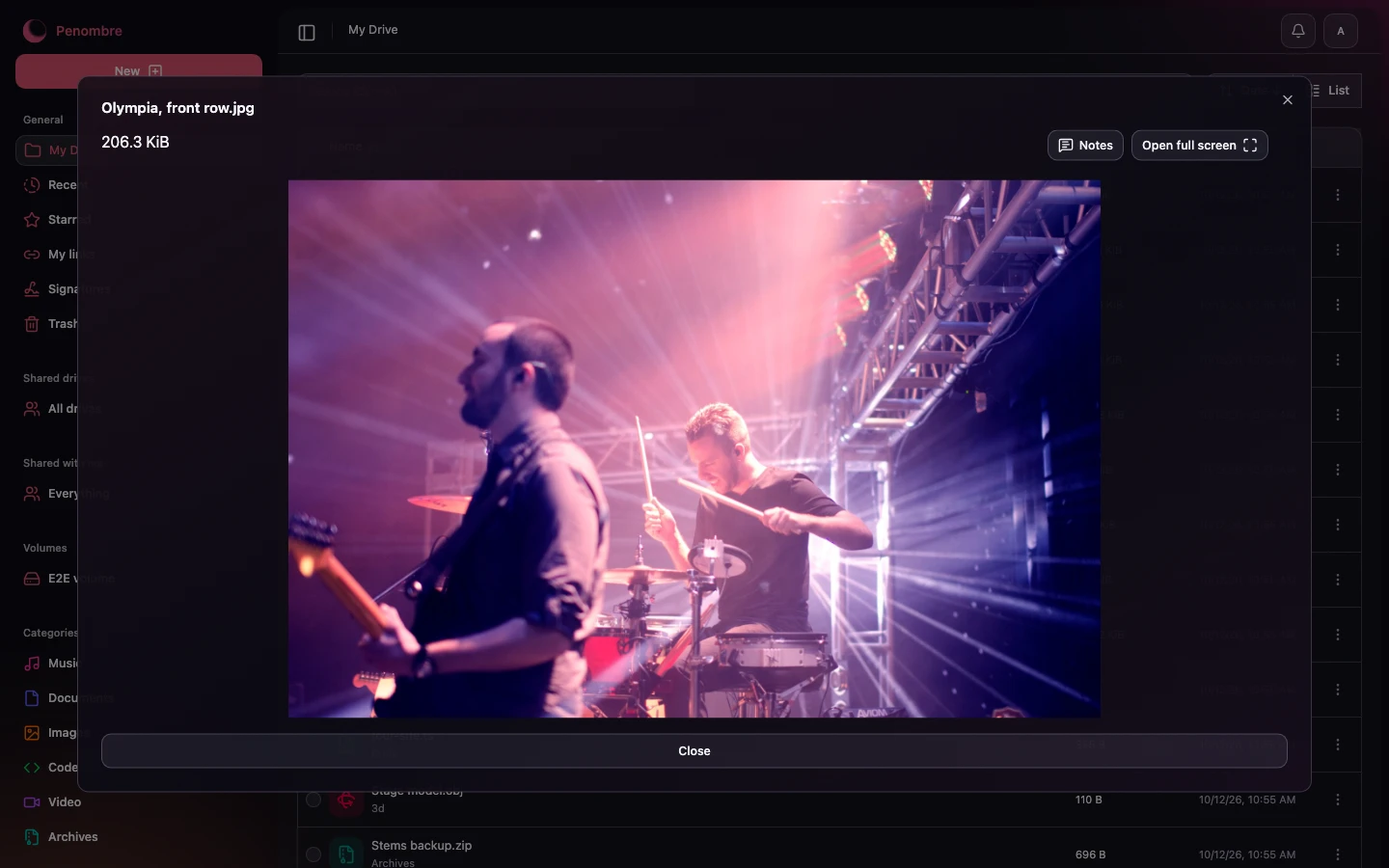
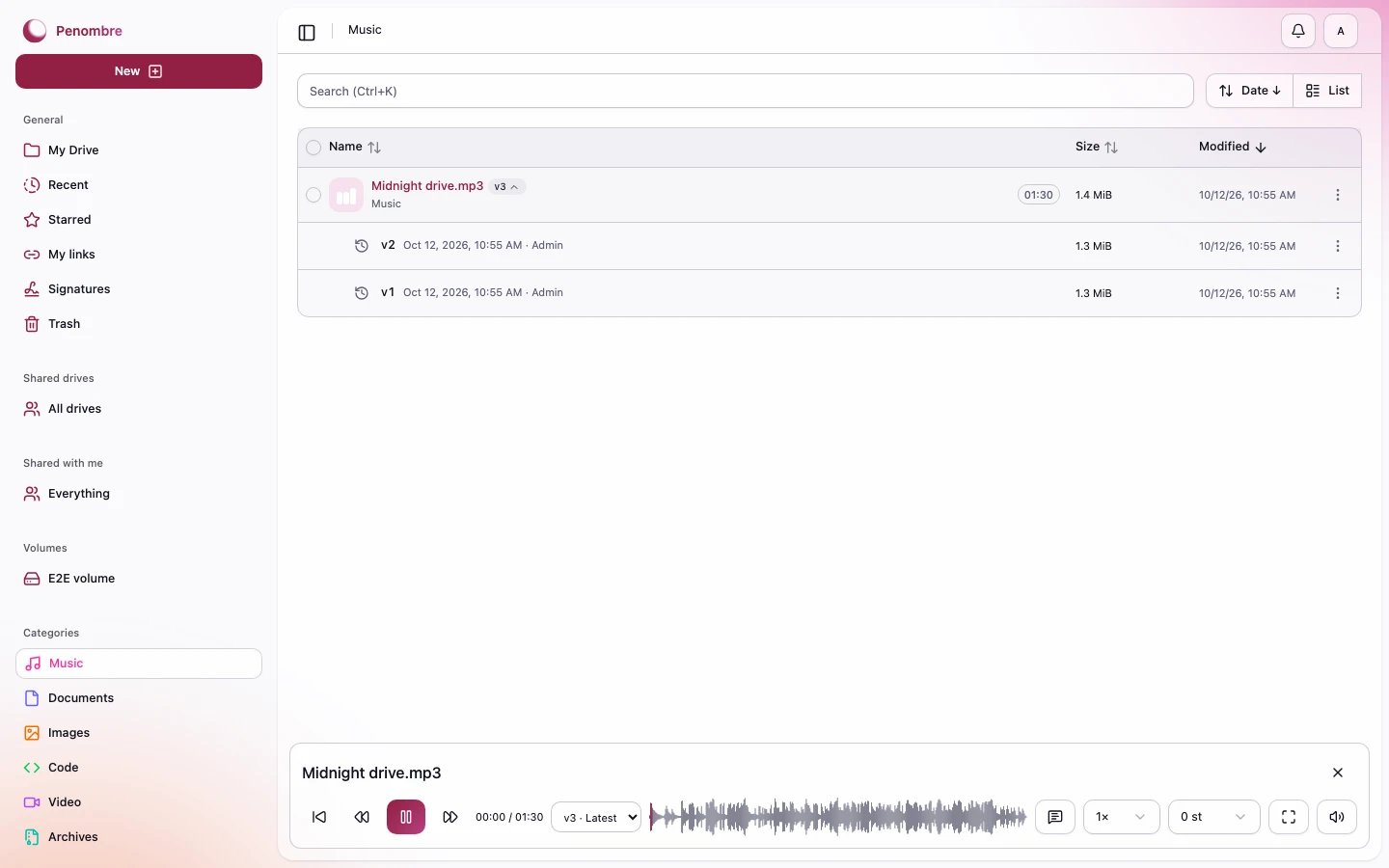
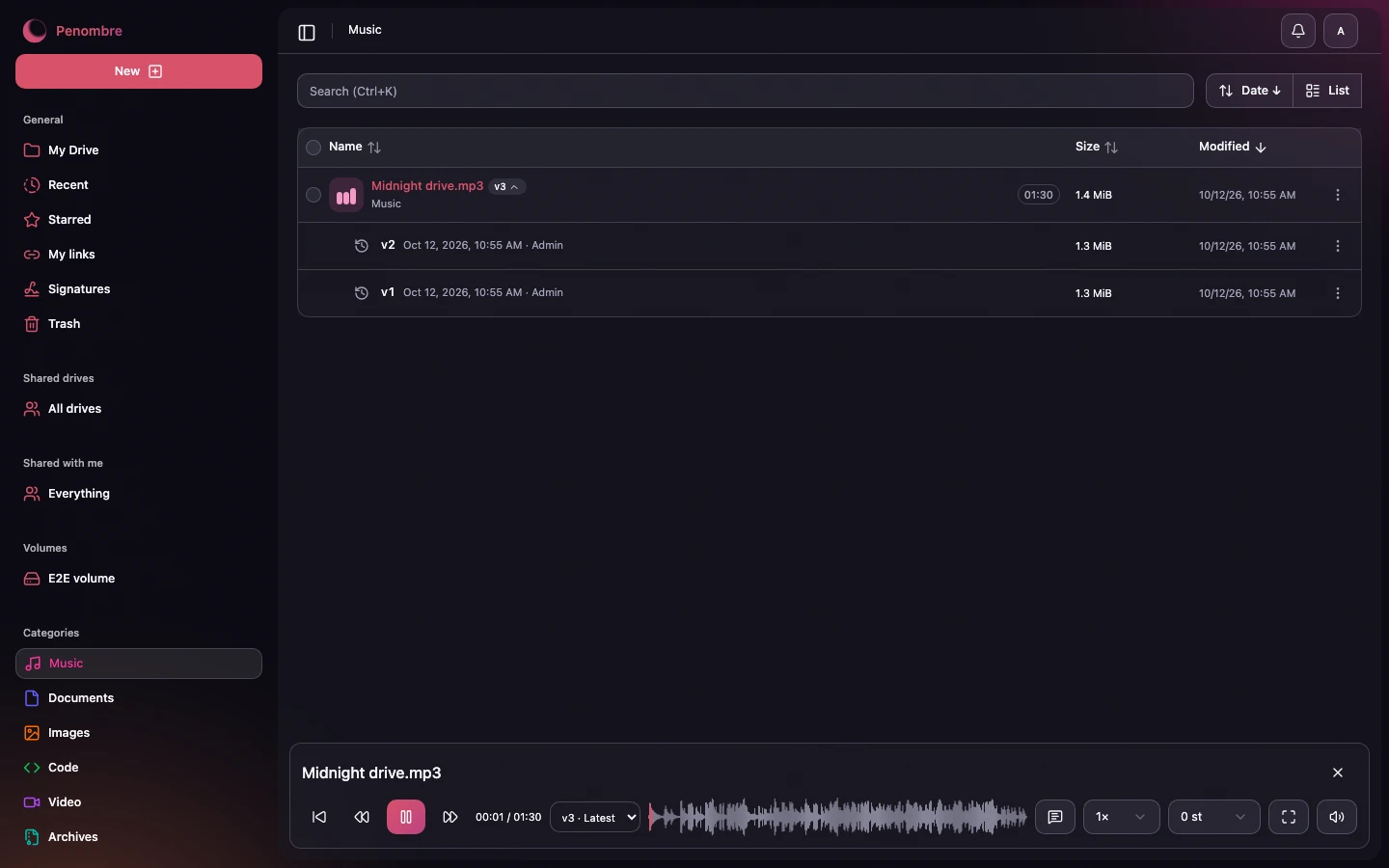
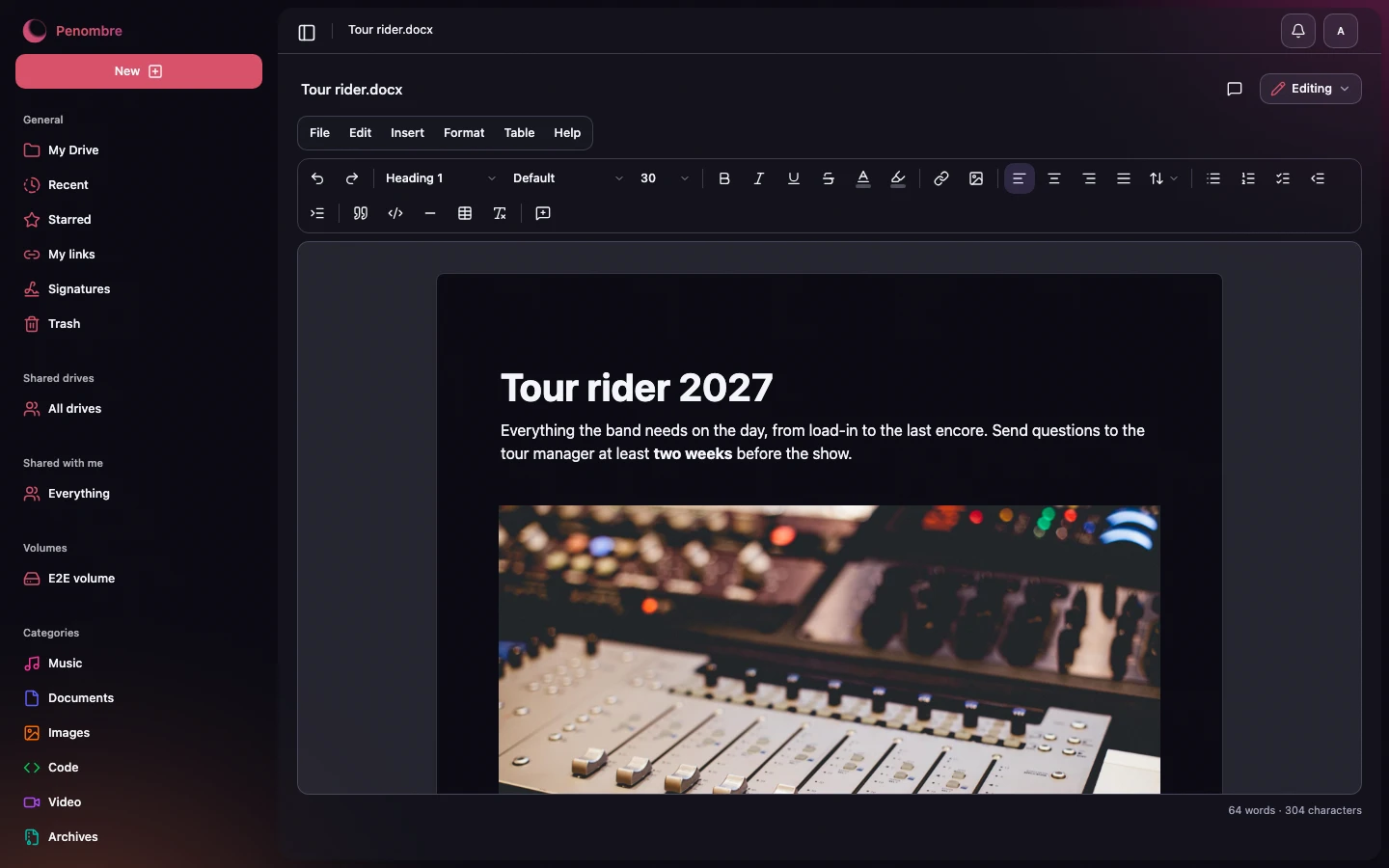
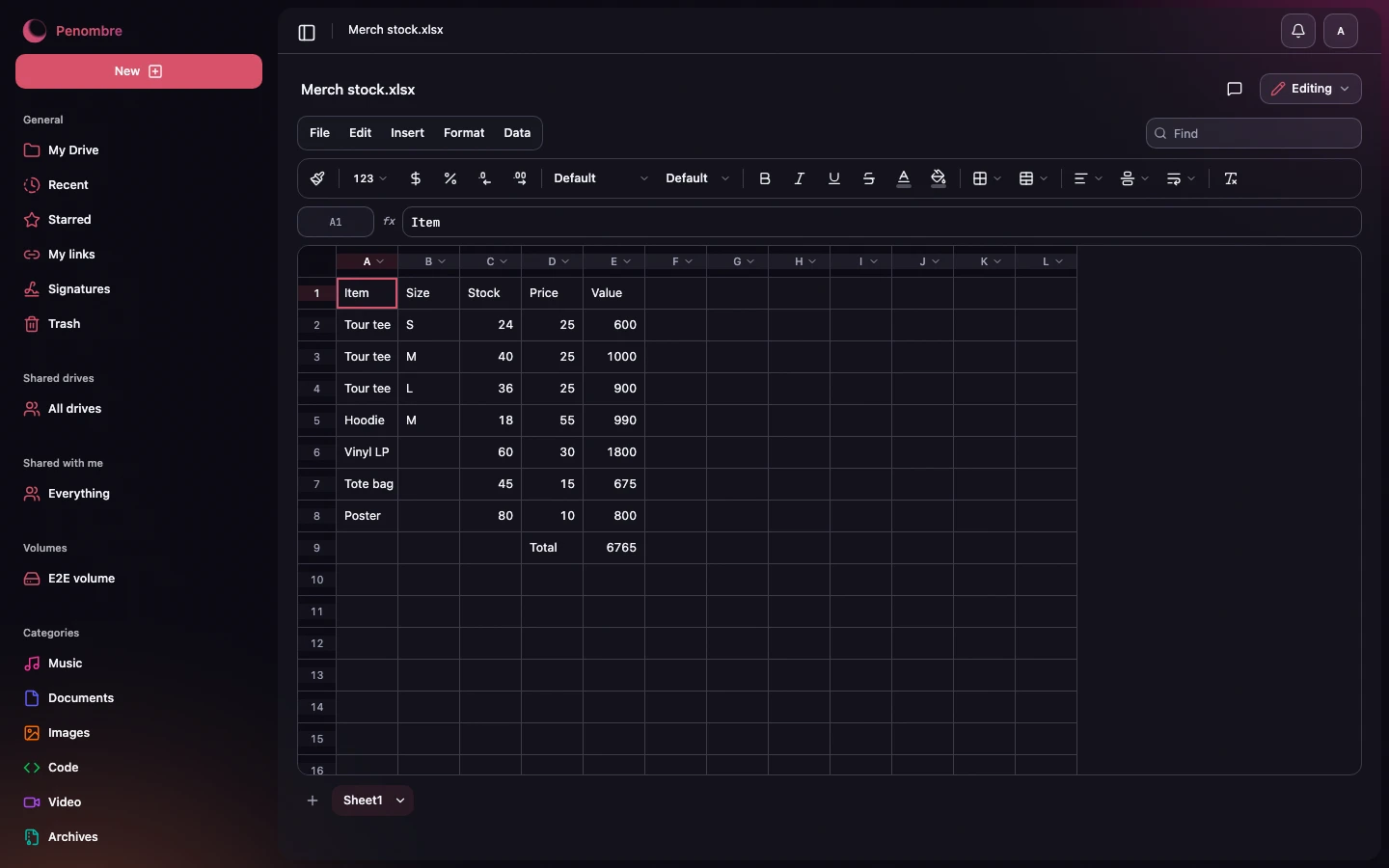
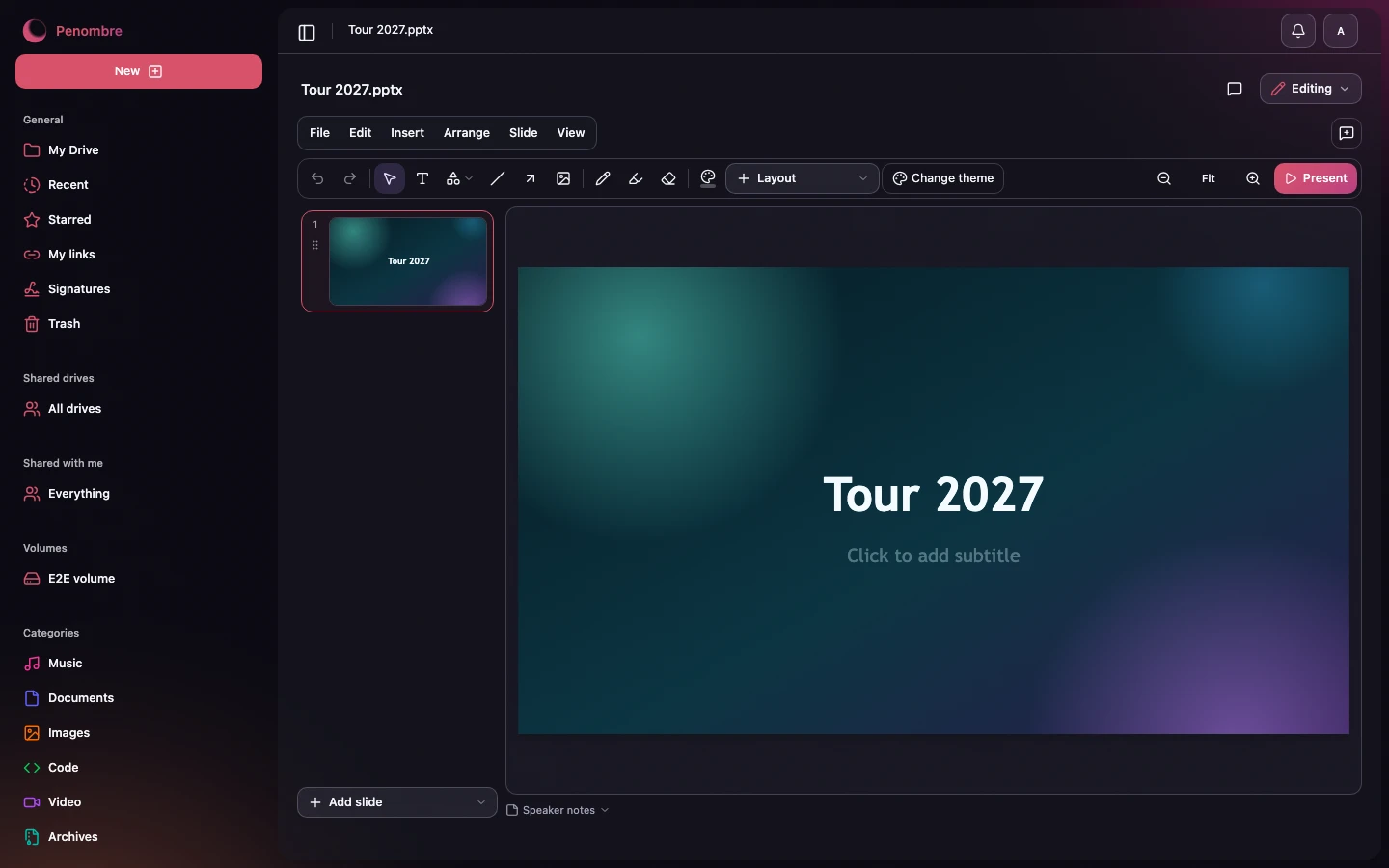
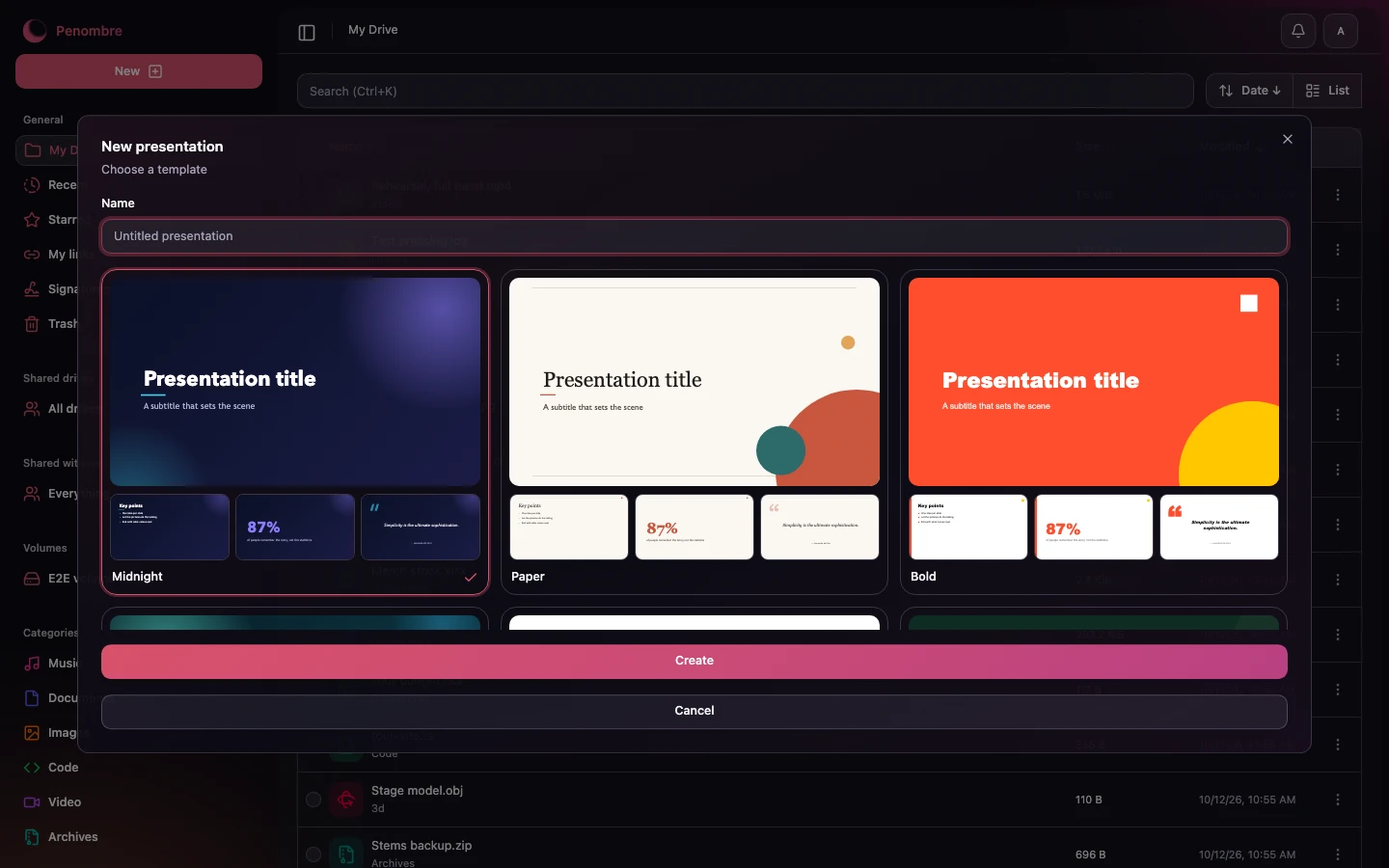
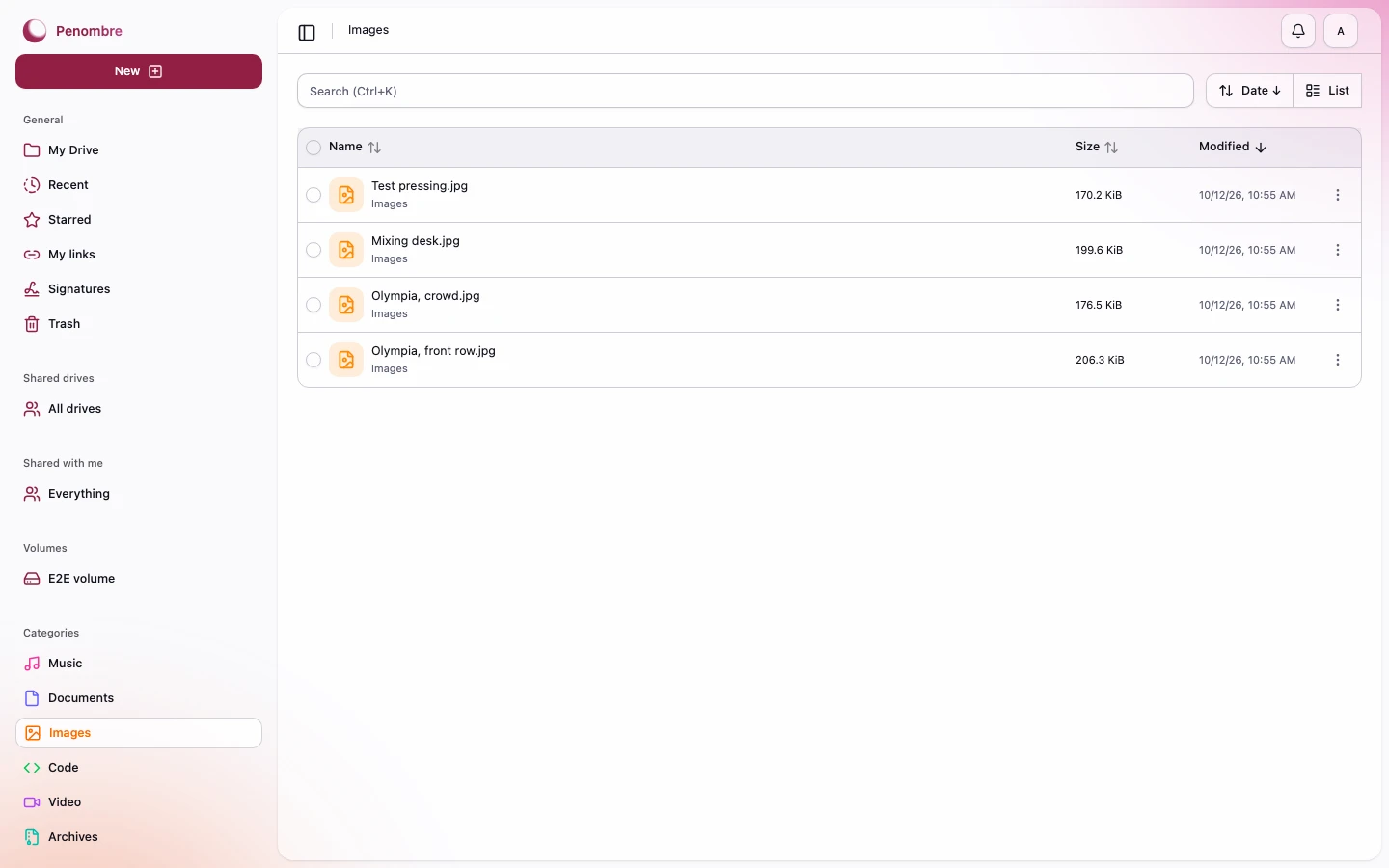
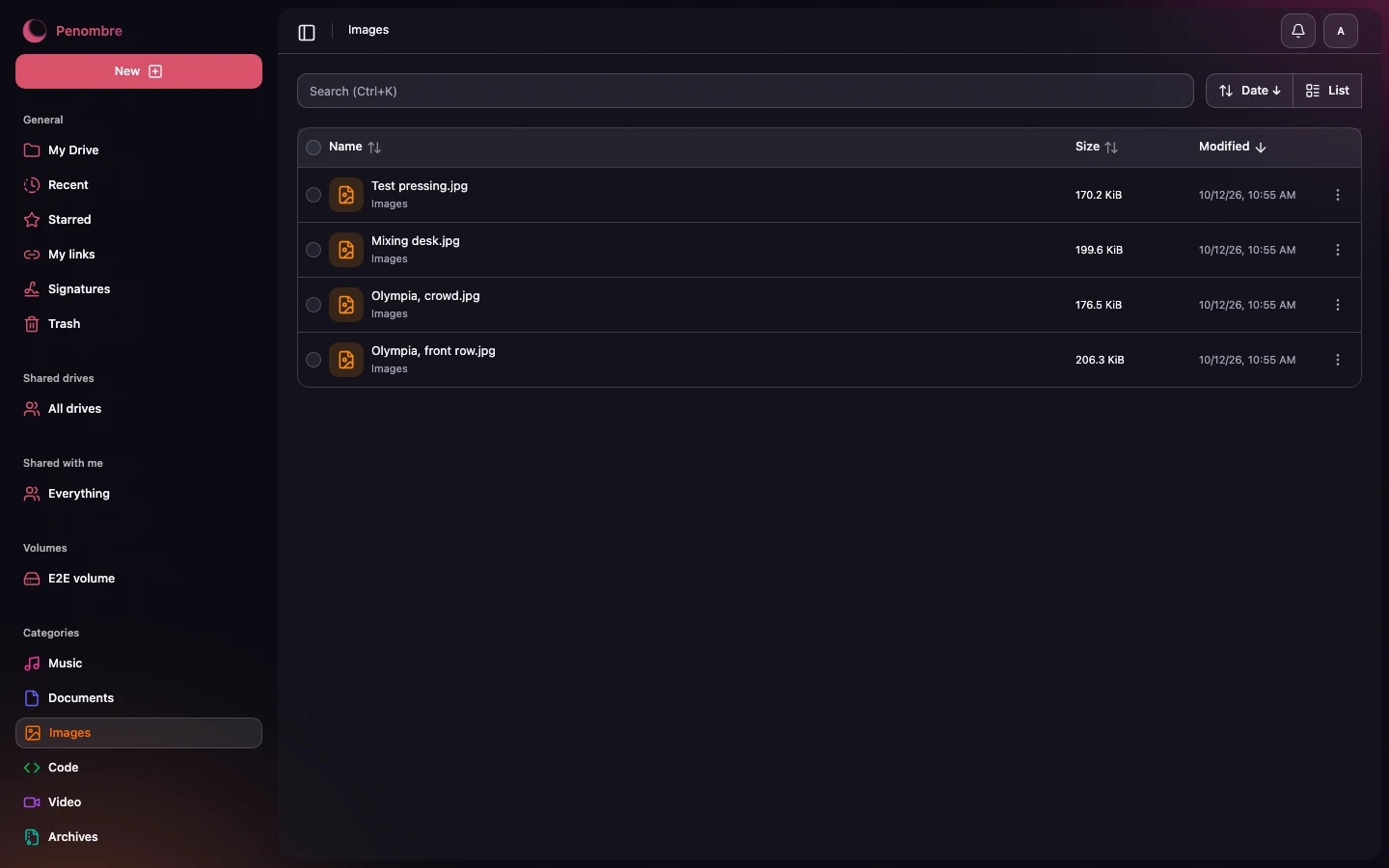
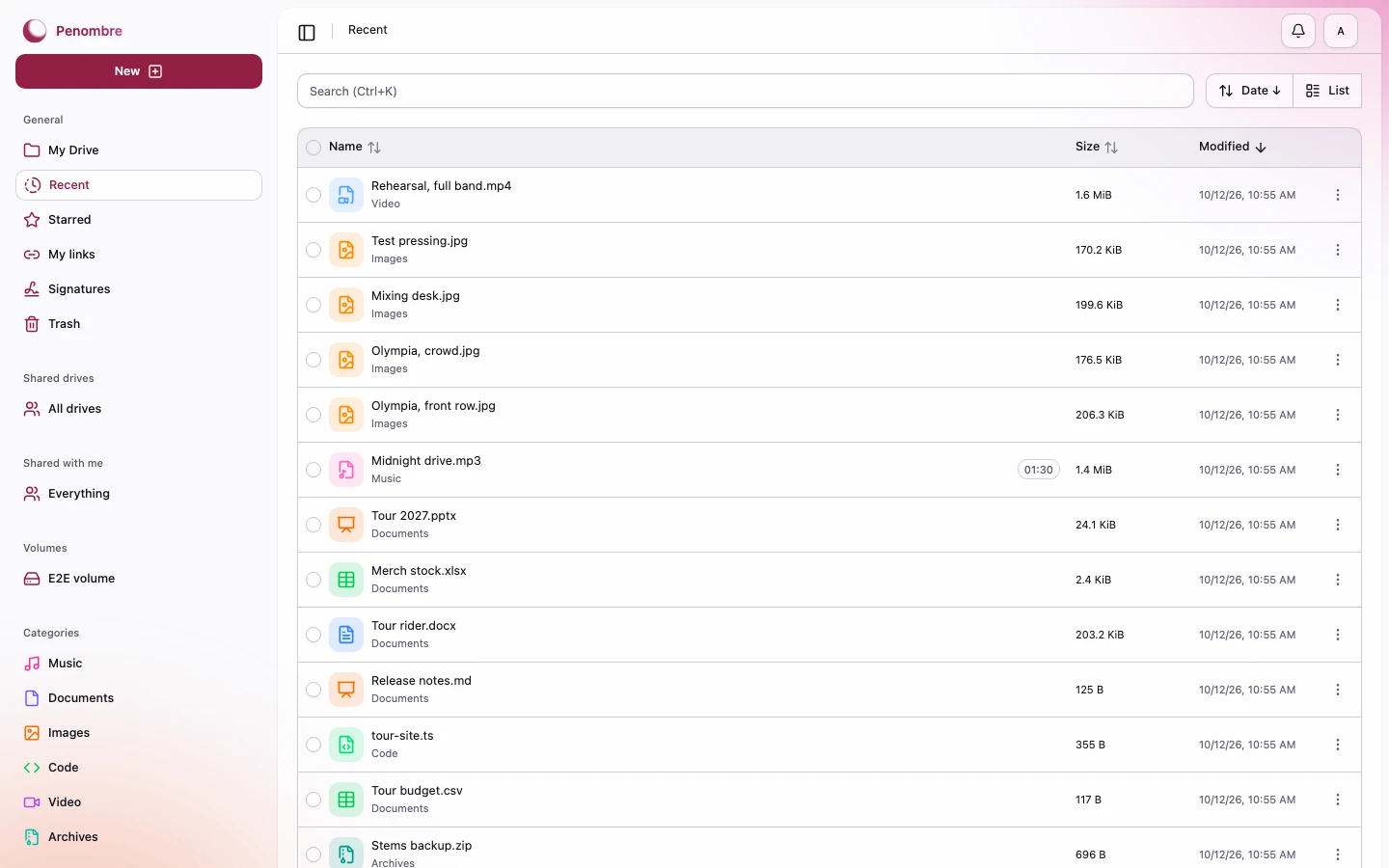
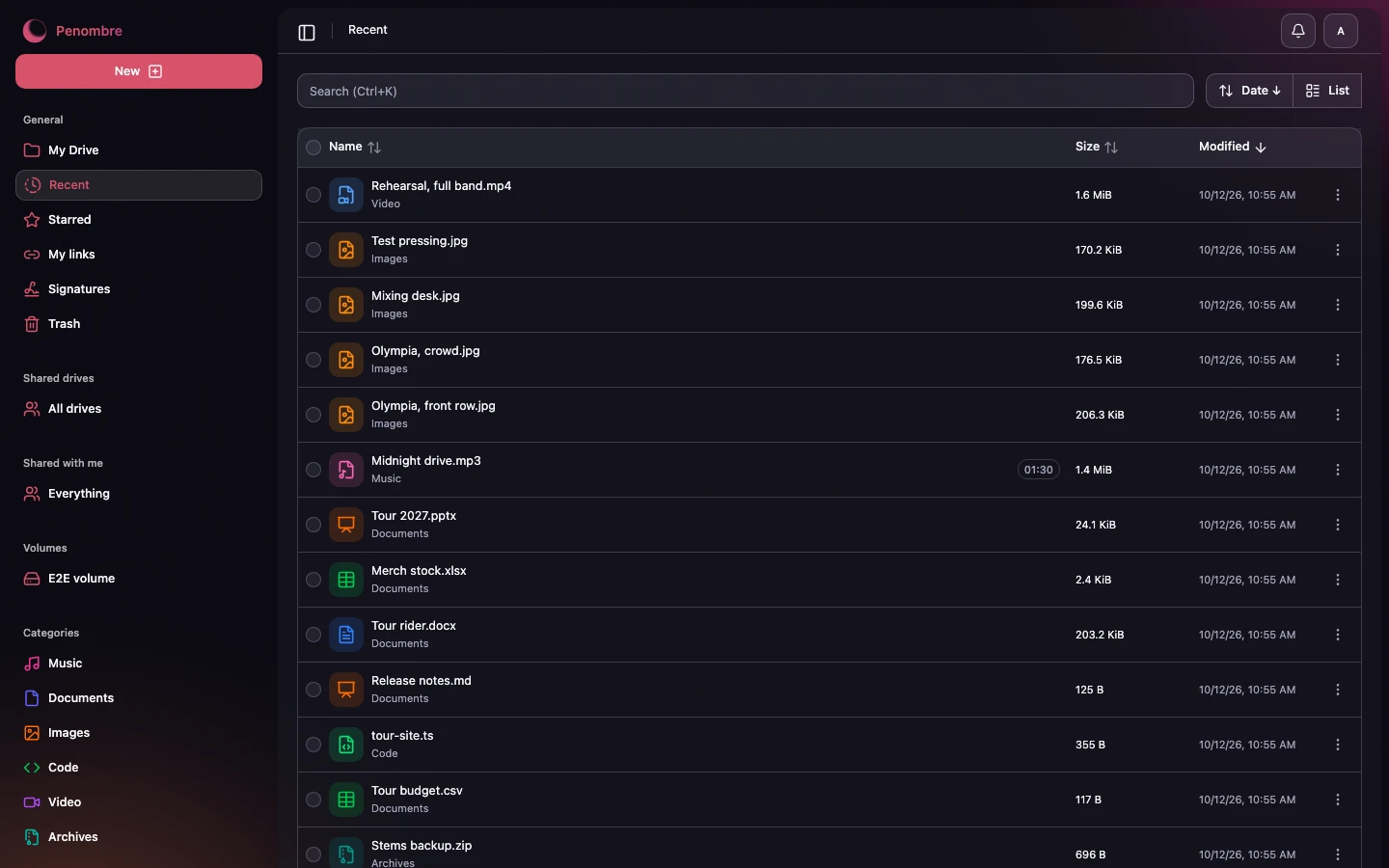
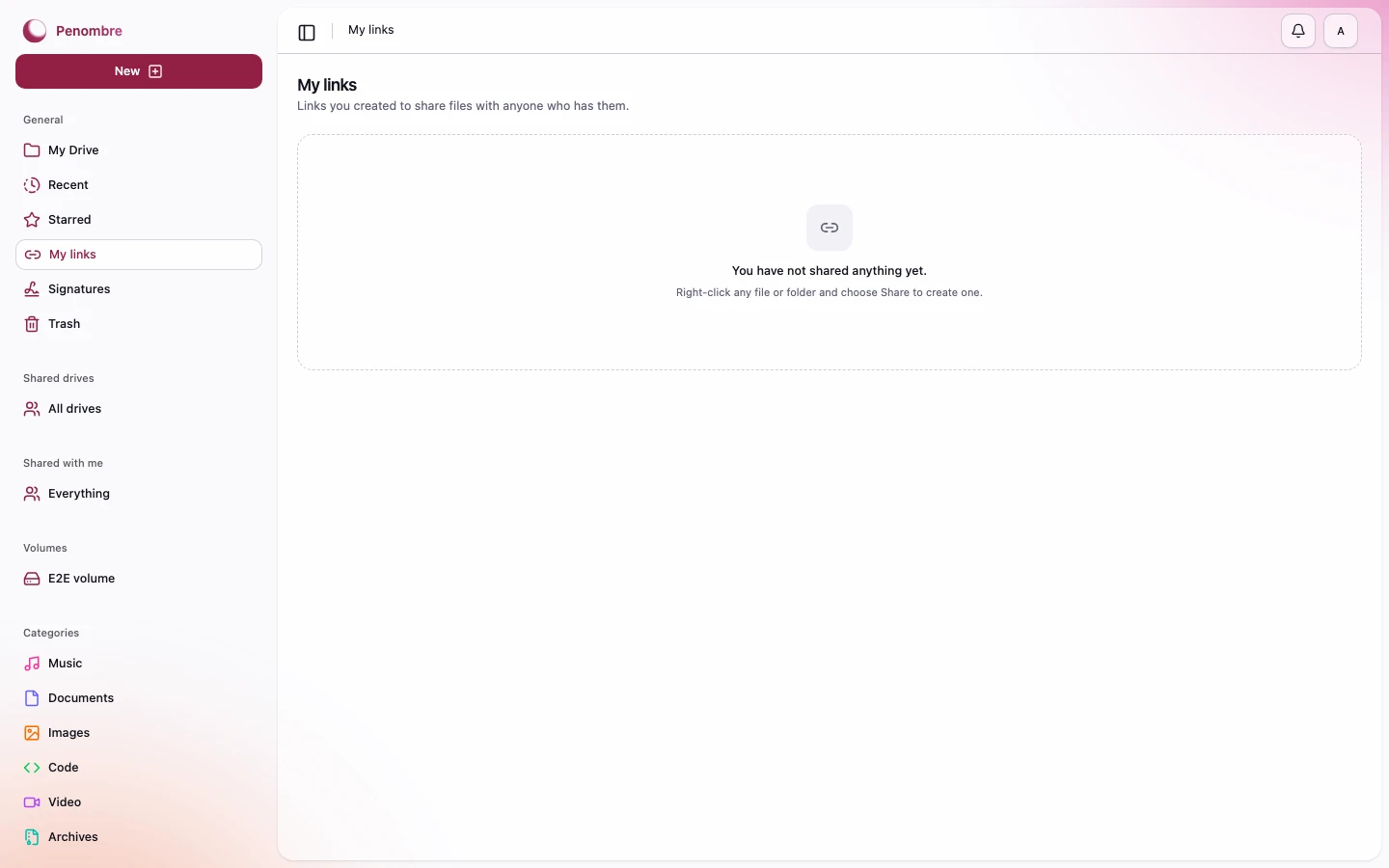
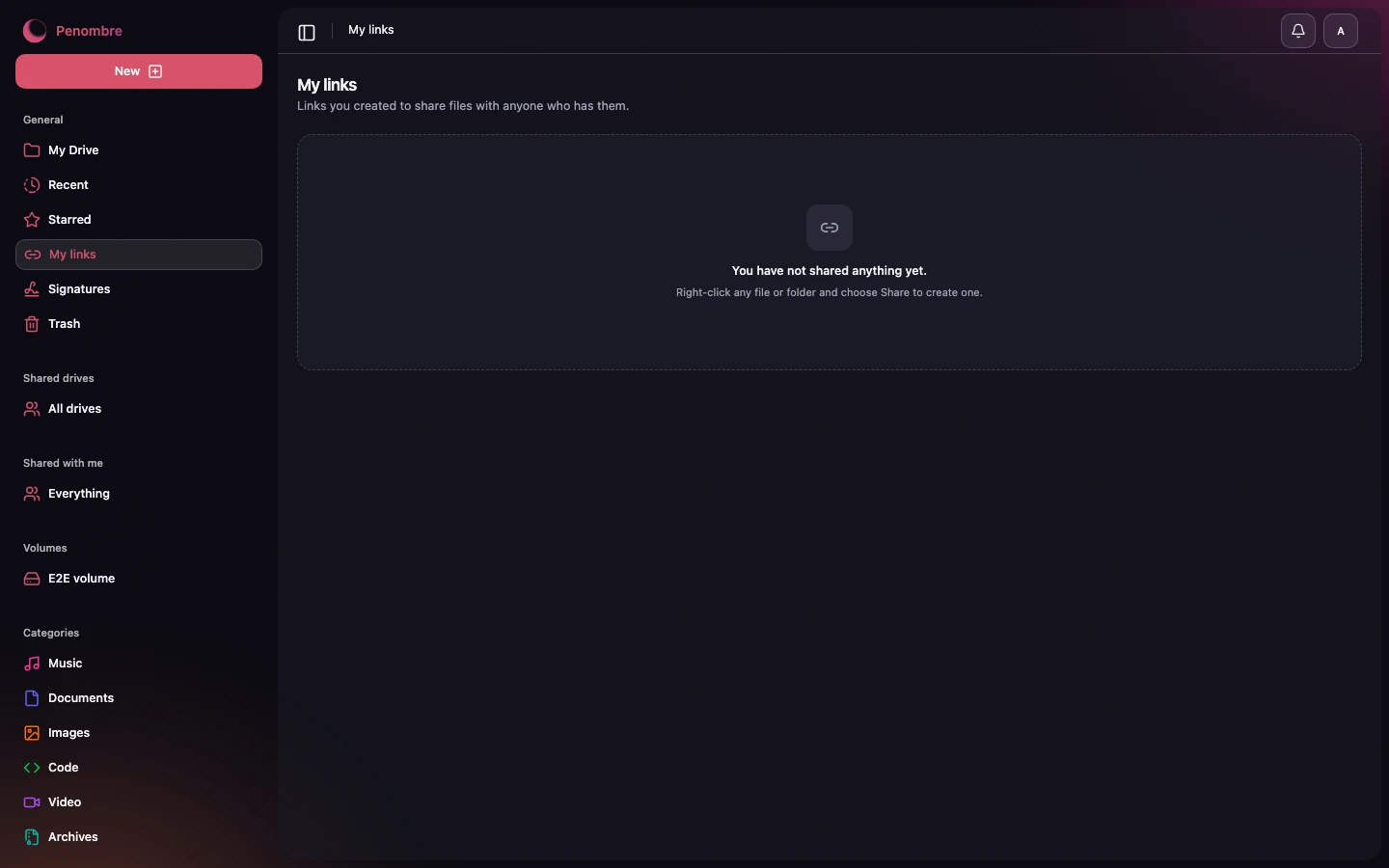
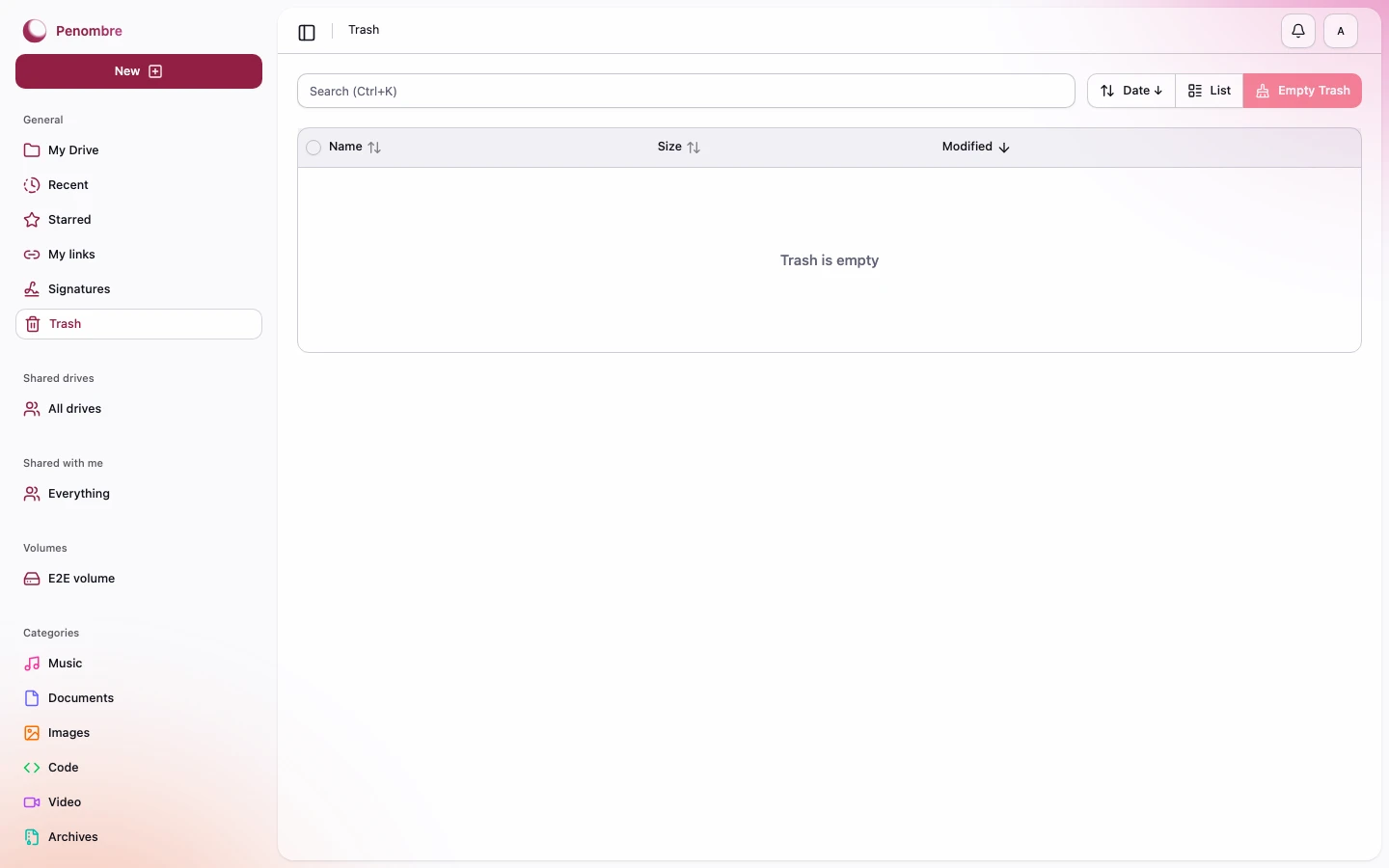
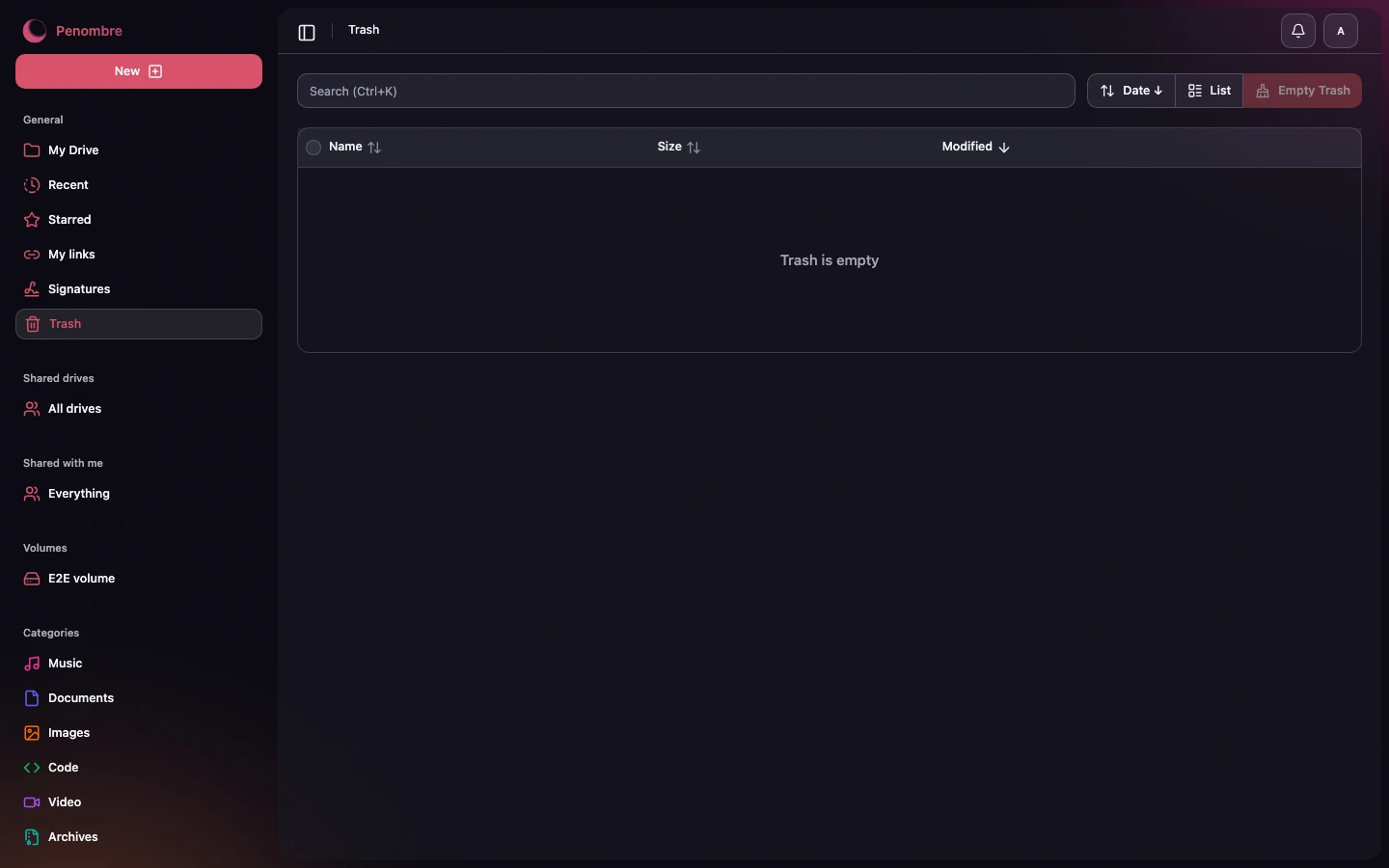
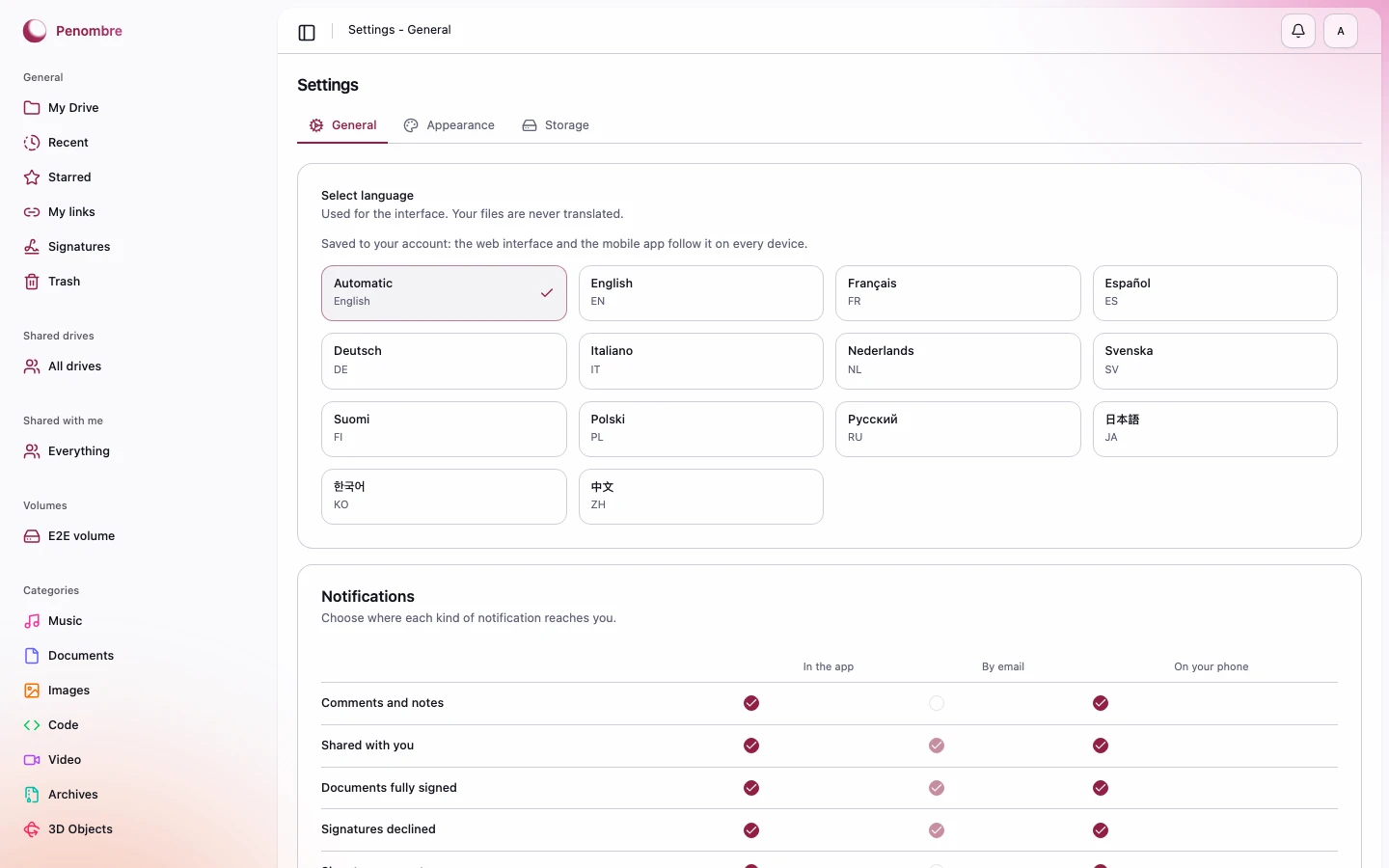
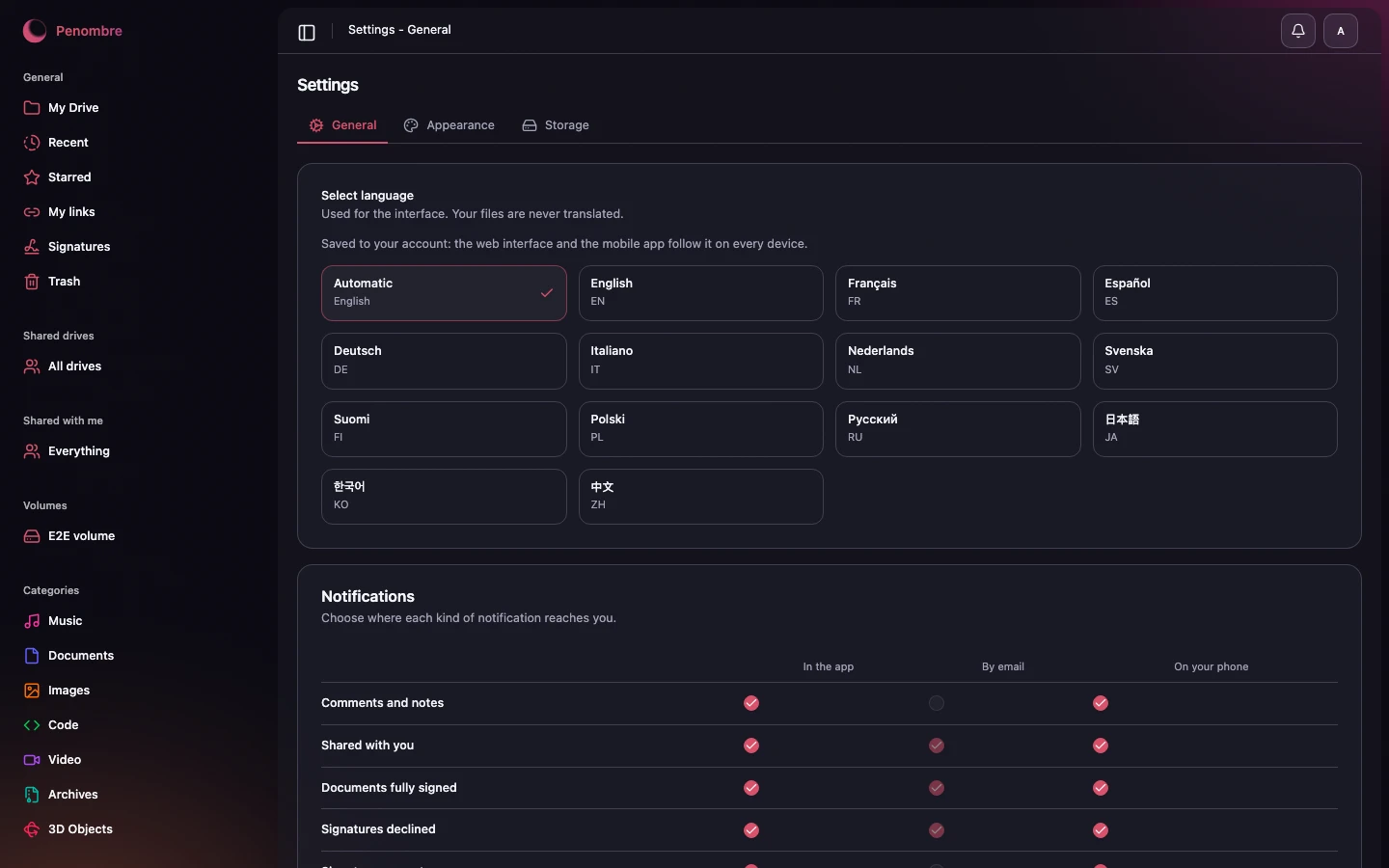
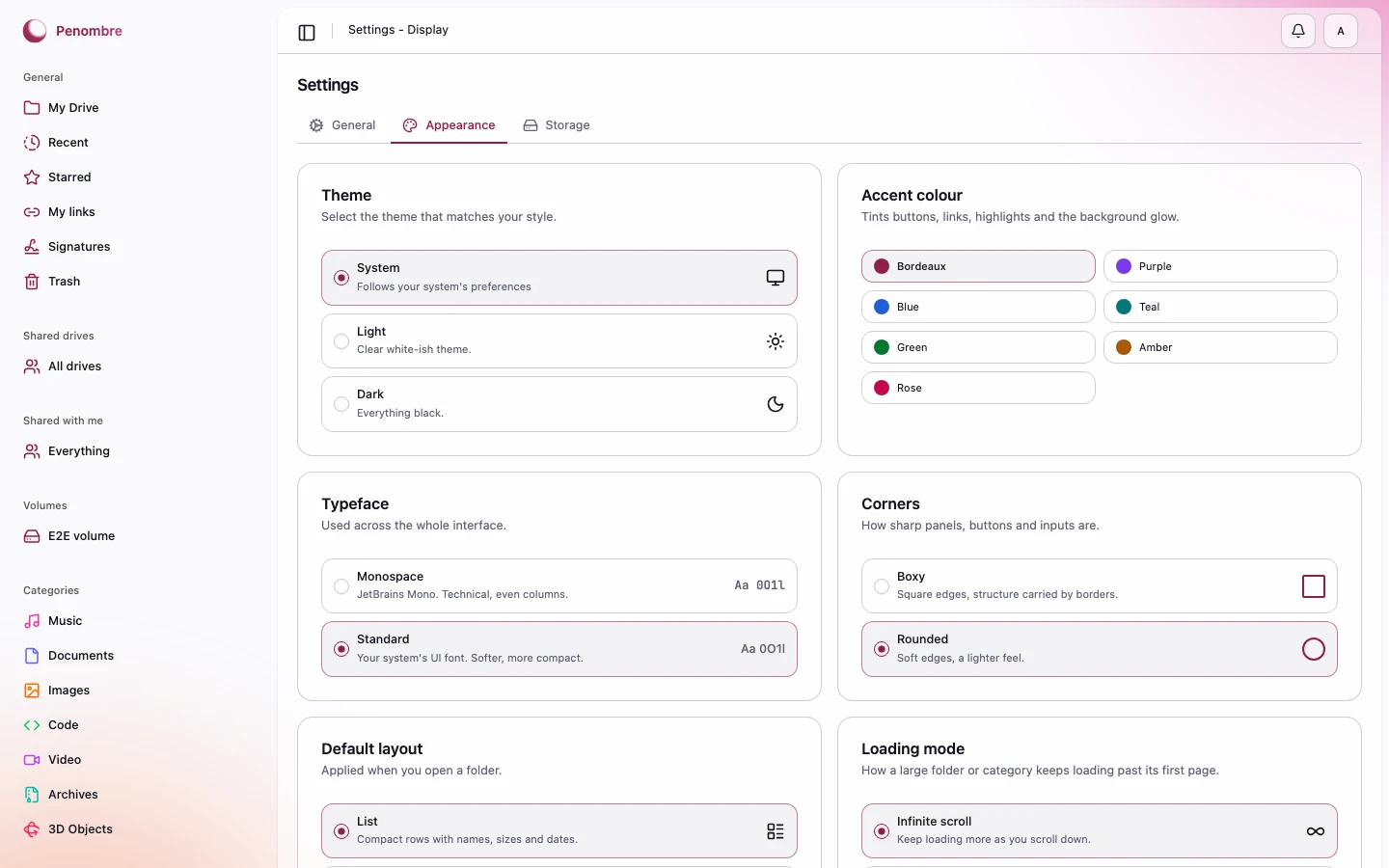
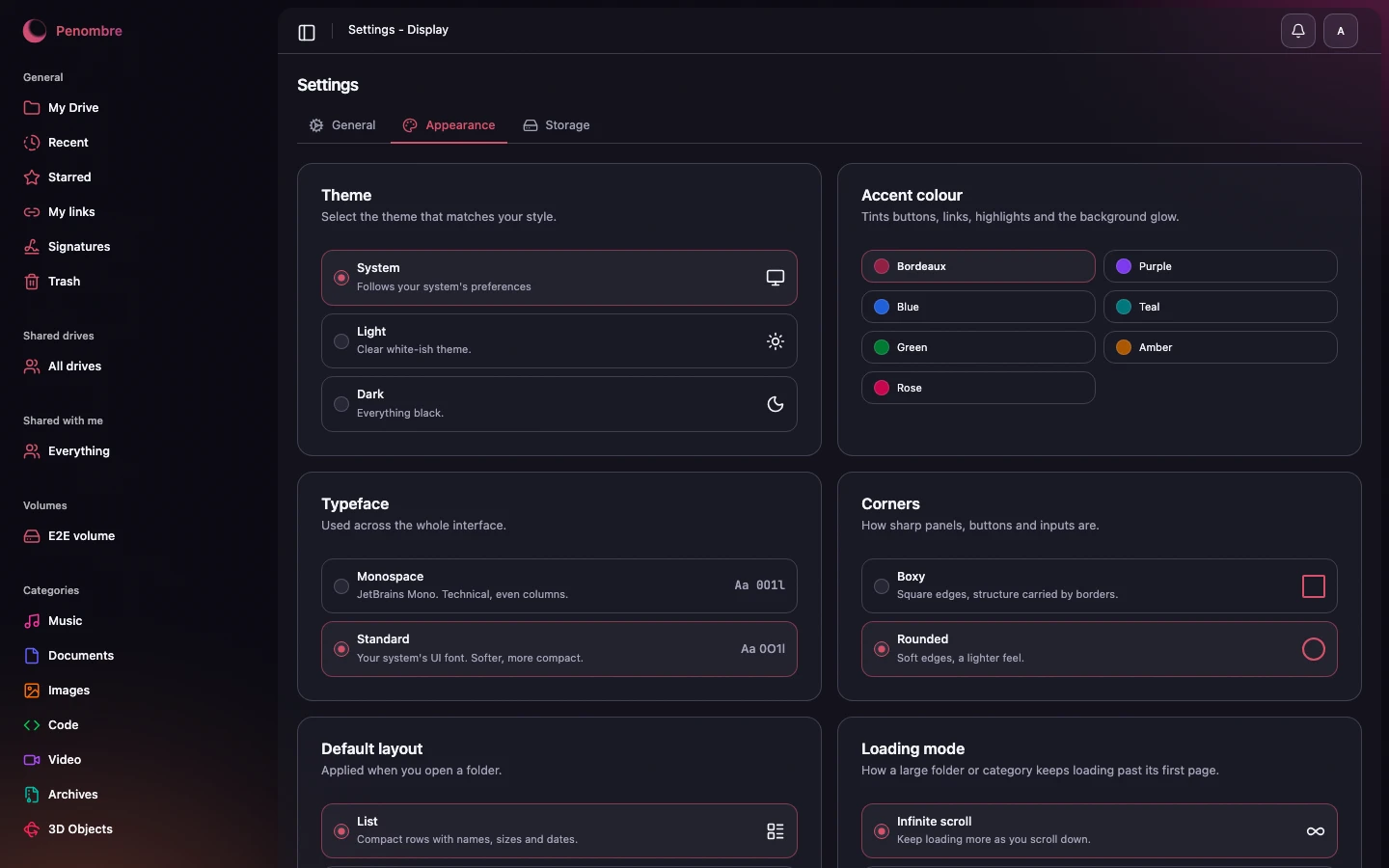
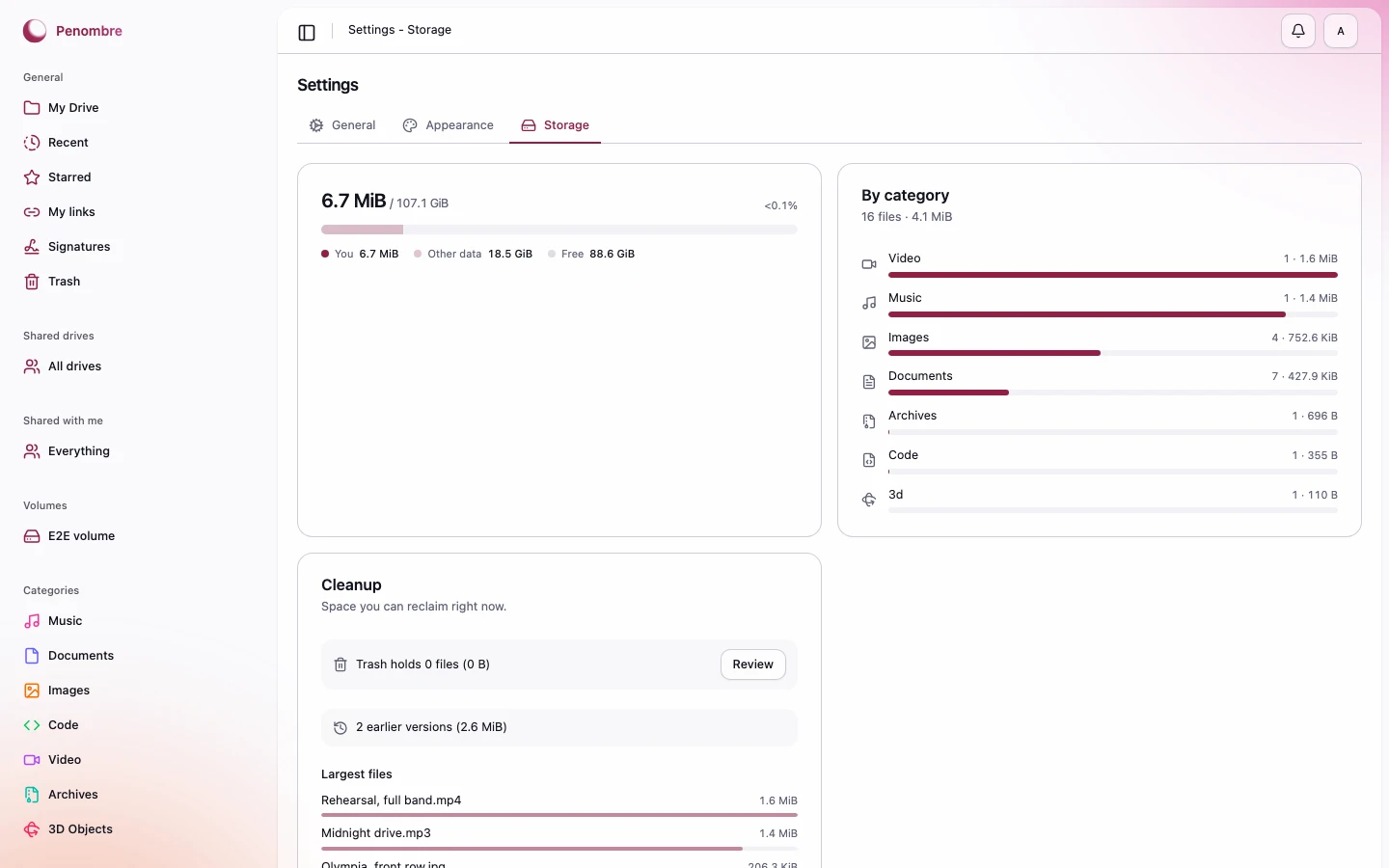
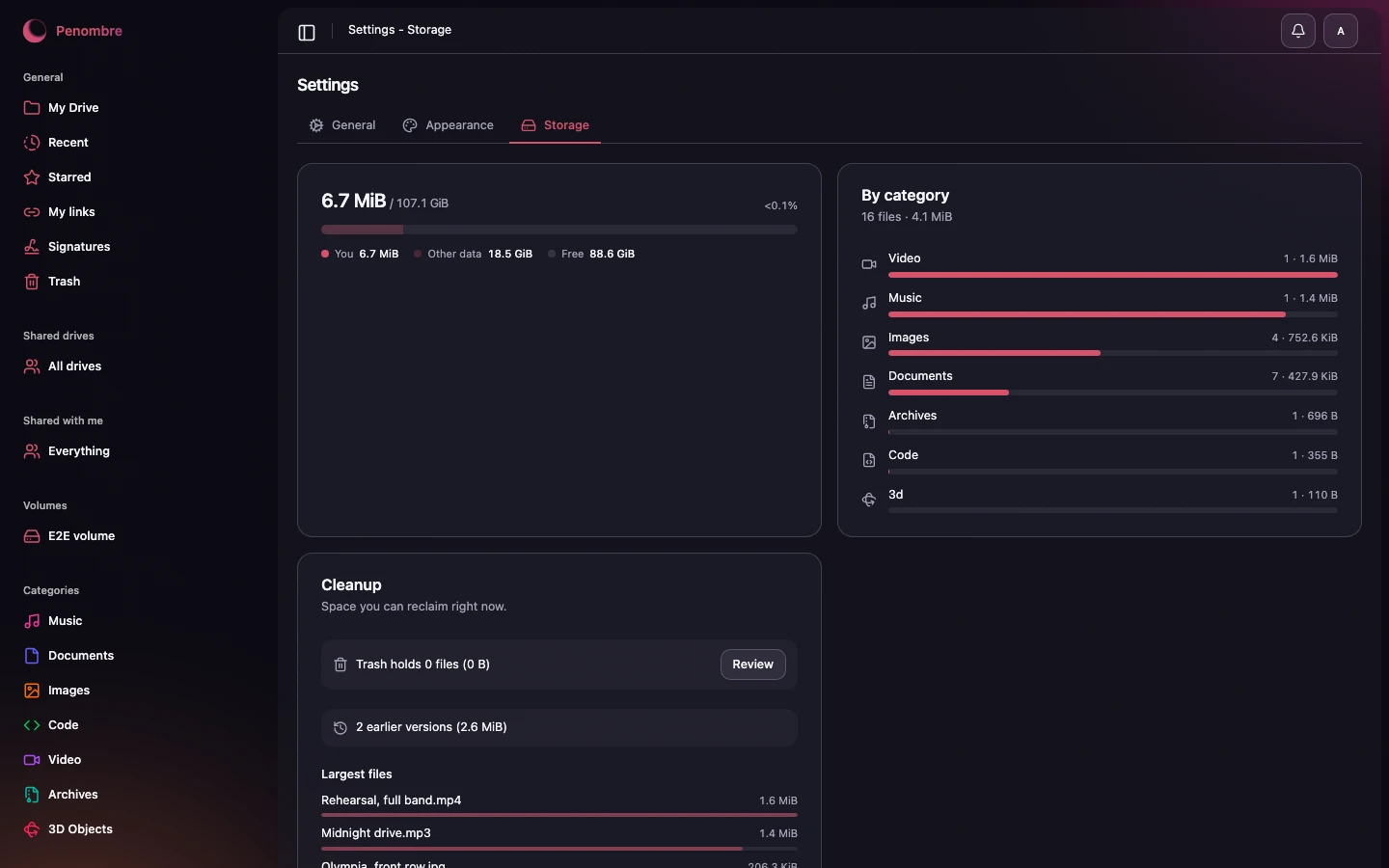
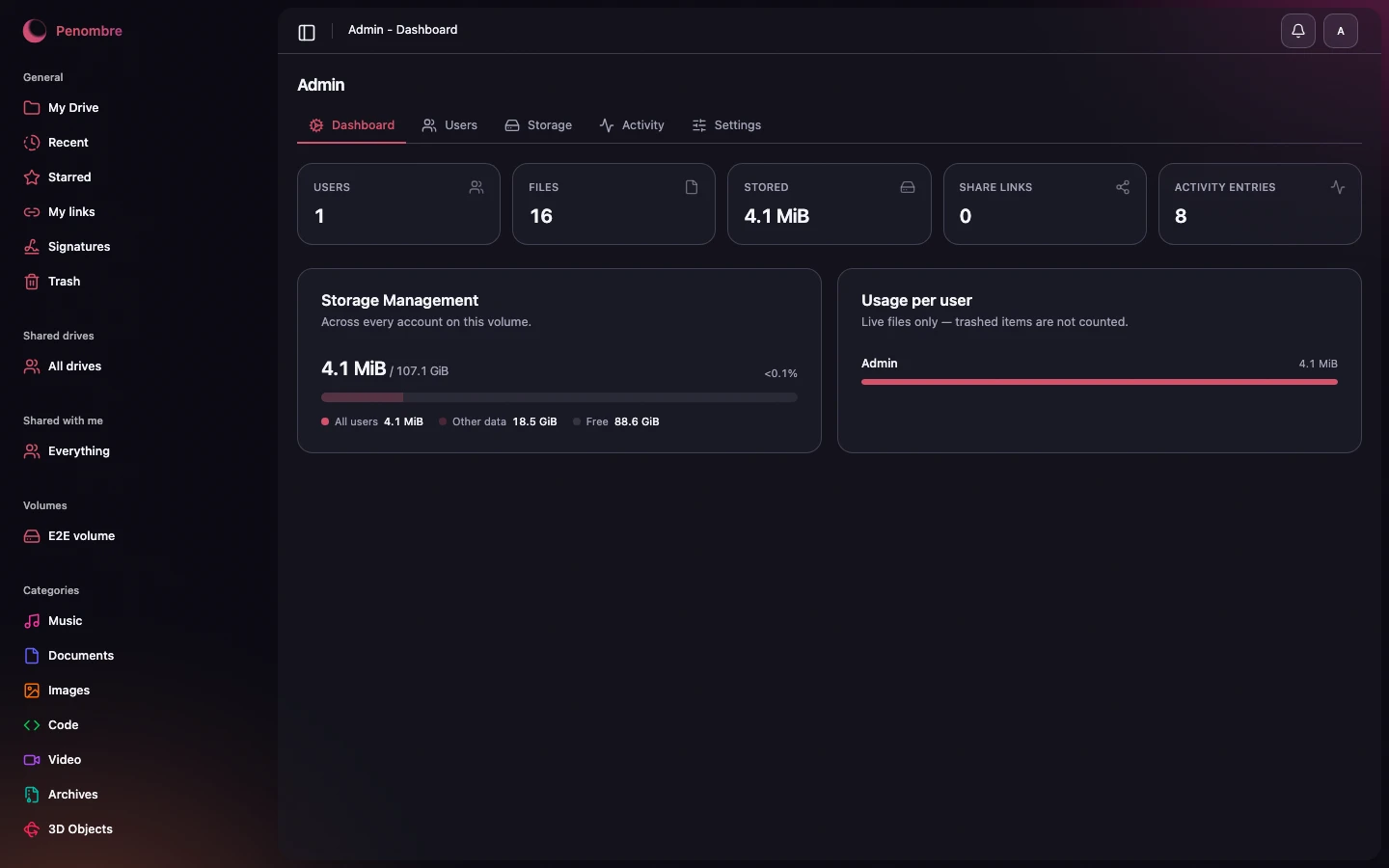
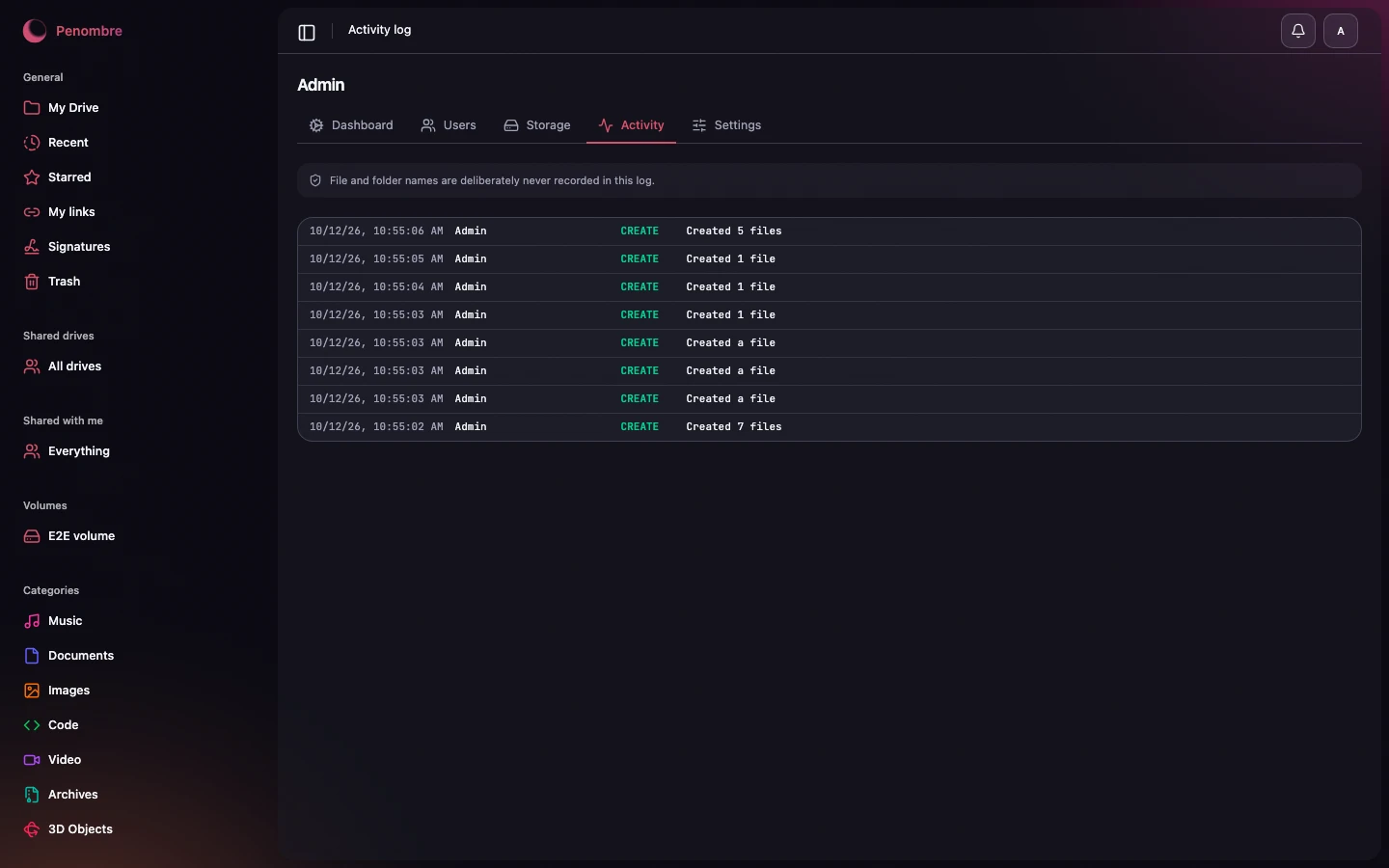
Each pair is light and dark. Appearance is a per-account setting, so both are the real thing.
#The drive
The grid view, with thumbnails — photos, video frames, the first page of a PDF, document, sheet or deck, and waveforms drawn from peak data so they follow your accent colour.
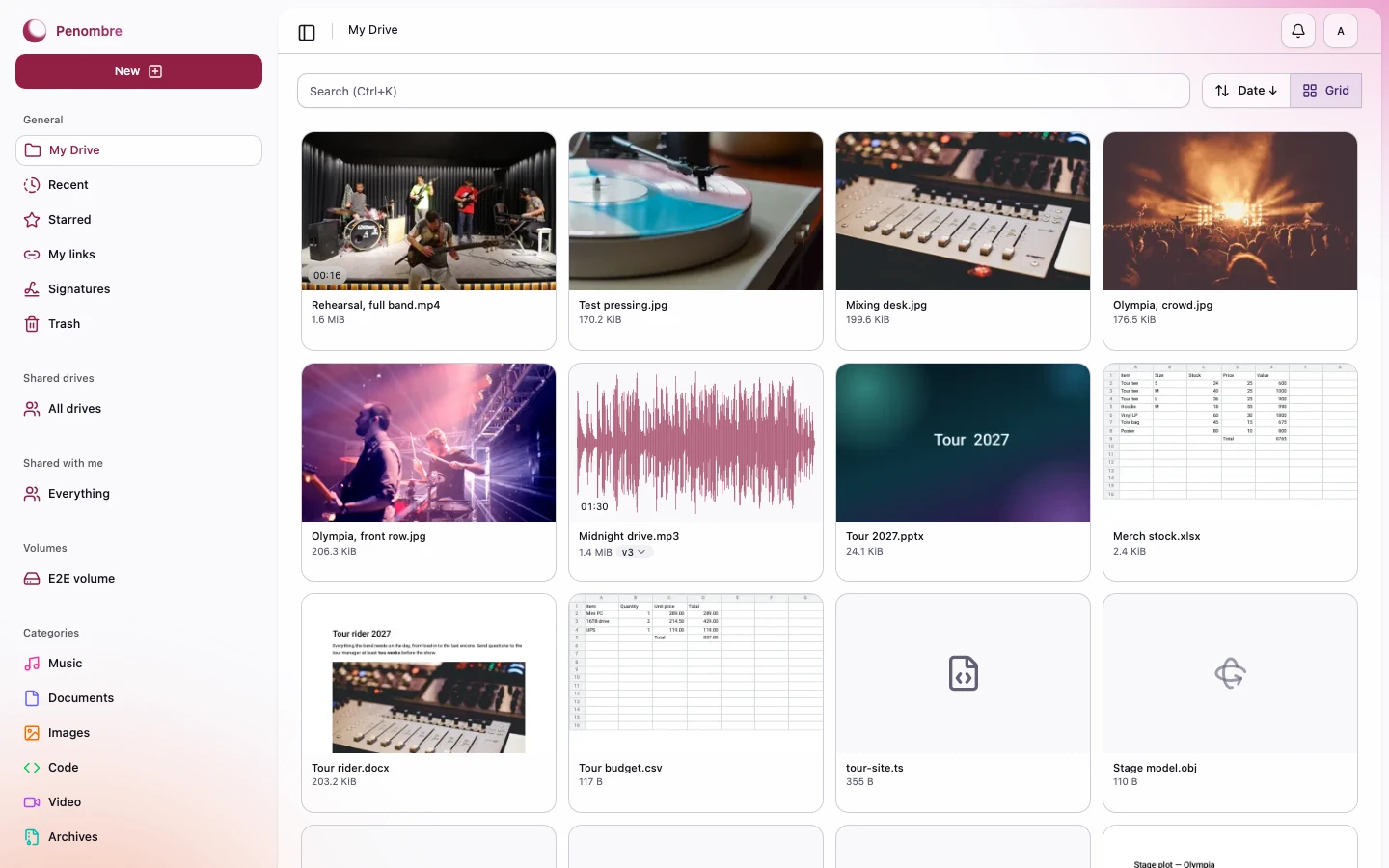
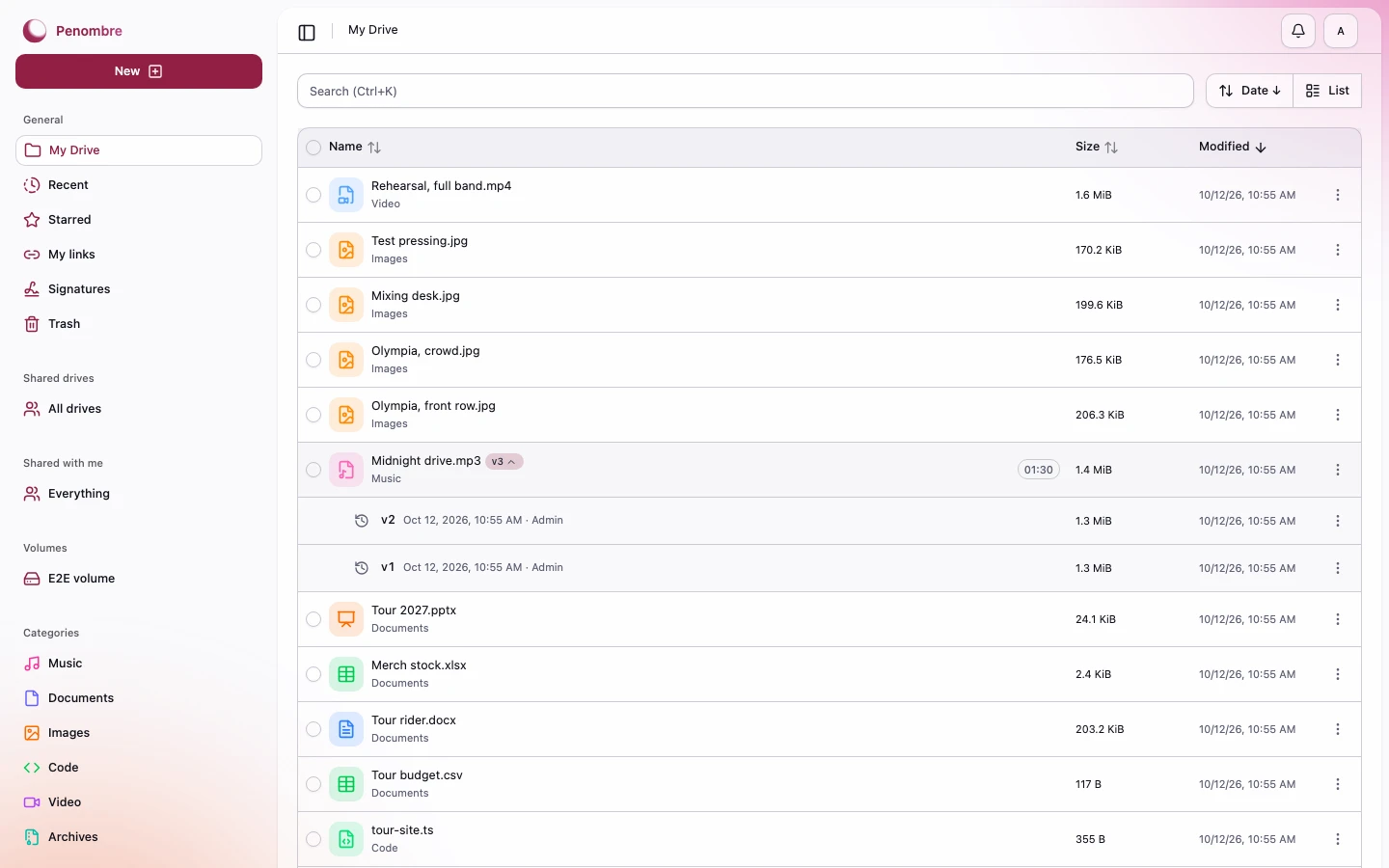
The list view, with a track's earlier takes unfolded under it: each plays, with its own waveform, from the same row.
A folder, a category (Music, Documents, Images, …) or your starred items can run to tens of thousands of files (a Reaper project's media folder, say), so each loads a page at a time instead of the whole thing at once. Settings → Display has a Loading mode for it: infinite scroll keeps appending more as you scroll down, or switch to Pages for prev/next controls instead. Either way the sort order you pick there (name, size, last modified or type) is applied on the server, so a page further down the list is still in the right order.
#Previews and notes
Files open in place. Images, video, PDFs and highlighted source sit beside a notes thread; on a track or a video a note can be pinned to a moment, and clicking the timestamp moves the playhead there.
#Music
Audio plays in a persistent bottom player whose progress bar is the waveform itself, filling with the accent colour as the track runs. Click anywhere on it to seek.
#Documents, sheets and presentations
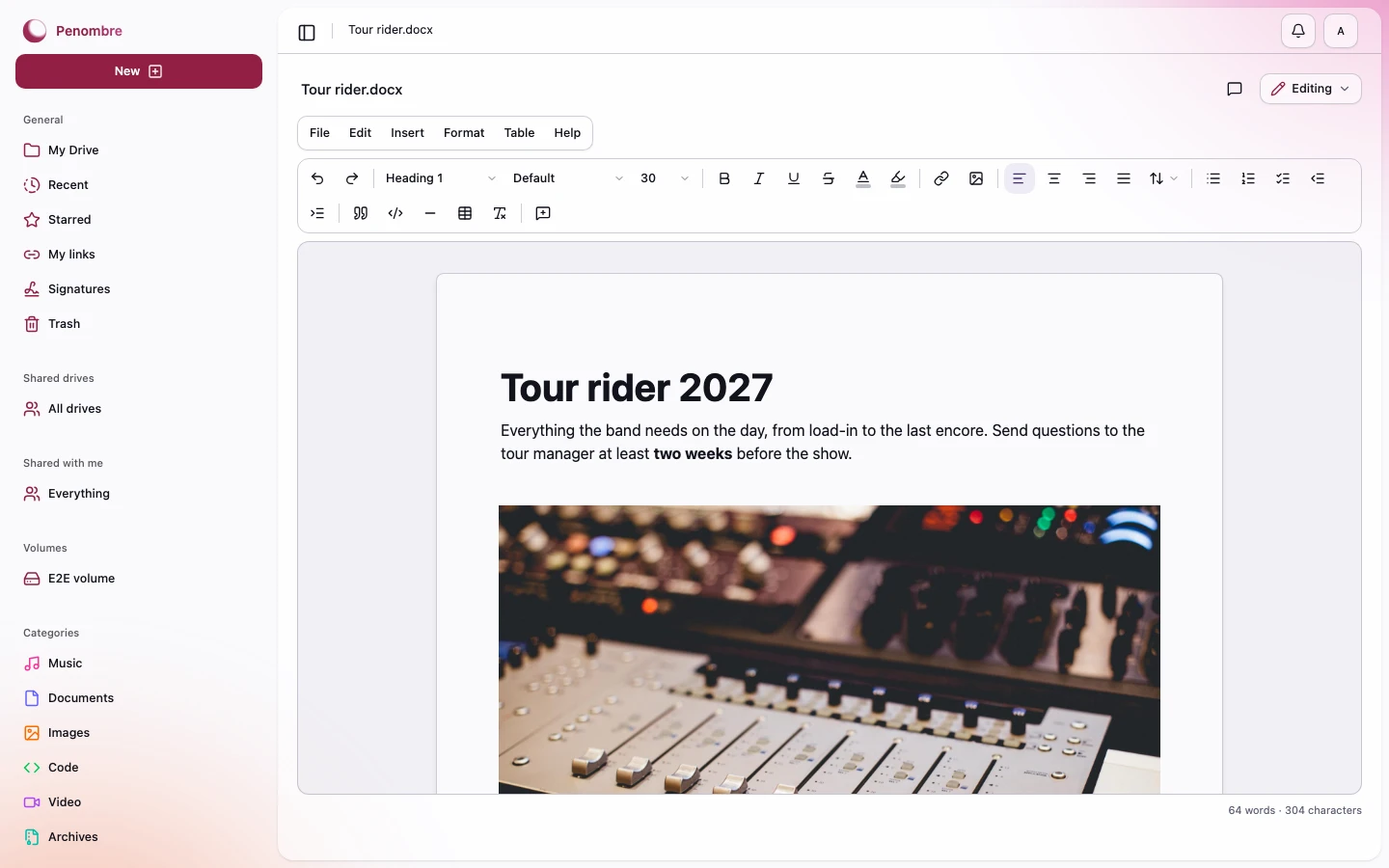
Word, Excel and PowerPoint files open in their editors and save as themselves. A document has the menus and the toolbar of a word processor, comments in the margin and the initials of whoever else has it open.
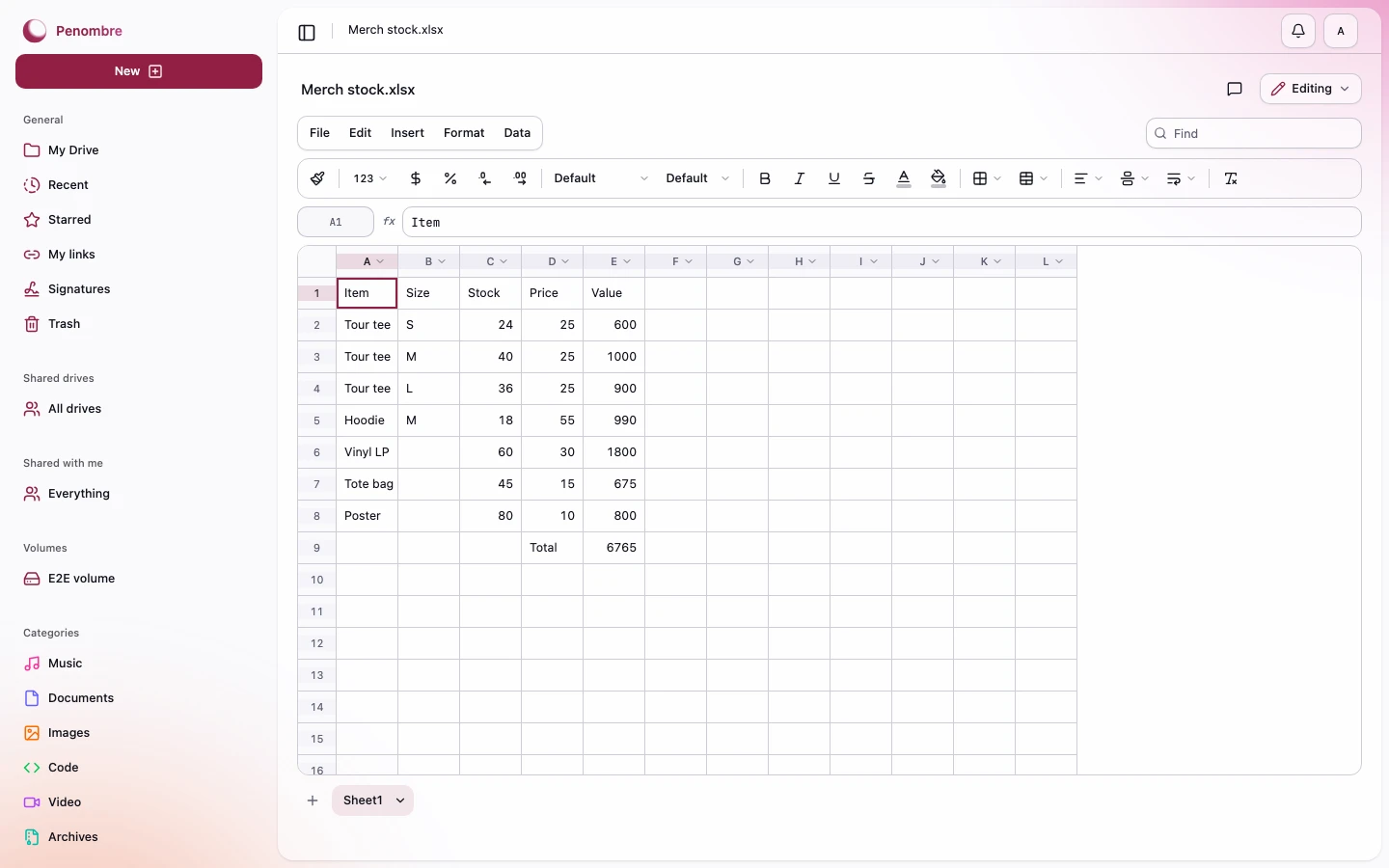
A sheet is a real workbook: formulas, several sheets as tabs, and references that follow rows and columns as they move.
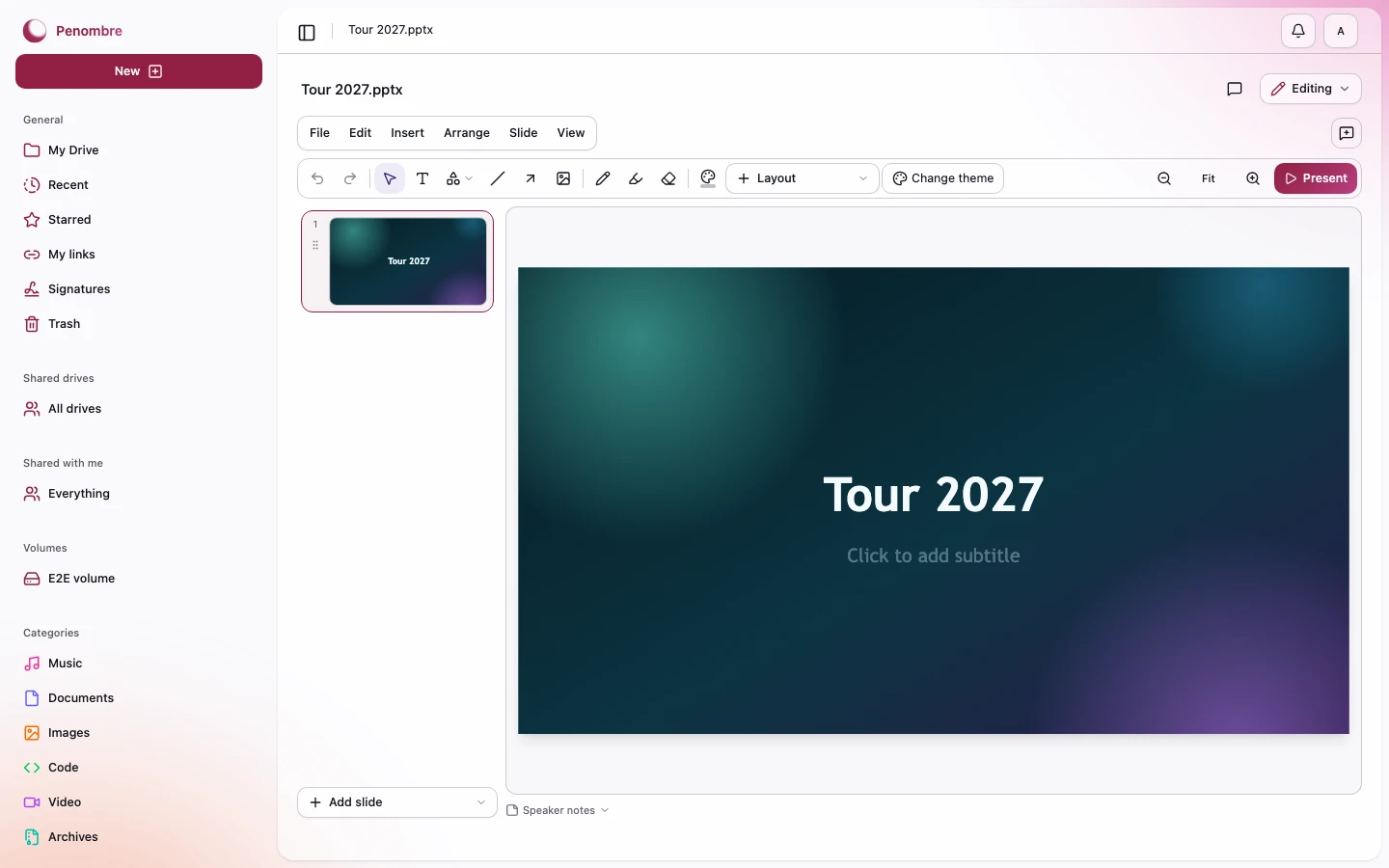
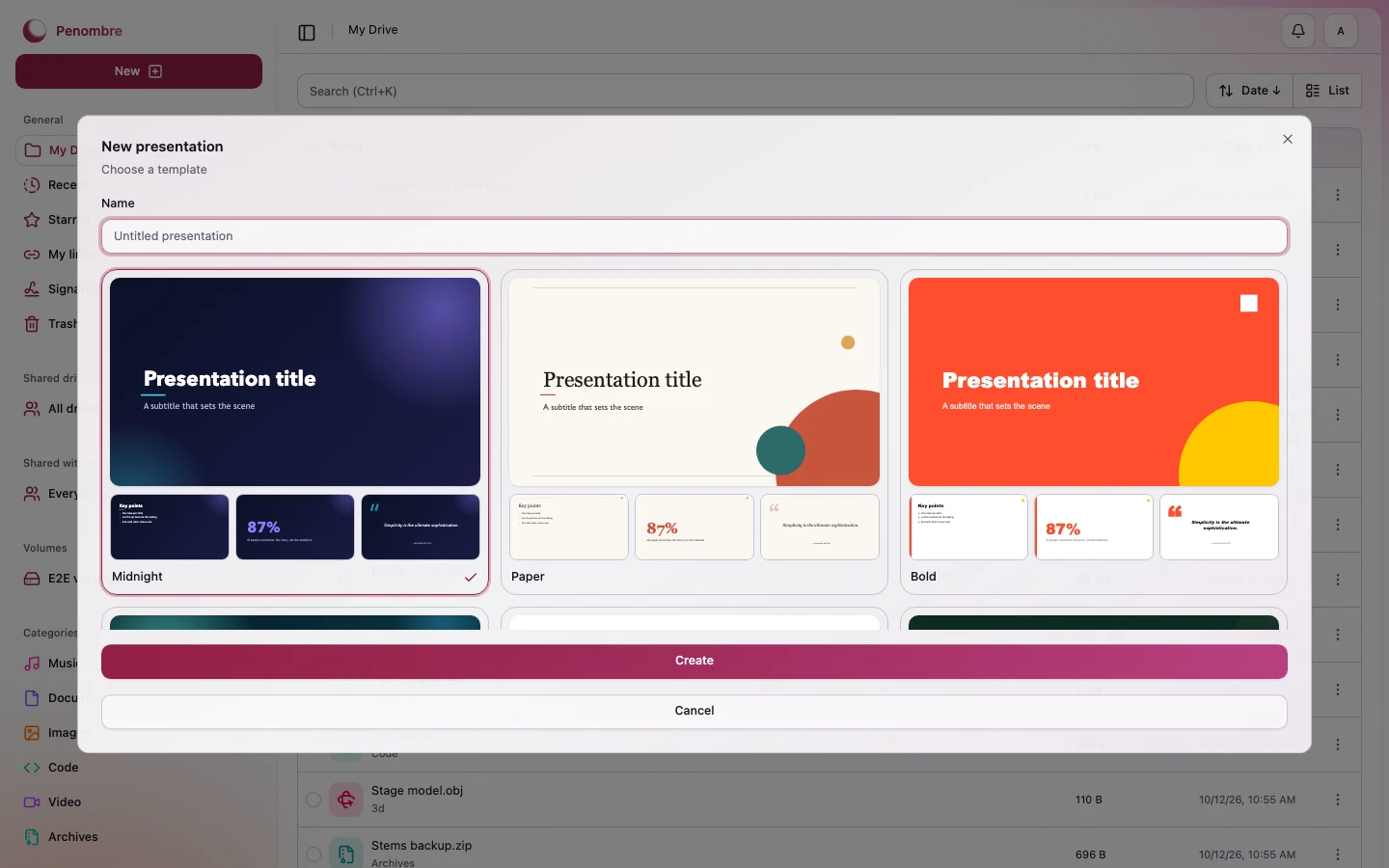
A presentation is designed on the slide itself, with shapes, pictures and freehand drawing, and starts from one of ten templates.
#Categories
Files sort themselves as they land — images, video, music, documents, code, archives and 3D objects — with no tagging to do.
#Recent, shared and trash
#Notifications
Each kind of notification can reach you in the app, by email or on your phone, chosen one by one.
#Appearance
Three attributes on <html> — typeface, corners and accent — re-theme the whole
app, including the aurora behind it.
#Administration
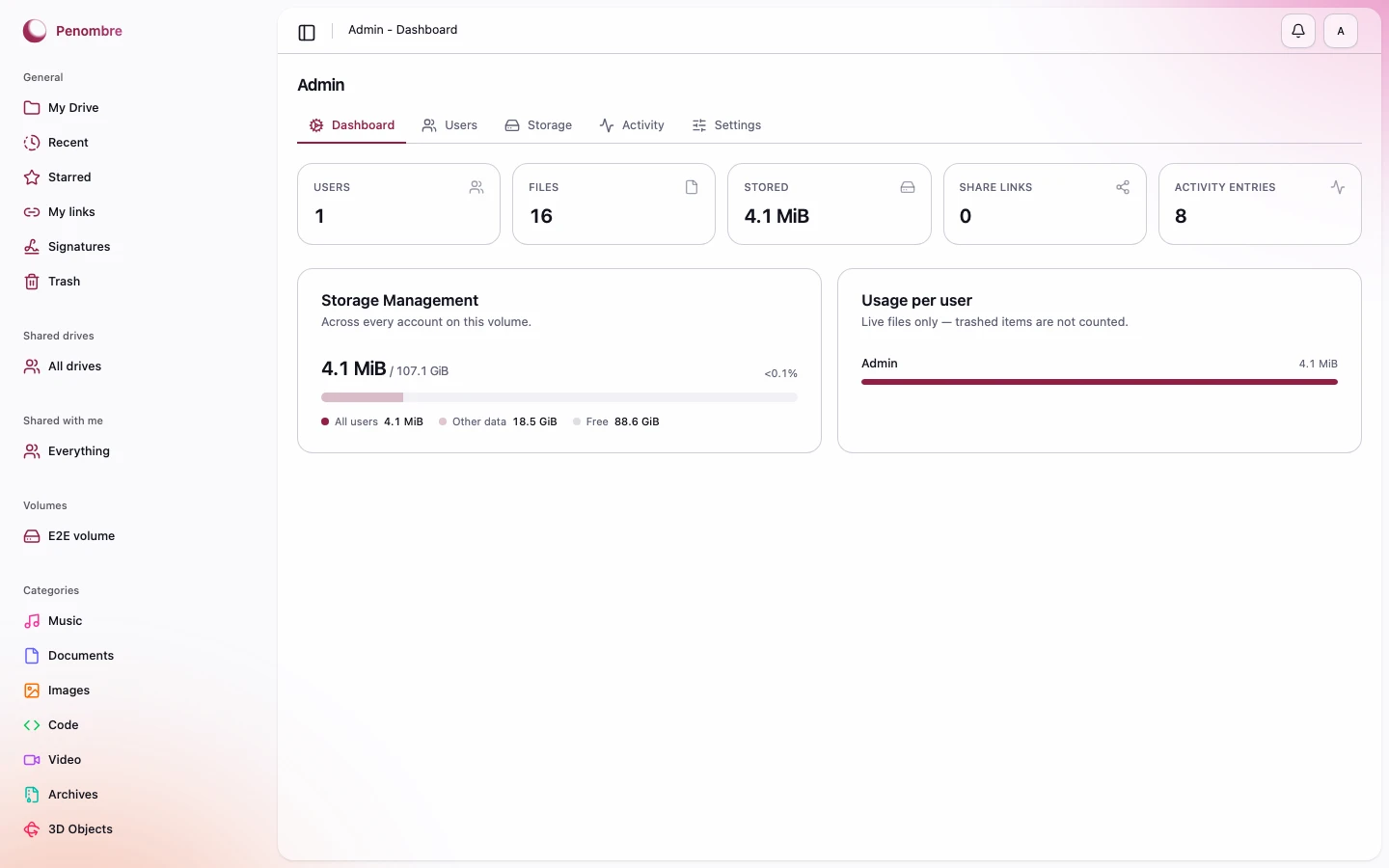
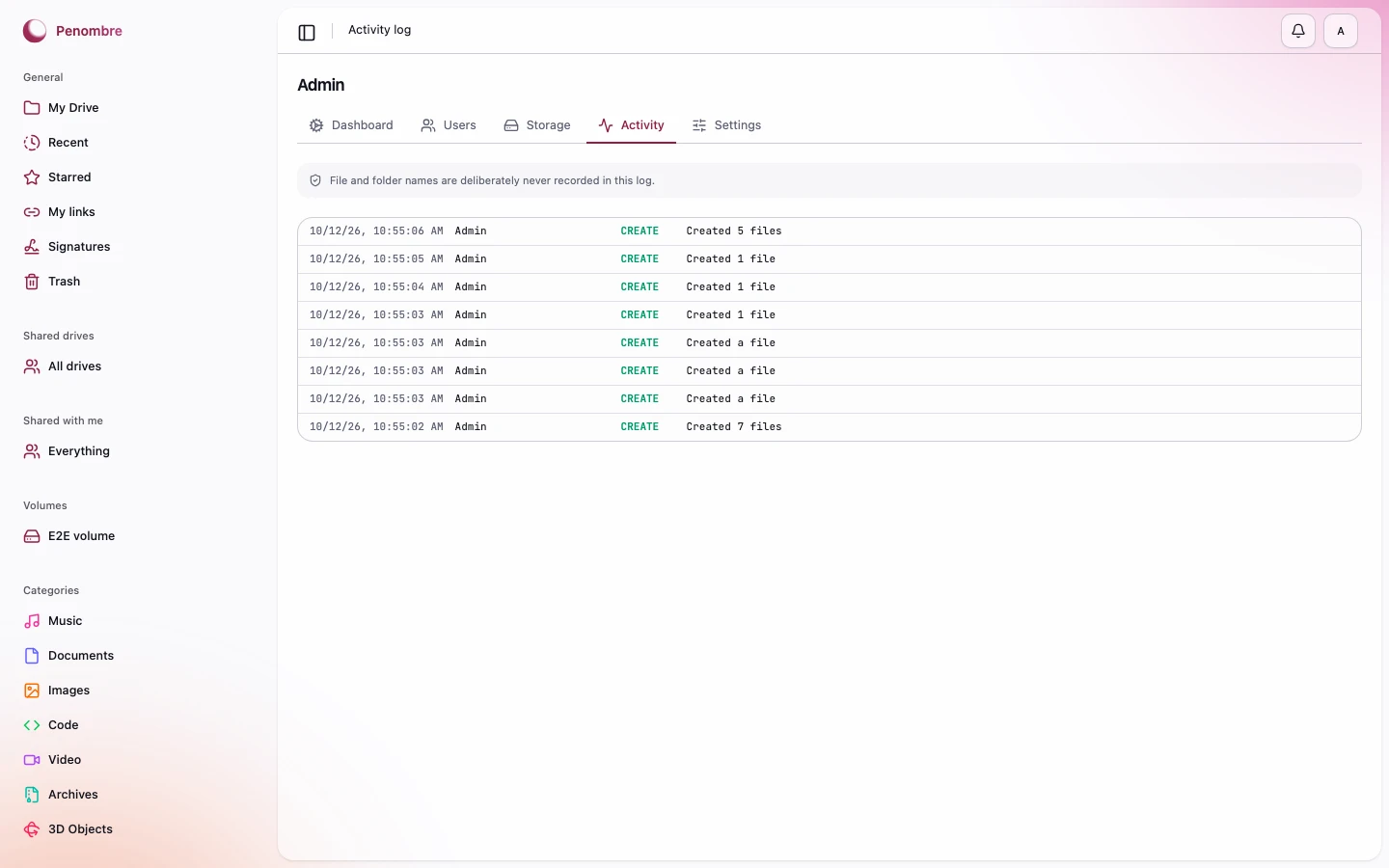
Instance statistics, per-user storage, user management, and an audit log that deliberately records no file names.
This guide lives in the project repo: edit it there, and this page follows within a day.