Showcase
A tour of OpenCount, one screen at a time. Desktop screens are shown in the dark theme at 1440 by 900, phone screens in the light theme at 390 by 844. Every name, group and amount is made up.
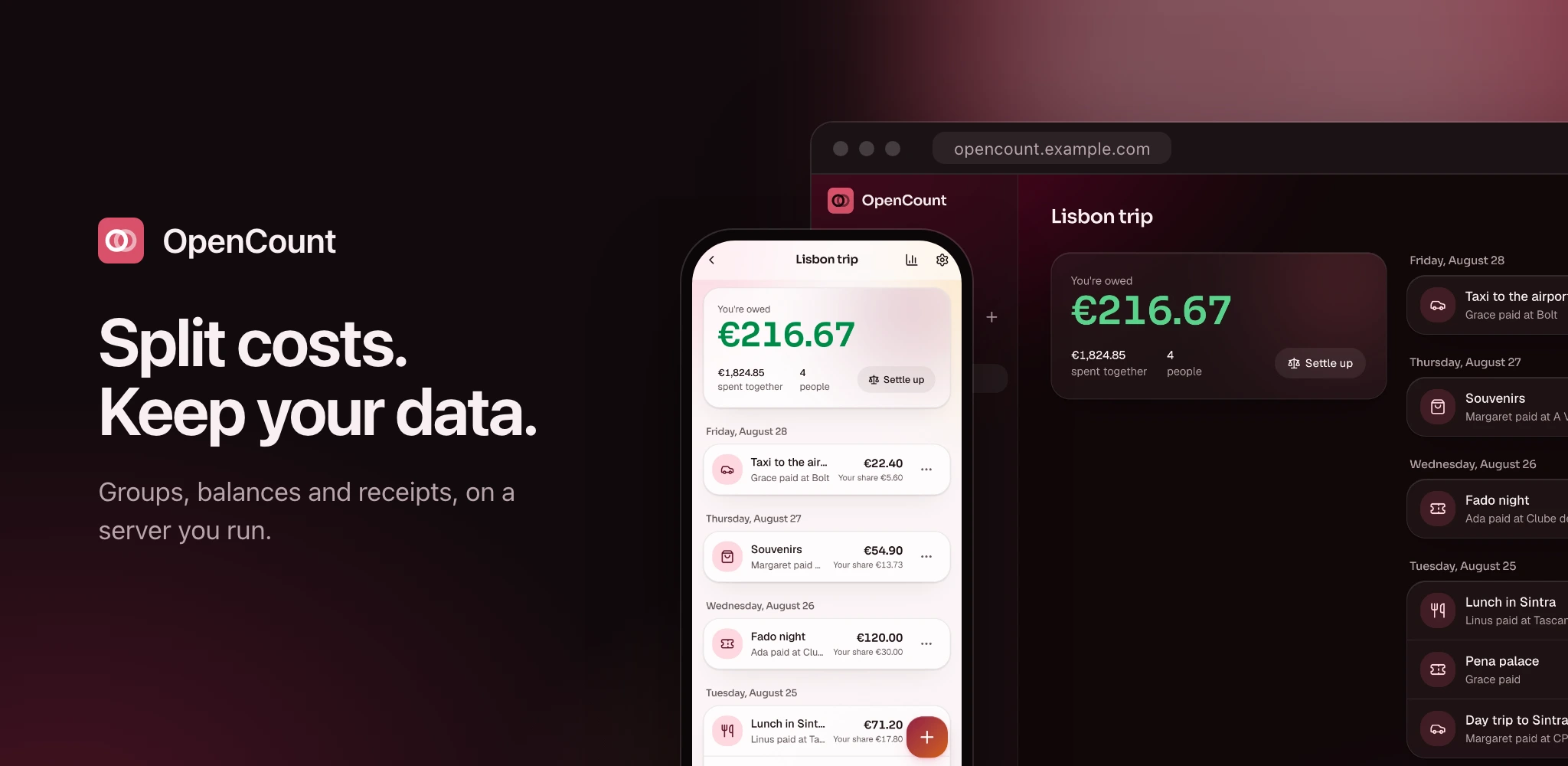
#On a desktop
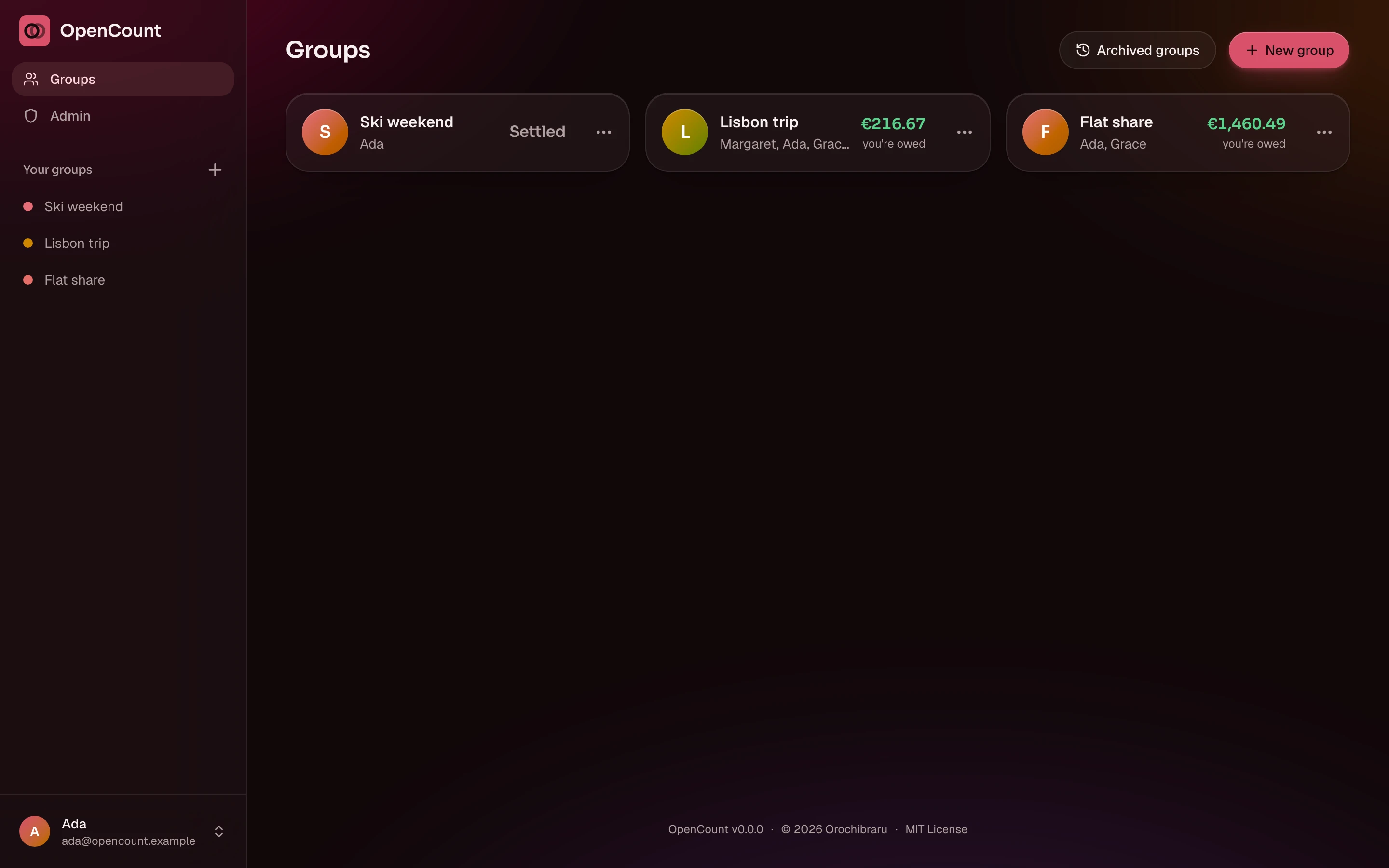
The groups list shows each group you are in, who is in it, and your balance in it at a glance: what you are owed, or what you owe.
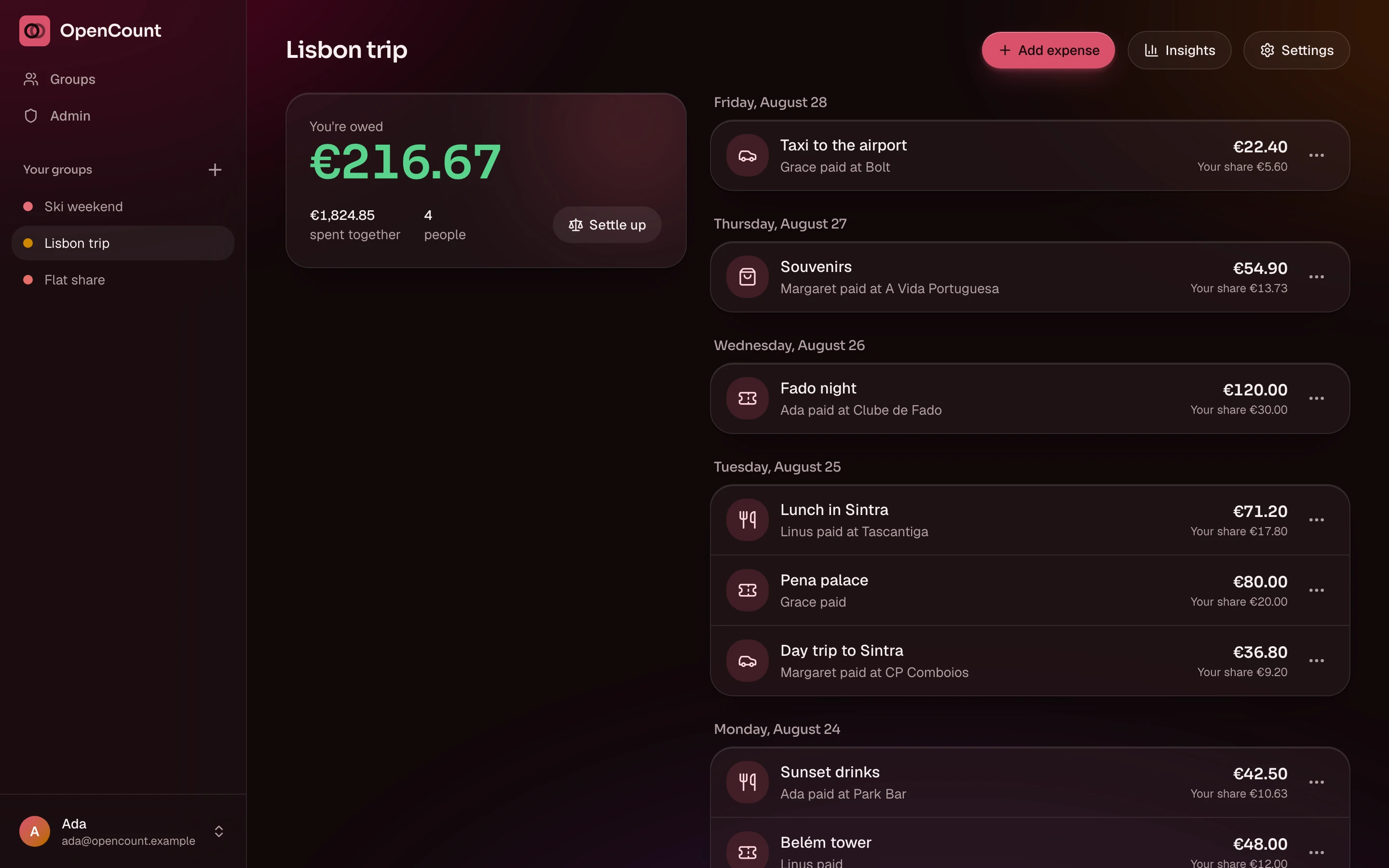
A group opens on its expenses, newest first, with your balance on top and a shortcut to settle up. Add, edit or delete an expense in place.
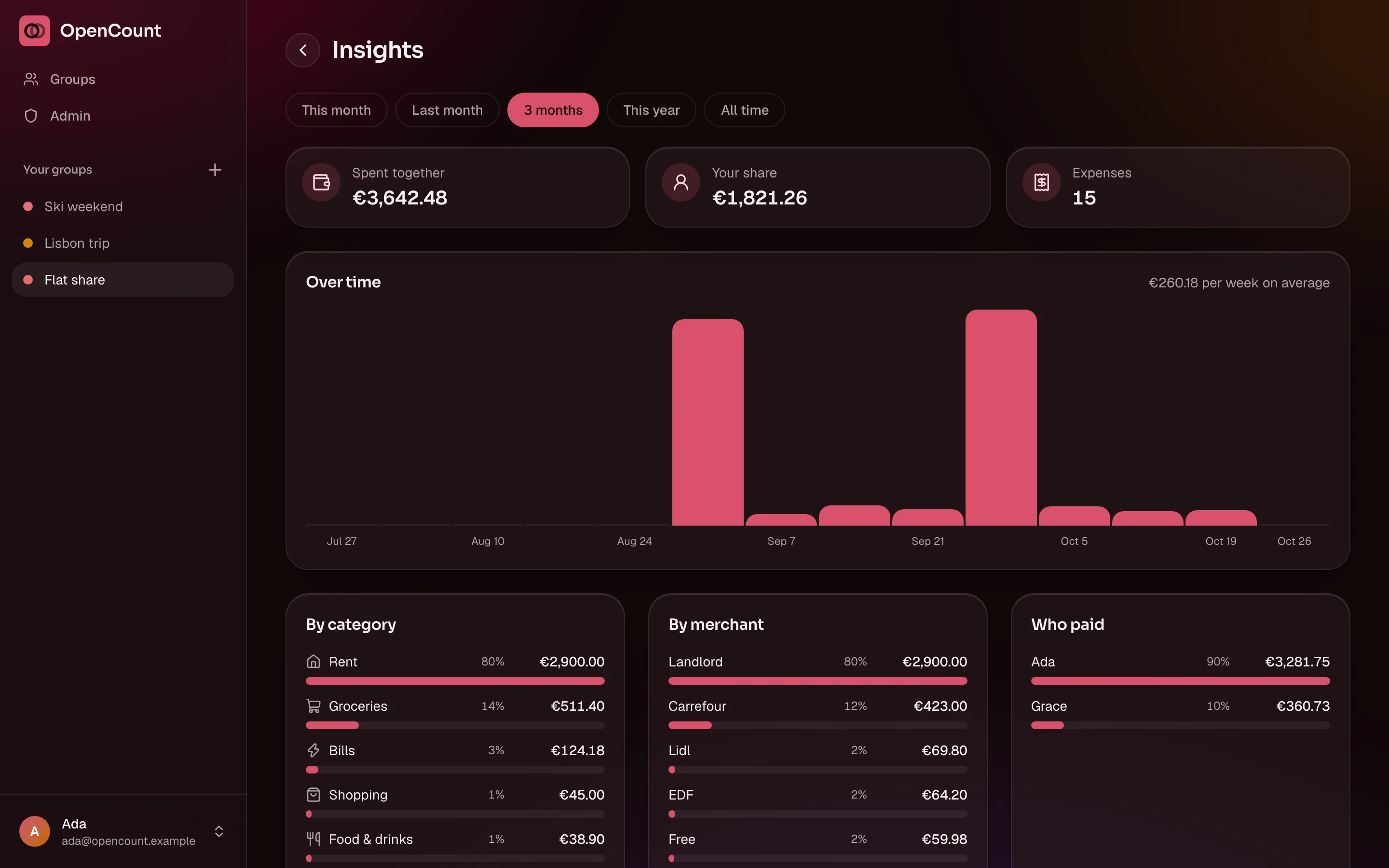
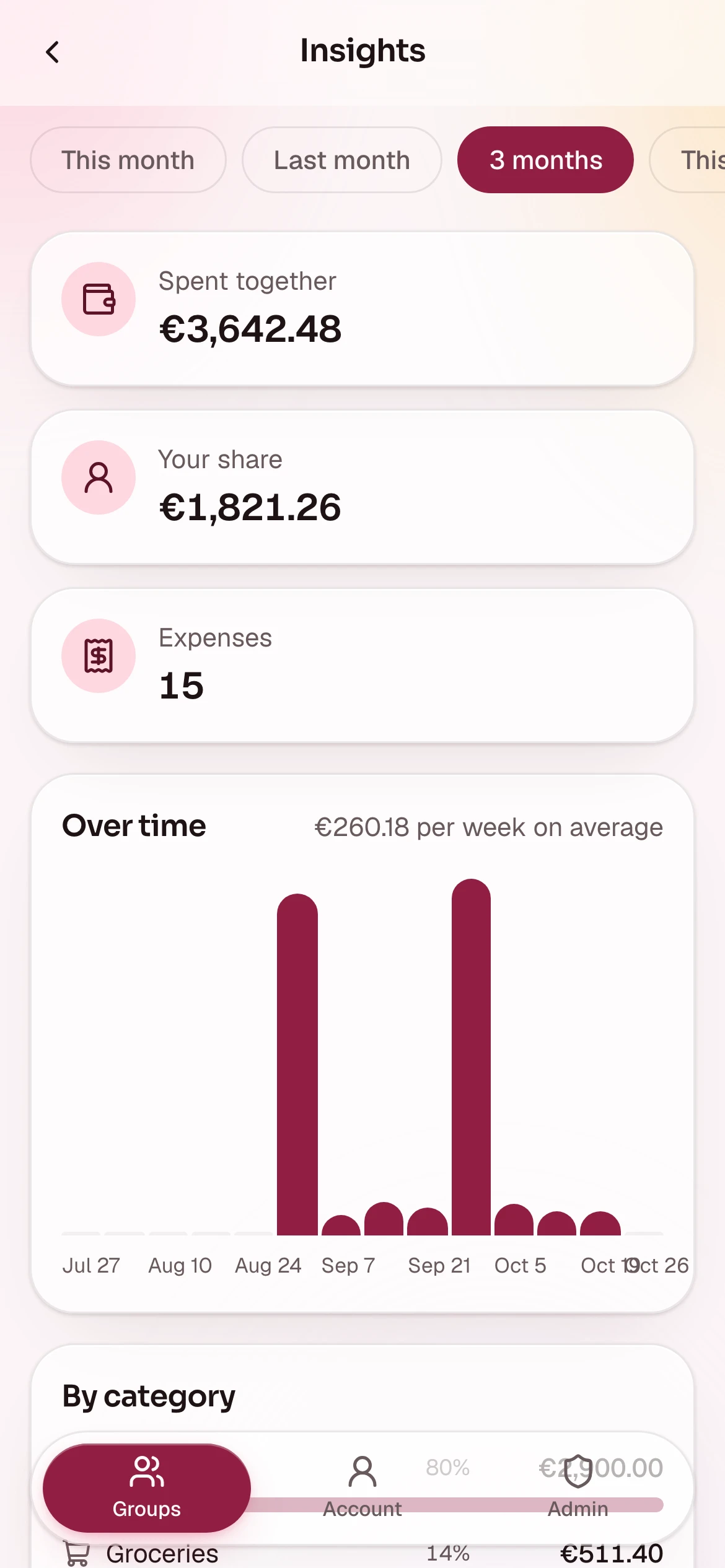
Insights break the spending down by period, category, merchant and payer, with a chart of how it moved over time.
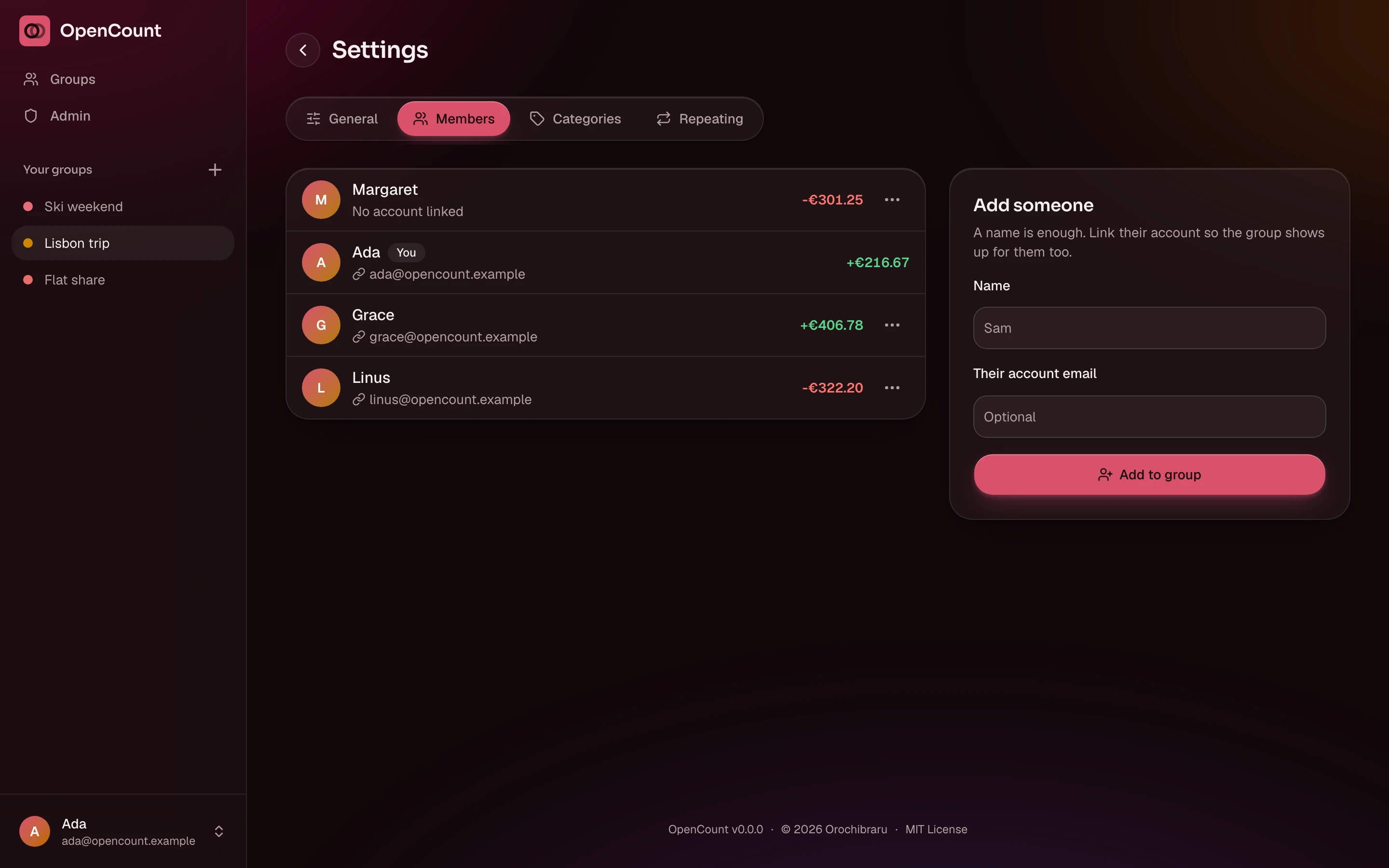
A group's settings hold its name and currency, its members, its own categories its repeating expenses, and importing and exporting. Members added by name show No account linked until someone claims them.
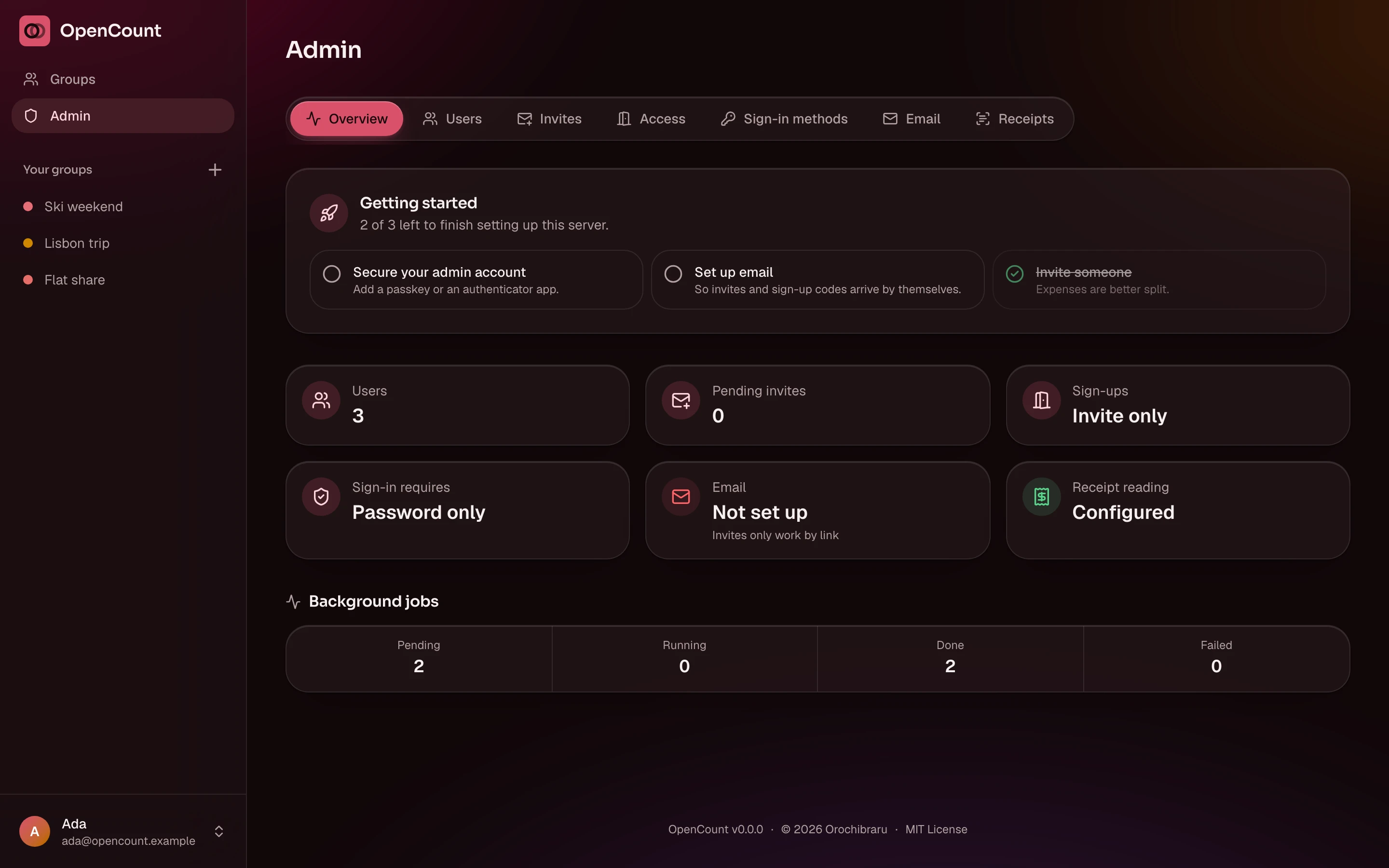
The admin area holds the setup checklist, the users, invites, access rules, sign-in methods, email, receipt reading and backups. Only admins see it.
#On a phone
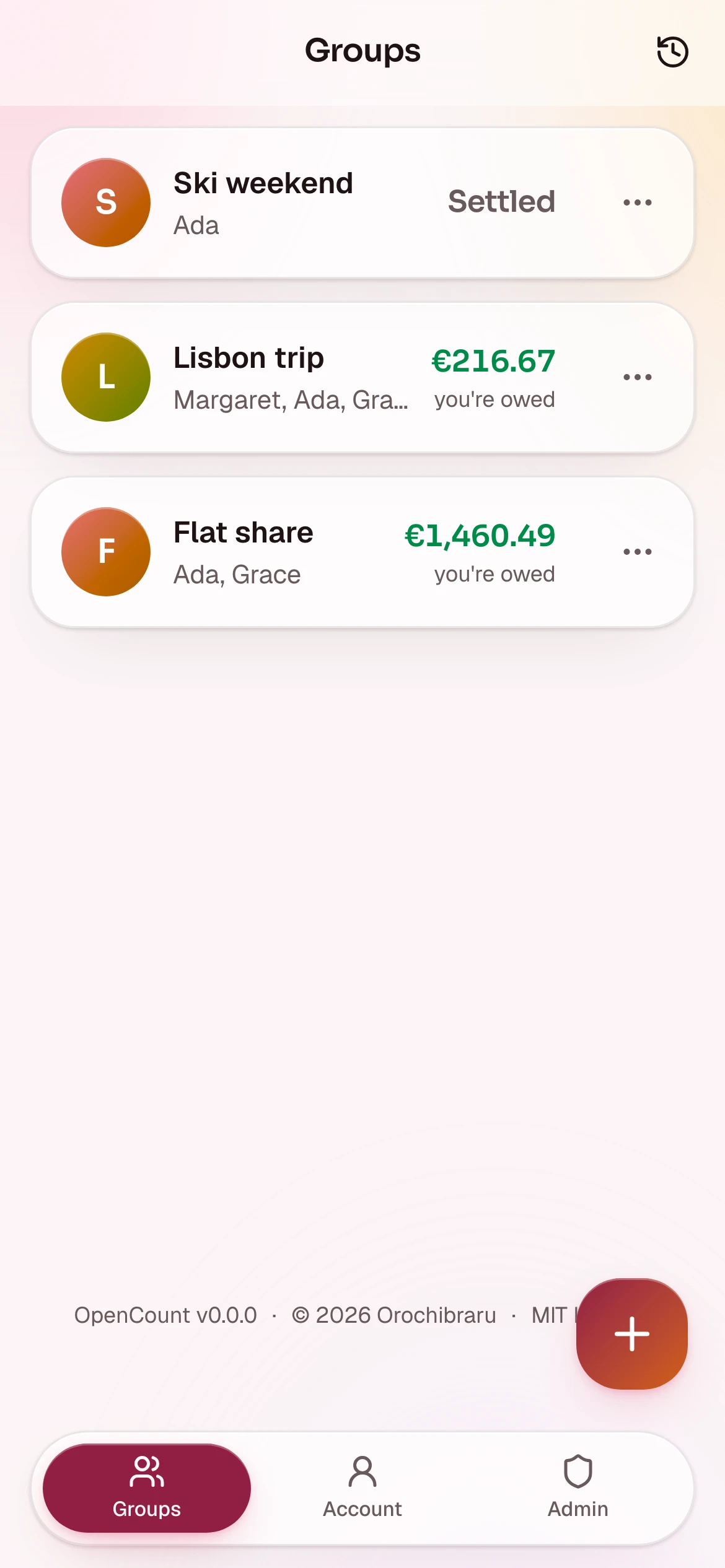
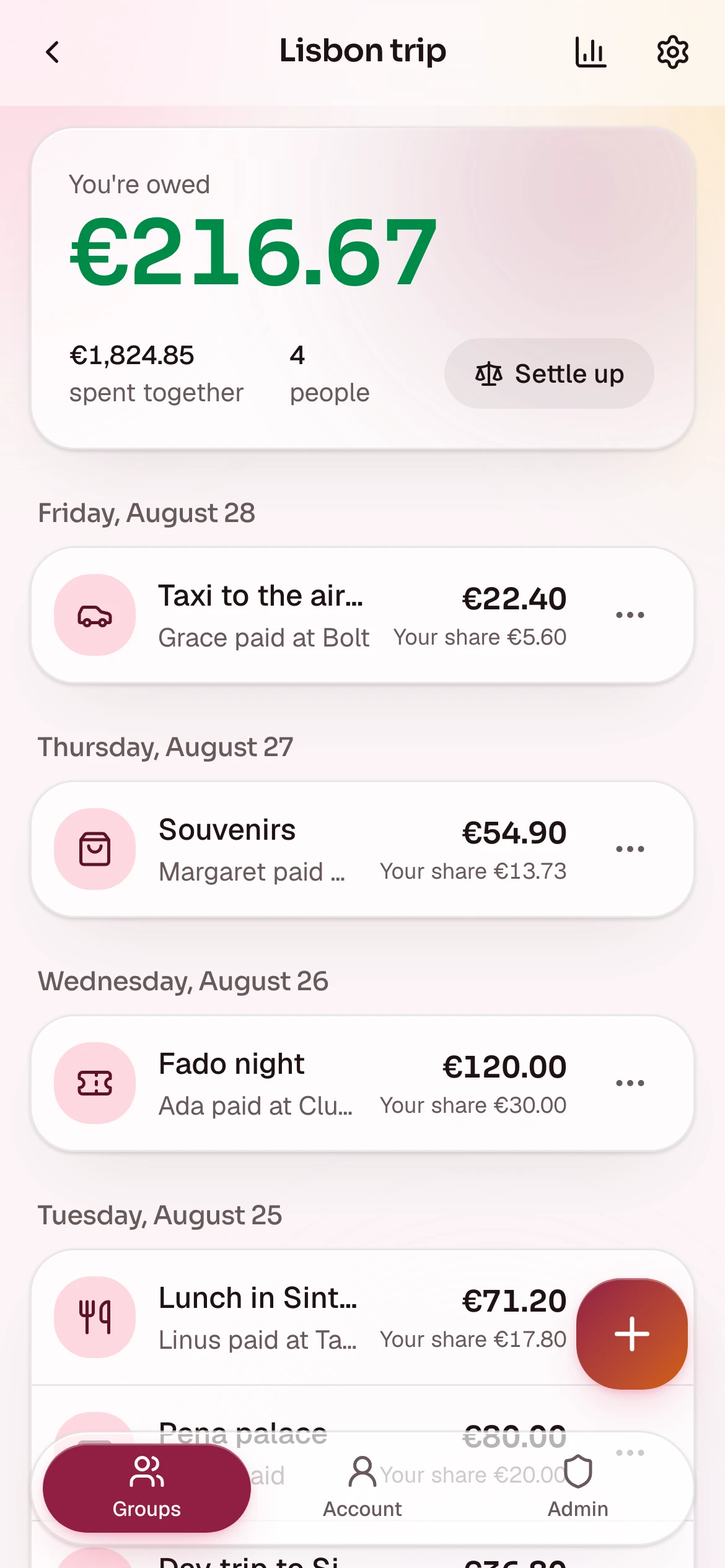
On a phone it behaves like an app: a bottom tab bar, a floating button to add an expense, and a long press on an item for its actions.
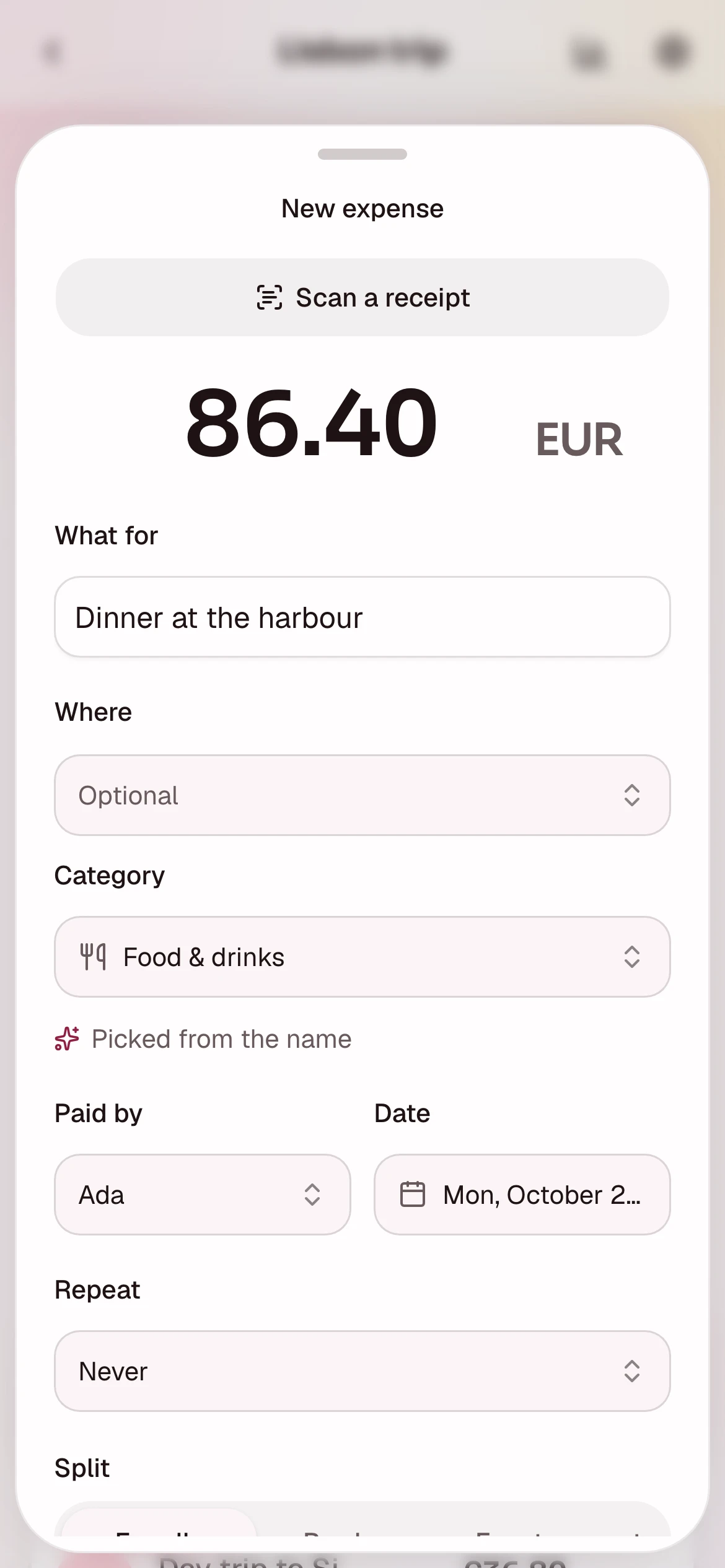
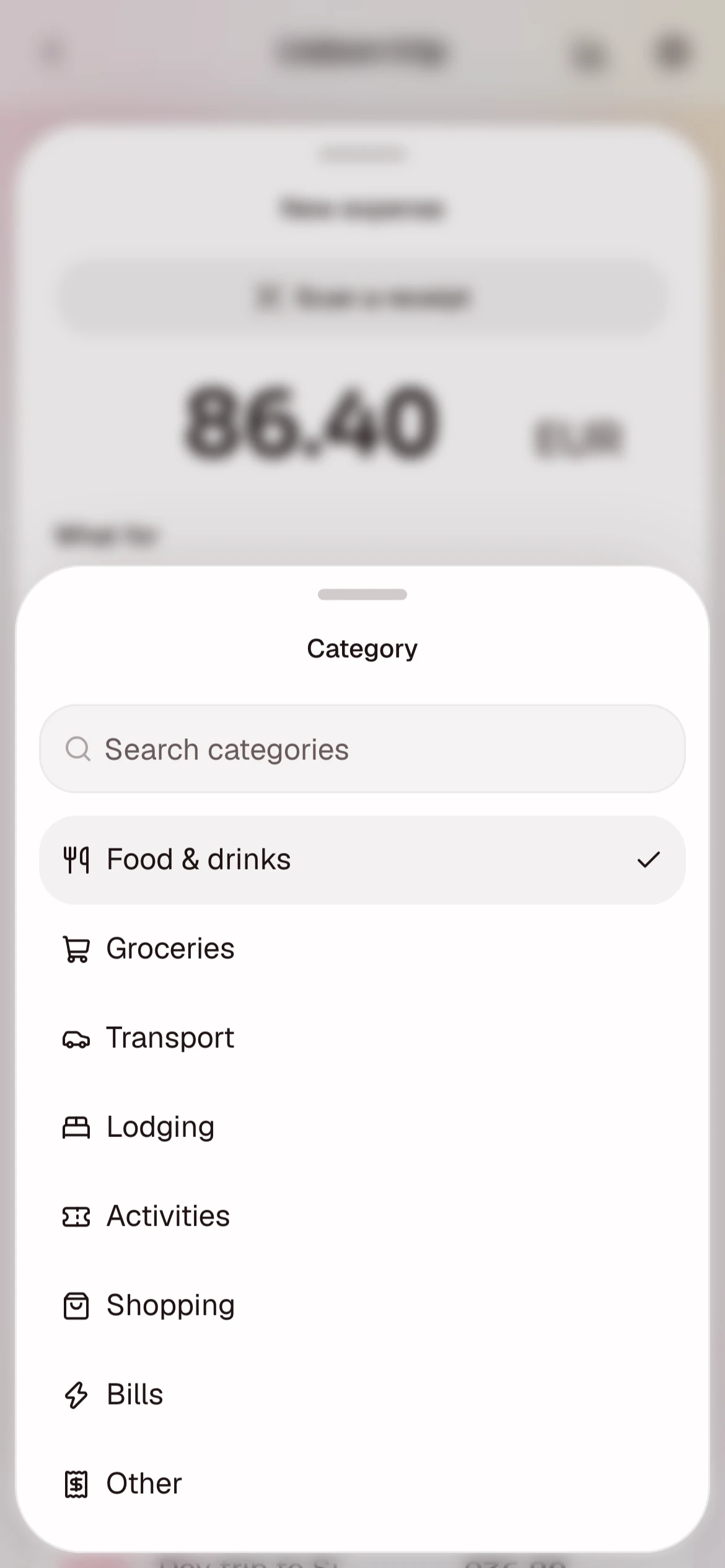
Adding an expense happens in a sheet that slides up from the bottom. The category and merchant pickers are searchable, and the category is guessed as you type.
#Regenerating the screenshots
mise run screenshots retakes every screen into docs/images/, and
mise run showcase lays out feature.webp, the hero at the top of the README.
See Development.
This guide lives in the project repo: edit it there, and this page follows within a day.