OpenCount
Split expenses with friends, see who owes whom, settle up. Tricount, minus the company holding your friends' spending habits.
What it is
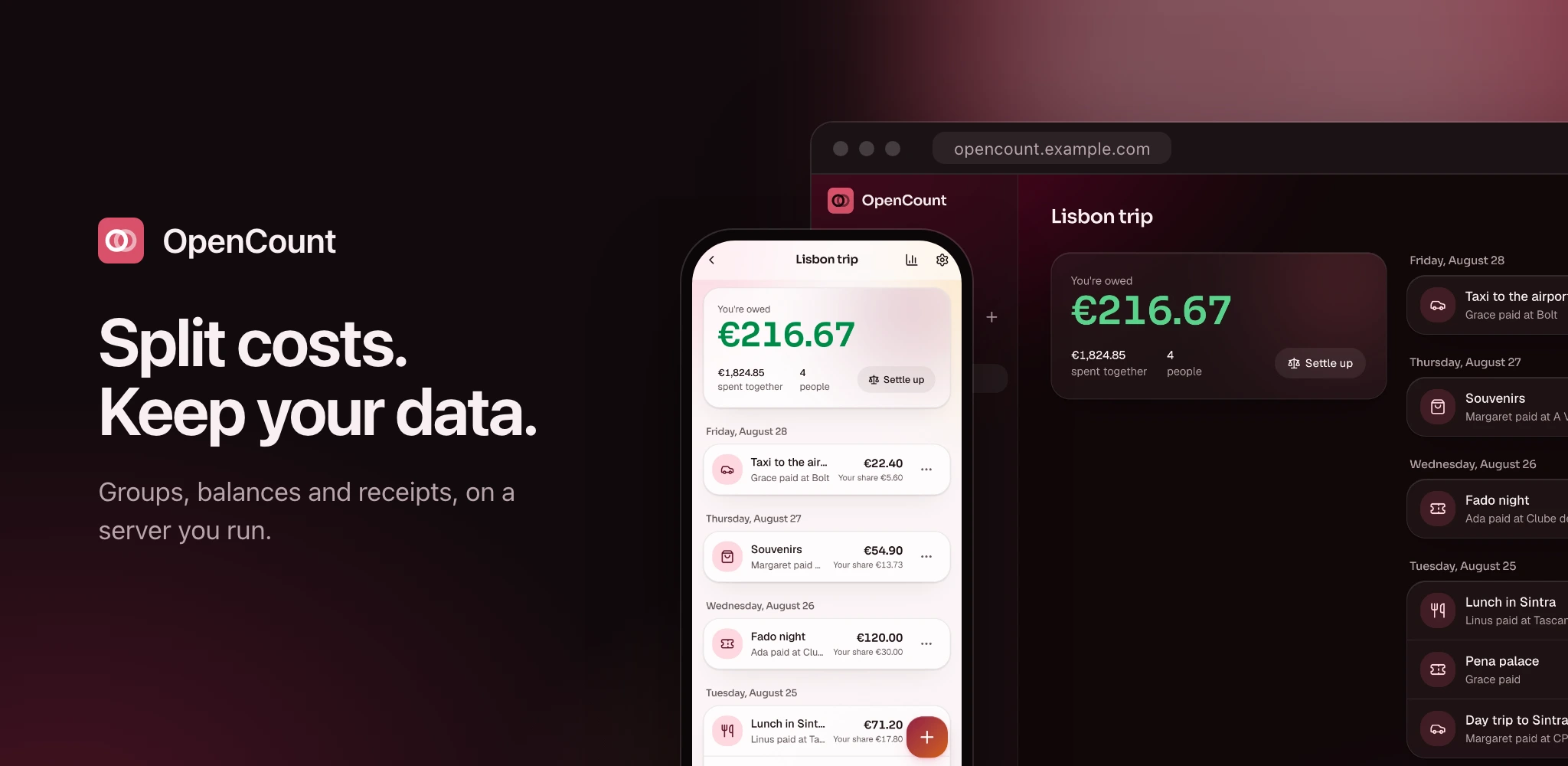
OpenCount is a self-hosted, open-source alternative to Tricount. Make a group, log who paid for what, and it tells you who owes whom and the fewest payments that bring everyone back to zero.
It is one container and one SQLite file. No database server, no cache, no queue next to it. Emails, repeating expenses and housekeeping run in a worker process the server starts and watches inside the same container.
It's built for a household, a group of friends or a small association: a handful to a few dozen people who trust one person to run the box. That person is you, presumably.
Showcase
Every screen below comes out of the repo: mise run screenshots retakes them
against a seeded instance. Every name, group and amount is made up.
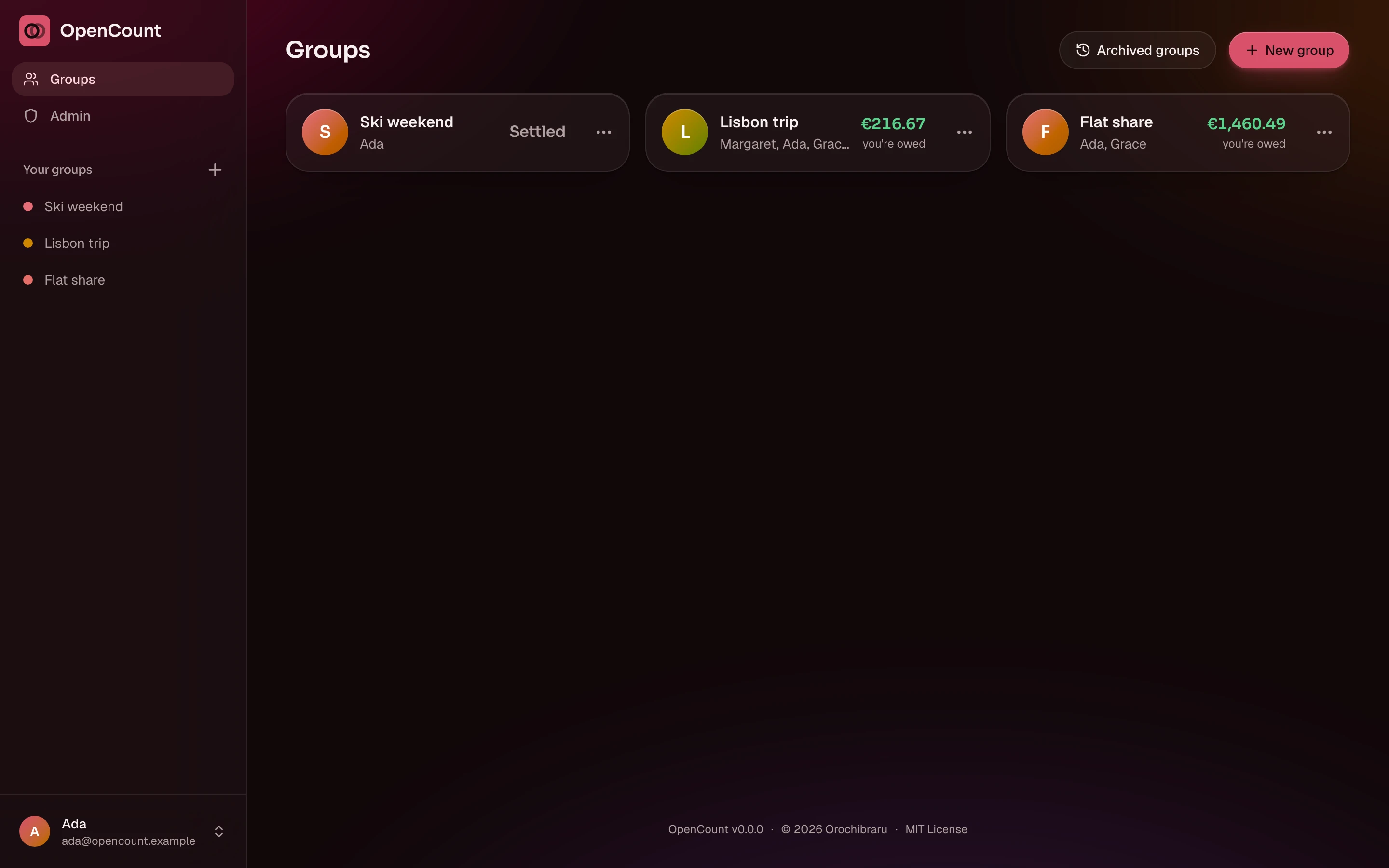
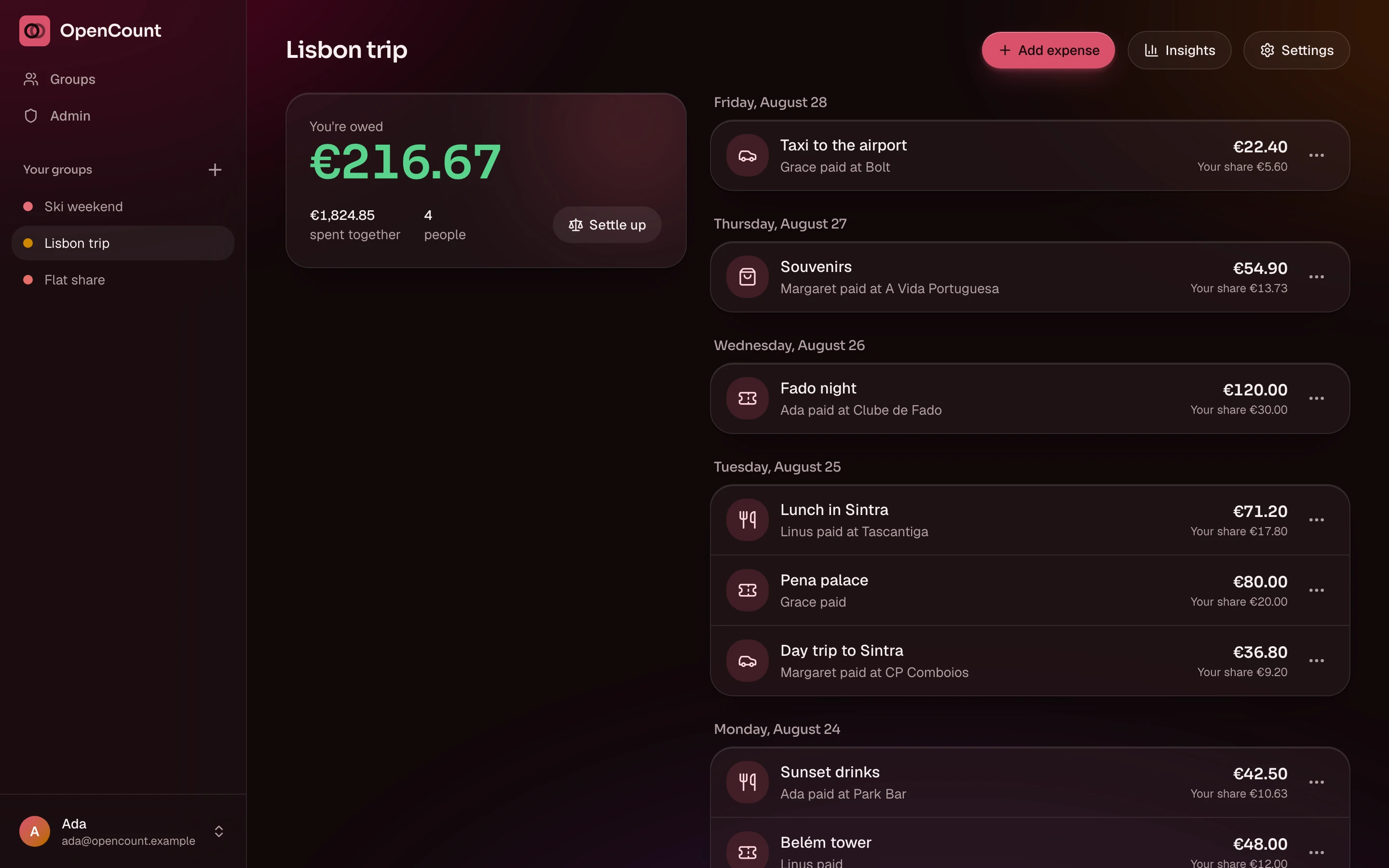
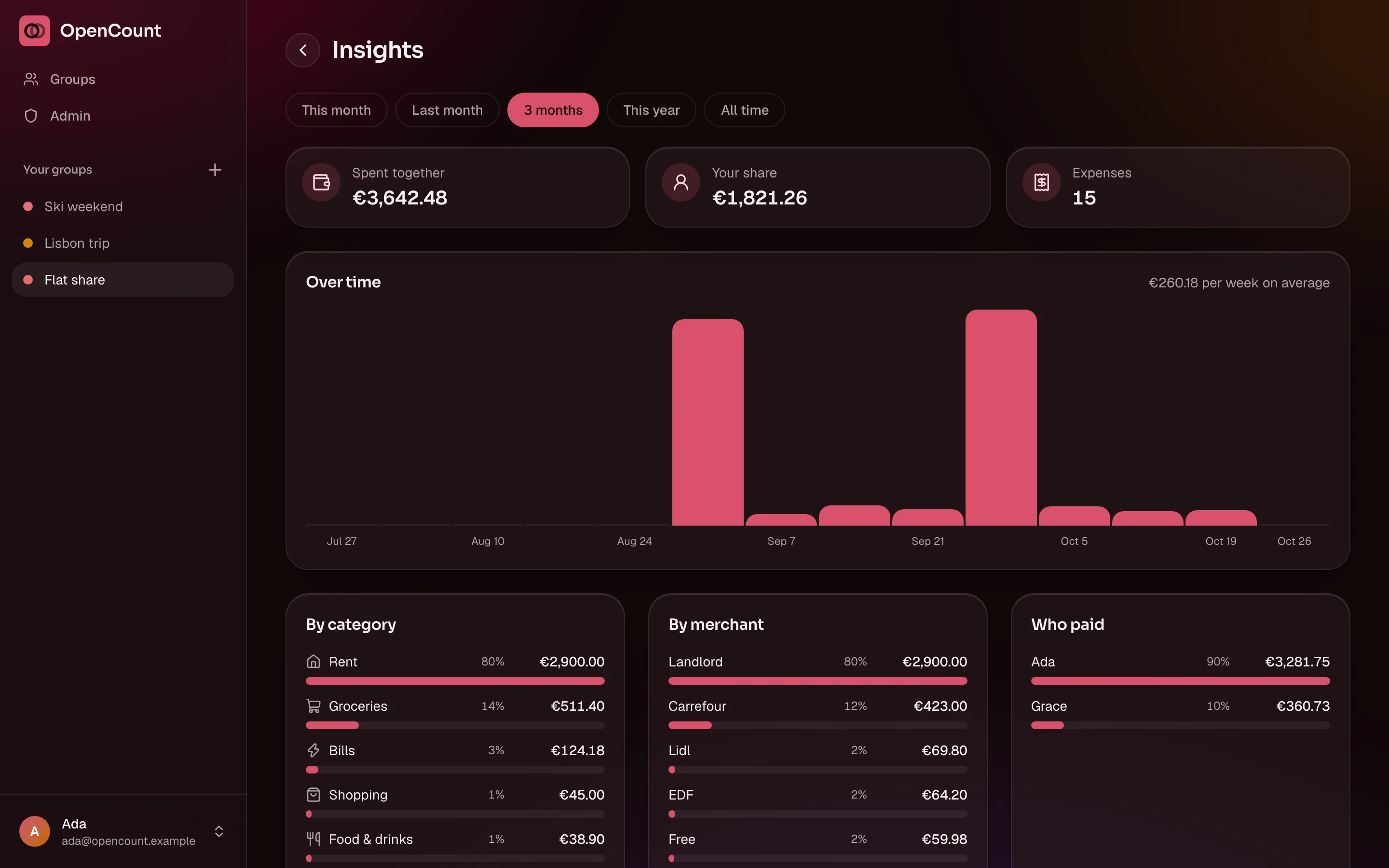
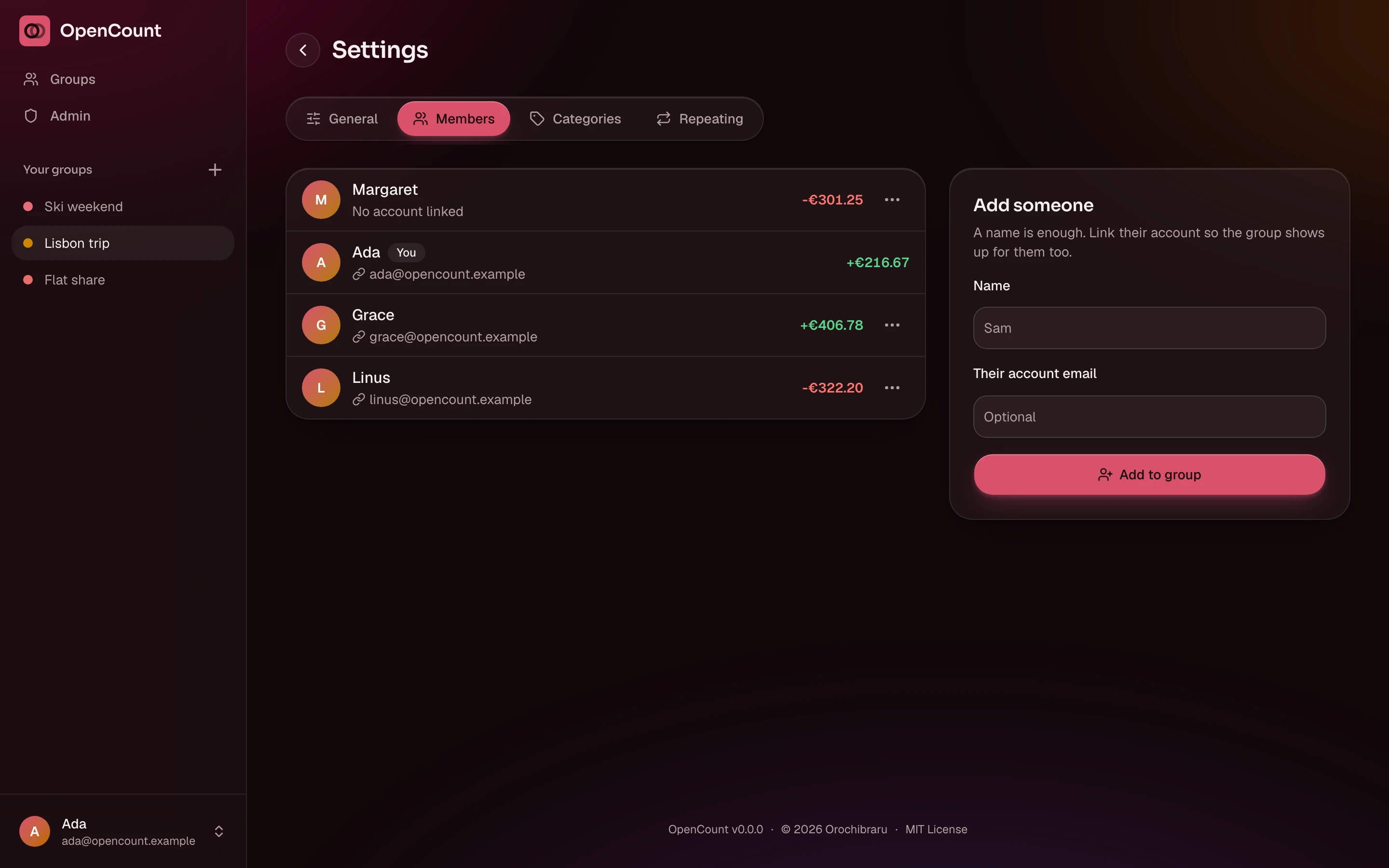
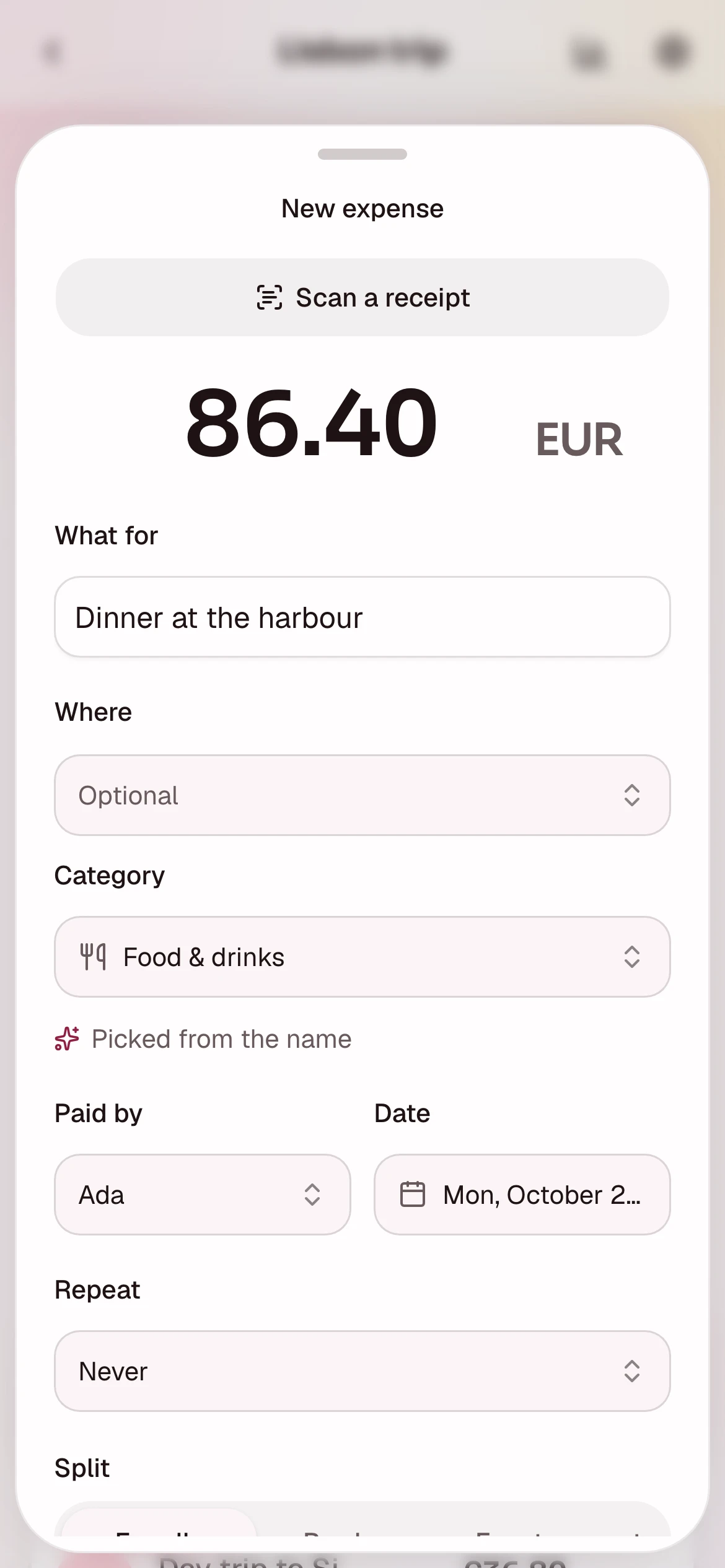
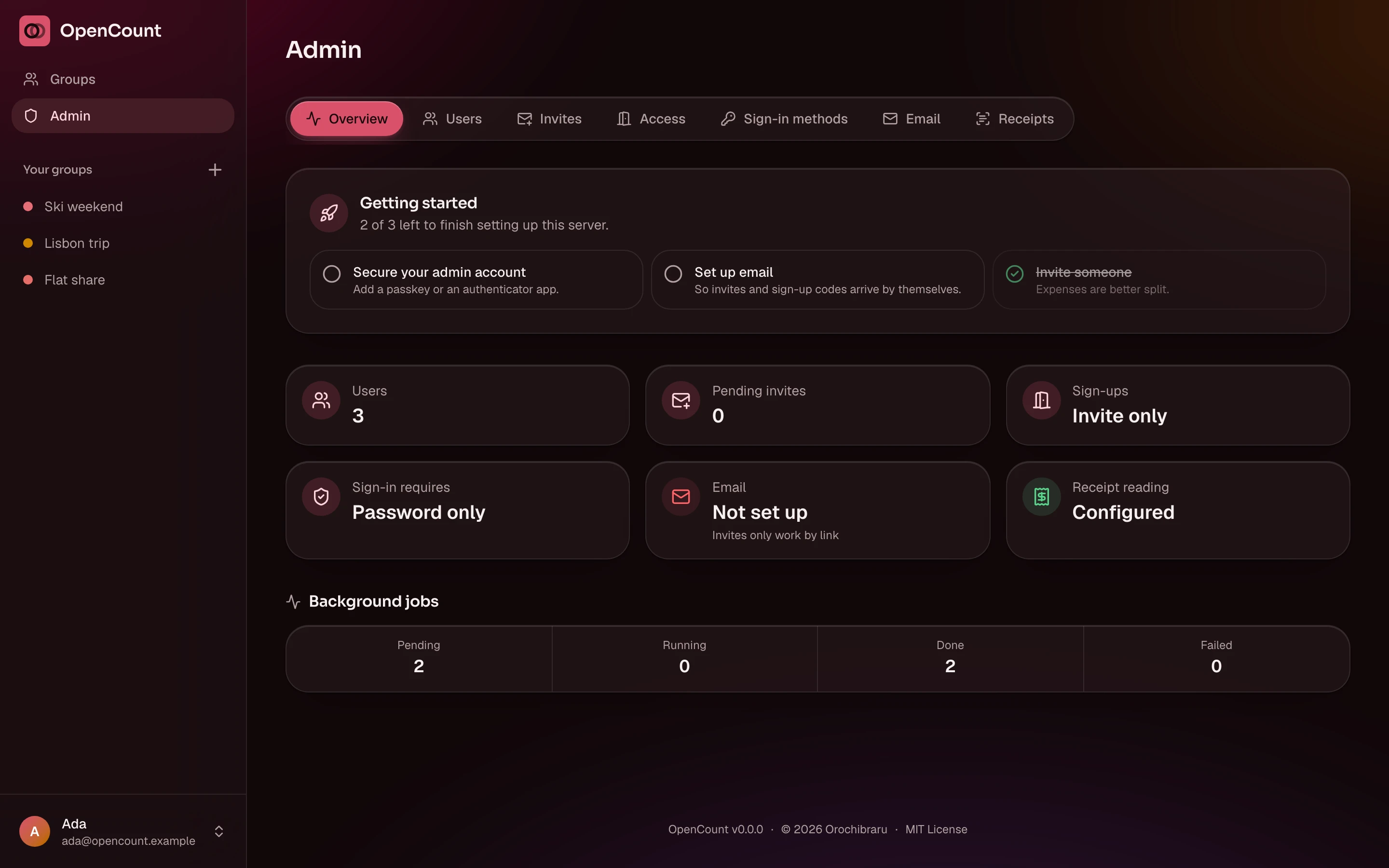
The rest, phone screens included, is in the full showcase.
Features
Groups
One per trip, flat or dinner, in one of twelve currencies. Add people by name before they have an account; they claim it with That's me once they join.
Splits that add up
Equally, by shares or by exact amounts, between everyone or only some. Amounts are whole cents, so a split never loses a cent to rounding.
Settle up
Everyone's balance, and the fewest payments that zero the group. Recording one takes a tap.
Repeating expenses
Rent and subscriptions every week, month or year, anchored to their day of the month, with pause and resume.
Less typing
Categories guessed from the description in English and French, merchants remembered per group, custom categories per group.
Receipt reading, locally
A photo or a PDF fills in the amount, date and merchant. Read on your server by Tesseract, never stored, never sent anywhere. Off by default.
Insights
By period, category, merchant and payer, and over time. Find out who keeps buying the drinks.
Archiving
Hide a finished group from your own list without touching anyone else's.
Feels native
An installable PWA: tab bar and sheets on a phone, a sidebar on a desktop. Accent colour, light, dark or AMOLED, font and corners, per account.
Invite-only by default
Invites, sign-ups once email works, required authenticator apps or passkeys, and single sign-on through any OpenID Connect provider. All from the admin area.
Run it
Make an empty directory and put two files in it.
compose.yaml
services:
  opencount:
    image: docker.io/orochibraru/opencount:latest
    restart: unless-stopped
    ports:
      - 3000:3000
    volumes:
      - opencount:/data
    environment:
      AUTH_SECRET: ${AUTH_SECRET:?set AUTH_SECRET, e.g. openssl rand -base64 32}
      # The URL people open, like https://opencount.example.com.
      ORIGIN: ${ORIGIN:-}

volumes:
opencount: {}.env
cat > .env <<EOF
AUTH_SECRET=$(openssl rand -base64 32)
ORIGIN=https://opencount.example.com
EOFStart it
docker compose up -dThe image is built for linux/amd64 and linux/arm64. Put it behind an HTTPS
reverse proxy: passkeys and installing the app both need HTTPS.
Keep AUTH_SECRET with your backups. It signs sessions and encrypts the secrets
stored in the database; change it and everyone is signed out and those secrets
are gone.
First run
A fresh instance sends every page to a setup screen that asks for a six-digit code only the server's log shows, so nobody who stumbles on the URL can claim it:
docker compose logs opencountThe first account is the admin. The install guide and first run walk through the rest, and configuration covers every variable.
How it's built
- App: SvelteKit with Svelte 5, TailwindCSS and shadcn-svelte, installable as a PWA
- Database: SQLite with Drizzle ORM, migrations at boot
- Auth: Better Auth, with passkeys, two-factor and OpenID Connect
- Background work: a compiled Bun worker in the same container
- Receipts: Tesseract and Poppler, local only
- Observability: structured logs, OpenTelemetry traces, optional Sentry
Honest status
It's new. The code works and the docs are complete, but it hasn't had a year of real groups arguing over a restaurant bill yet. Back up the volume.
What it stores, who sees it and what never leaves the server, for
app.opencount.eu and your own instance alike, is in the
privacy notice.
MIT licensed. Free, and staying that way. Here's why.