Features
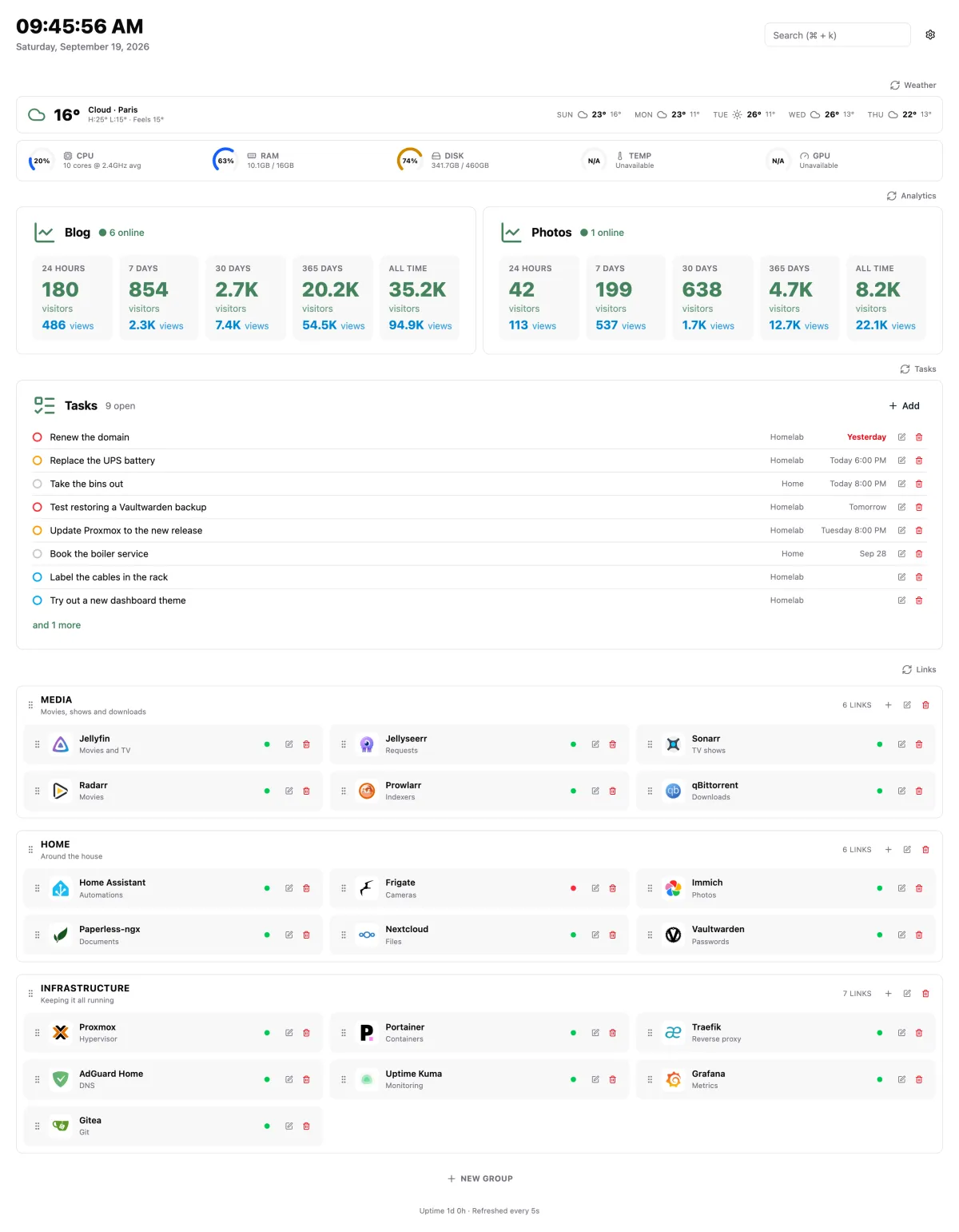
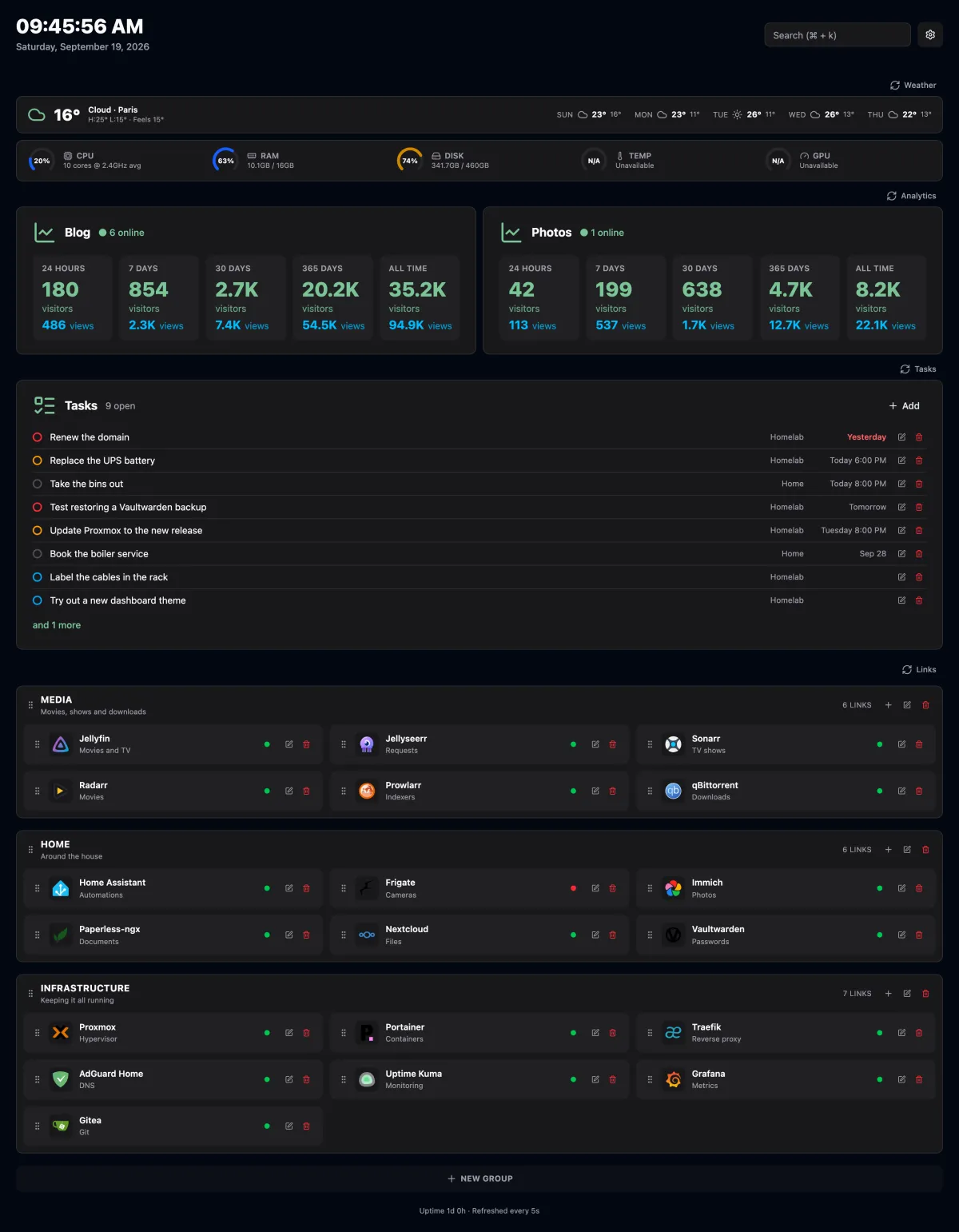
- Links in groups. Each link has a title, description, URL, target (same or new tab) and an icon, either an image URL or a name from Dashboard Icons. Drag a link by its grip to reorder it or move it to another group.
- Online status. The server sends a
HEADrequest to every link (5 second timeout, cached for 30 seconds). Any response below 500 counts as online. Self-signed certificates are accepted. - Weather. Current conditions and a 5-day forecast from Open-Meteo, no API key needed.
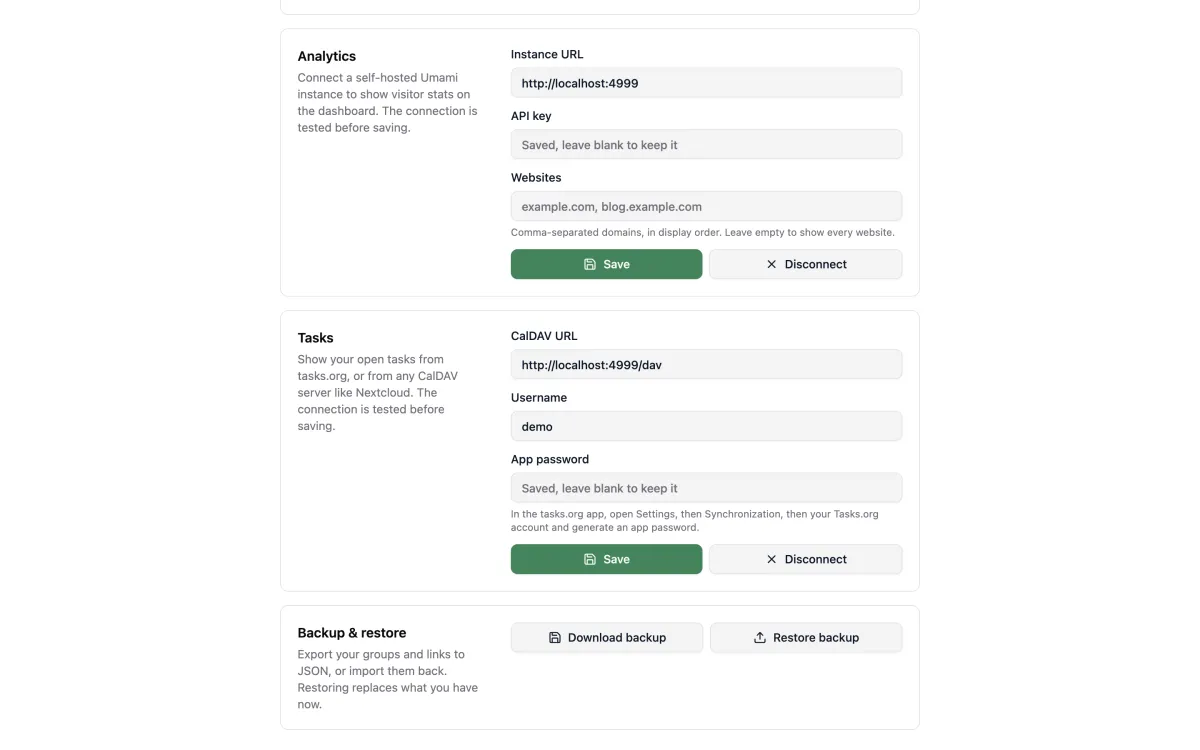
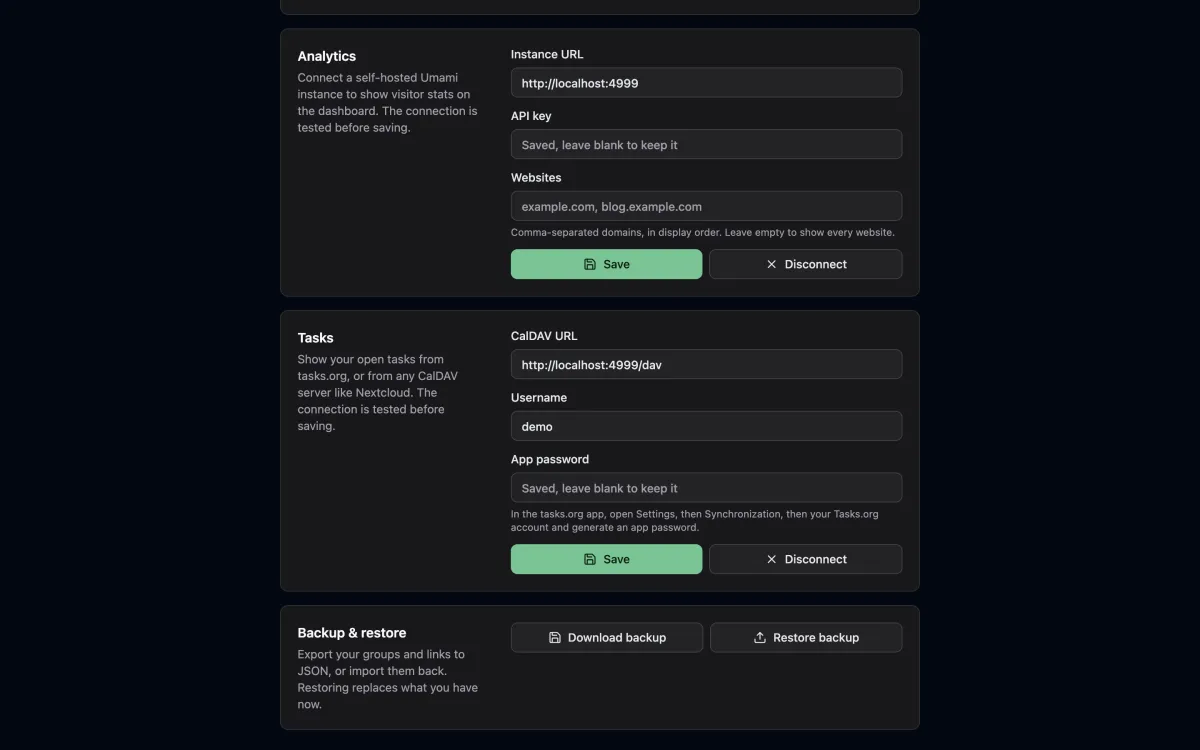
- Analytics. Live visitors, plus visitors and pageviews over 24 hours, 7, 30 and 365 days and all time per website from a self-hosted Umami v3 instance. Connect it in Settings with the instance URL and an API key.
- Tasks. Your open tasks from tasks.org or any CalDAV server (Nextcloud, Radicale, ...), soonest due first, with overdue ones in red. Connect it in Settings with the CalDAV URL, your username and an app password. Read-only.
- CI status. The latest GitHub Actions run of each workflow on the default branch, per repository. In Settings, register a read-only GitHub App in one click (optionally under an organization), then install it on the repositories to watch. Cached for a minute.
- System stats. CPU, RAM, disk, temperature and GPU gauges for the host the app runs on.
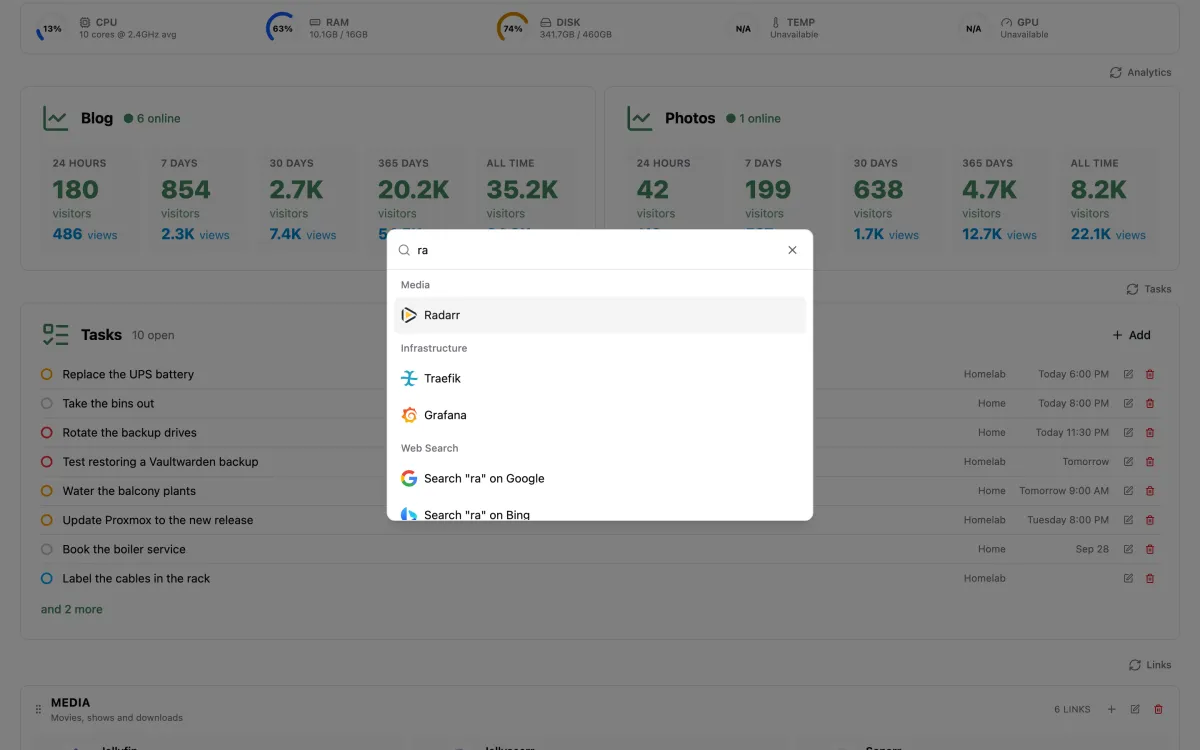
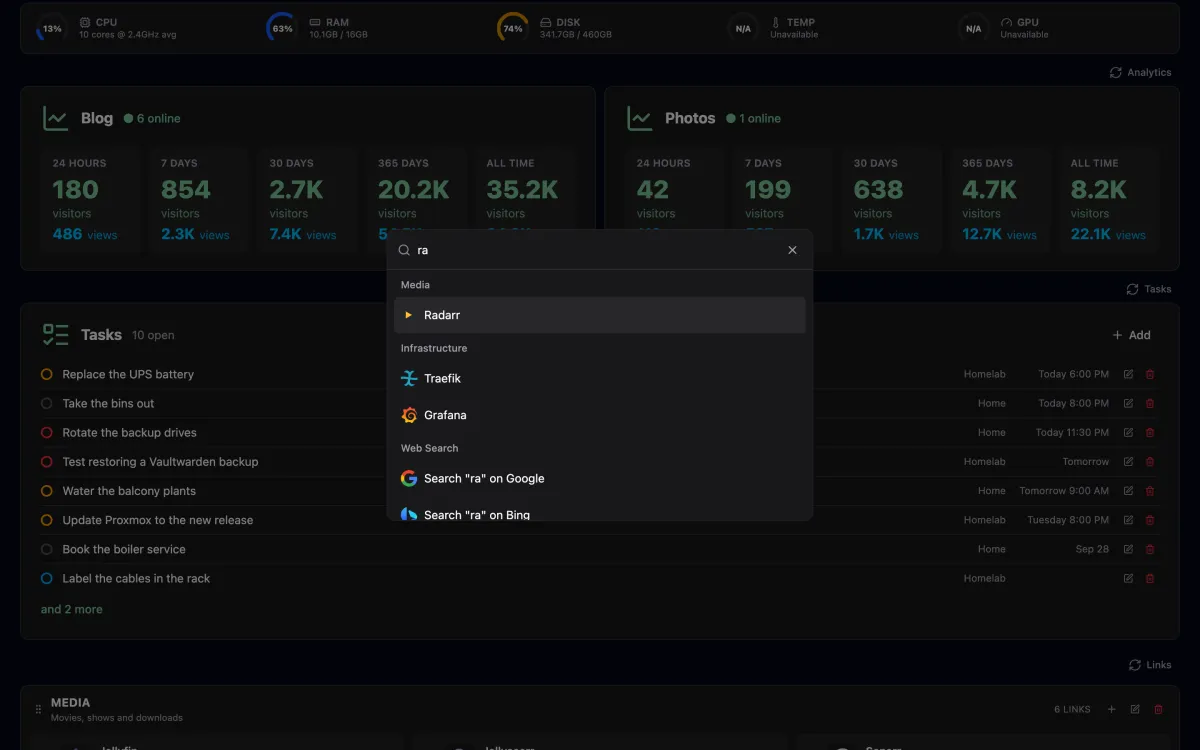
- Search.
Cmd+K/Ctrl+Kopens a palette to jump to any link or search the web. - Backup and restore. Export your groups and links to JSON from Settings, and import them back.
- Light, dark and system themes.
The page refreshes its stats every 5 seconds. Drag a section by the grip in its left margin to reorder the dashboard; the order is saved on the server.
This guide lives in the project repo: edit it there, and this page follows within a day.