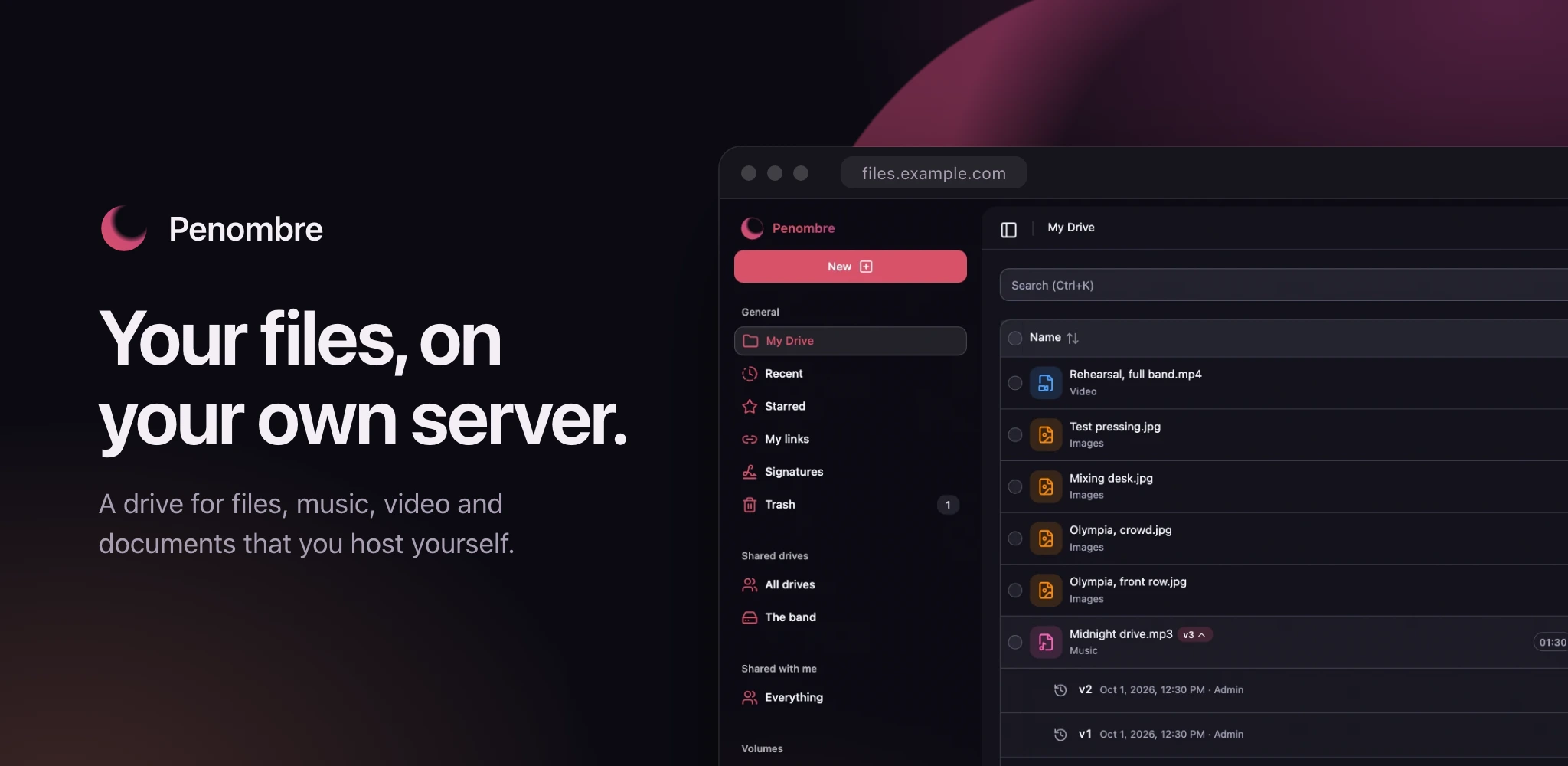
> A self-hosted drive. All the convenience of cloud storage, on hardware you own, with a bill of exactly zero.
> Source: https://orochibraru.com/penombre/canary/docs/readme · Site index: https://orochibraru.com/llms.txt
# Penombre
A self-hosted drive. All the convenience of cloud storage, on hardware you own,
with a bill of exactly zero.
[](https://alternativeto.net/software/penombre/about/?utm_source=badge&utm_medium=referral)



[Docs](https://orochibraru.com/penombre/docs) ·
[Docker Hub](https://hub.docker.com/r/orochibraru/penombre) ·
[Project page](https://orochibraru.com/penombre)
**[See the full showcase →](https://orochibraru.com/penombre/docs/showcase)** —
every screen, light and dark, generated from a real instance.
## What it is
Penombre is a file storage and synchronisation platform for people who want
their files back. Drop it on a box, point it at your disks, and you get a modern
web drive — without renting the disk from anyone.
It runs on **SQLite out of the box**: one container, one volume, no database
server to run alongside it. PostgreSQL stays supported the day you outgrow that.
## Features
### Your files
- **Uploads that survive a reload** — files and whole folders, queued in the
browser and resumed after a closed tab.
[Uploads](https://orochibraru.com/penombre/docs/uploads)
- **Everything you expect from a drive** — folders, search, starred, recent,
automatic categories (images, music, video, documents…), zip downloads, and a
trash that gives things back.
[Storage](https://orochibraru.com/penombre/docs/storage)
- **Copy and move anywhere** — between folders, shared drives and mounted
volumes, in one dialog.
- **Big folders stay fast** — listings page from the database and render only
what is on screen, so a 20,000-file sample library scrolls like ten files.
### Music and media
- **A real music player** — the waveform is the progress bar, redrawn in your
accent colour; skip, restart, change the speed without changing the pitch, or
transpose without changing the tempo.
[Media](https://orochibraru.com/penombre/docs/media)
- **Notes pinned to a moment** — timestamped comments drawn on the waveform, for
"the kick is too loud at 1:12".
[Media](https://orochibraru.com/penombre/docs/media#notes-pinned-to-a-moment)
- **Previews for almost everything** — images, video, PDFs, code, 3D models,
with a full-screen viewer that keeps the playhead when you go in and out.
### Versions
- **No more `final-final-really.wav`** — upload a file with the same name and
the old one becomes a version you can play, preview or restore. Switch takes
mid-playback and compare two mixes at the same bar.
[Versioning](https://orochibraru.com/penombre/docs/versioning)
- **Merge old takes into one file** — select `Song-001.mp3` … `Song-014.mp3`,
order them by date or by name, preview the result, merge.
[Merging](https://orochibraru.com/penombre/docs/versioning#merging-files-into-versions)
### Documents
- **Documents, sheets and decks** in the browser, stored as plain HTML, CSV and
Markdown files — no private format.
[Documents](https://orochibraru.com/penombre/docs/documents)
- **Word, Excel and PowerPoint edited in place** — the original file is kept,
only the text you changed is written back.
### Sharing
- **Links** with an optional password, expiry and sign-in requirement.
[Sharing](https://orochibraru.com/penombre/docs/sharing)
- **People** on the instance, as viewers, editors or with full access; they are
notified in the app and by email.
[Notifications](https://orochibraru.com/penombre/docs/notifications)
- **Shared drives** owned by a team rather than a person, with member roles and
a trash of their own.
[Shared drives](https://orochibraru.com/penombre/docs/shared-drives)
### Your disks, your layout
- **Mount what you already have** — declare a directory as a volume and its
files show up, rescanned every minute, read-only if you like.
[Volumes](https://orochibraru.com/penombre/docs/volumes)
- **WebDAV and sync** — mount any drive in Finder, Explorer or GNOME Files, or
keep a folder in two-way sync with rclone; a save over a file becomes a
version, a delete lands in the trash.
[WebDAV and sync](https://orochibraru.com/penombre/docs/webdav)
- **A desktop sync app** — a tray app for macOS, Linux and Windows that keeps
several local folders in two-way sync with your drive, shared drives or
volumes; `brew install orochibraru/tap/penombre-sync`.
[Desktop sync](https://orochibraru.com/penombre/docs/desktop)
- **Syncthing-friendly** — what Penombre writes to a volume keeps its real name
and its modification date, so the folder reads the same on every peer.
[Syncing with Syncthing](https://orochibraru.com/penombre/docs/storage#syncing-with-syncthing)
- **Simple mode** — no per-user drives, just one shared library everybody
browses. [Simple mode](https://orochibraru.com/penombre/docs/simple-mode)
- **Encryption at rest** — file bytes sealed with a key you hold, rotatable,
recoverable without Penombre.
[Encryption](https://orochibraru.com/penombre/docs/encryption)
### Sign-in and administration
- **Every way in** — password, passkeys, magic links, emailed codes, two-factor
and any OpenID Connect provider (Pocket ID, Google…), each switchable live
from the admin panel.
[Authentication](https://orochibraru.com/penombre/docs/authentication)
- **Invitations, users, SMTP, storage and an activity log** in one admin panel.
[Admin](https://orochibraru.com/penombre/docs/admin)
- **A documented REST API** — every `/api/v1` endpoint is in the OpenAPI spec,
with API keys for scripts.
### Made to be lived in
- **Thirteen languages**, light and dark themes, a choice of accent colours,
typefaces and corner styles.
- **A phone layout that is not an afterthought** — bottom bar, drawer
navigation, the player and uploads all fit.
## Run it
### Docker run
```bash
docker run -d --name penombre \
-p 3000:3000 \
-v penombre_data:/data \
-e AUTH_SECRET=$(openssl rand -hex 32) \
-e ORIGIN=https://drive.example.com \
orochibraru/penombre:latest
```
### Docker Compose
```yaml
services:
penombre:
image: orochibraru/penombre:latest
restart: unless-stopped
ports:
- 3000:3000
volumes:
- penombre_data:/data
environment:
AUTH_SECRET: a-long-random-string
ORIGIN: https://drive.example.com
volumes:
penombre_data:
```
Either way it comes up on , on a setup screen that
creates the first administrator. One volume holds the lot: the SQLite database
under `/data/db`, your files under `/data/storage`. Those two variables are the
only ones required.
The [getting started guide](https://orochibraru.com/penombre/docs) walks through
it properly, and [the env reference](https://orochibraru.com/penombre/docs/env)
covers everything else: OAuth providers, SMTP, Redis, Postgres, volumes, simple
mode.
## How it's built
- **Frontend** — SvelteKit with Svelte 5, TailwindCSS 4, shadcn-svelte
- **Backend** — SvelteKit `+server.ts` routes with Zod-validated contracts that
also emit the OpenAPI spec
- **Database** — SQLite with Drizzle ORM, PostgreSQL optional, chosen from the
`DATABASE_URL` scheme
- **Storage** — plain local filesystem, so your files stay files
- **Worker** — a Go process for thumbnails, waveforms, scans, zips and bulk
copies, embedded or run as its own container
- **Auth** — Better Auth
## Contributing
See [CONTRIBUTING.md](https://orochibraru.com/penombre/canary/docs/contributing) for local setup, commands, and the test
and lint workflow.
## License
MIT — see [LICENSE](https://github.com/orochibraru/penombre/blob/main/LICENSE). Free, and staying that way.
## Acknowledgments
Built with these open-source technologies:
- [SvelteKit](https://kit.svelte.dev/) - Full-stack web framework
- [shadcn-svelte](https://shadcn-svelte.com/) - UI components
- [Bun](https://bun.sh/) - JavaScript runtime and toolkit
- [Drizzle ORM](https://orm.drizzle.team/) - TypeScript ORM
- [Better Auth](https://www.better-auth.com/) - Authentication library
- [SQLite](https://sqlite.org/) - Database
- [oxlint](https://oxc.rs/) - Linter
- [Biome](https://biomejs.dev/) - Formatter
## Star History