Showcase
A tour of Nuvio Web, one screen at a time. Every title below is a Blender open movie, released under Creative Commons Attribution by the Blender Foundation and streamed from Wikimedia Commons.
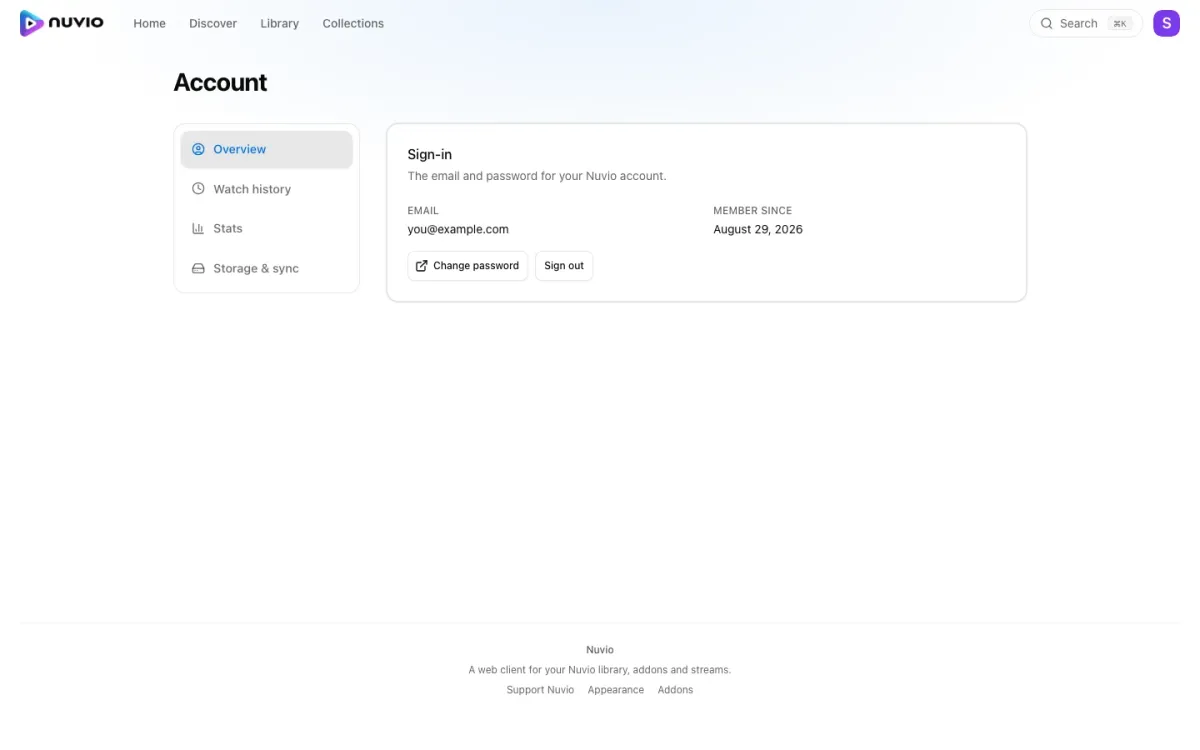
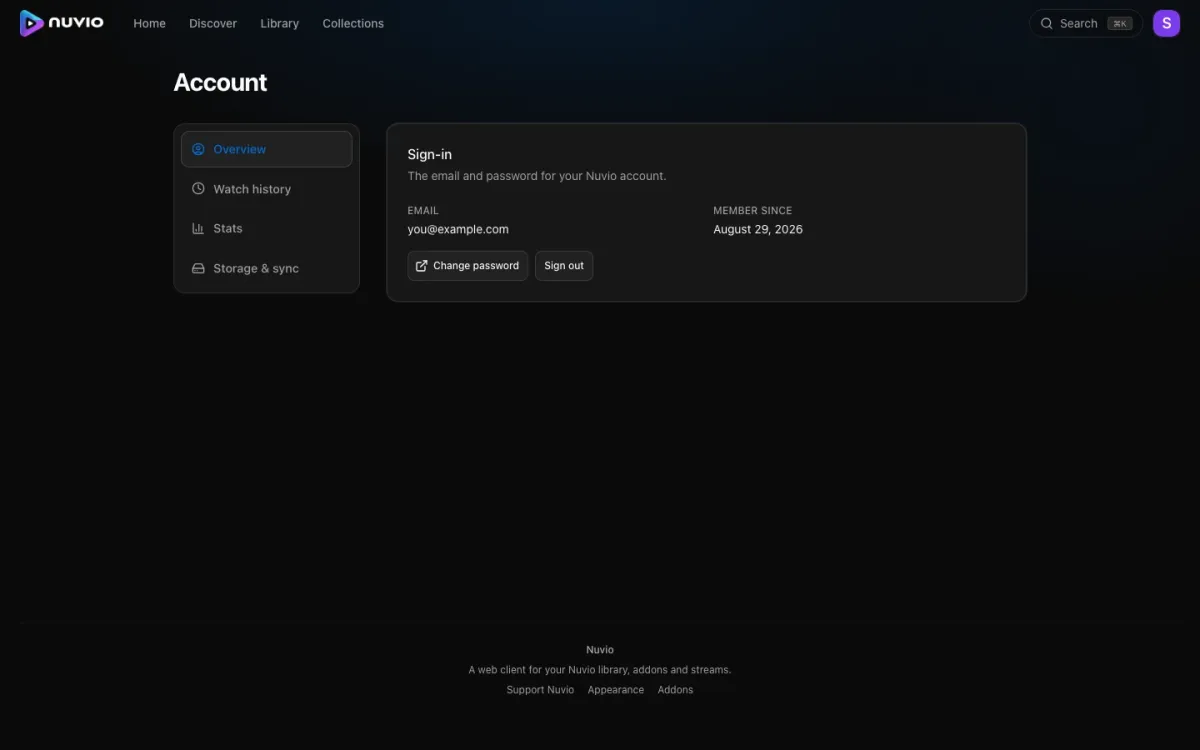
Signing in
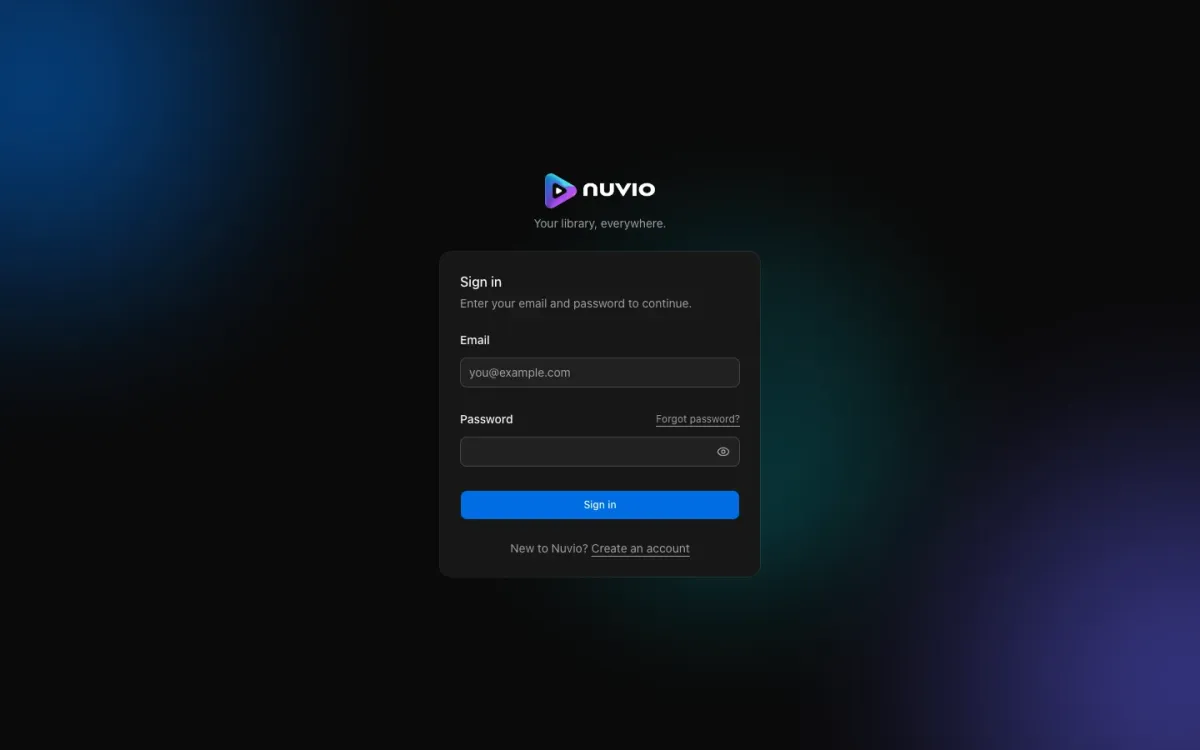
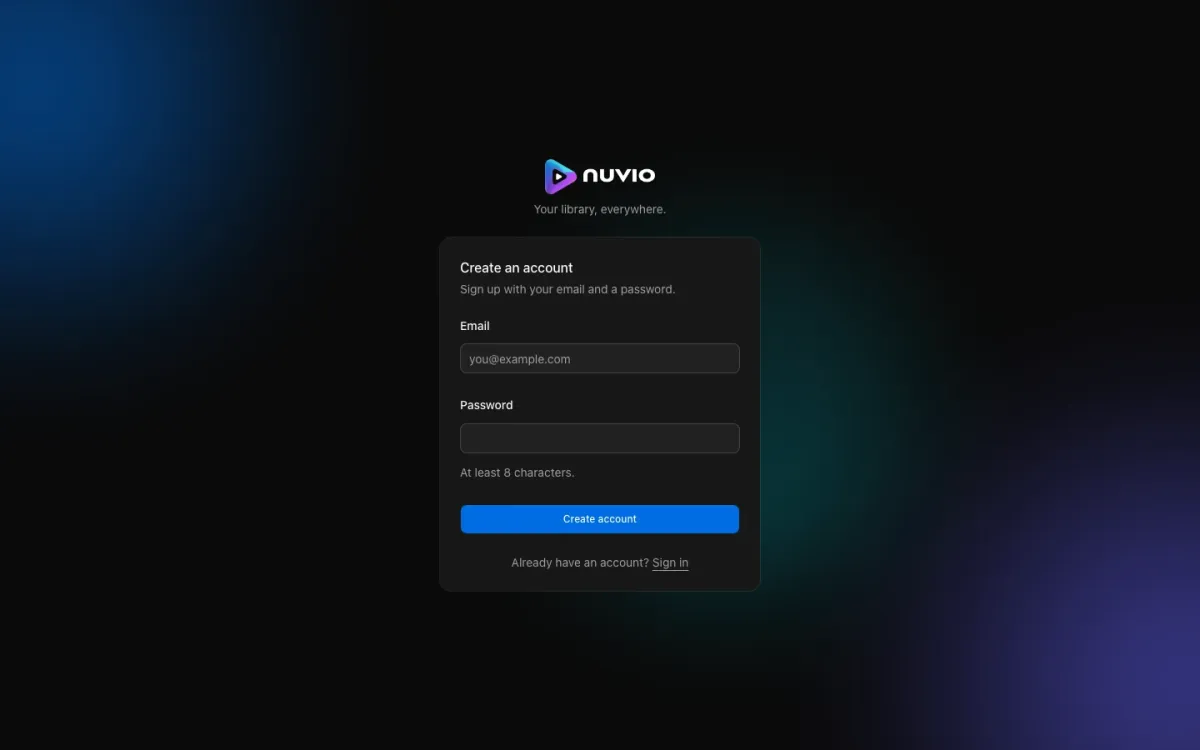
Sign in with the Nuvio account you already use on your phone, or create one. It is the same account the mobile app uses.
Browsing
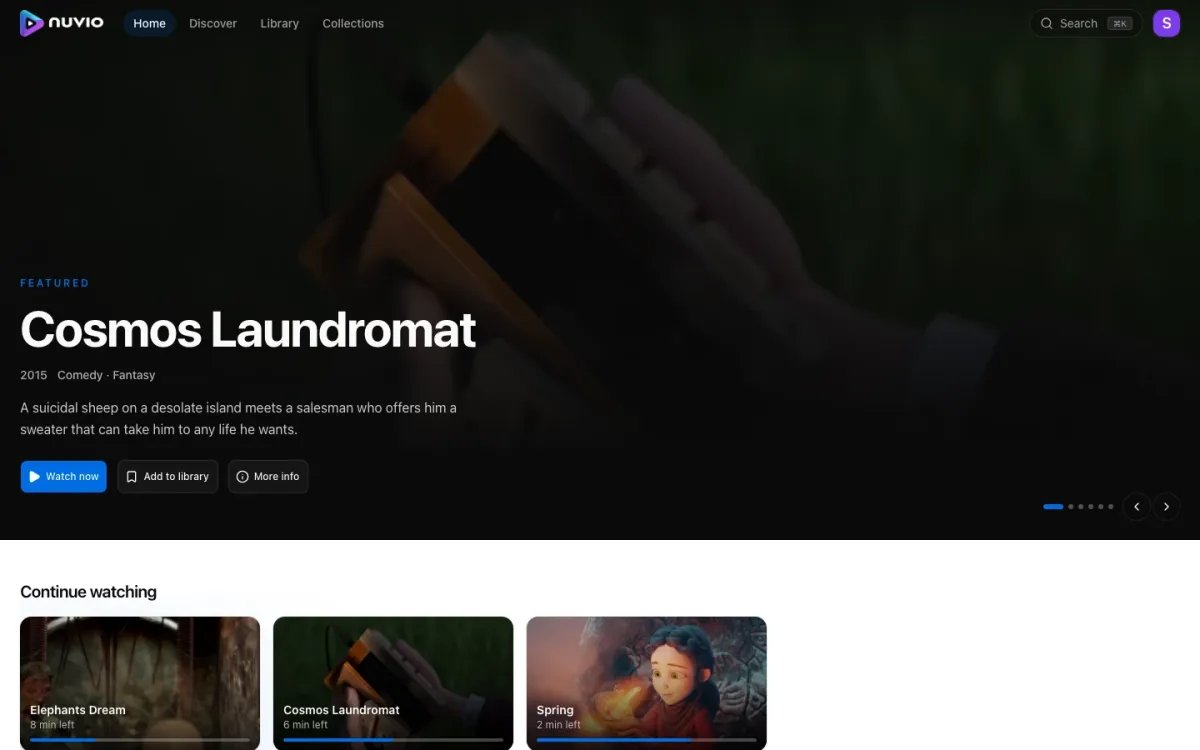
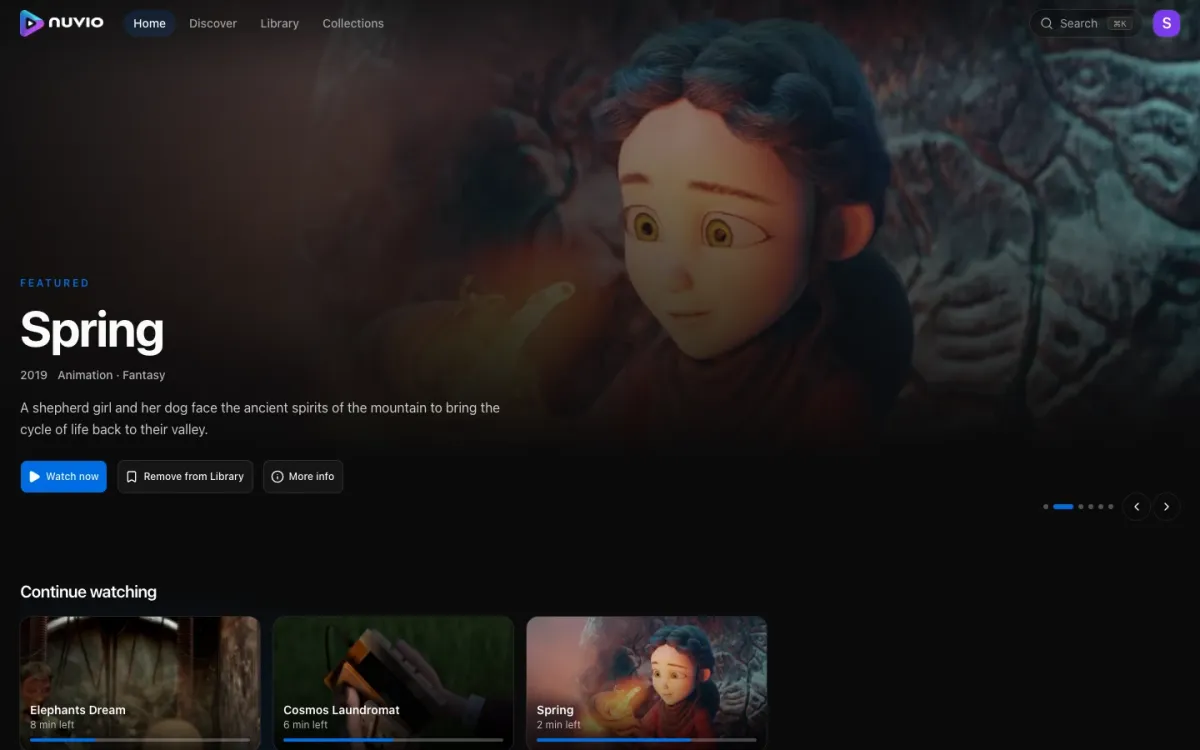
Home opens on a hero carousel, then continue watching, then one row per addon catalog. You choose the rows and their order in settings.
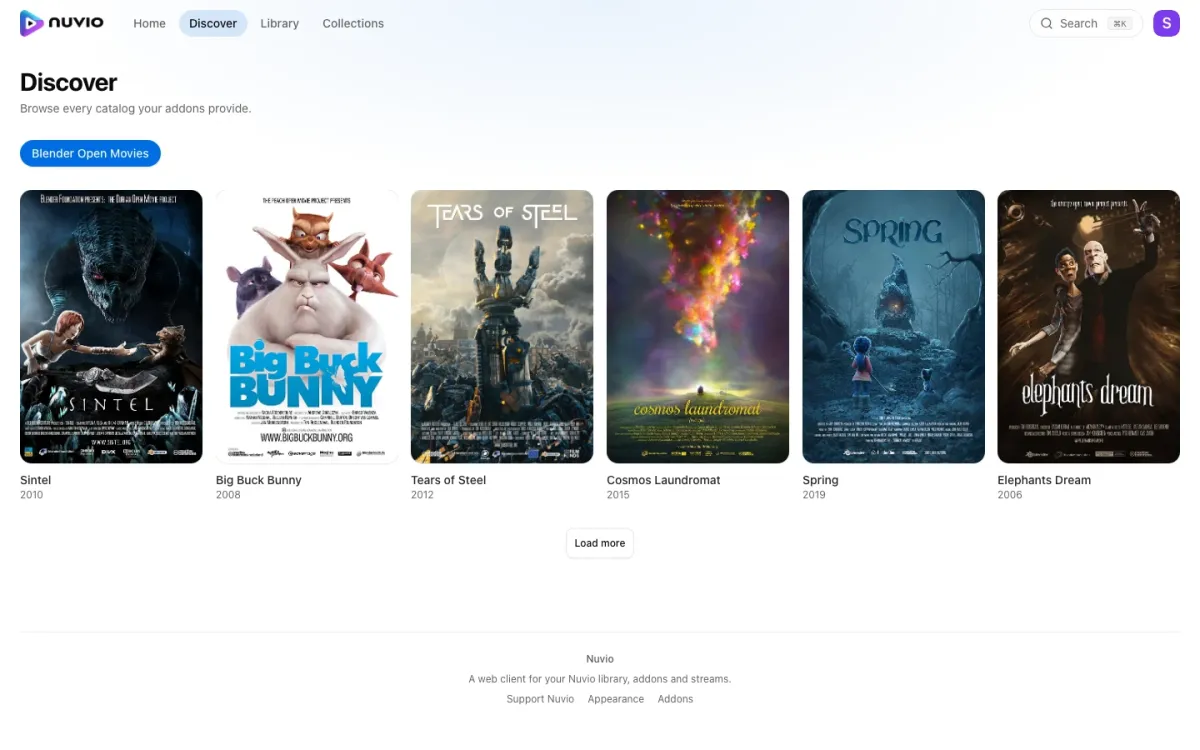
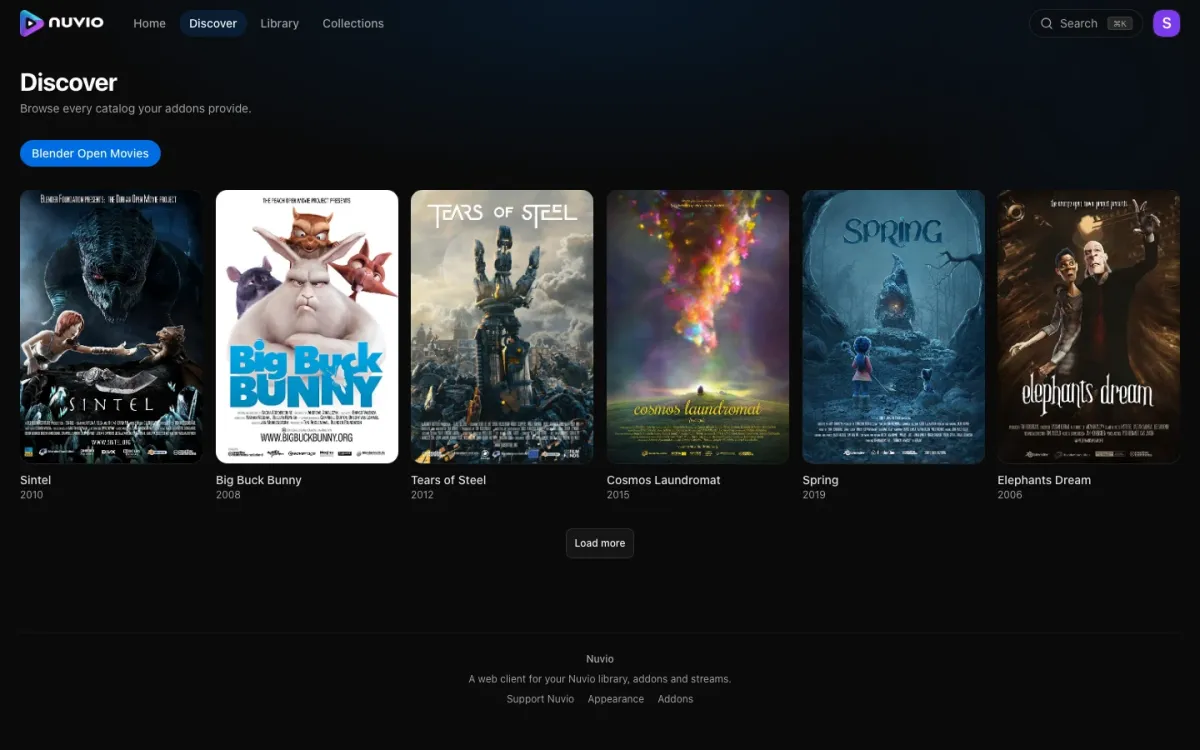
Discover browses one catalog at a time, filtered by type and genre.
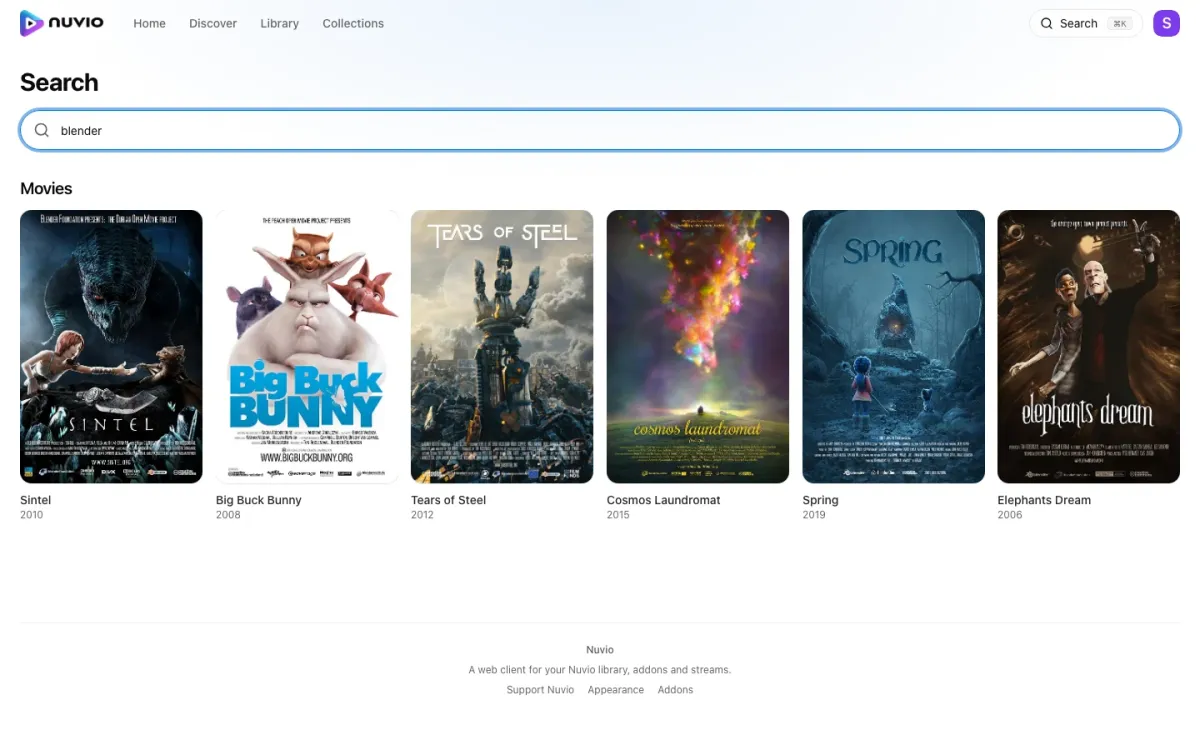
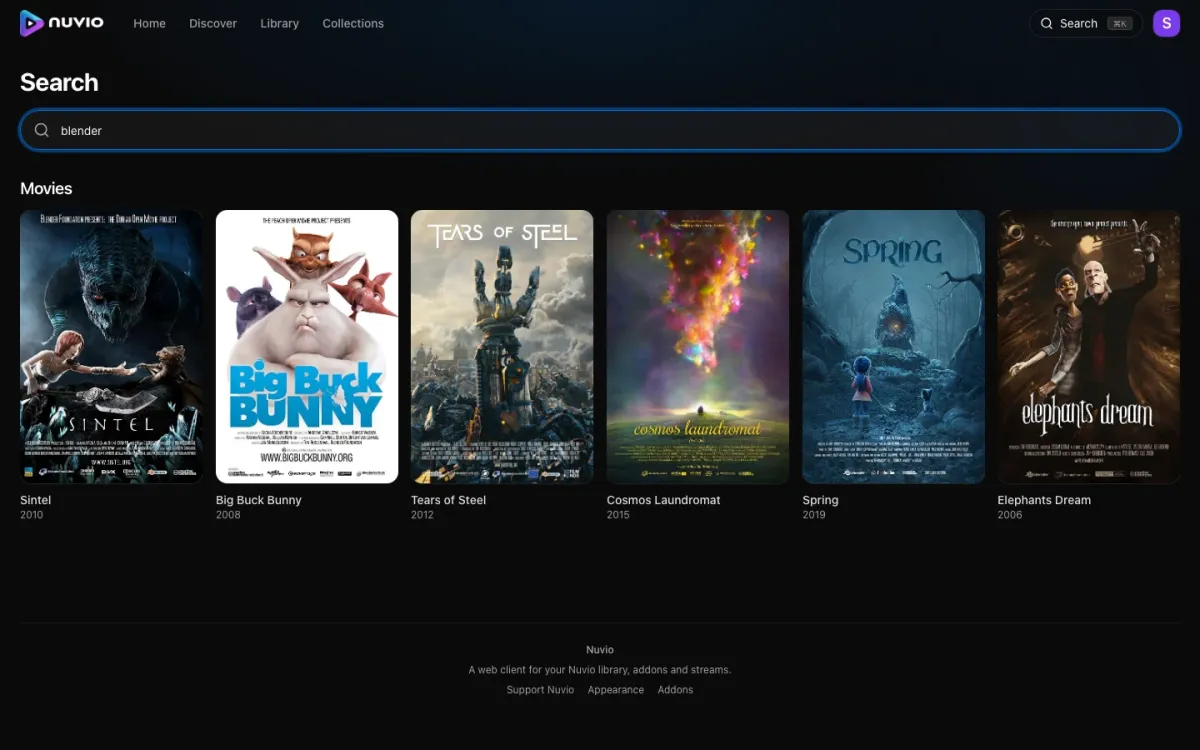
Search queries every catalog that supports it at once.
A title
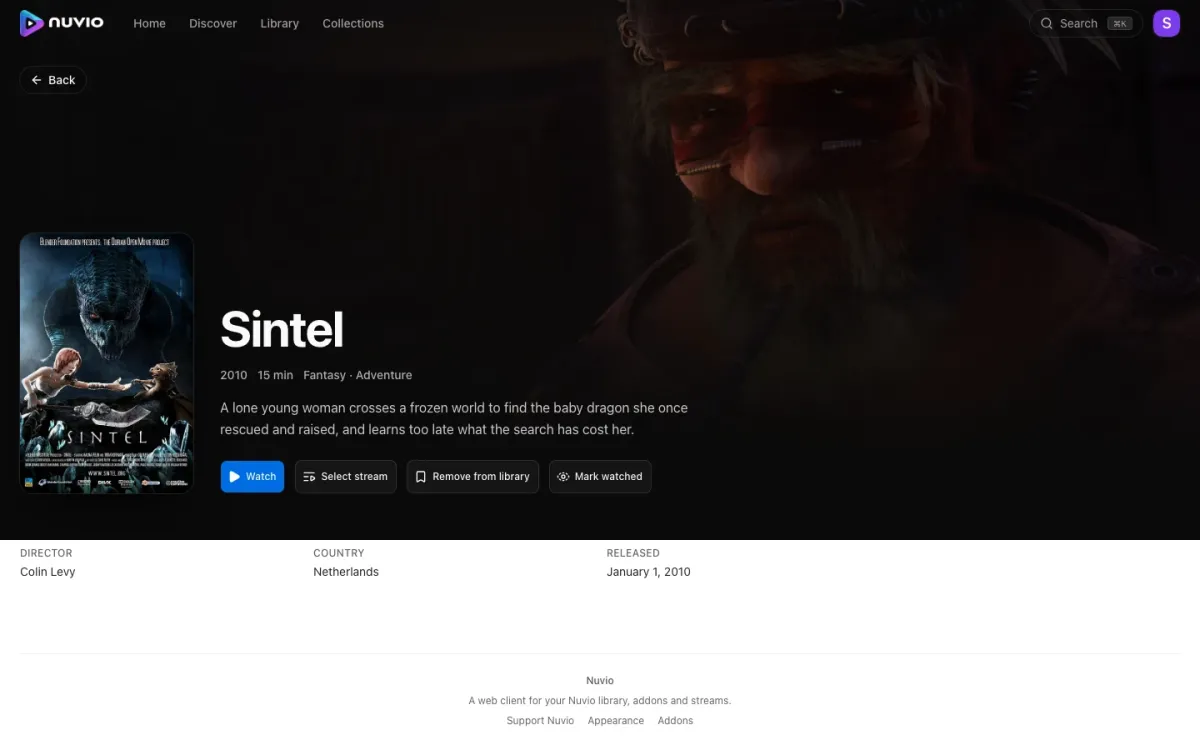
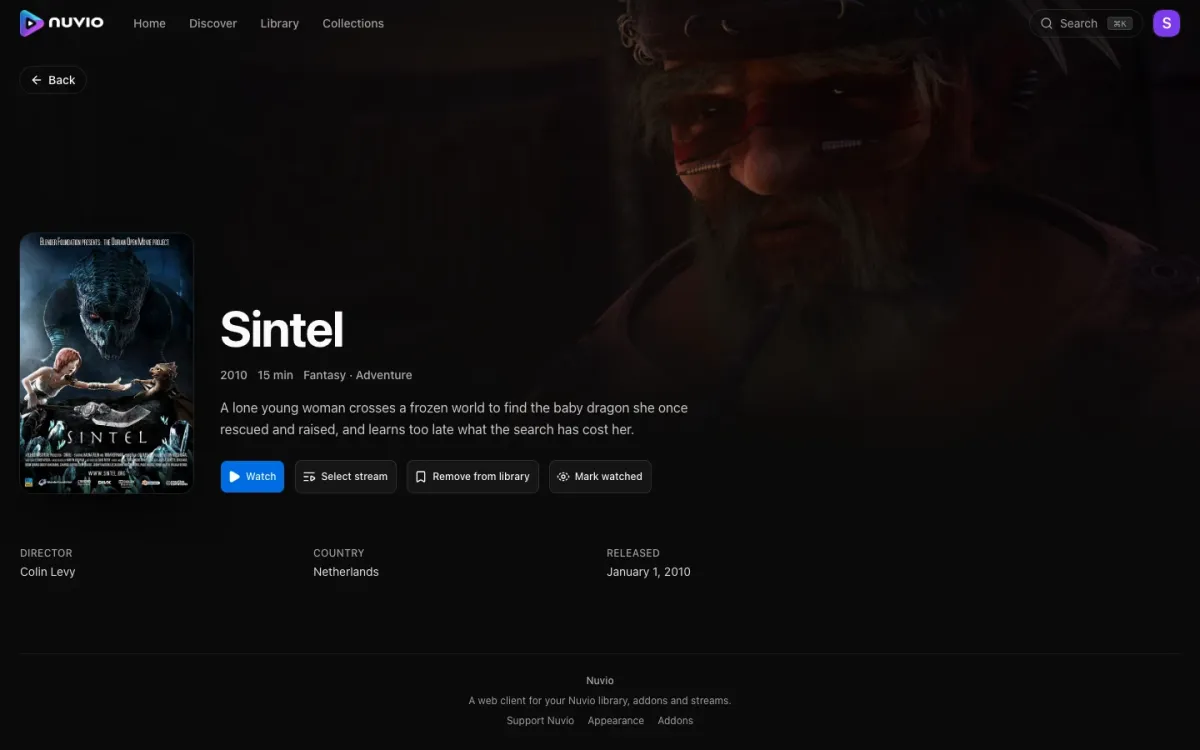
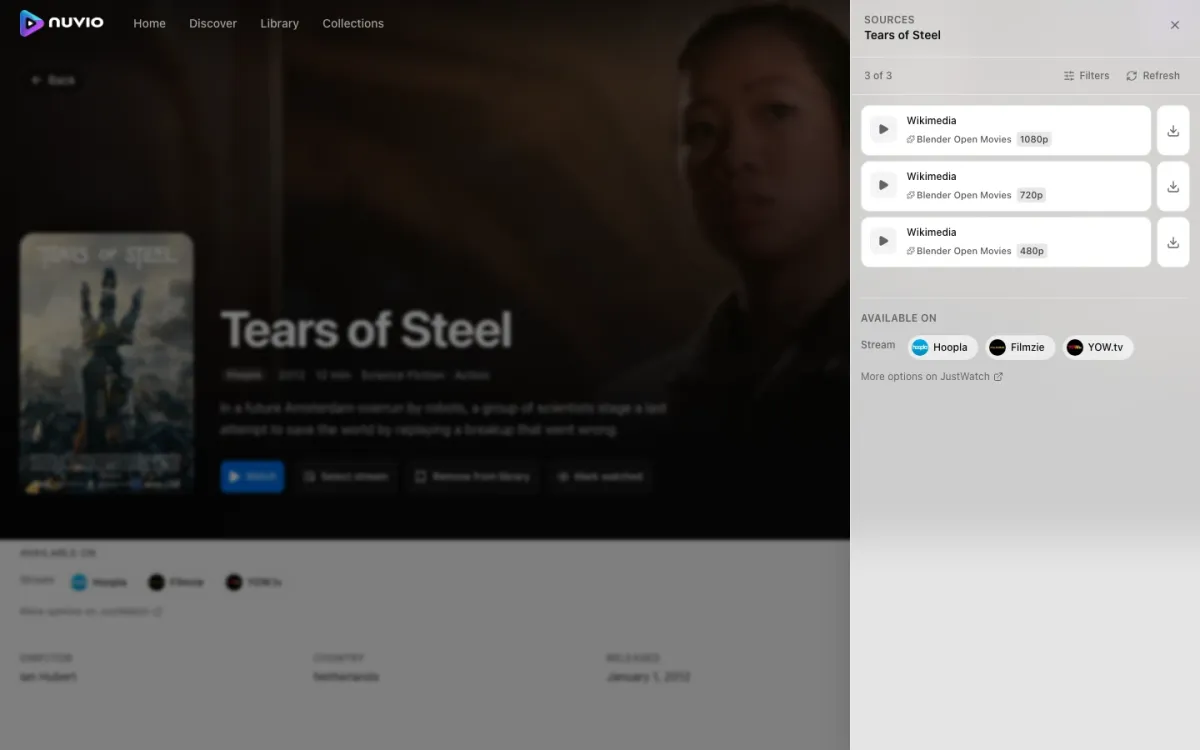
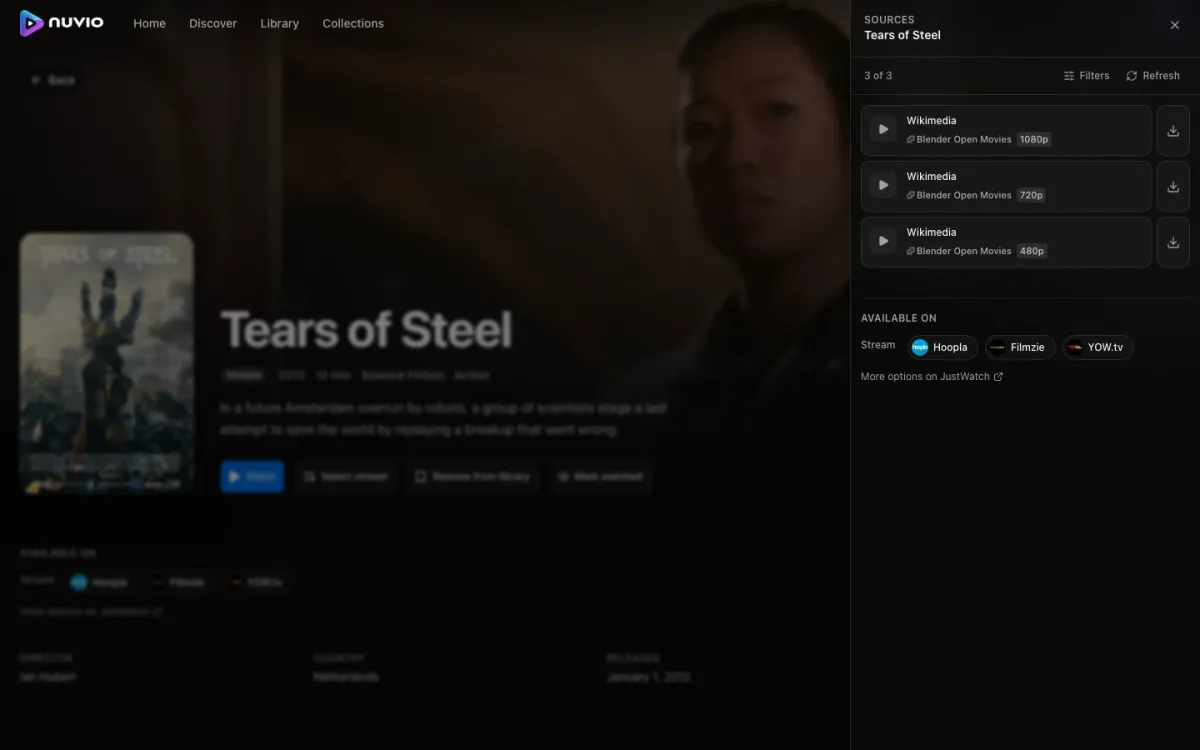
The sources drawer lists every stream your addons return, with the quality parsed out of their labels, and where the title is available to stream legally.
Your stuff
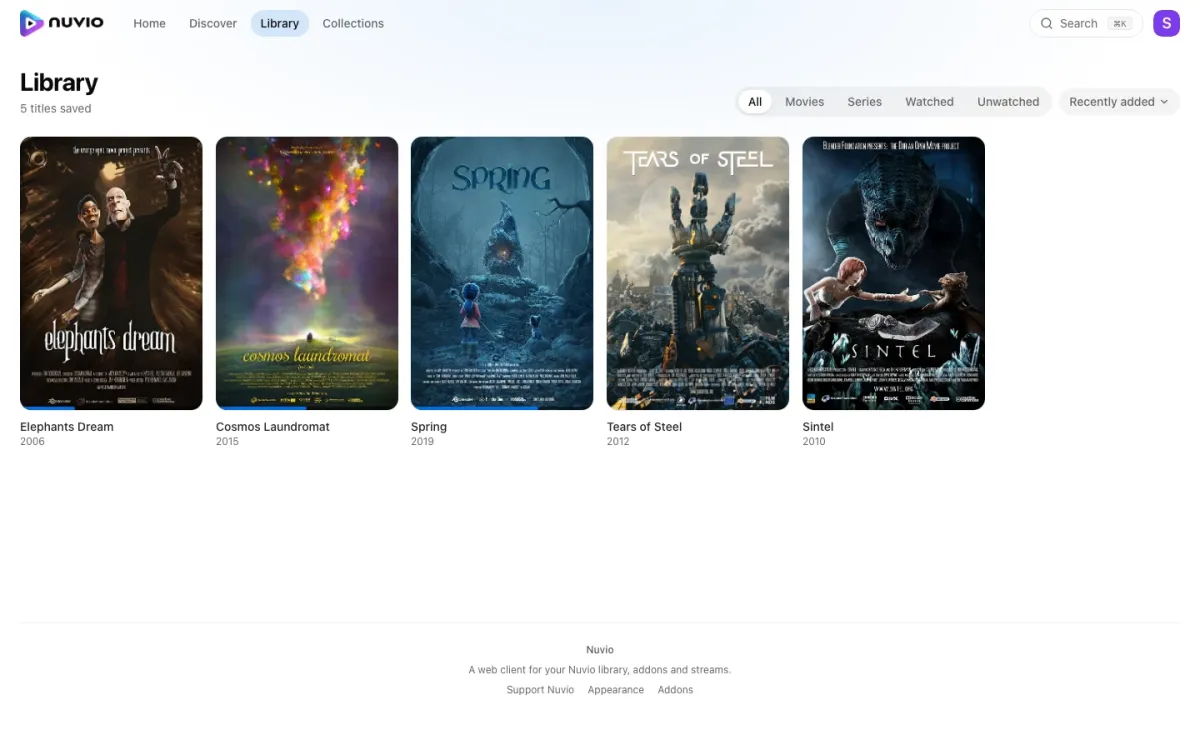
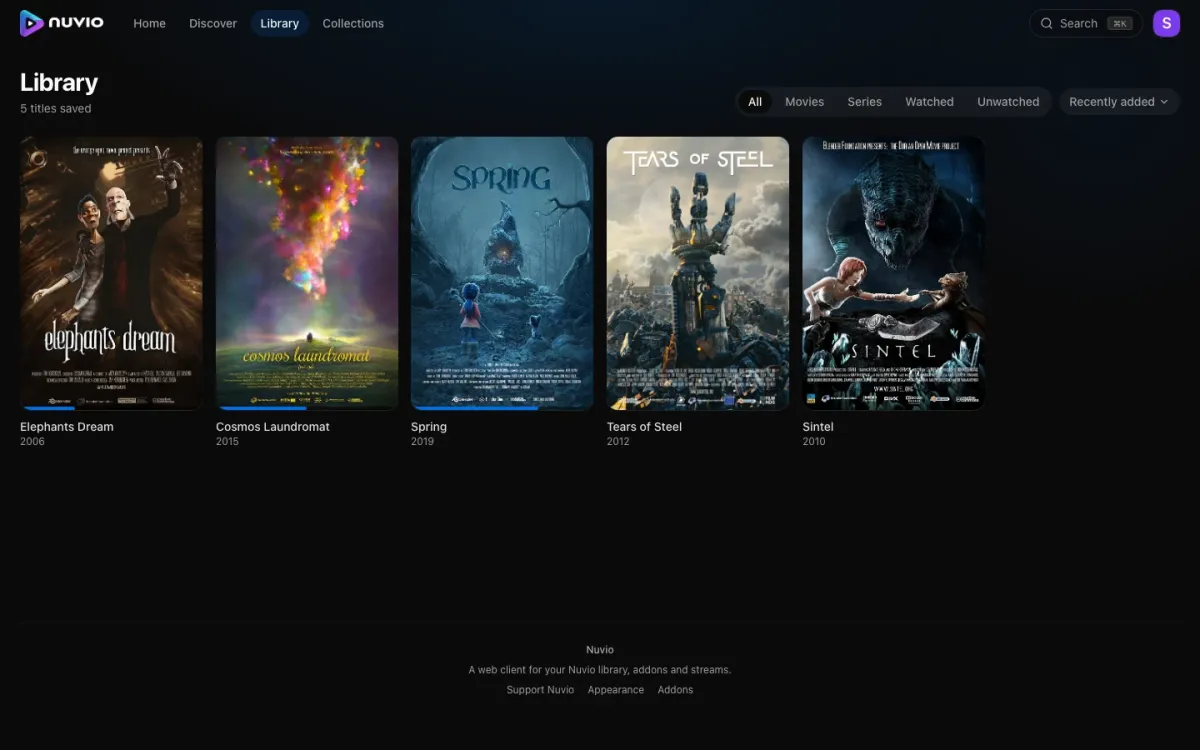
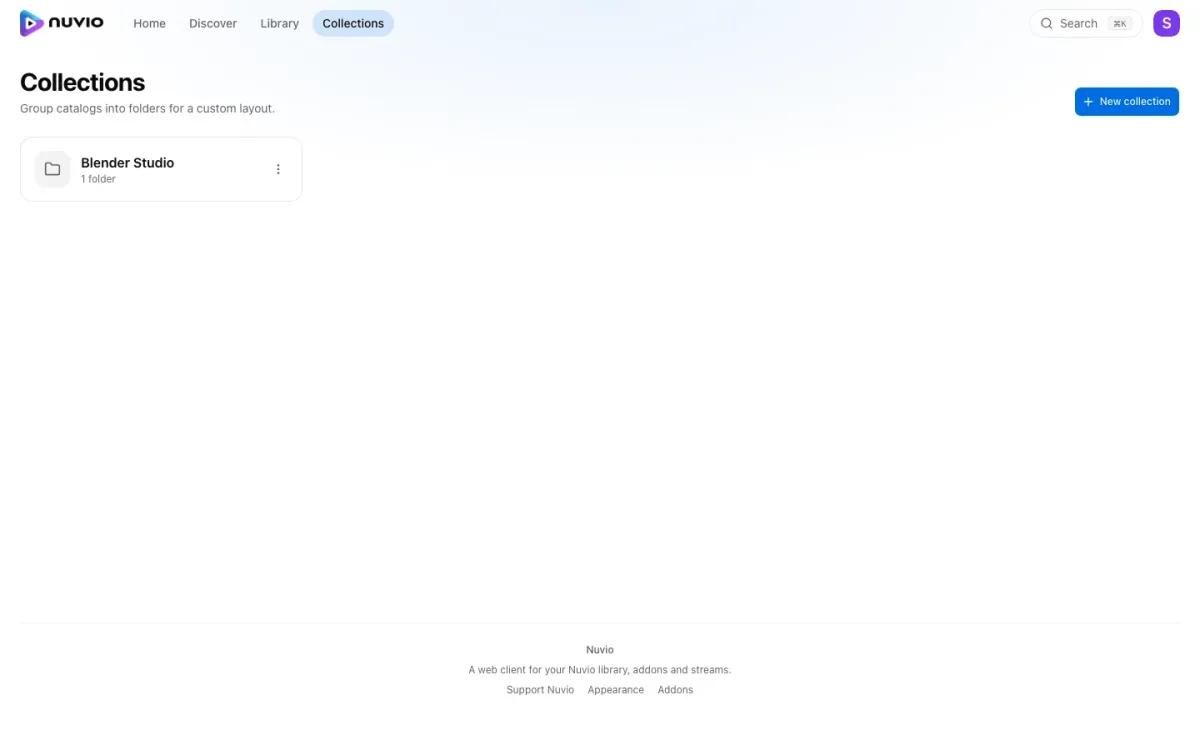
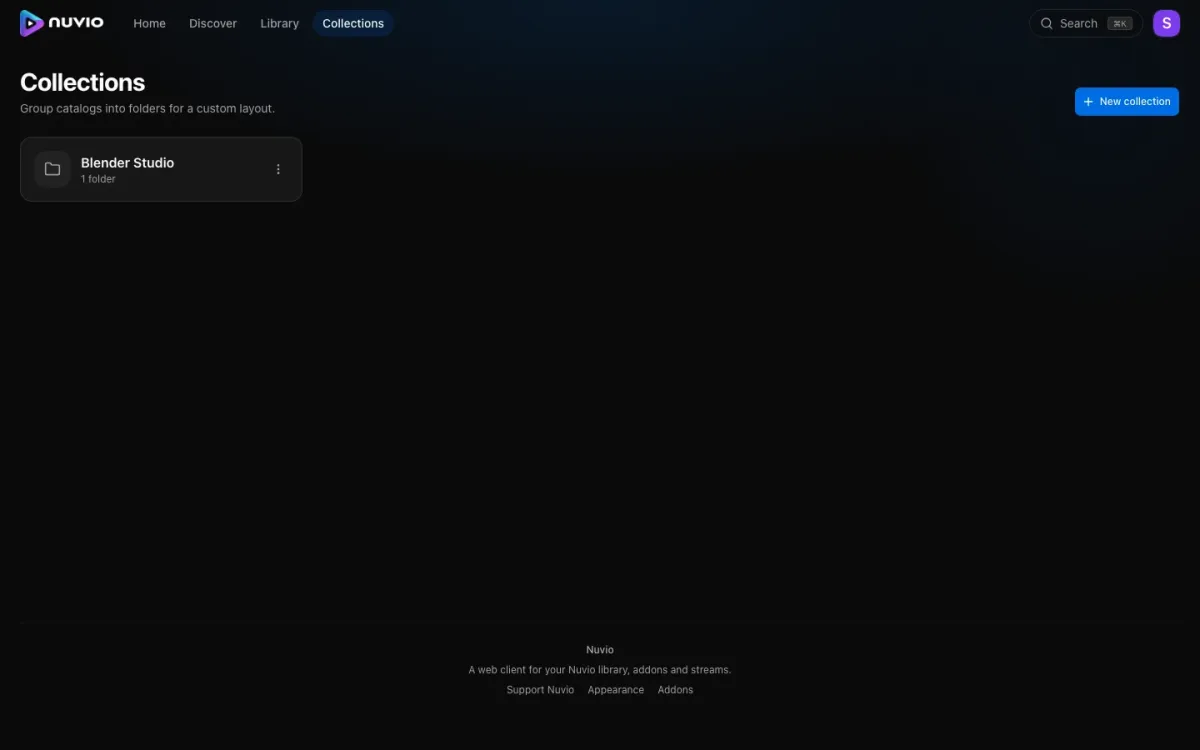
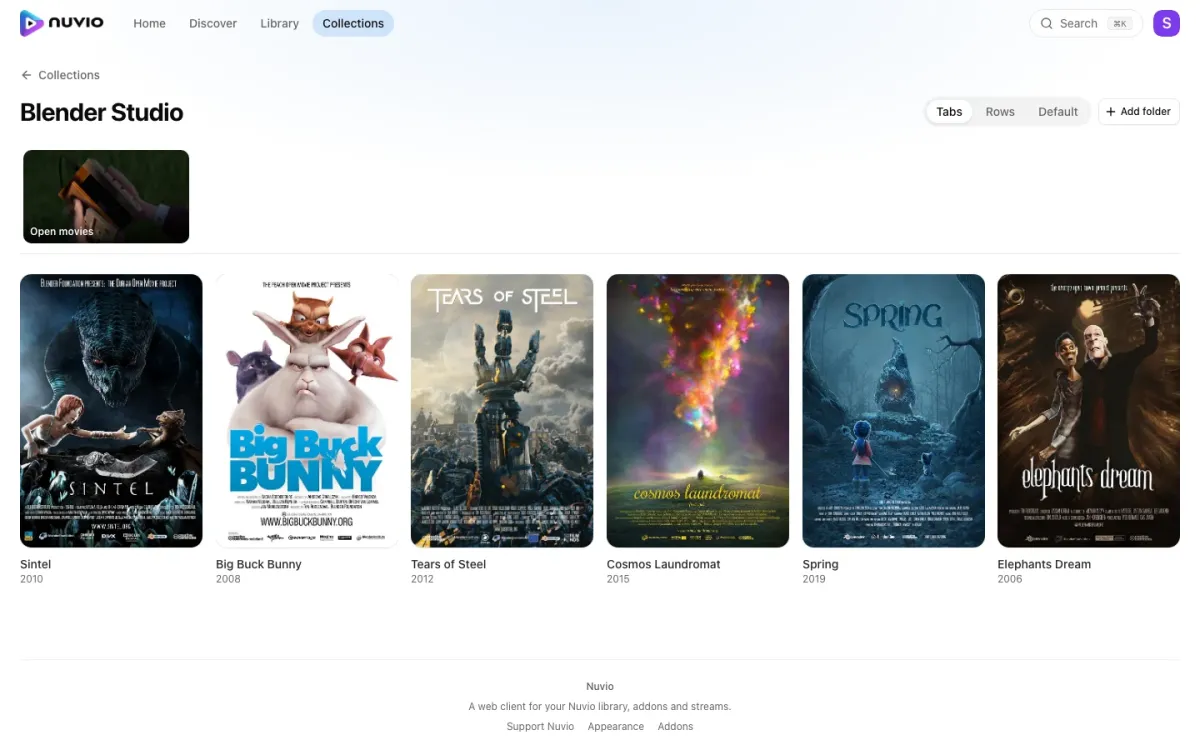
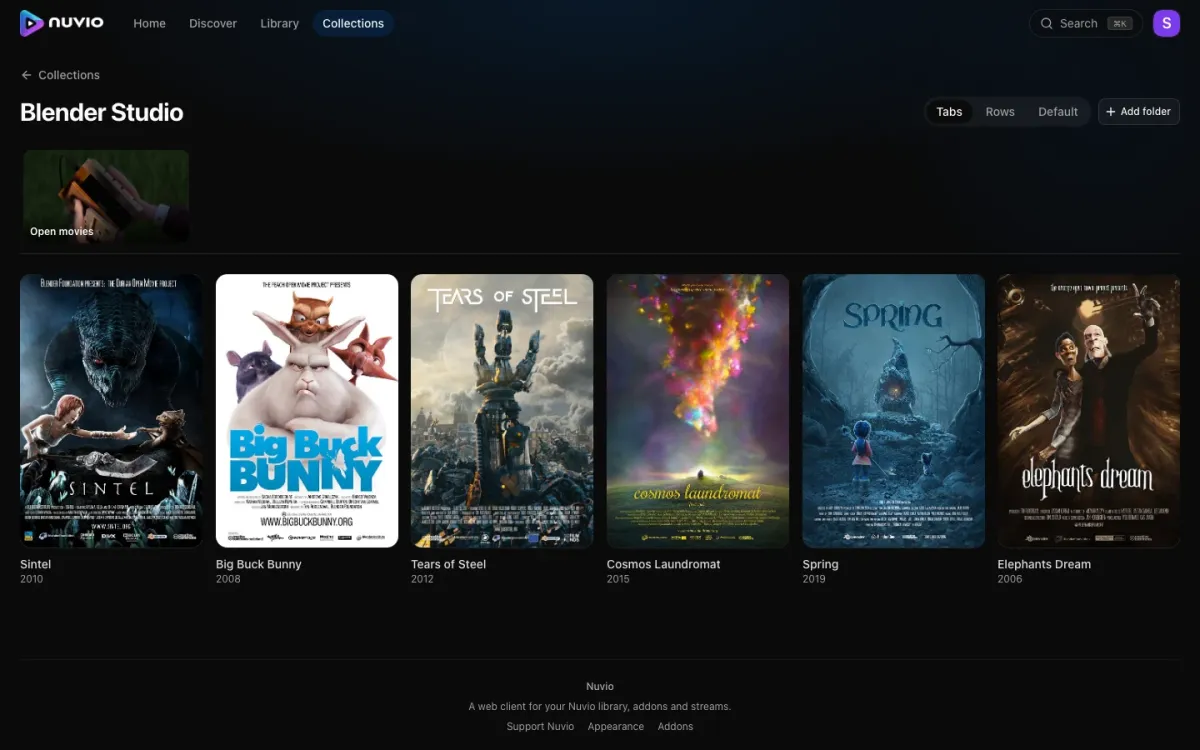
Library and collections are yours to curate. They sync with the mobile app.
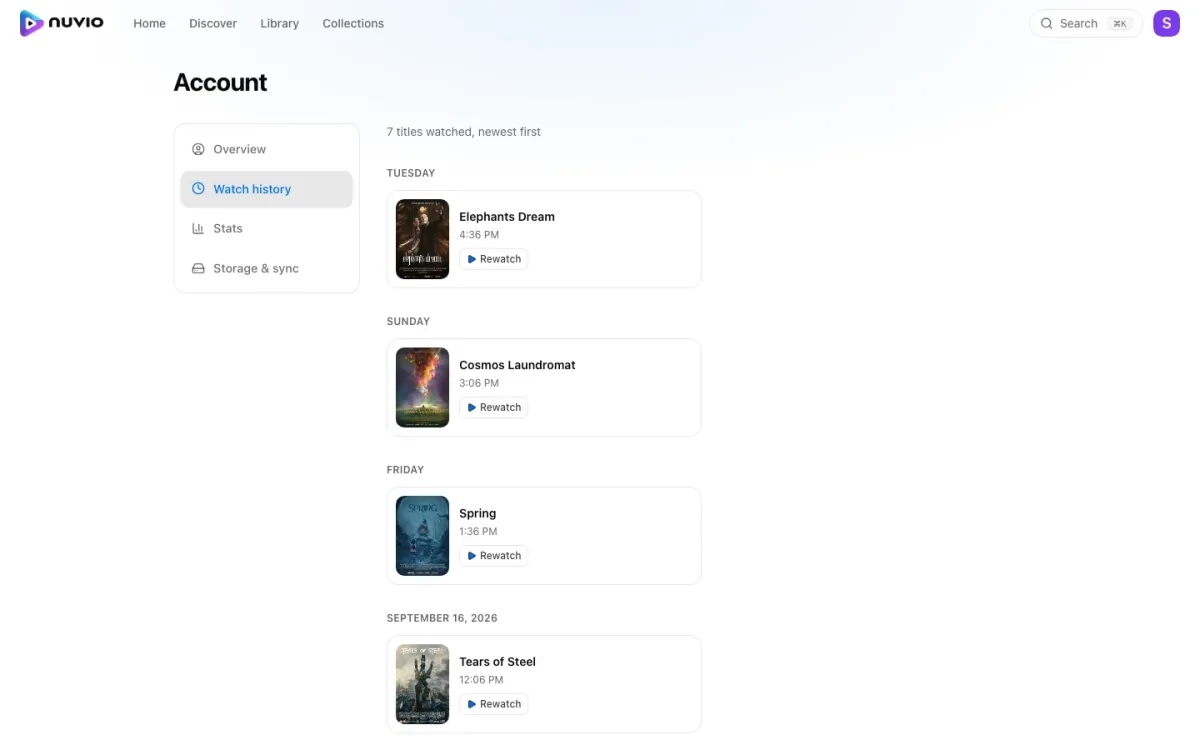
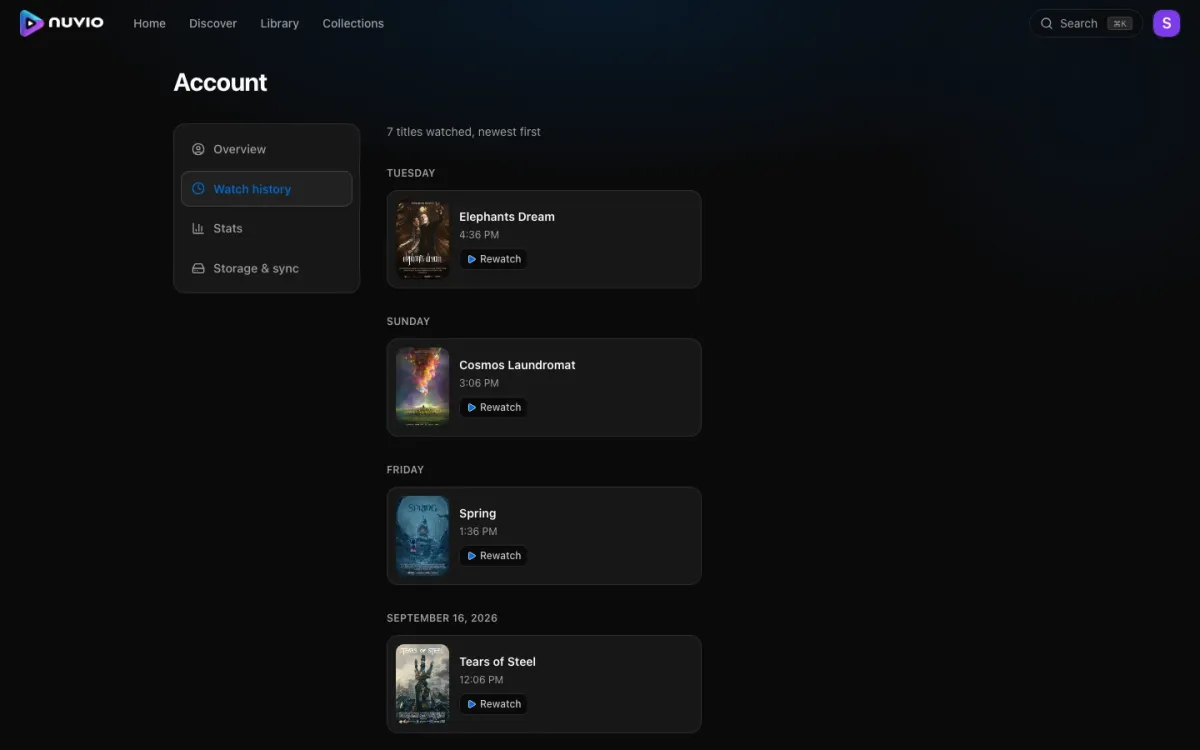
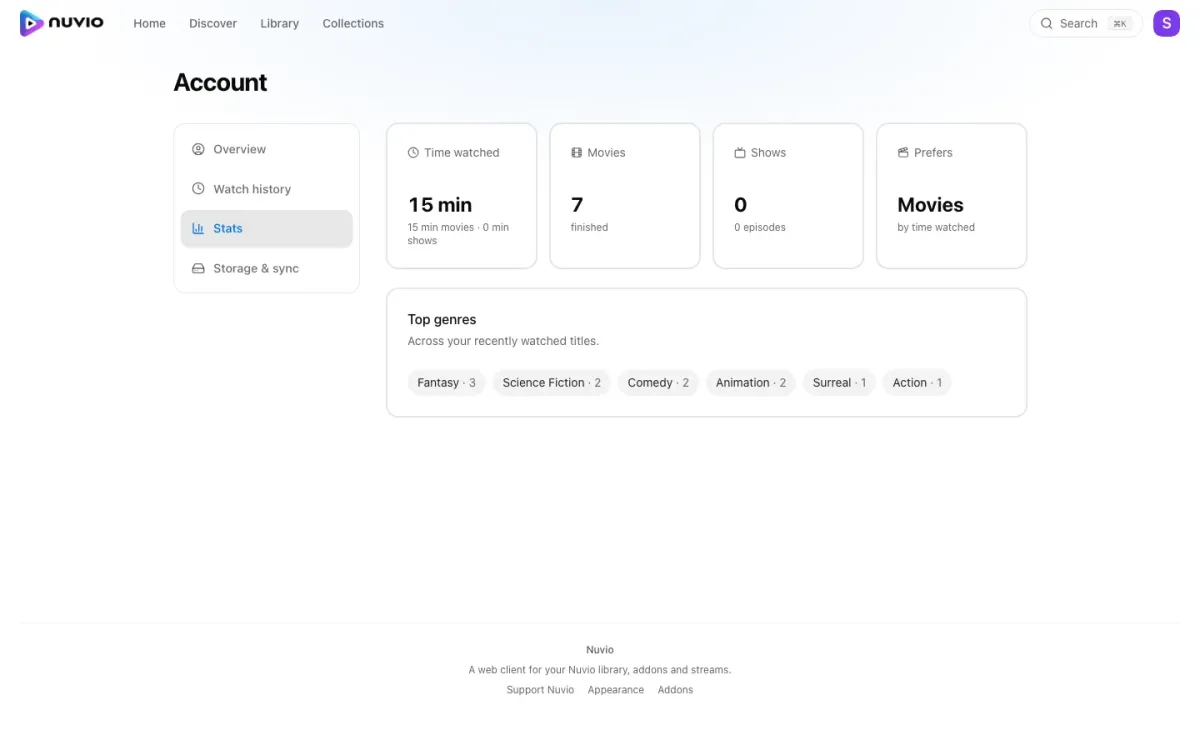
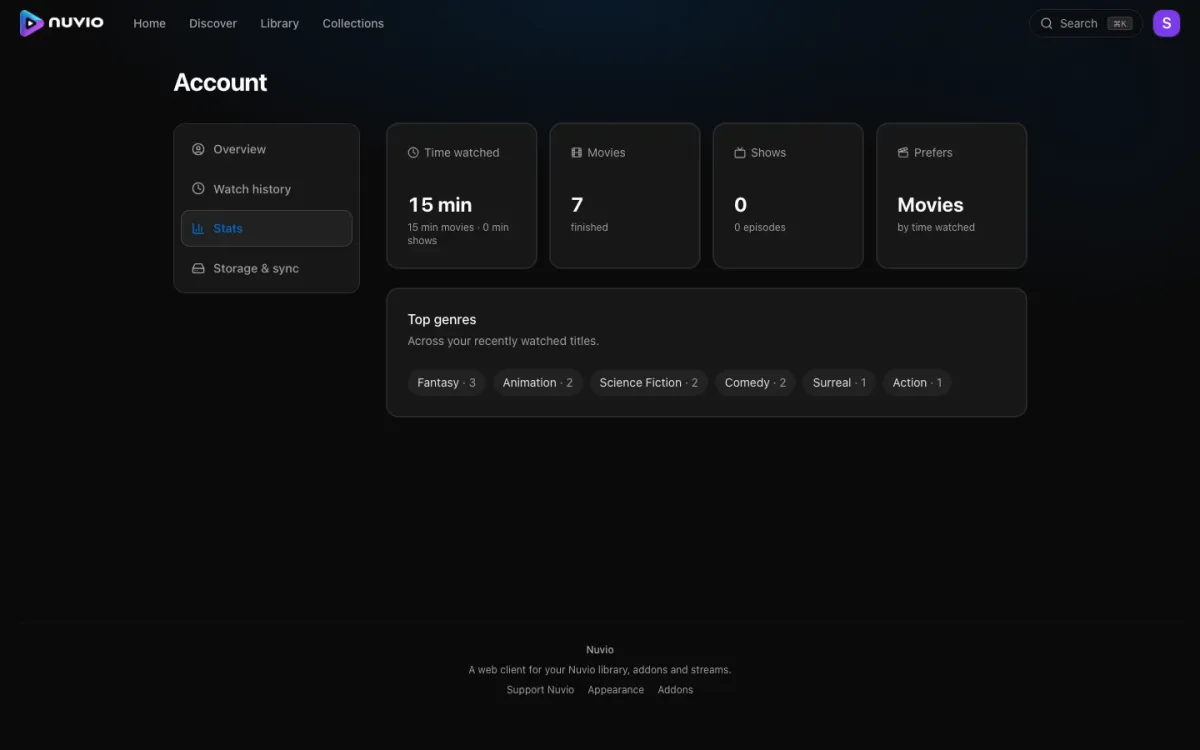
History and stats come from what you actually watched.
Settings
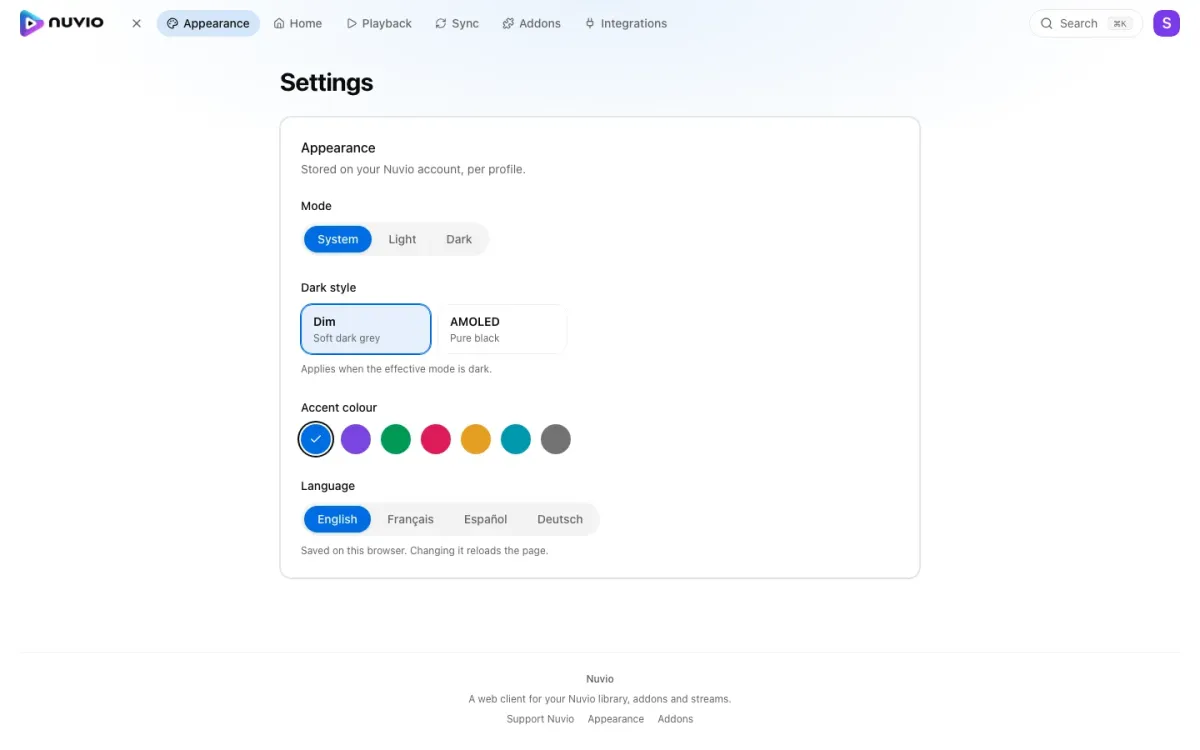
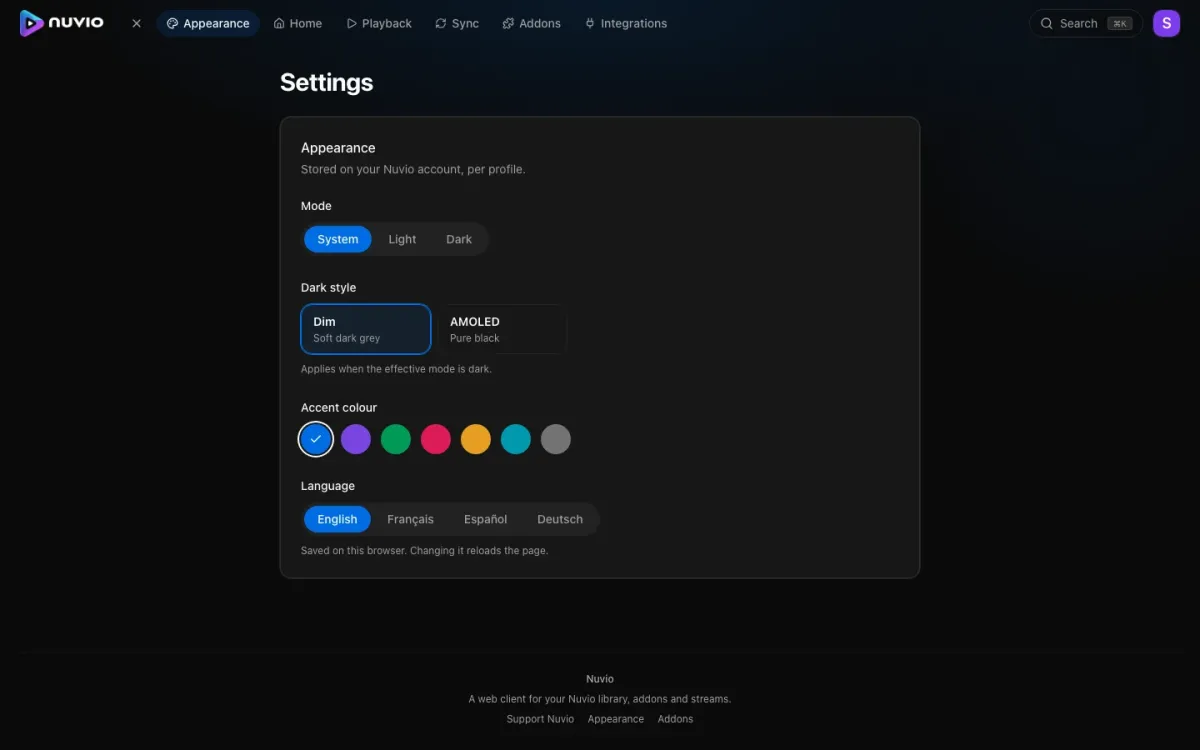
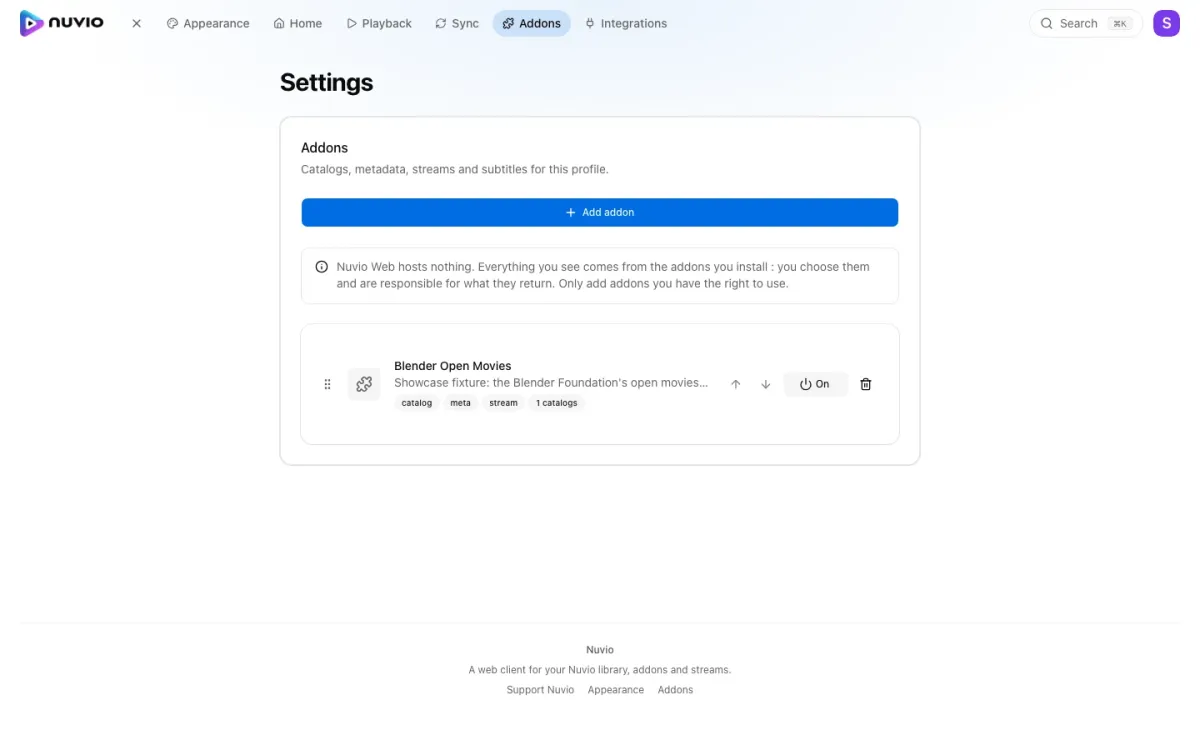
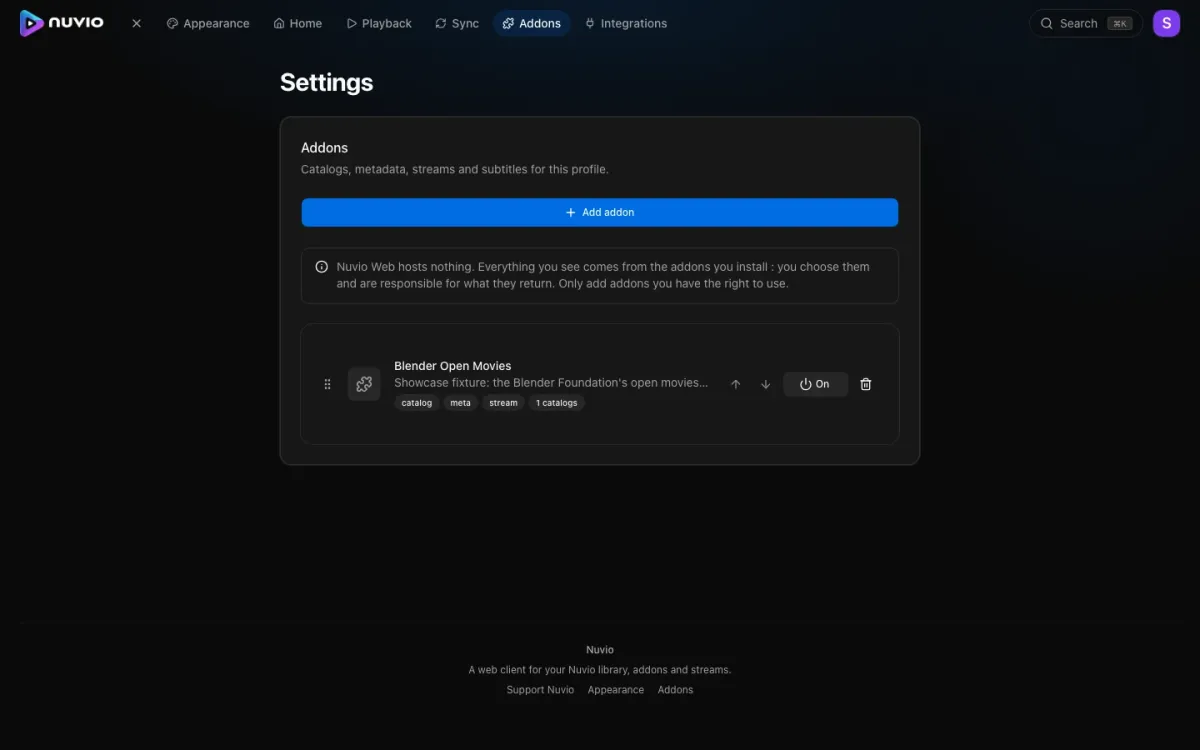
Addons are per profile. Install one by URL or pick from the catalog.
Playback
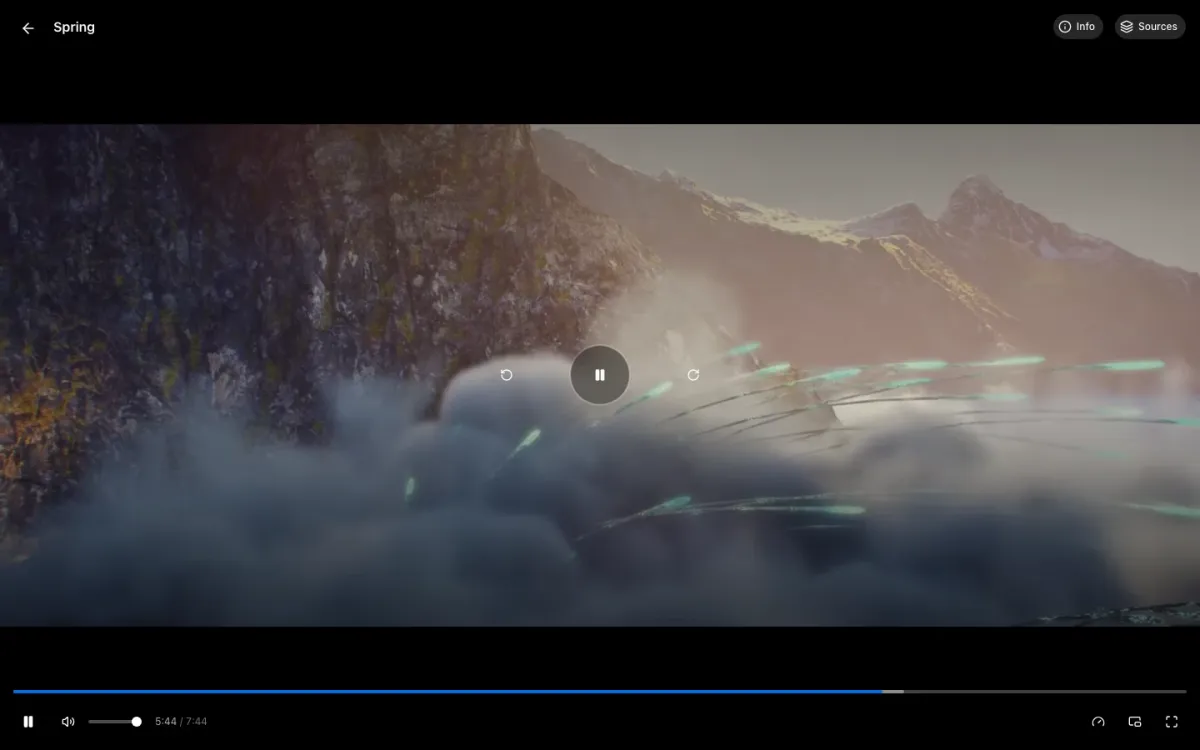
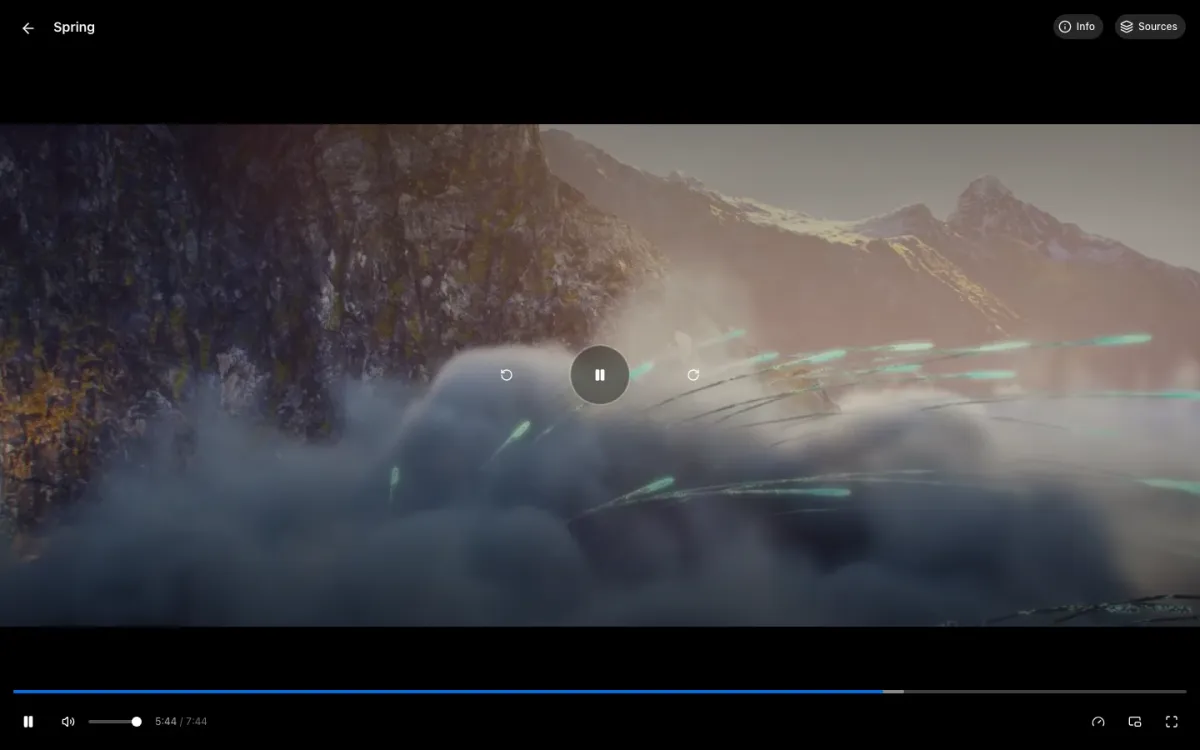
The player streams in the browser, with subtitles and intro / outro skipping, or casts to a TV, or hands the link off to a native app.
Regenerating the screenshots
bun run screenshotsA Playwright sequence, e2e/showcase.spec.ts, outside the normal e2e run. It
shoots every screen in light and dark and writes WebP straight into
docs/images/ with Bun.Image (Playwright runs on Bun here, see
bunfig.toml). The dark copy carries a -dark suffix; this page references
only the light name and the docs site swaps in the dark one. Each shot asserts
it landed on the right page before capturing, so a redirect or an empty screen
fails the run instead of being published. Review the diff and commit.
Nothing copyrighted and nothing torrent-backed goes on screen. Before shooting,
the run finds or creates a Showcase profile on the e2e test account and
seeds it through the Nuvio API: its only addon is e2e/showcase-addon, a static
Stremio addon committed in this repo (six Blender open movies with posters,
stills and VP9 streams on Wikimedia Commons), plus a library, watch progress,
history and a collection built from those films. The seed is idempotent, so
every run starts from the same state.
The instance loads the addon from
https://raw.githubusercontent.com/orochibraru/nuvio-web/main/e2e/showcase-addon/,
not from your checkout: addon requests go through the SSRF guard, which refuses
localhost. A change to the fixture shows up in the shots once it is on main.
The fixture is plain JSON: a catalog, one meta and one stream file per film,
and a search=blender catalog page so the search shot has results. Add a film
by adding the same entries.
This guide lives in the project repo: edit it there, and this page follows within a day.