LocalAssistant
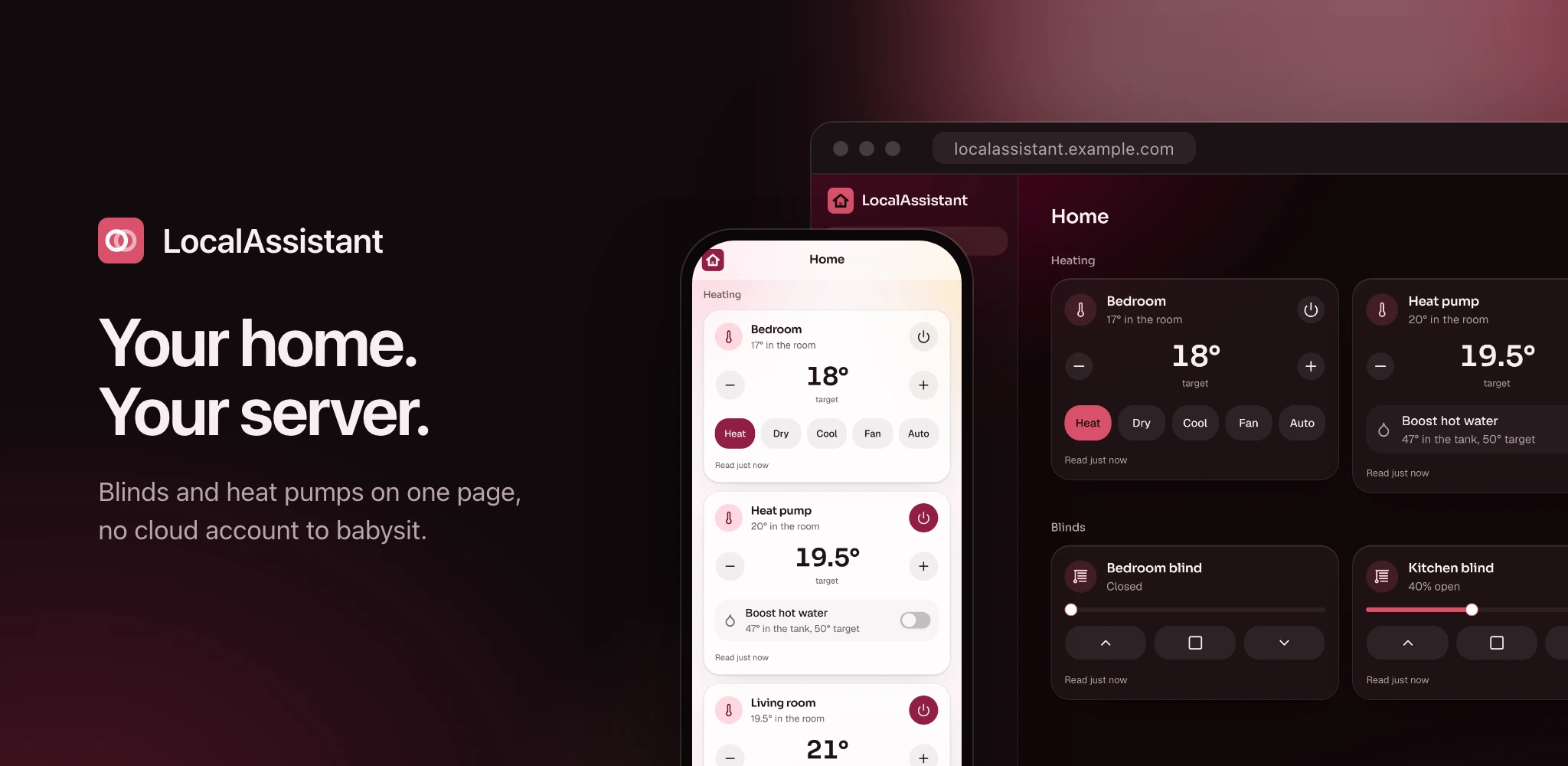
A home controller you host yourself. Your blinds, heat pumps, radiators, cameras and energy on one page, for everyone in the house, on a machine you own.
What it is
I built it for my own house. Home Assistant can do all of this and ten thousand other things. I wanted the dozen things a normal house actually has, done properly. So that's the deal: fewer integrations, each one finished.
One container, one SQLite file, installable on a phone like an app. No YAML, no add-on store, no integration that half works because someone wrote it in 2019 and left.
It's yours and your household's. Accounts are invite-only, each person signs in with a passkey, TOTP or SSO, and nobody outside the house gets a door in.
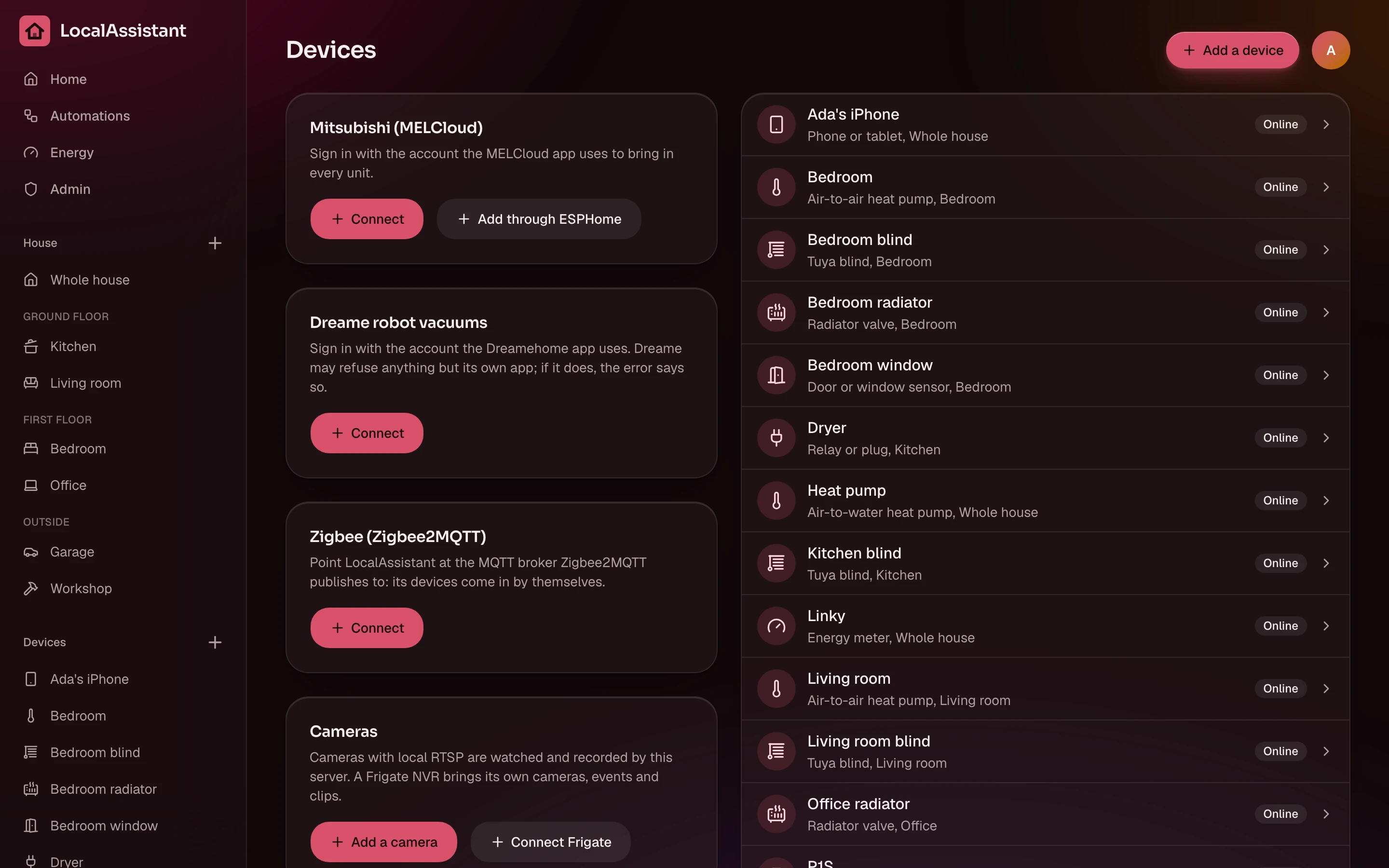
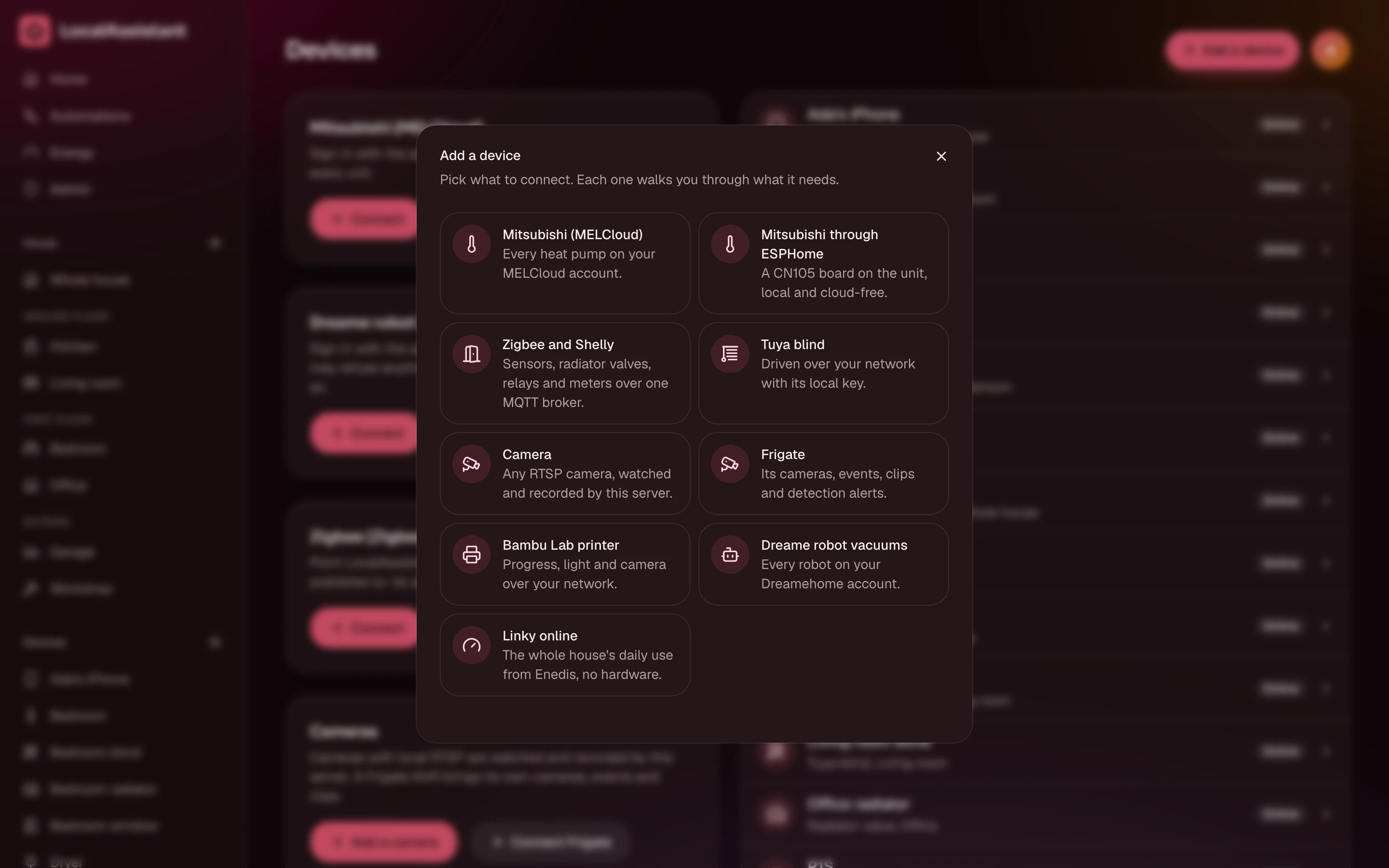
The devices it knows, it talks to directly where it can. Tuya blinds get their command straight to the motor with the local key, so the Tuya cloud is only needed once, to fetch that key. Bambu printers stay on the LAN. Mitsubishi heat pumps can skip MELCloud entirely through an ESPHome CN105 adapter.
For you if
Your devices are on the list below and you want them to just work, from a phone, a wall tablet or an AI app, without babysitting a config.
Not for you if
You want three thousand integrations and a weekend hobby. Use Home Assistant. It's great at that.
What it drives
Tuya blinds, locally
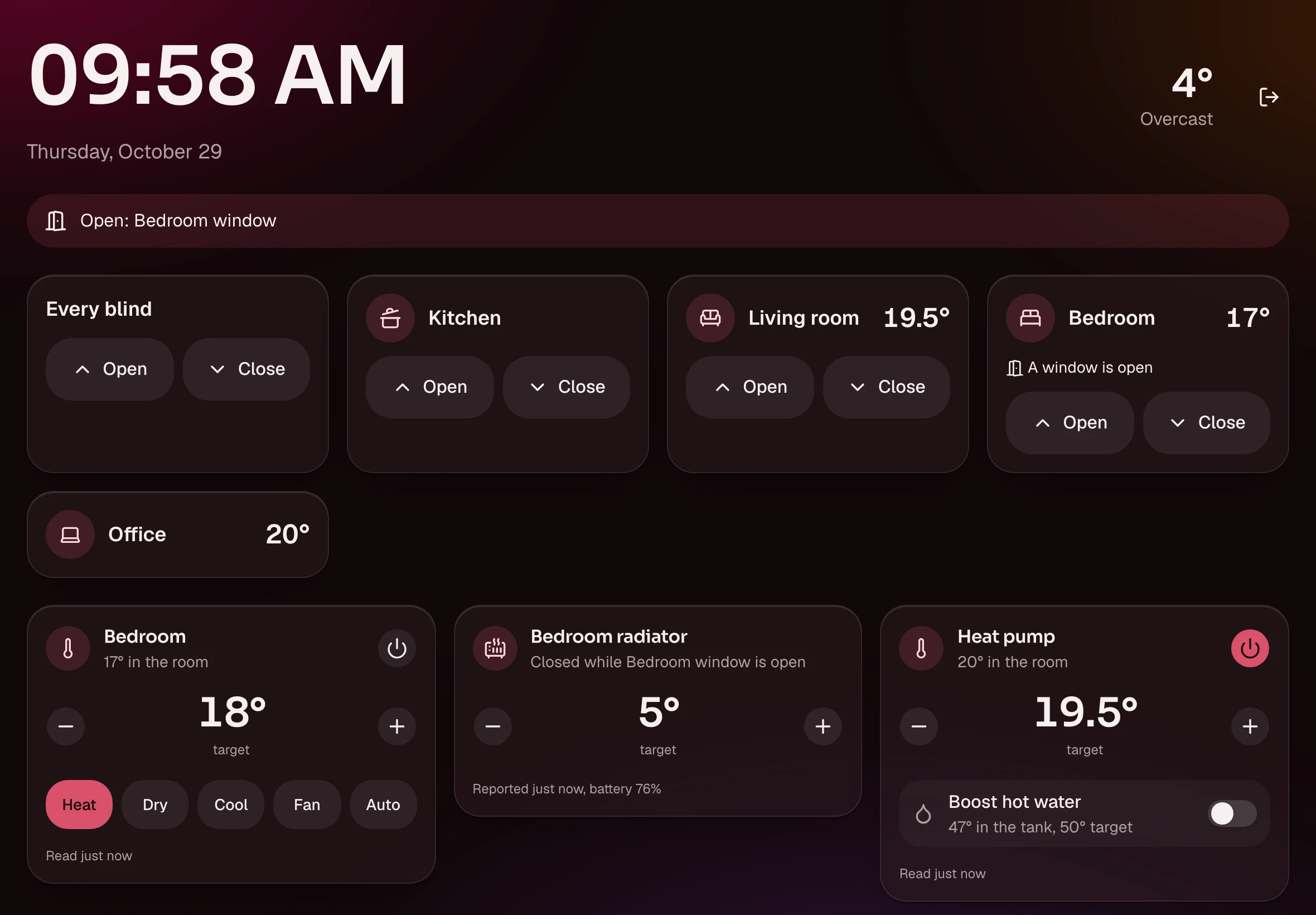
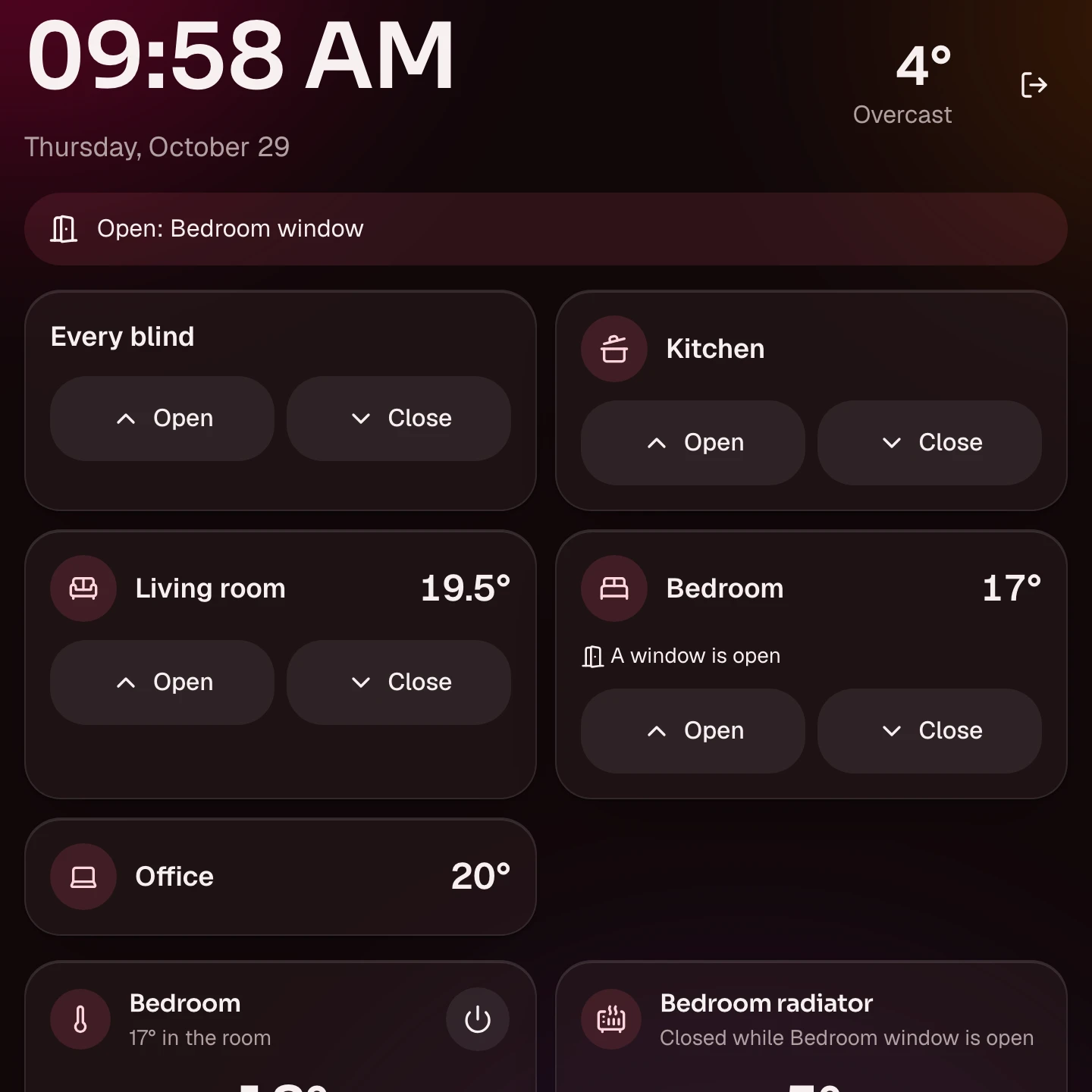
Open, close, stop or move to a position, sent to the motor over your network. No cloud round trip at runtime.
Mitsubishi heat pumps
Power, mode, target and room temperature, and hot water boost on Ecodan units. Through MELCloud, or locally through ESPHome.
Zigbee through Zigbee2MQTT
Door and window sensors, radiator valves, relays, metering plugs and the ZLinky. Paired once, picked up on their own.
Energy
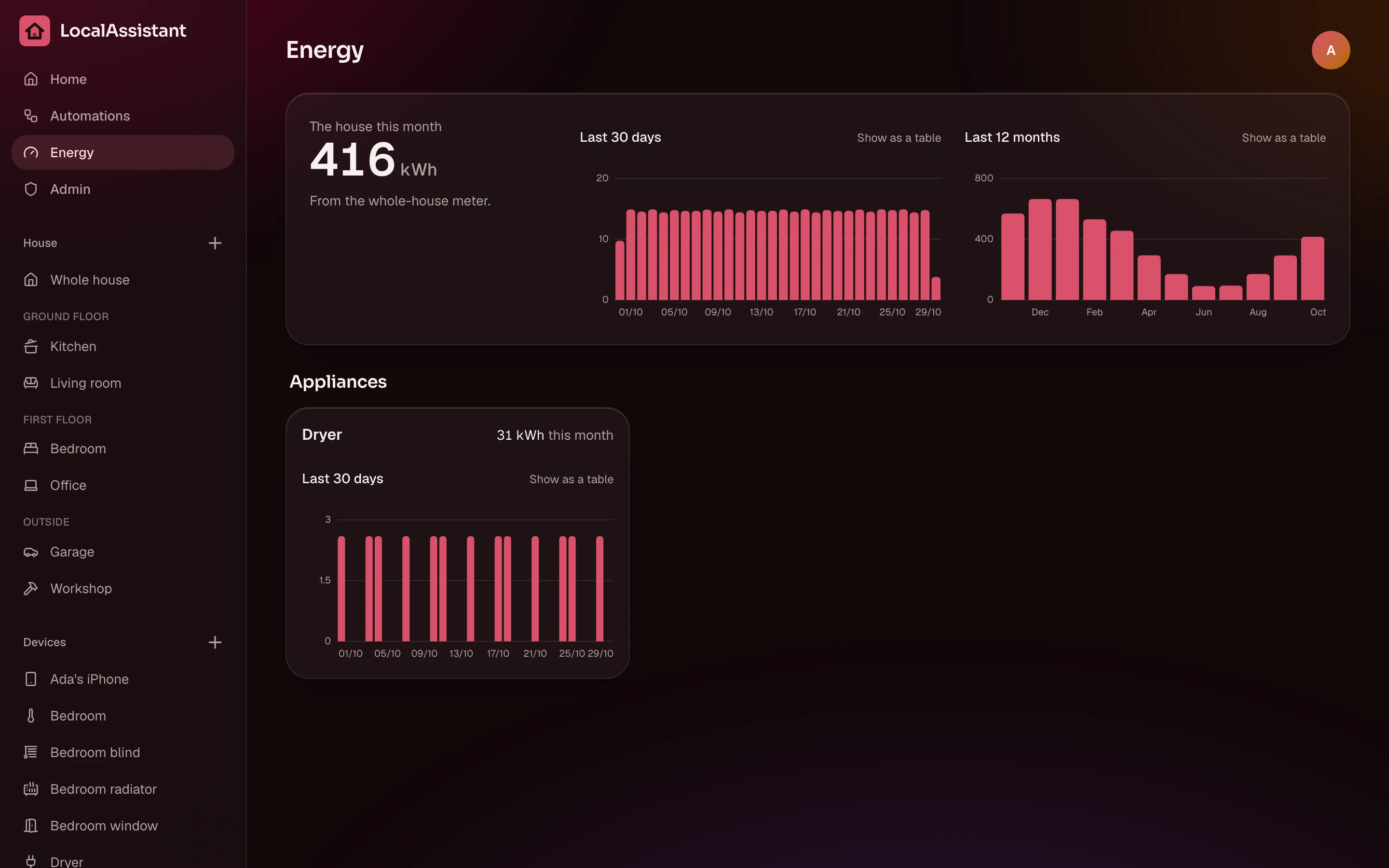
Shelly meters and plugs per appliance, the Linky for the house through ZLinky or Enedis online. Per day, per month.
Cameras
RTSP cameras recorded on the server in five-minute files with a retention, or a Frigate NVR with its events, clips and detection notifications.
Printers and vacuums
Bambu Lab printers over the LAN with their camera on the card. Dreame robot vacuums through the Dreamehome cloud, because there is no other way.
Phones as devices
Each phone in the house with its owner, its battery and, if shared, where it is.
Weather and a wall panel
The time and forecast on Home, and a screen for a wall tablet or a Shelly Wall Display that stays on.
What it does on its own
Routines on the server
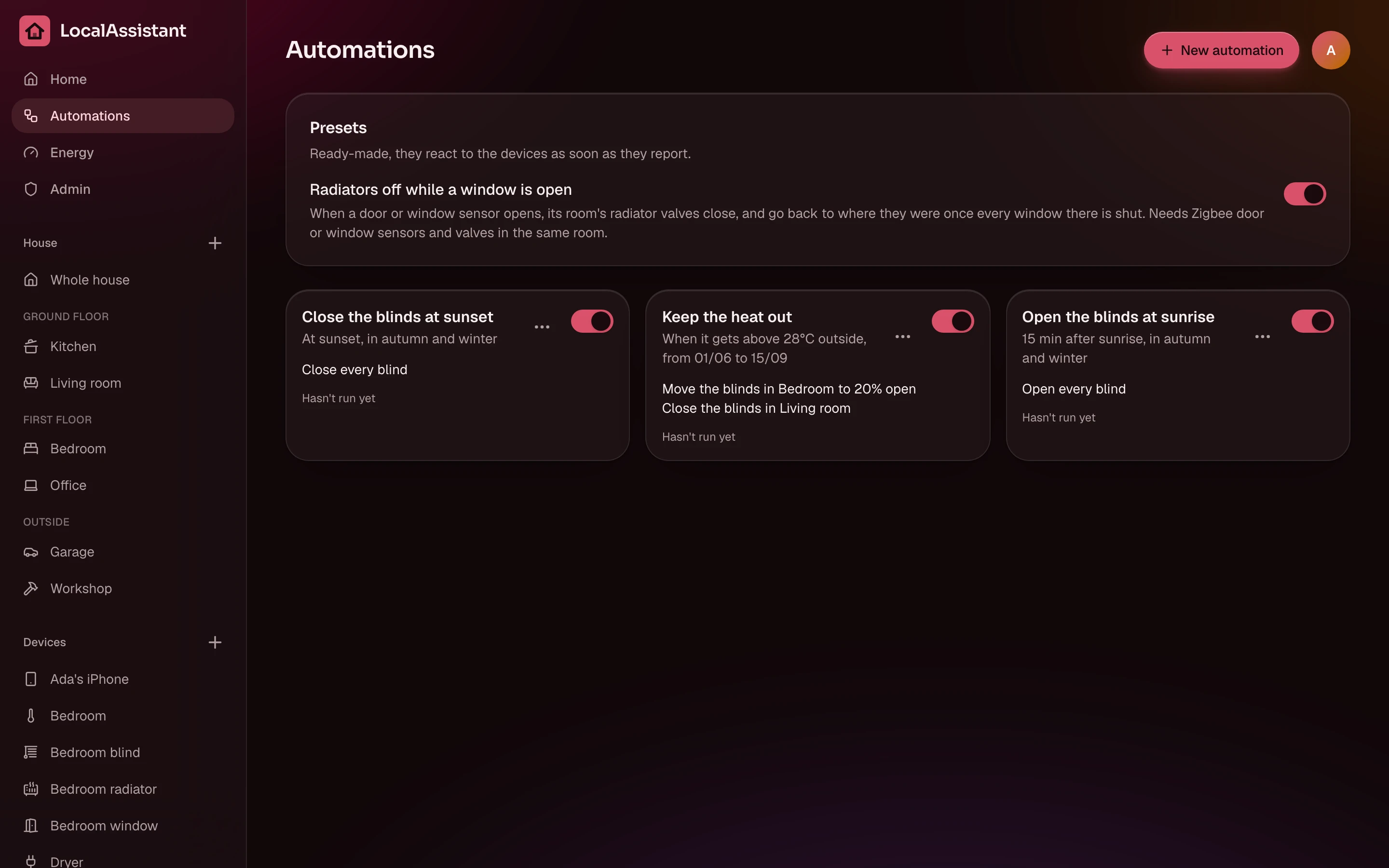
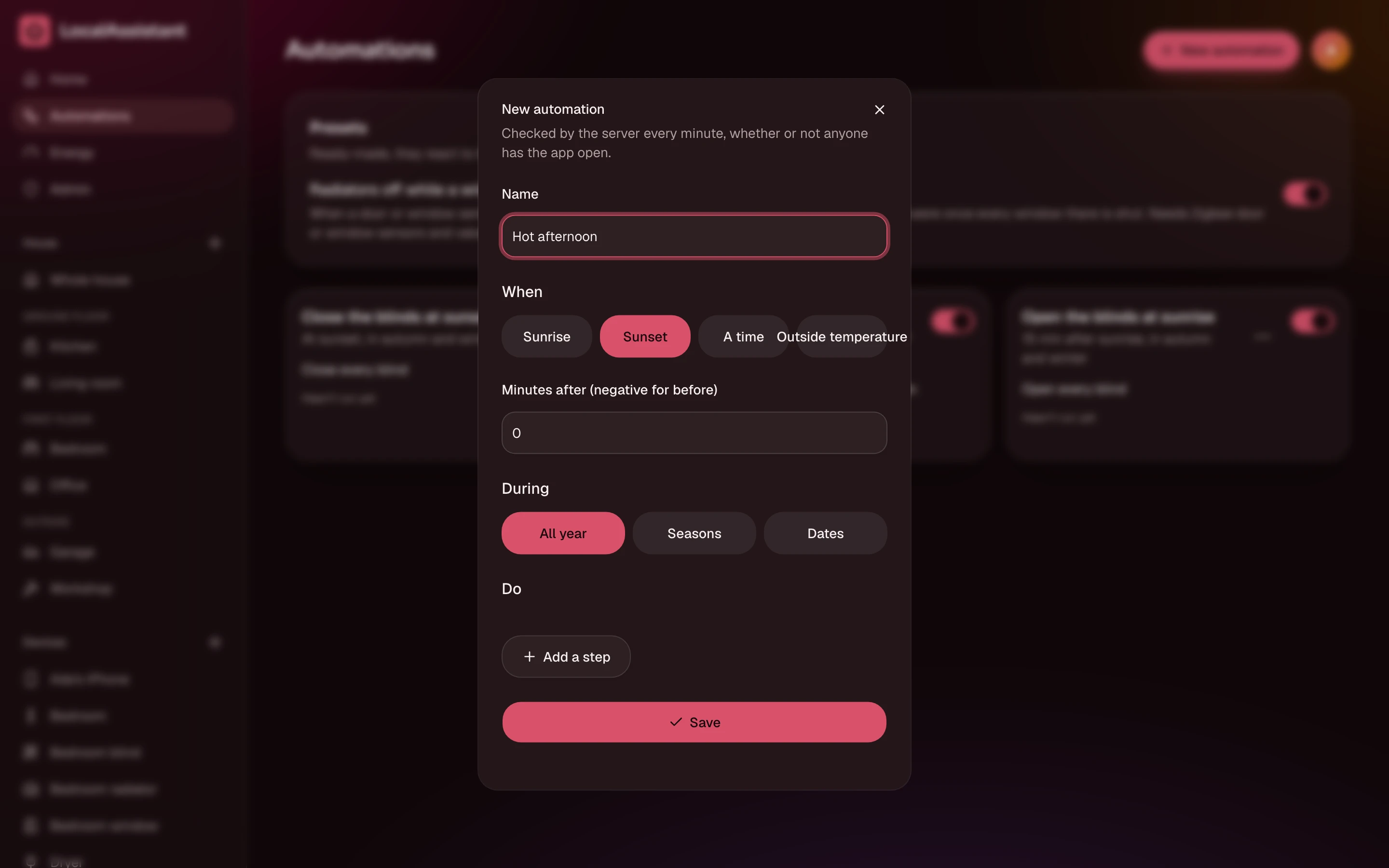
Sunrise, sunset, a time on chosen days, the outside temperature, a door opening. Limited to seasons or dates. They run on the server, not in a browser tab someone closed.
Presets to start from
Radiators off while a window is open, blinds down on hot afternoons. Pick one, adjust, done.
It tells you when something died
A device unreachable for an hour sends the admins one push notification. One. Not one per poll.
Taps that don't spam the motor
Every tap shows on the card at once and goes out as one command when you stop. A spinner while it's sent, no pop-ups.
AI apps
Claude, ChatGPT or Gemini can see the house and drive it over MCP, each person signing in and allowing their own app. It can open blinds, set a heat pump, pause a print or dock the vacuum. It can't add or remove devices, and it never sees the device keys or the MELCloud password. Details in the AI apps guide.
Showcase
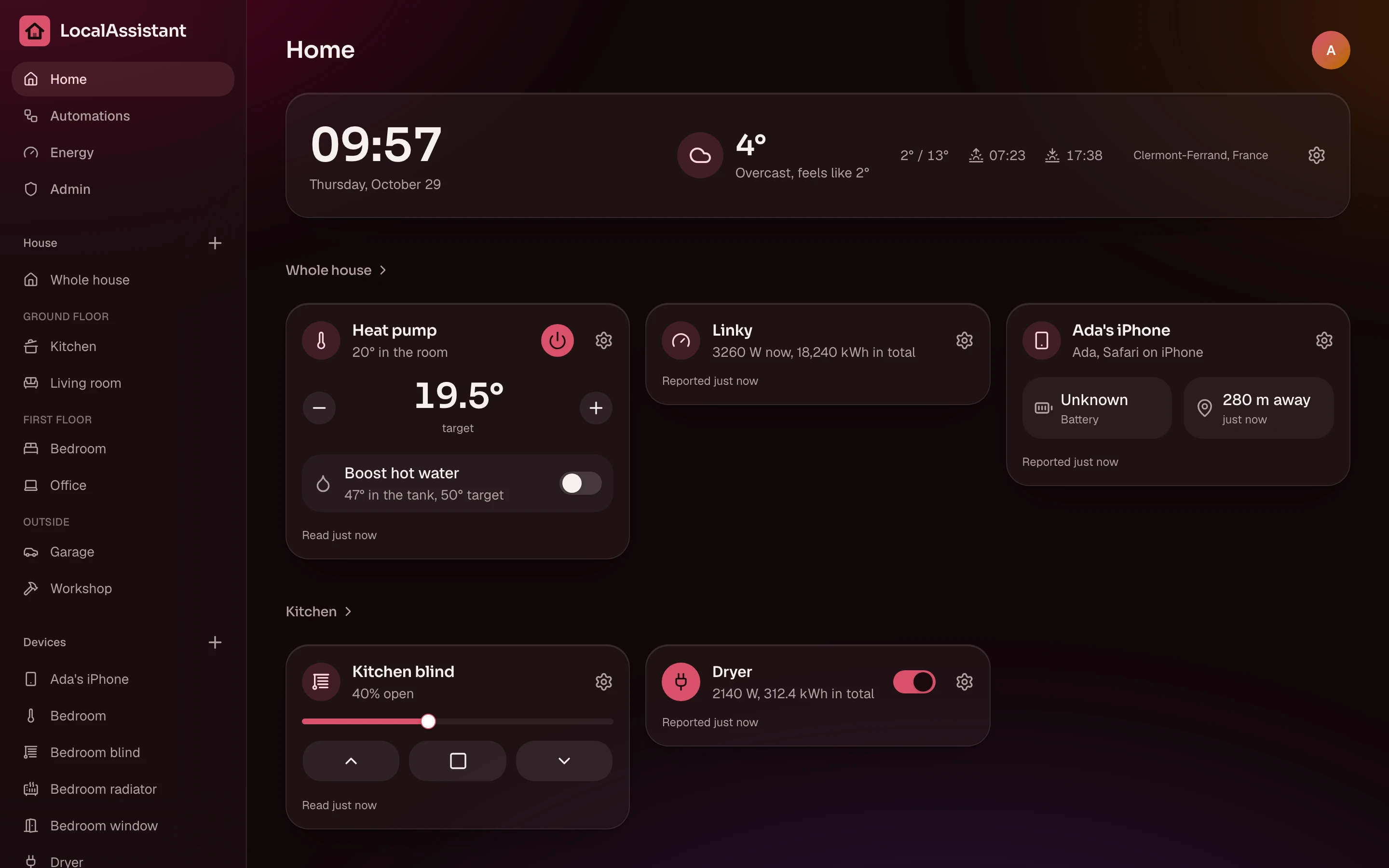
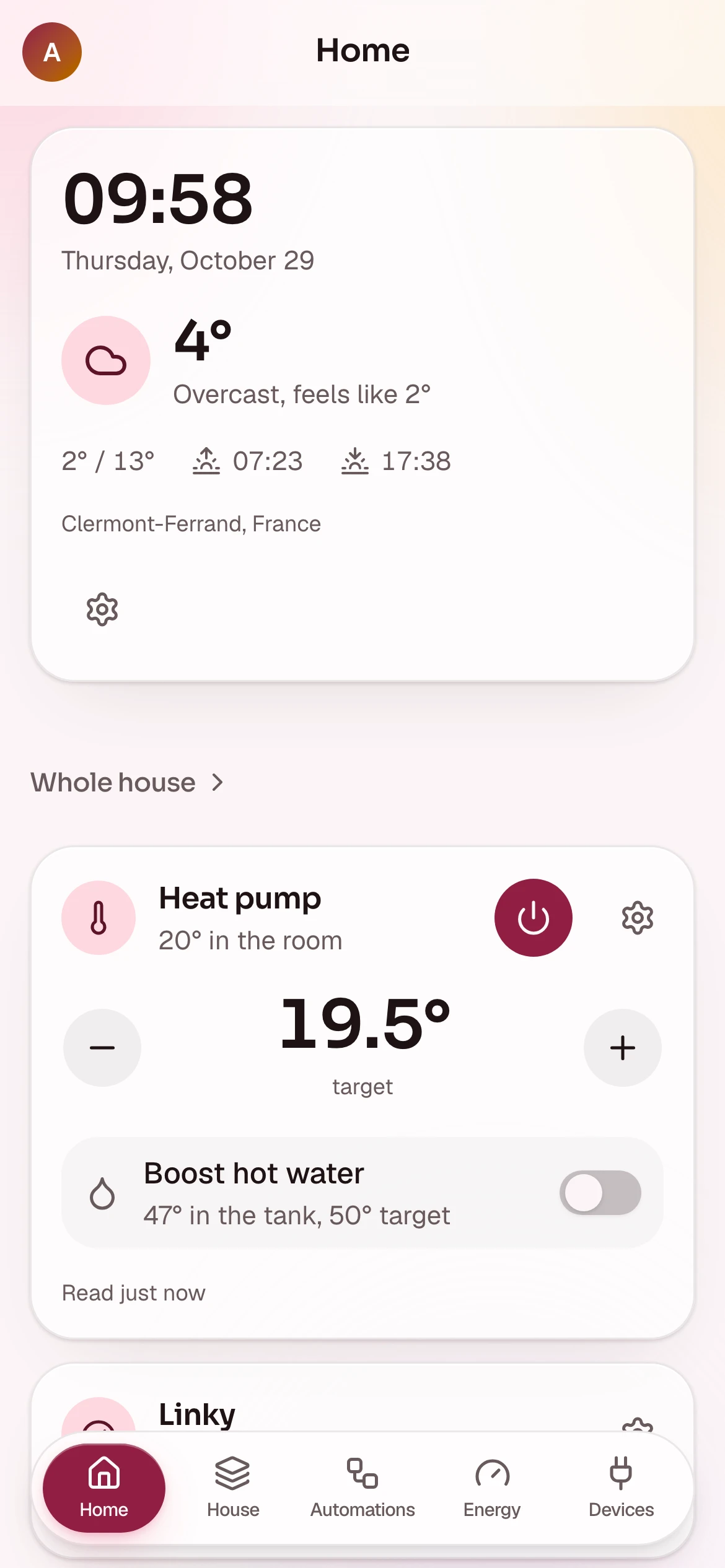
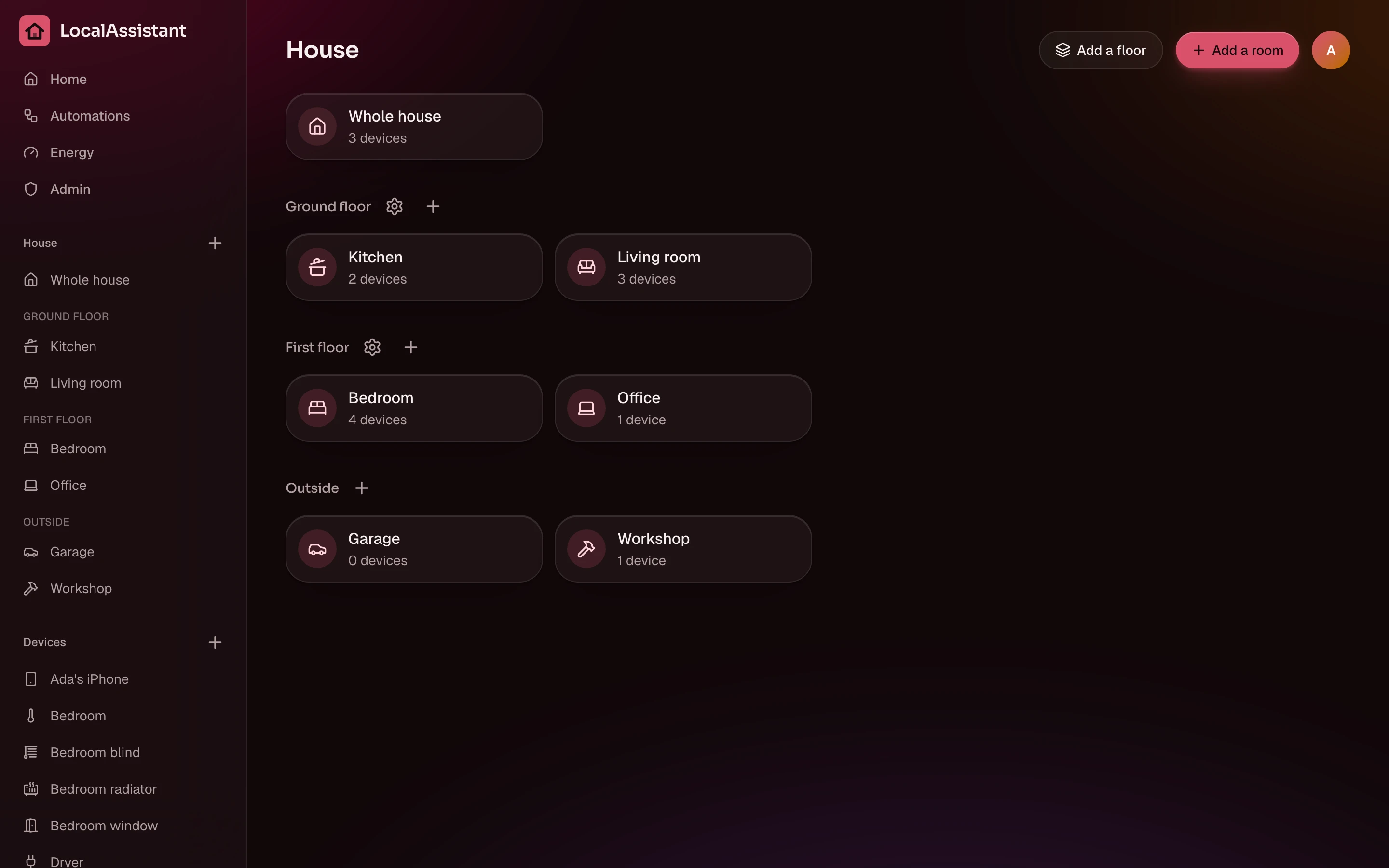
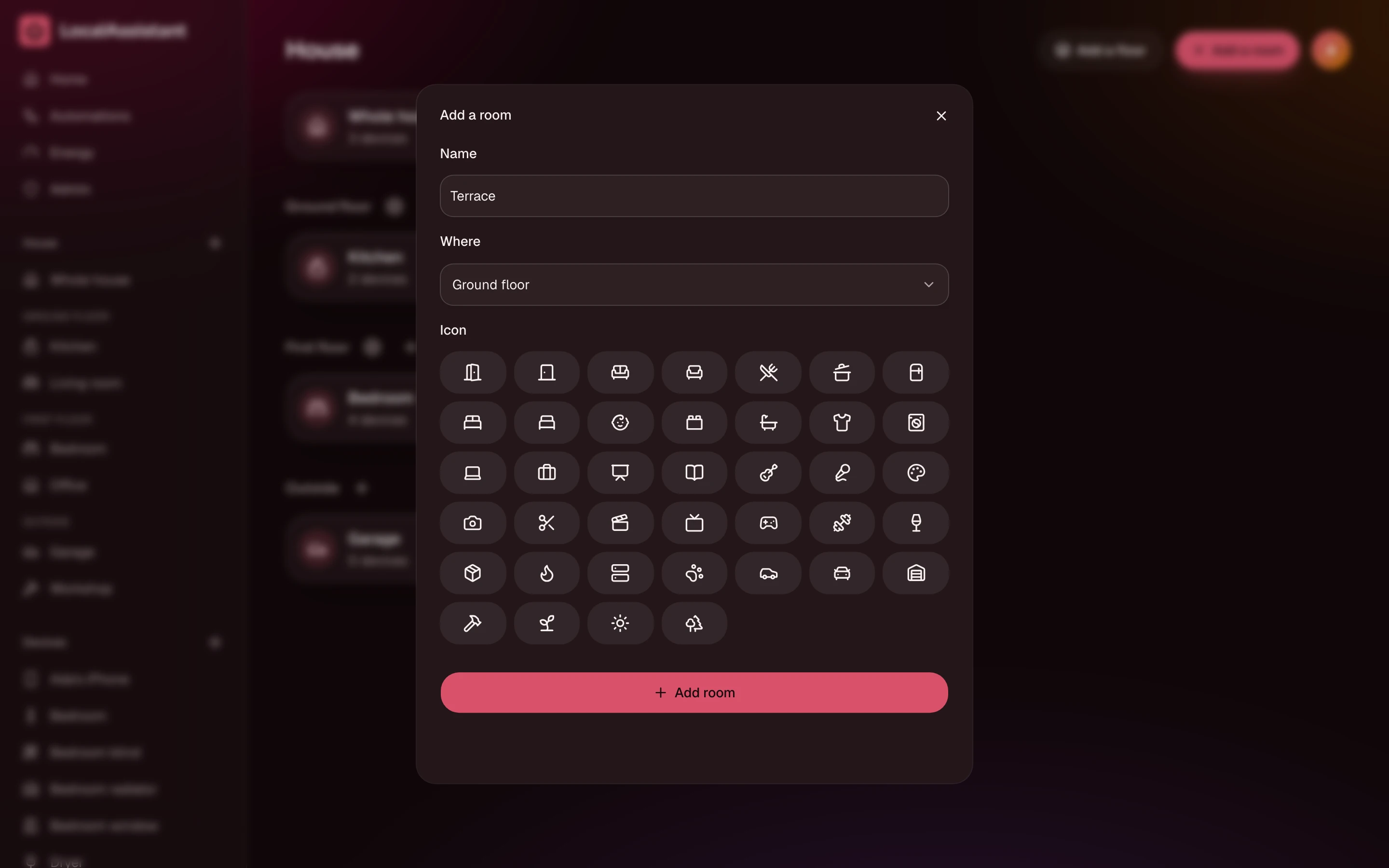
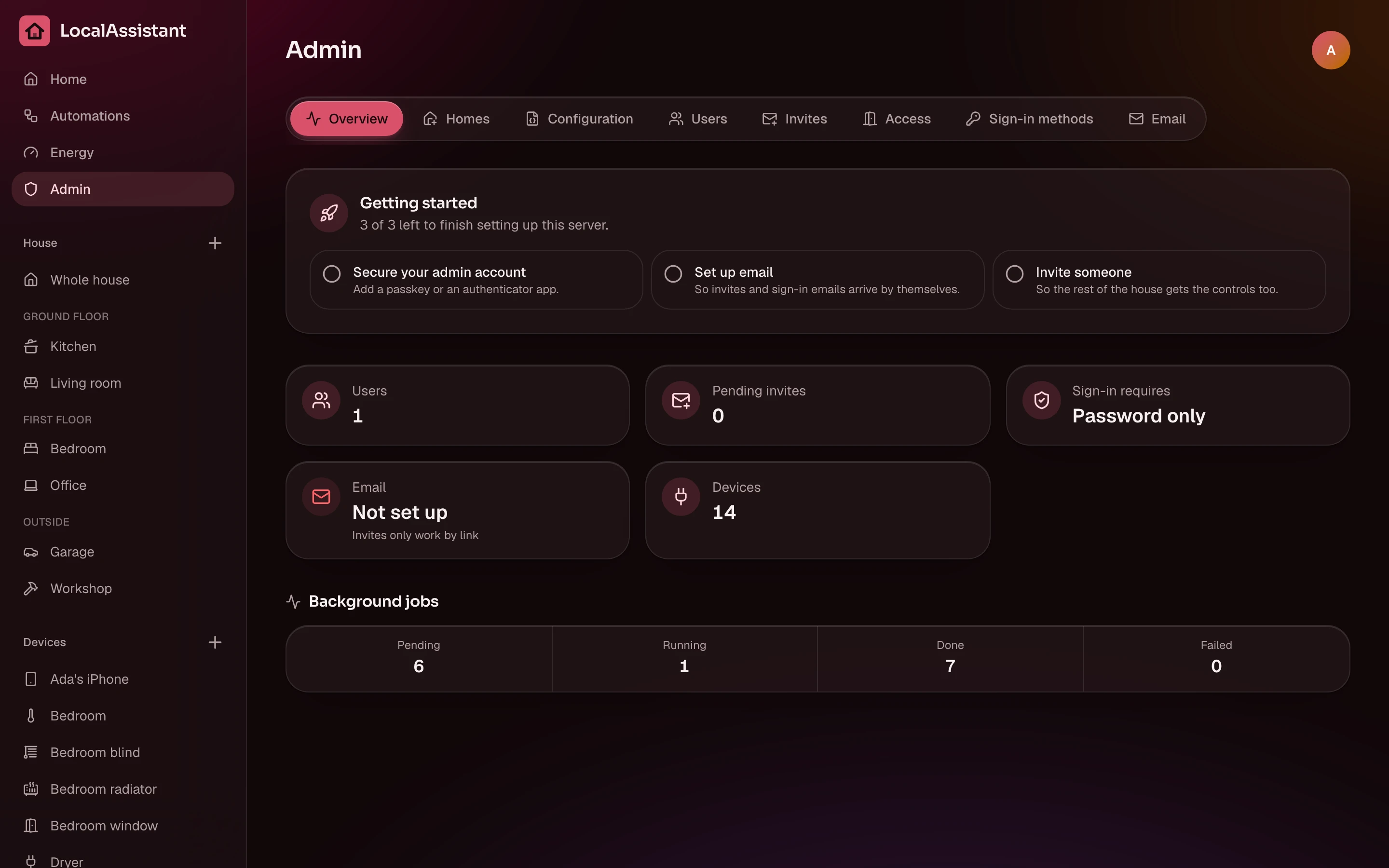
Every screenshot comes out of the repo, rendered against a real instance.
Run it
compose.yaml
services:
  localassistant:
    image: docker.io/orochibraru/localassistant:latest
    restart: unless-stopped
    ports:
      - 3000:3000
    volumes:
      - localassistant:/data
    environment:
      AUTH_SECRET: a-long-random-string
      ORIGIN: http://192.168.1.10:3000

volumes:
localassistant: {}Save it, docker compose up -d, open port 3000. Run it on a machine on the same network as the blinds: it talks to them directly. The image is built for amd64 and arm64.
AUTH_SECRET signs sessions and encrypts the device keys in the database, so make it long (openssl rand -base64 32) and keep it with your backups. Behind an HTTPS reverse proxy, leave ORIGIN empty; on plain HTTP, set it to the exact URL you open.
The first page asks for a setup code from the server log, then the account you create is the admin. The install guide and first run cover the rest.
How it's built
- App: SvelteKit 3, Svelte 5, Tailwind CSS 4, @orochibraru/ui
- Database: SQLite with Drizzle, migrations at boot
- Auth: Better Auth, with passkeys, TOTP, SSO and email sign-in
- Worker: polls every device every two minutes, and re-reads a blind once it stopped moving
- AI: an MCP server at
/mcp, OAuth per person
MIT licensed. Free, and staying that way.